

Mix and customize illustrations from global artists for unique designs.
What it costs
- Free tier
- Yes
A free tier with a no-attribution commercial license covers many collections, but Pro-locked collections and SVG export require a paid plan whose price lives on the separate /plans page not shown here.
Auto-checked on 8 August 2026Source
About Blush
What Is Blush?
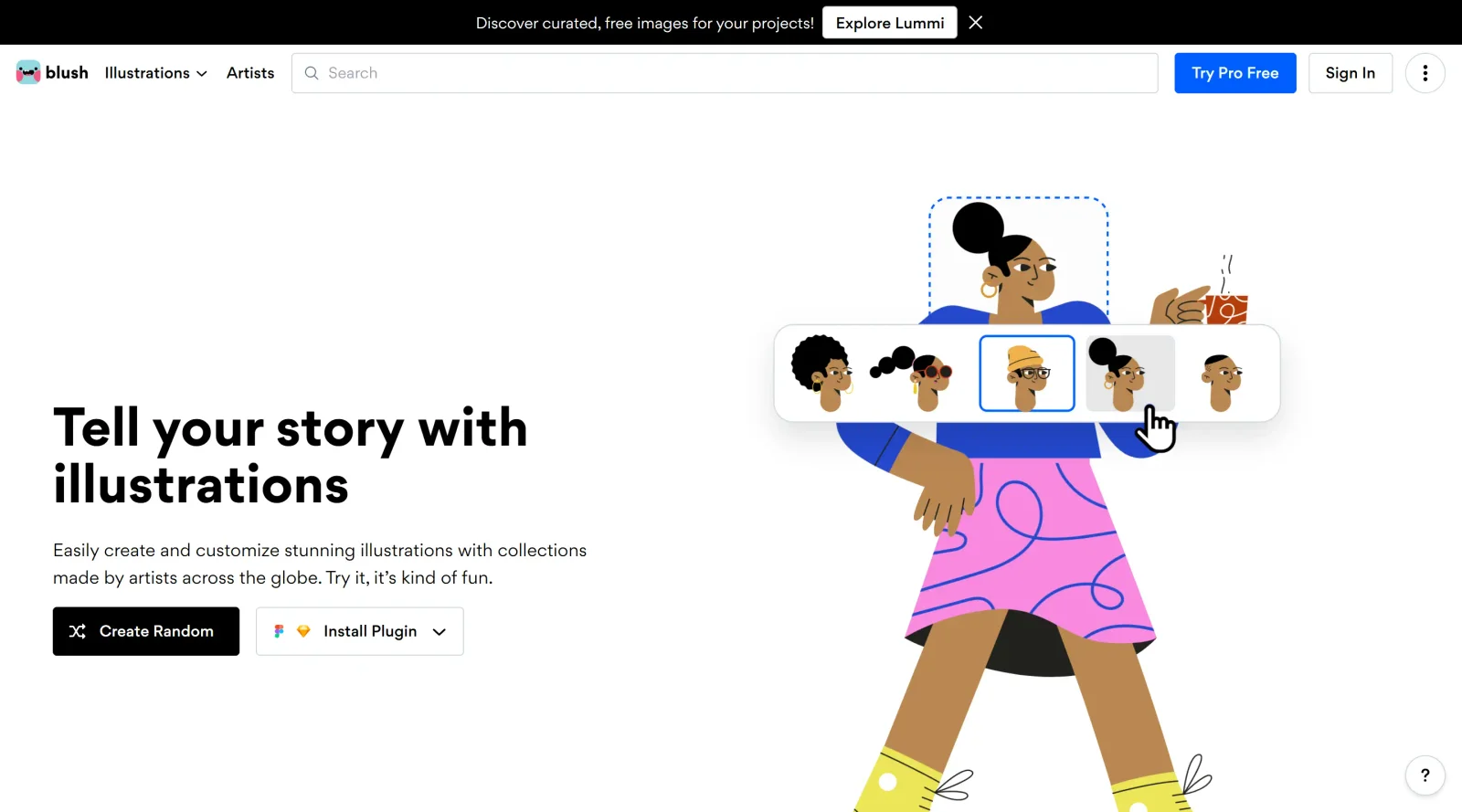
Blush is a design tool in the **Design** category that provides access to a library of customizable illustrations. Users can create and modify vector-based visuals through a web app and plugins for tools like Figma and Sketch. It operates on a free-paid pricing model, with the free plan offering PNG exports for personal and commercial use, and the paid plan unlocking SVG files, higher resolutions, and advanced editing options.
What Blush Does
- Offers a library of illustrations from artists worldwide, organized into collections with distinct styles.
- Allows mix-and-match customization of illustration components, such as changing colors, character parts, clothing, or compositions like building blocks.
- Provides a randomizer function to shuffle elements within an illustration for quick variations.
- Supports direct integration via plugins for Figma and Sketch, enabling placement and editing on design canvases.
- Delivers export options including PNG on the free plan and SVG with layer control on the paid plan.
- Includes royalty-free licensing for all illustrations in personal and commercial projects.
How Blush Can Be Used
- Designers add illustrations to UI mockups in Figma or Sketch by browsing collections, selecting compositions, and customizing them directly on the artboard.
- Marketers create visuals for keynotes, social media posts, or blog banners by mixing elements to match brand colors and styles.
- Developers use exported SVGs or PNGs as placeholders in web apps, presentations, or apps, with options to refine later.
- Teams iterate on illustrations over time, reopening the plugin to adjust previously placed assets without recreating from scratch.
- Non-designers generate custom doodles for books, graphs, or slides by randomizing or tweaking pre-built characters and scenes.
Who Is Blush For?
Blush serves designers, marketers, developers, and creators at various experience levels who need quick, adaptable illustrations for digital projects. It fits roles involving UI design, presentations, social media graphics, or app visuals, particularly where custom vector assets save time over creating from scratch. Beginners benefit from its intuitive mixing interface, while professionals use plugins for workflow integration. Projects like websites, keynotes, and promotional materials align well with its royalty-free library.Visit Blush
Featured Tools
Sponsored
Artlist
Royalty-free music, SFX, 8K footage, templates, LUTs and 100+ AI models on a single subscription for video creators.

Icons8
Large icon packs featuring over 10,000 icons for consistent design themes.

Vidu
AI video generator with text, image and reference-to-video modes, producing 3–16 second clips at up to 1080p with characters that stay consistent across shots.
Your tool here
The tools above are our own picks until the slots sell.
Spotlight
SponsoredRotates daily
Hailuo AI
AI video generator from MiniMax with cinematic, language-driven camera control.
Tools we recommend

getimg.ai
20+ AI models for image, video & audio in one workspace

Vecteezy
60M+ free & Pro vectors, photos and stock video

OpenArt
All-in-one AI image, video & audio generator
Editorially chosen. Some links above are affiliate links — if you sign up we may earn a commission, at no extra cost to you.
More Illustrations Tools
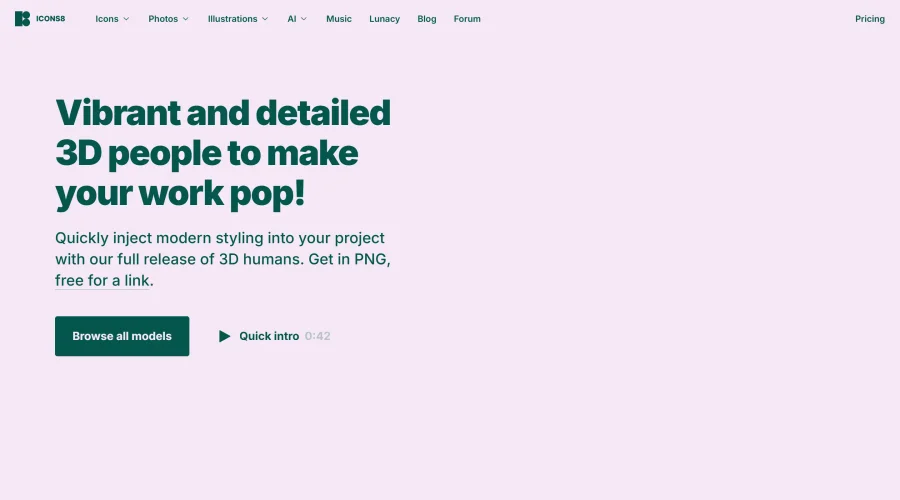

Business Characters
Detailed and vibrant 3D people illustrations to enhance your work.
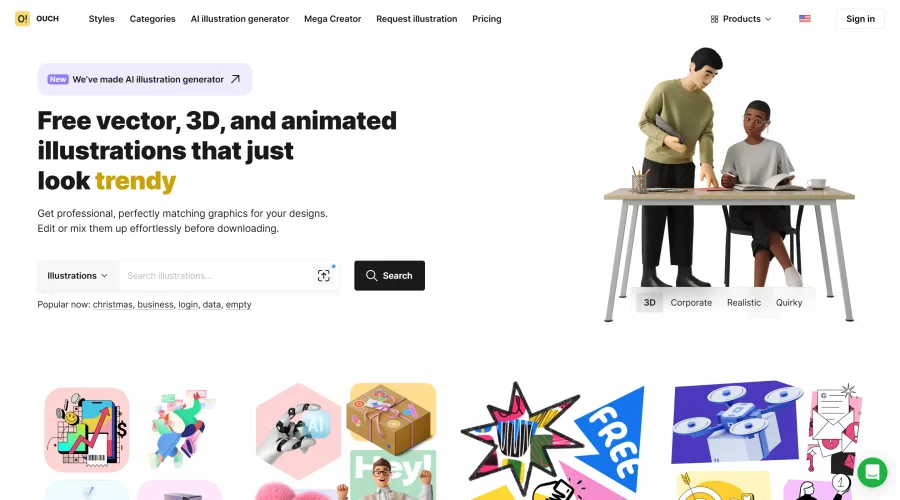

Ouch!
High-quality vector and 3D illustrations covering a wide range of subjects.
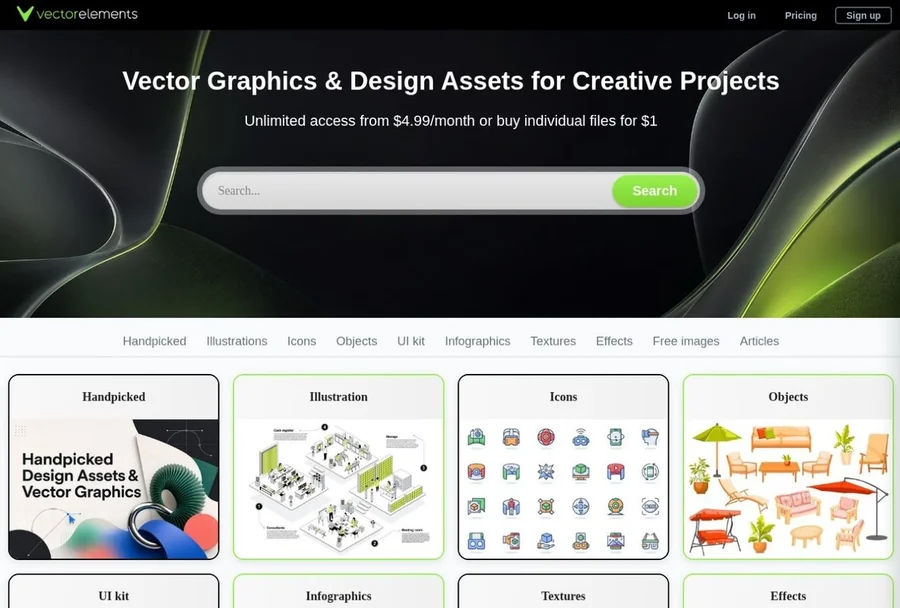

VectorElements
Download free vector illustrations, SVG icons, and graphic elements, along with UI kits, backgrounds, textures, and creative assets for websites, apps, branding, and digital projects.
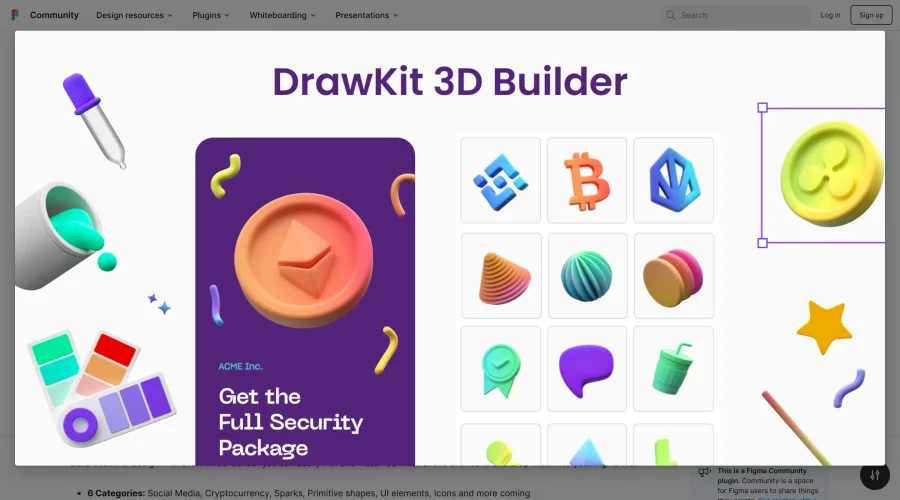
3D Builder
Extensive library of vibrant 3D objects in Figma, perfect for eye-catching designs.
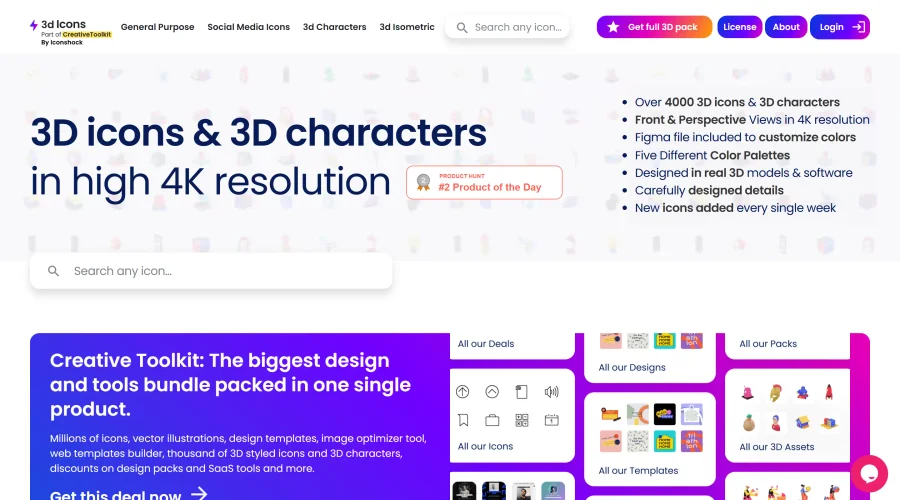
3D Icons
Over 4,000 high-resolution 3D icons and characters for professional use.
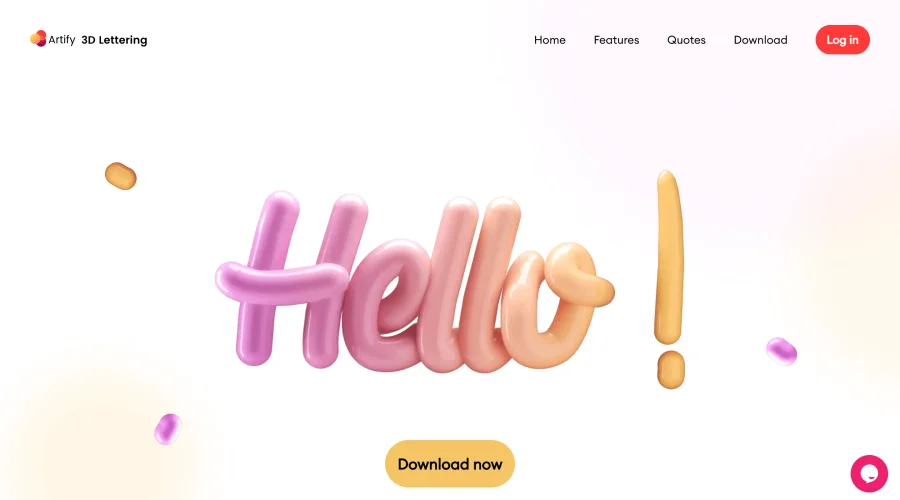

3D Lettering Alphabet
Highly detailed 3D lettering designs with a vast selection of quotes and characters.
Explore Other Categories
Discover more design resources
New to Design?
Explore our comprehensive design glossary to master essential terminology from A/B Testing to Wireframes.
Browse GlossaryLooking for something specific?
Search through our entire collection of design tools and resources