
Design Glossary
Master the language of design. From A/B Testing to Wireframes, explore essential terminology used by UI/UX designers worldwide.
A
7 terms
A/B Testing (Split Testing)
ResearchComparing two versions of a design or feature to see which performs better.
Accessibility
UXDesigning products and interfaces usable by people with varying abilities (e.g., vision, motor, cognitive).
Accessibility Tree
UXA structure that assistive tech (like screen readers) uses to interpret and convey interface elements to users.
Adaptive Design
UICreating distinct layouts tailored for specific screen sizes rather than using one responsive layout.
Alignment
GraphicArranging elements so their edges or centers line up, promoting order and unity.
Aspect Ratio
UI / GraphicThe proportional relationship between width and height of an image or screen (e.g., 16:9).
Atomic Design
UIA methodology breaking UIs into basic building blocks (atoms, molecules, organisms) for consistency and scalability.
B
5 terms
Balance
GraphicThe visual distribution of elements in a layout; can be symmetrical, asymmetrical, or radial.
Baseline
TypographyThe imaginary line on which most letters sit in typography.
Beta Testing
ProcessReleasing a nearly finished product to a select user group to gather final feedback before full launch.
Brand Identity
GraphicThe collection of visual and verbal elements (logo, color palette, voice) that convey a brand’s essence.
Breadcrumb Navigation
UIA secondary, hierarchical navigation system showing users their location in a site (e.g., Home > Category > Product).
C
12 terms
CMYK
ColorA subtractive color model (Cyan, Magenta, Yellow, Key/Black) used in printing.
CTA (Call to Action)
UX / UIA prompt (e.g., “Sign Up,” “Buy Now”) encouraging users to take a specific action.
Card Sorting
ResearchA method of organizing content into categories based on how real users group items.
Clickstream
ResearchThe path a user takes through a website or app, recorded for analyzing behavior and flow.
Cognitive Load
UXThe mental effort required for a user to understand and interact with a system.
Cognitive Walkthrough
ResearchEvaluating usability by stepping through tasks as if you’re the user, pinpointing potential confusion.
Color Theory
ColorPrinciples that guide the choice and combination of colors for aesthetic and functional appeal.
Competitive Analysis
ProcessStudying rival products/services to identify strengths, weaknesses, opportunities, and threats.
Composition
GraphicThe arrangement or placement of visual elements in a design or layout.
Content Strategy
ProcessPlanning the creation, publication, and governance of useful, usable content that aligns with user and business goals.
Contrast
GraphicThe degree of difference in color, tone, or shape between elements, improving readability and hierarchy.
Conversion Rate
UX / ResearchThe percentage of users who complete a desired action (sign-up, purchase) compared to the total who visited a page or screen.
D
6 terms
Dark Patterns
UIDeceptive UI tactics that trick or manipulate users into actions they may not otherwise have taken.
Data Visualization
GraphicPresenting data in charts, graphs, or infographics to make information clear and actionable.
Delight (UX Delight)
UXUnexpected, pleasant touches in a design that exceed user expectations and create positive emotions.
Design Sprint
ProcessA short, time-boxed process (popularized by Google) to ideate, prototype, and test solutions within days.
Design Thinking
ProcessAn iterative, user-centric approach to problem-solving that emphasizes empathy, ideation, and experimentation.
Double Diamond
ProcessA four-stage design framework (Discover, Define, Develop, Deliver) from the UK Design Council.
E
3 terms
Emotional Design
UXFocusing on crafting interfaces or products that elicit positive emotions and brand loyalty.
Empathy Map
ResearchA tool capturing what users say, think, feel, and do, aiding in understanding user perspectives.
Ethnographic Research
ResearchObserving and interviewing users in their natural environments to uncover in-depth behavioral insights.
F
5 terms
Fitts’s Law
UXPredicts the time to move to a target area (like a button) based on the target’s distance and size.
Flat Design
UI / GraphicA minimalistic style emphasizing simple shapes, flat colors, and minimal gradients or shadows.
Focus Group
ResearchA moderated discussion with a selected group to gather qualitative insights on a product or concept.
Font vs. Typeface
TypographyA typeface is a family (e.g., Helvetica), while a font is a specific style/weight (e.g., Helvetica Bold, 12pt).
Friction
UXAnything in the user journey that causes difficulty, confusion, or slows progression toward a goal.
G
3 terms
Gestalt Principles
GraphicPsychological theories describing how humans organize visual information into groups or wholes (e.g., similarity, proximity).
Graphic Design
GraphicThe craft of visual communication through typography, imagery, color, and layout.
Guerrilla Testing
ResearchQuick, low-cost usability testing conducted in informal settings (like coffee shops) to gather immediate feedback.
H
2 terms
I
5 terms
Iconography
UI / GraphicUse of icons and symbols to communicate meaning quickly and universally.
Information Architecture (IA)
UXStructuring and organizing content so users can easily find and understand information.
Information Scent
UXClues (like link labels or icons) indicating what users will find when following a link or exploring a section.
Interaction Cost
UXThe total mental and physical effort required for a user to complete a task.
Iterative Design
ProcessA cyclic process of prototyping, testing, analyzing, and refining a product based on feedback.
J
2 terms
K
2 terms
L
3 terms
Layout Grid
Graphic / UIA system of rows, columns, and margins to organize and align design elements consistently.
Leading (Line Spacing)
TypographyThe vertical space between lines of text, affecting readability and overall aesthetics.
Lean UX
UX / ProcessA user experience approach emphasizing rapid, iterative testing and collaboration, aligning with Agile development.
M
6 terms
MVP (Minimum Viable Product)
ProcessThe simplest version of a product that can be released to users for early feedback and validation.
Material Design
UIGoogle’s design framework emphasizing grid-based layouts, responsive animations, and depth effects.
Microcopy
UX / UISmall, concise text (e.g., tooltips, error messages) guiding or informing users within an interface.
Microinteractions
UISubtle, contained product moments (like a “like” button toggle) enhancing feedback and delight.
Minimum Desirable Product (MDP)
ProcessA product release that not only functions but also offers enough delight to satisfy early adopters.
Mood Board
GraphicA collage of visuals (images, colors, fonts) that establish the style and emotional tone for a project.
N
2 terms
O
2 terms
P
8 terms
Pain Points
UXSpecific problems or frustrations users face when trying to achieve their goals.
Pantone (PMS)
ColorA standardized color matching system used for consistent color reproduction in print.
Paper Prototyping
UX / ProcessCreating low-fidelity sketches on paper to quickly test and refine ideas before digital prototyping.
Pattern Library
UIA curated collection of reusable design components (e.g., buttons, forms) ensuring consistency across a product.
Persona
ResearchA fictional, yet data-driven, archetype of a target user representing demographics, goals, and pain points.
Progressive Disclosure
UX / UIGradually revealing information or options to reduce cognitive load and interface clutter.
Prototype
UX / UIAn interactive model of a design or product used for testing and gathering feedback before final implementation.
Proximity
GraphicGrouping related items and separating unrelated ones to improve scannability and hierarchy.
Q
2 terms
QA (Quality Assurance) Testing
ProcessProcesses ensuring products meet quality standards and function as expected (e.g., bug checks, usability evaluations).
Quantitative Research
ResearchCollecting and analyzing numerical data (e.g., surveys, analytics) to identify trends or correlations in user behavior.
R
6 terms
RGB
ColorAn additive color model (Red, Green, Blue) used for screens and digital displays.
Rapid Prototyping
ProcessQuickly creating and iterating prototypes to gather immediate user feedback in early design stages.
Raster
GraphicPixel-based images (e.g., JPEG, PNG) which can lose quality when scaled up.
Repetition
GraphicReusing the same or similar design elements (colors, shapes) to create unity and consistency.
Resolution (DPI/PPI)
GraphicDots or pixels per inch, indicating the clarity and detail of an image or display.
Responsive Design
UICreating layouts that fluidly adapt to different screen sizes (mobile, tablet, desktop).
S
8 terms
Sans Serif
TypographyA typeface category without small strokes (serifs) at the ends of letters (e.g., Arial).
Saturation
ColorThe intensity or purity of a color; high saturation is vivid, low saturation is muted.
Scope Creep
ProcessUncontrolled expansion of project scope (features, requirements) that can lead to delays or budget issues.
Serif
TypographyA typeface category with small strokes (serifs) at the ends of letters (e.g., Times New Roman).
Sitemap
UX / ProcessA hierarchical outline or map of a website’s pages or screens.
Skeuomorphism
UI / GraphicA design style replicating real-world textures or objects (e.g., a notepad app resembling paper).
Storyboard
UX / ProcessA sequence of images or sketches illustrating user interactions or scenarios, often paired with text descriptions.
Style Guide
UI / GraphicA document detailing the visual and written standards (colors, fonts, tone) for a brand or product.
T
4 terms
Target Audience
ResearchThe specific group of people a product or service aims to attract and serve.
Touchpoint
UXAny moment (digital or physical) where a user interacts with a brand or product.
Tracking (Letter-Spacing)
TypographyAdjusting the uniform space between letters across a range of text.
Typography
TypographyThe art and technique of arranging type to make written language legible, readable, and visually appealing.
U
10 terms
UI (User Interface)
UIThe visual and interactive layer of a product where users engage with content and controls.
UI Kit
UIA set of pre-designed UI elements (buttons, forms, icons) maintaining brand consistency across a product.
UI Pattern
UIA reusable solution to a common design problem (e.g., hamburger menu for mobile navigation).
Usability
UXHow effectively, efficiently, and satisfactorily users can achieve their goals in a given environment.
Usability Heuristics
UXHigh-level guidelines (e.g., Nielsen’s Heuristics) to evaluate and improve interface usability.
Usability Testing
ResearchObserving real users performing tasks to uncover issues and improve the design.
User Flow
UXThe path or sequence of steps users take to complete a task within a product.
User Journey (Customer Journey)
UXAn end-to-end narrative of a user’s interactions with a product or service, capturing goals and pain points.
User Research
ResearchMethods (interviews, surveys, observations) used to understand user needs, behaviors, and motivations.
User-Centered Design (UCD)
UX / ProcessA design approach prioritizing user needs and feedback throughout the product development lifecycle.
V
3 terms
Vector
GraphicGraphics defined by mathematical paths (e.g., SVG, AI) which can scale indefinitely without quality loss.
Visual Hierarchy
GraphicOrganizing elements so users naturally notice or read them in order of importance (e.g., larger headers, bolded text).
Voice User Interface (VUI)
UIInterfaces that allow user interaction through voice commands (e.g., Siri, Alexa).
W
3 terms
Widows & Orphans
TypographySingle lines of text that appear at the bottom or top of a column/page, disrupting reading flow.
Wireframe
UIA low-fidelity schematic of a layout focusing on structure and hierarchy rather than final visuals.
Wizard
UX / UIA multi-step UI flow guiding users through complex tasks one step at a time.
X
2 terms
Y
2 terms
Z
1 term
Explore Design Tools
Now that you're learning the terminology, discover the tools that bring these concepts to life.
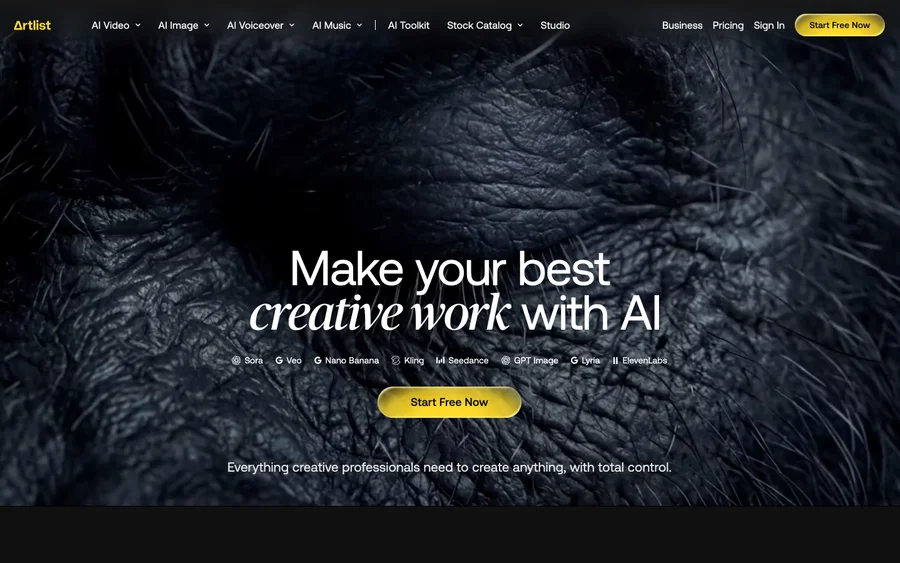

Artlist
Royalty-free music, SFX, 8K footage, templates, LUTs and 100+ AI models on a single subscription for video creators.
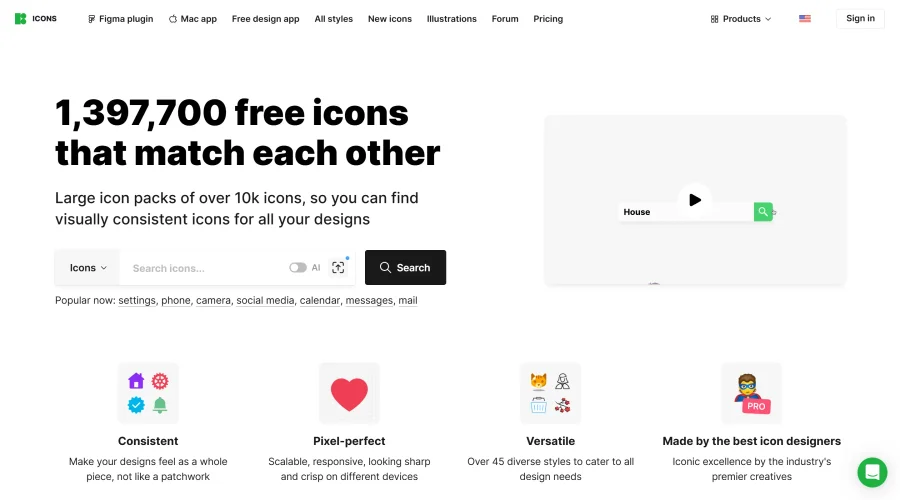

Icons8
Large icon packs featuring over 10,000 icons for consistent design themes.
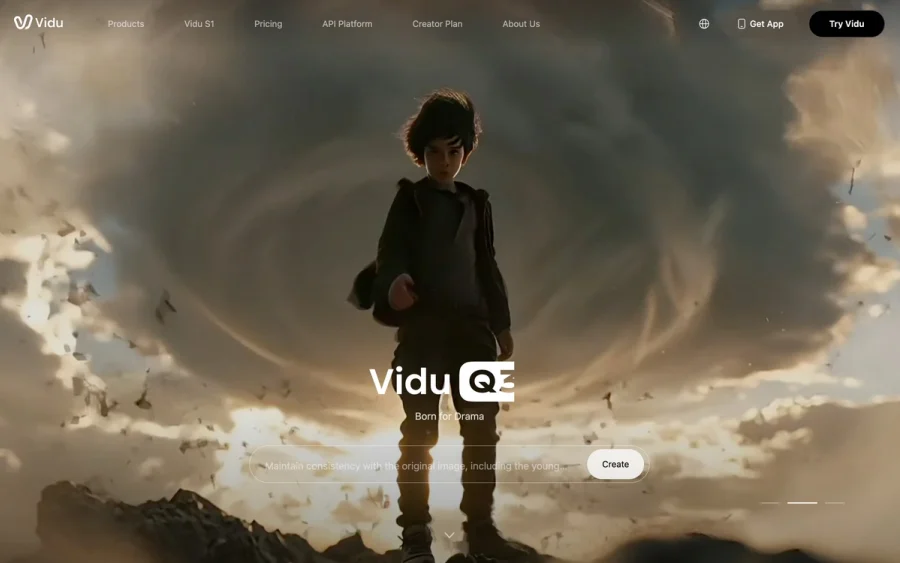

Vidu
AI video generator with text, image and reference-to-video modes, producing 3–16 second clips at up to 1080p with characters that stay consistent across shots.
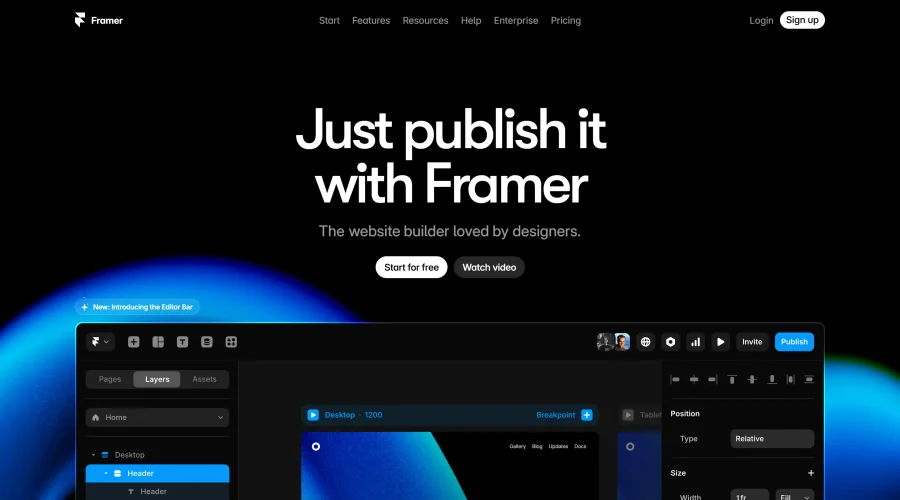

Framer
Design and launch your dream website with no coding required.
Can't find what you're looking for?