
Insightful discussions on UX, creative careers, and the digital world.
What it costs
- Free tier
- No
Scrape resolved to podtail.com (a podcast aggregator), not the Design Huddle tool; no Design Huddle pricing was captured.
Auto-checked on 8 August 2026Source
About Design Huddle
What Is Design Huddle?
Design Huddle is a web-based design platform in the **design** category that enables users to create print-ready artwork directly within websites. It integrates as an embeddable tool for e-commerce sites, allowing customers to customize designs without requiring advanced software skills. Design Huddle fits into the print production workflow by bridging clients, designers, and printers, streamlining the process from initial customization to final order fulfillment. Available for free, it supports integrations with platforms like Shopify and WordPress.
What Design Huddle Does
- Embeds an intuitive online editor into websites for real-time design customization by clients.
- Provides customizable templates that users can modify with logos, colors, text, and images.
- Generates production-ready PDF files suitable for print from user-created designs.
- Associates completed designs with specific shopping cart items for order management and reference.
- Allows saving and reopening draft designs for unfinished projects or reorders.
- Supports import of existing designs from tools like Adobe Illustrator, Figma, or PDF exports.
How Design Huddle Can Be Used
- Print shops embed Design Huddle on their sites so customers design signage or banners, selecting templates, uploading assets, and adding print specifications before checkout.
- E-commerce businesses on Shopify use it to let buyers personalize product artwork, such as custom graphics for apparel or posters, reducing revision cycles with printers.
- Signage companies integrate it into WordPress sites for client self-service, where users adjust environmental graphics like mountain scenes or logos and save drafts for later completion.
- Designers import Figma prototypes as templates, enabling clients to make basic edits and export print-ready files without back-and-forth emails.
- Order fulfillment teams access linked designs in carts to verify artwork against production needs, maintaining editable versions for adjustments.
Who Is Design Huddle For?
Design Huddle serves print service providers, signage businesses, and e-commerce operators needing client-facing design tools for custom print products. It suits teams handling high-volume orders where reducing communication between clients and production is key, including those using Shopify or WordPress. UX designers and developers find it useful for embedding simple editors in workflows involving templates and PDF outputs. Experience levels range from non-designers making basic customizations to professionals importing advanced files. Visit Design Huddle
Featured Tools
Sponsored
Artlist
Royalty-free music, SFX, 8K footage, templates, LUTs and 100+ AI models on a single subscription for video creators.

Icons8
Large icon packs featuring over 10,000 icons for consistent design themes.

Vidu
AI video generator with text, image and reference-to-video modes, producing 3–16 second clips at up to 1080p with characters that stay consistent across shots.
Your tool here
The tools above are our own picks until the slots sell.
Spotlight
SponsoredRotates daily
FontLab
Integrated font editor for creating fonts across various applications.
More Podcasts Tools
99% Invisible
A weekly exploration into the impact and process of design and architecture.
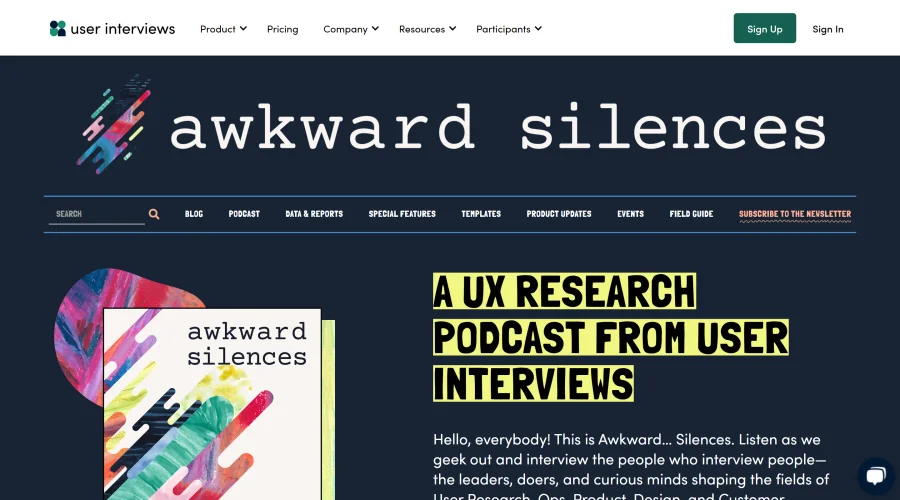
Awkward Silences
Podcast centered around user research.
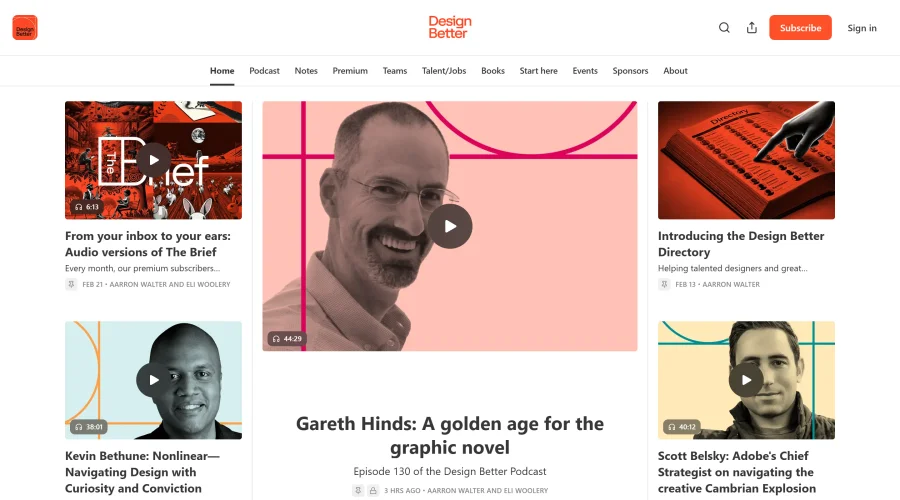
Design Better Podcast
Gaining insights from top design leaders in the industry.
Design Details
Regular discussions about design culture and the creative process.

Design Life
Two tech professionals discuss design and side projects for ambitious creators.

Design Notes
A Google Design podcast exploring the lessons learned from creative work.
Explore Other Categories
Discover more design resources
New to Design?
Explore our comprehensive design glossary to master essential terminology from A/B Testing to Wireframes.
Browse GlossaryLooking for something specific?
Search through our entire collection of design tools and resources