

Platform for managing and showcasing your professional identity.

About LinkedIn
What Is LinkedIn?
LinkedIn is a professional networking platform that enables users to manage and showcase their professional identity through detailed profiles. It serves as a community hub for career development, job searching, and business connections, fitting into the design workflow by allowing designers to build networks, share portfolios, and discover opportunities in creative industries. Available on a freemium model, LinkedIn offers core features at no cost, with premium subscriptions providing expanded access such as advanced search and messaging capabilities.
What LinkedIn Does
- Users create profiles resembling resumes, including work experience, education, skills, accomplishments, and photos.
- Enables connections with professionals up to a network limit of 30,000, facilitating networking without prior relationships.
- Provides a job board for searching, applying to positions, saving jobs, and receiving notifications for new postings.
- Allows posting updates, articles, and videos to share with connections, along with liking, commenting, and congratulating on milestones.
- Supports direct messaging within networks and InMail for premium users to contact those outside their network.
- Offers company following, profile view insights for premium subscribers, and personalized job recommendations based on user data.
How LinkedIn Can Be Used
- Designers update profiles with portfolio links and project examples to attract recruiters seeking UI/UX talent.
- Professionals join industry groups to discuss trends like responsive design or accessibility standards with peers.
- Freelance designers search for contract gigs, apply directly, and use notifications to track openings in creative agencies.
- Teams share case studies or process breakdowns via posts to build visibility and generate leads for collaborative projects.
- Senior designers mentor juniors through connections, offering feedback on portfolios shared in direct messages.
Who Is LinkedIn For?
LinkedIn suits professionals in design fields, including UI/UX designers, graphic artists, product designers, and creative directors at various experience levels. Junior designers use it to build initial networks and find entry-level roles, while mid-career professionals leverage it for career advancement and client outreach. Agencies and studios post jobs to source talent for projects involving prototyping, branding, or digital experiences. Sales teams in design software companies connect with prospects for tool adoption. Premium tiers assist job seekers with profile insights and InMail for targeted outreach. Visit LinkedIn
Featured Tools
Sponsored
Artlist
Royalty-free music, SFX, 8K footage, templates, LUTs and 100+ AI models on a single subscription for video creators.

Icons8
Large icon packs featuring over 10,000 icons for consistent design themes.

Vidu
AI video generator with text, image and reference-to-video modes, producing 3–16 second clips at up to 1080p with characters that stay consistent across shots.
Your tool here
The tools above are our own picks until the slots sell.
Spotlight
SponsoredRotates daily
HyNote
Records and transcribes interviews and meetings, then turns them into summaries and action items.
More Community Tools
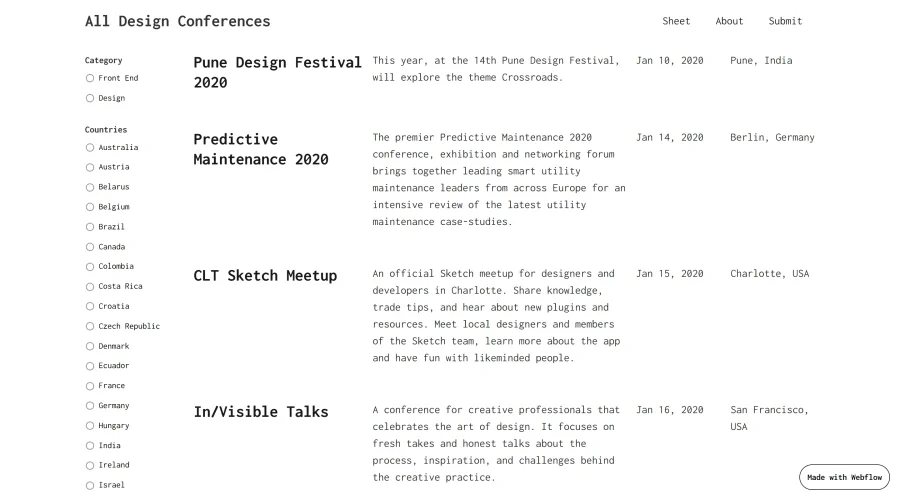

All Design Conferences
A simple guide to design and front-end conferences happening this year.
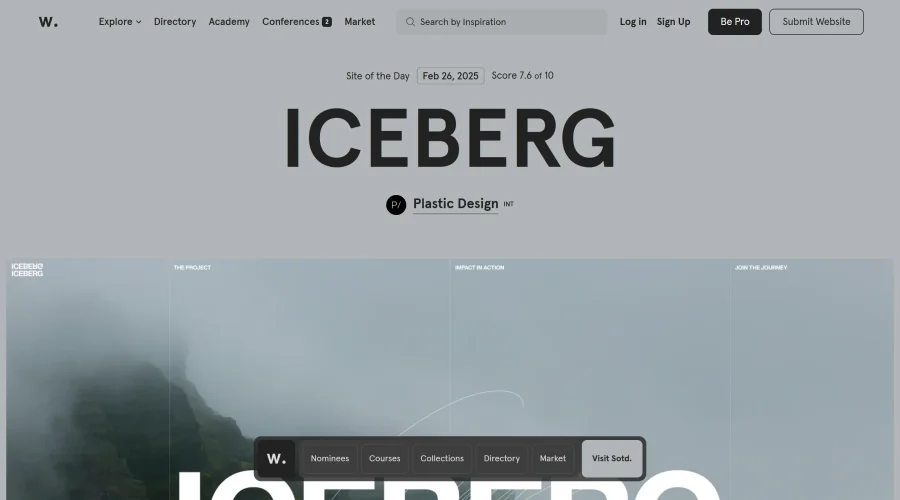

Awwwards Conference Talks
Insights from the awwwards conference on UX, UI, Design Systems, and more.
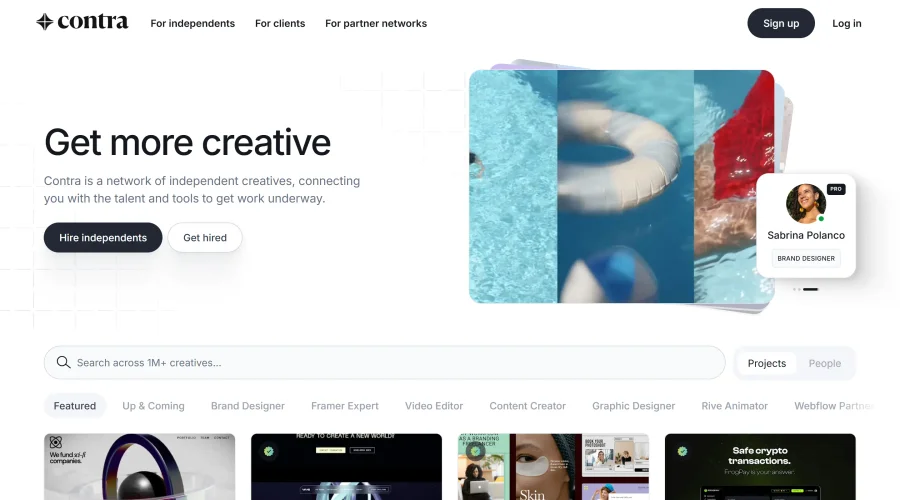

Contra
A new network tailored for professionals on an independent career path.
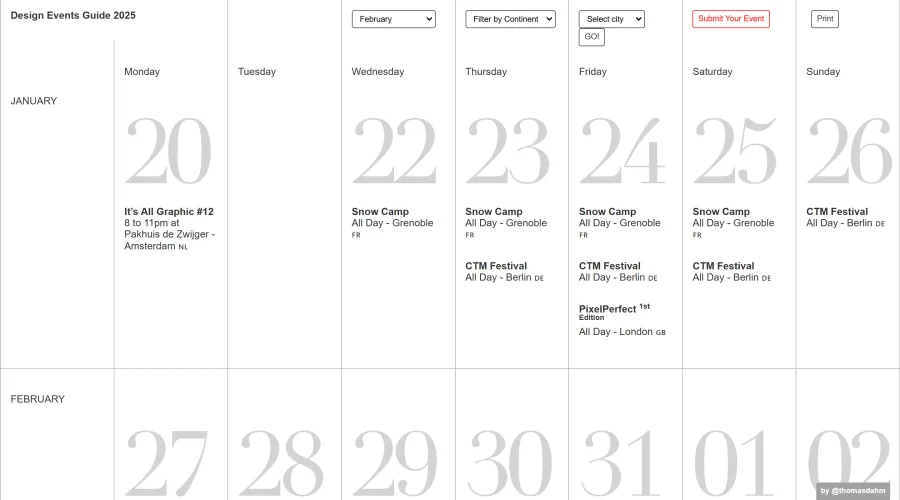

Design Events Guide
A roundup of top design events covering UX/UI, motion graphics, and more.
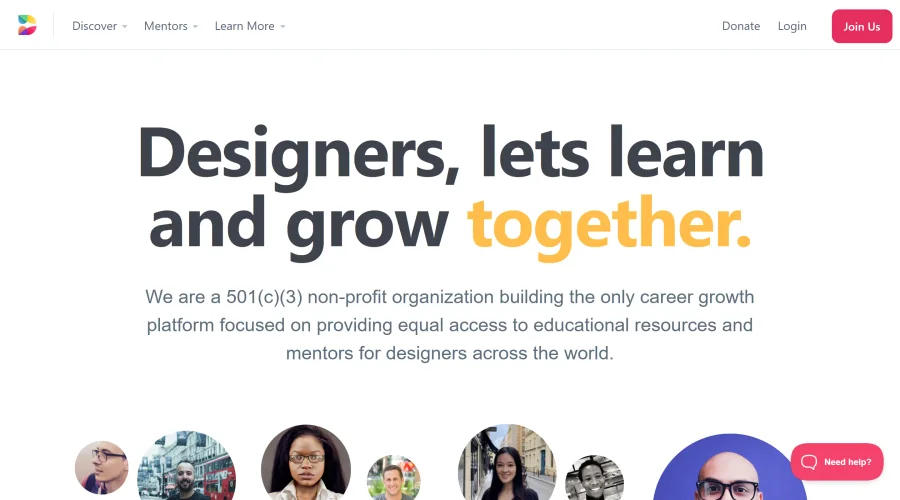

Designed
Non-profit organization focused on career growth, offering educational resources and mentorship for designers.
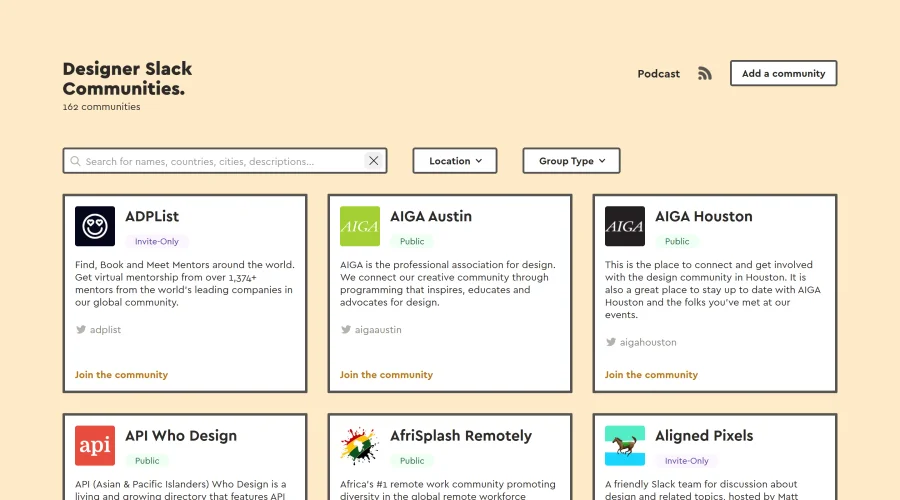

Designer Slack Communities
A compilation of Slack communities for designers worldwide.
Explore Other Categories
Discover more design resources
New to Design?
Explore our comprehensive design glossary to master essential terminology from A/B Testing to Wireframes.
Browse GlossaryLooking for something specific?
Search through our entire collection of design tools and resources