

What it costs
- Free tier
- No
Page shows only "This deployment is temporarily paused" — site appears down, scrape unavailable.
Auto-checked on 8 August 2026Source
About Posts
What Is Posts?
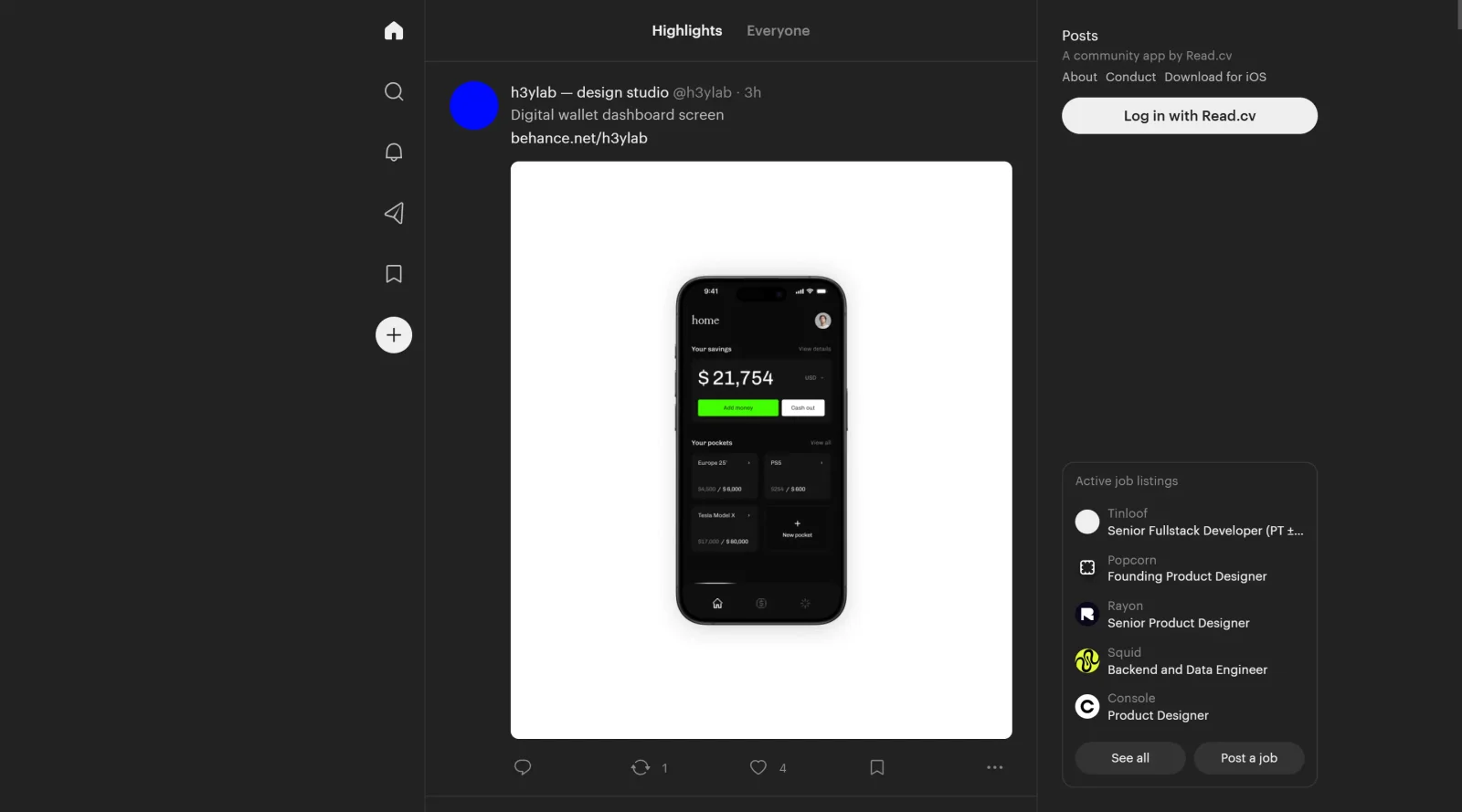
Posts is a free community platform designed as an enhanced social network specifically for the creative community. It serves as a dedicated space within the design workflow where creatives connect, share work, and engage in discussions outside traditional design software. As a category community tool, Posts enables designers, illustrators, and other visual professionals to build networks, exchange feedback, and discover inspiration in a centralized environment.
What Posts Does
- Provides a unified social feed for posting creative work, updates, and discussions among community members.
- Supports user interactions through comments, likes, and shares to facilitate ongoing conversations.
- Allows creation of profiles to showcase portfolios, skills, and professional identities.
- Enables group or channel formation for focused topics like design critiques or project collaborations.
- Offers moderation tools to maintain content quality and community standards.
- Integrates real-time updates to keep feeds current with new contributions from members.
How Posts Can Be Used
- Designers share work-in-progress sketches or final mockups to receive peer feedback during ideation phases.
- Teams organize private groups for client project discussions, resource sharing, and deadline tracking.
- Freelancers browse member directories to find collaborators or mentors for specific creative challenges.
- Event organizers curate feeds from community posts to highlight trends or themes in real-time during design conferences.
- Beginners join announcement channels or forums to access tutorials, tips, and job opportunities posted by experienced creatives.
Who Is Posts For?
Posts suits creative professionals such as graphic designers, UI/UX specialists, illustrators, and developers seeking a tailored social platform for networking and collaboration. It fits independent creators managing portfolios, agencies fostering internal teams, and educators building student communities around design education. Experience levels range from novices exploring inspiration to veterans sharing expertise, particularly for projects involving visual content sharing and community-driven feedback loops. Visit Posts
Featured Tools
Sponsored
Artlist
Royalty-free music, SFX, 8K footage, templates, LUTs and 100+ AI models on a single subscription for video creators.

Icons8
Large icon packs featuring over 10,000 icons for consistent design themes.

Vidu
AI video generator with text, image and reference-to-video modes, producing 3–16 second clips at up to 1080p with characters that stay consistent across shots.
Your tool here
The tools above are our own picks until the slots sell.
Spotlight
SponsoredRotates daily
HyNote
Records and transcribes interviews and meetings, then turns them into summaries and action items.
More Community Tools
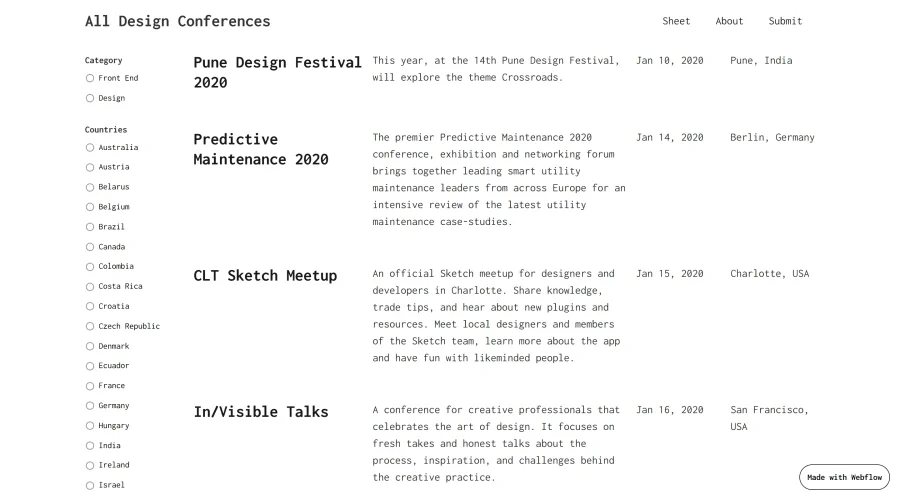

All Design Conferences
A simple guide to design and front-end conferences happening this year.
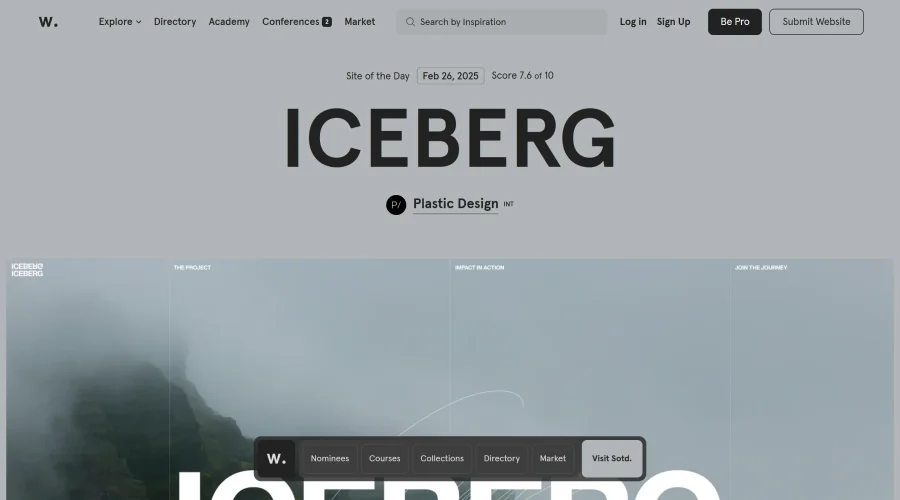
Awwwards Conference Talks
Insights from the awwwards conference on UX, UI, Design Systems, and more.
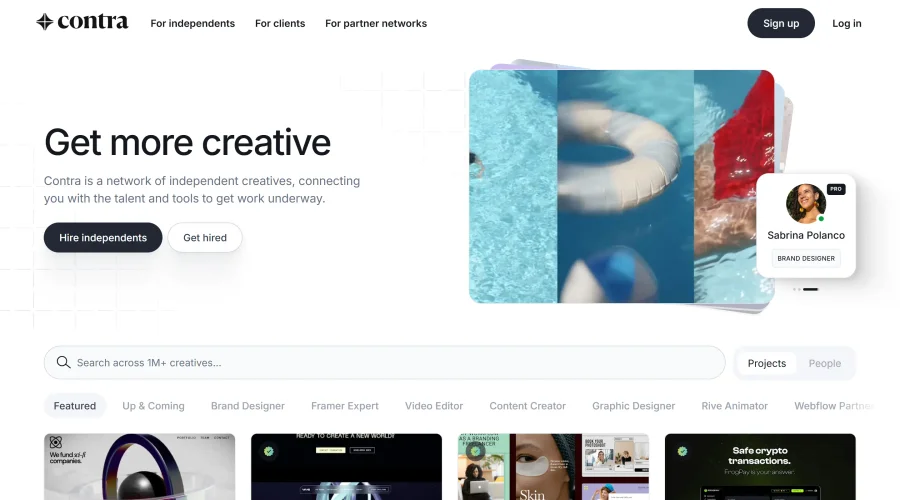

Contra
A new network tailored for professionals on an independent career path.
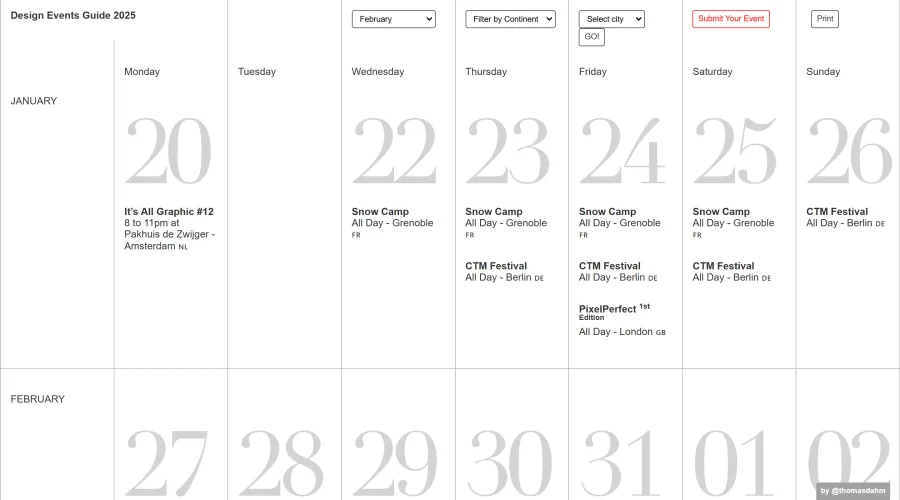

Design Events Guide
A roundup of top design events covering UX/UI, motion graphics, and more.
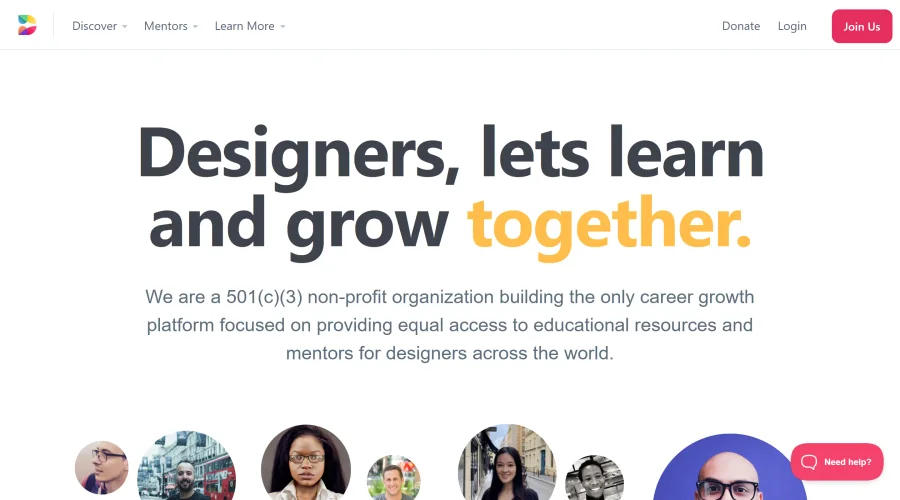

Designed
Non-profit organization focused on career growth, offering educational resources and mentorship for designers.
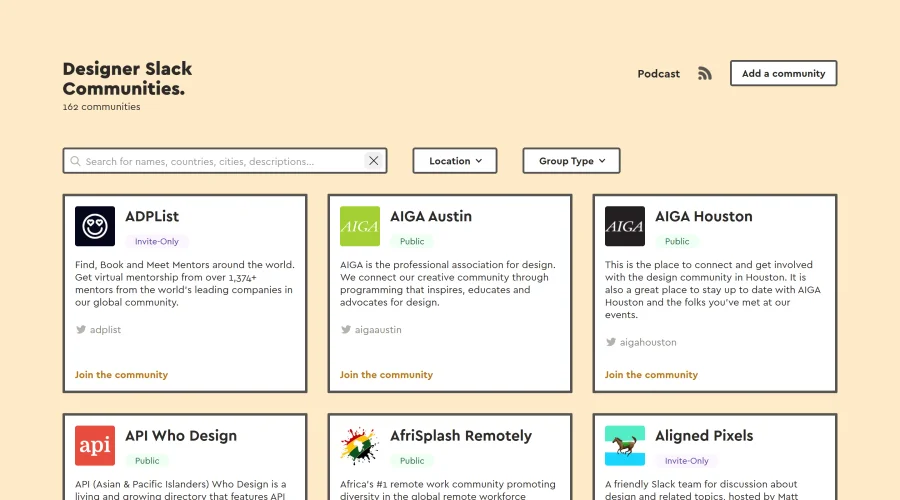

Designer Slack Communities
A compilation of Slack communities for designers worldwide.
Explore Other Categories
Discover more design resources
New to Design?
Explore our comprehensive design glossary to master essential terminology from A/B Testing to Wireframes.
Browse GlossaryLooking for something specific?
Search through our entire collection of design tools and resources