

Access a wide range of free illustrations that instantly match your brand's color scheme.
What it costs
- Free tier
- Yes
Open-source illustrations are completely free with no attribution required; an optional 'Supporters' (plus.undraw.co) tier exists but no price is shown.
Auto-checked on 8 August 2026Source
About unDraw
What Is unDraw?
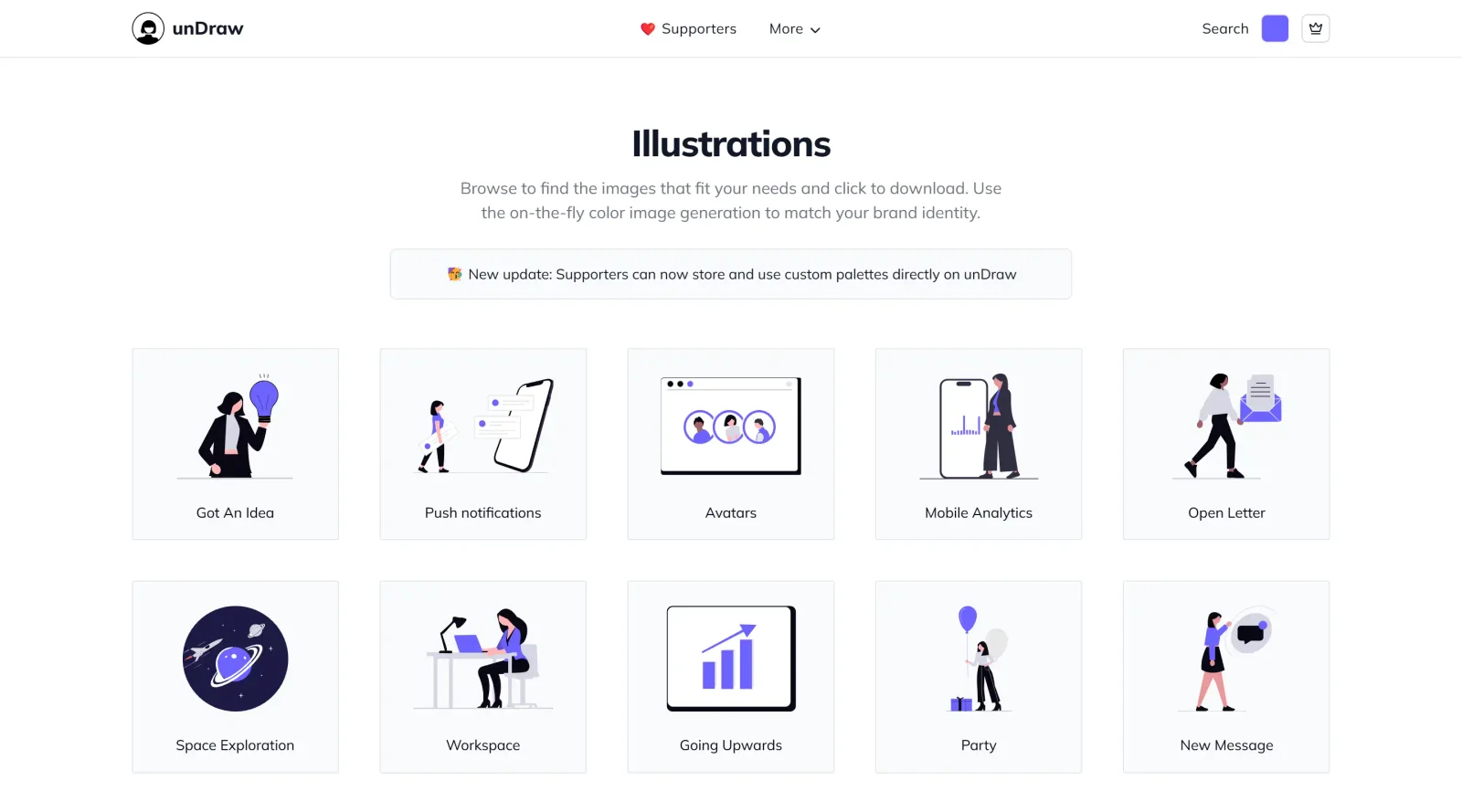
unDraw is a free platform providing open-source illustrations in the illustrations category. It offers access to a wide range of customizable SVG graphics that users can adjust to match their brand's color scheme. unDraw fits into design workflows by supplying vector-based assets for websites, applications, presentations, and marketing materials, enabling quick integration without licensing costs or attribution requirements.
What unDraw Does
- Provides over 700 handcrafted SVG illustrations covering various themes and scenarios.
- Allows instant color customization to align illustrations with specific brand palettes.
- Supports downloads in SVG and PNG formats for flexible use across design tools and outputs.
- Offers search functionality to locate illustrations by keyword or theme.
- Includes an Adobe XD plugin for direct access and clipboard copying within the design environment.
- Enables vector editing for further modifications in tools like Sketch or Illustrator.
How unDraw Can Be Used
- Designers import unDraw illustrations into Figma or Adobe XD via the plugin to populate UI mockups with themed visuals like mobile screens or data charts.
- Developers download customized SVGs for web projects, embedding them in React components or static sites while retaining scalability.
- Marketers select and recolor illustrations for social media posts, blog headers, or email campaigns to maintain brand consistency.
- Presenters paste clipboard-copied graphics into PowerPoint slides for visual metaphors in pitches or reports.
- Teams edit vectors in Sketch to refine elements, such as removing details or adjusting shapes, before exporting for print or digital use.
Who Is unDraw For?
unDraw serves designers, developers, and creative professionals needing customizable illustrations without budget constraints or attribution rules. UI/UX designers use it for prototyping interfaces, frontend developers integrate it into applications, and marketing teams apply it to visual content. Instructional designers incorporate the assets into eLearning materials, while beginners access high-quality vectors through simple search and download processes. Visit unDraw
unDraw pros and cons
- Free for commercial and personal projects, with no attribution and no permission request needed
- Set the main color with a picker before downloading, so the SVG or PNG comes out on-brand
- More than 1,700 illustrations, all in the same minimal style from one illustrator
- Each illustration page has separate SVG and PNG downloads, and the main site has no sign-in
- The license page opens with a plain-English summary of what is and isn't allowed
- The license bans using the illustrations to train, fine-tune or test AI and machine-learning models
- Plugins, integrations and packs built from unDraw assets aren't allowed without the creator's consent
- Free recoloring covers one main color; custom palettes, mono and animated versions need a $59 pass
- Brand logos inside some illustrations are trademarks and may only be used to represent that brand
unDraw suits founders, developers and designers who need clean spot illustrations for landing pages, apps, docs and social posts without paying for stock art or tracking credits. The trade-off is flexibility: the free recolor covers one main color, every piece follows the same minimal style, and the license rules out AI training, redistribution in packs and integrations that pull the artwork. The optional supporter pass adds extras, but it is a one-time payment for one year of access, not a lifetime unlock. If your brand needs a distinctive illustration style, full palette control or assets you can bundle into a product you sell, a commissioned or paid set fits better.
Frequently asked questions
Can I use unDraw illustrations commercially?
Yes. The license allows commercial and personal use, including modified versions, with no fee and no credit to the creator. It excludes redistributing the illustrations in packs, building a similar or competing service, and using them for AI or machine-learning work.
Is unDraw free?
The illustration library is free to browse, recolor and download. An optional supporter pass costs $59, or $79 with full access to the video tools, paid once for one year of extras such as animated scenes, cover images, mono illustrations and custom color palettes.
What formats can I download from unDraw?
Each illustration page offers an SVG download for projects and a PNG download for blogs and social posts. You set the illustration's color with the picker before downloading.
Can I use unDraw illustrations to train an AI model?
No. The license explicitly prohibits using unDraw assets to train, fine-tune, validate or test AI or machine-learning models, or adding them to datasets, unless unDraw gives separate written permission.
Featured Tools
Sponsored
Artlist
Royalty-free music, SFX, 8K footage, templates, LUTs and 100+ AI models on a single subscription for video creators.

Icons8
Large icon packs featuring over 10,000 icons for consistent design themes.

Vidu
AI video generator with text, image and reference-to-video modes, producing 3–16 second clips at up to 1080p with characters that stay consistent across shots.
Your tool here
The tools above are our own picks until the slots sell.

Tools we recommend


getimg.ai
20+ AI models for image, video & audio in one workspace

Vecteezy
60M+ free & Pro vectors, photos and stock video


OpenArt
All-in-one AI image, video & audio generator
Editorially chosen. Some links above are affiliate links — if you sign up we may earn a commission, at no extra cost to you.
More Illustrations Tools

Business Characters
Detailed and vibrant 3D people illustrations to enhance your work.

Ouch!
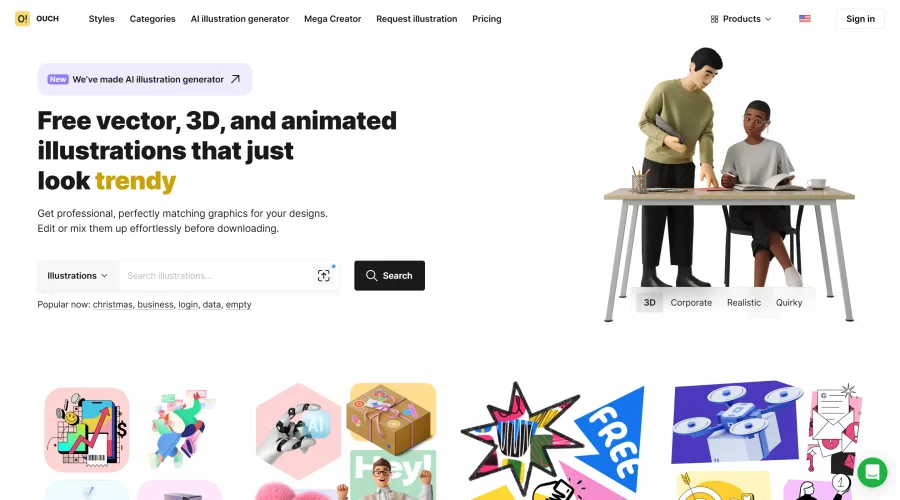
High-quality vector and 3D illustrations covering a wide range of subjects.
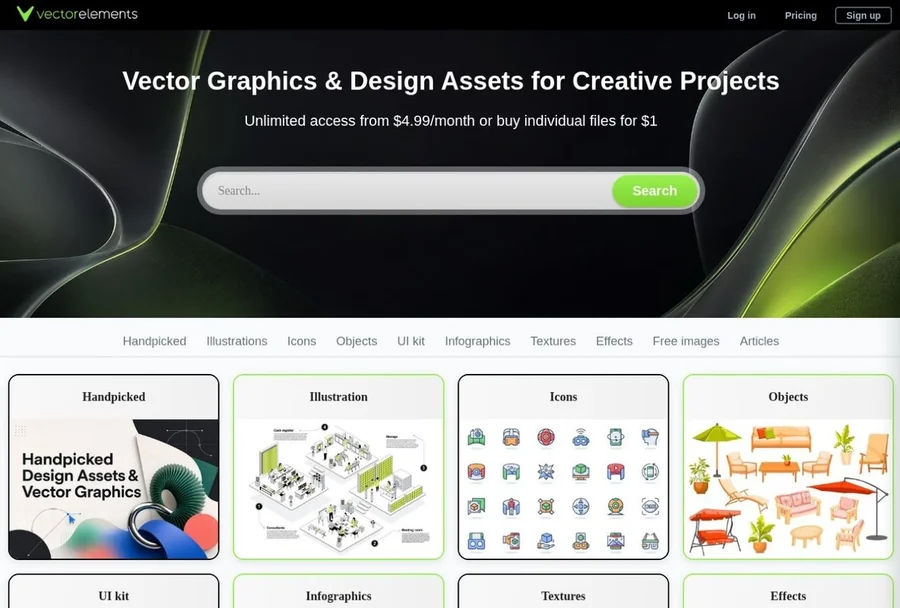

VectorElements
Download free vector illustrations, SVG icons, and graphic elements, along with UI kits, backgrounds, textures, and creative assets for websites, apps, branding, and digital projects.
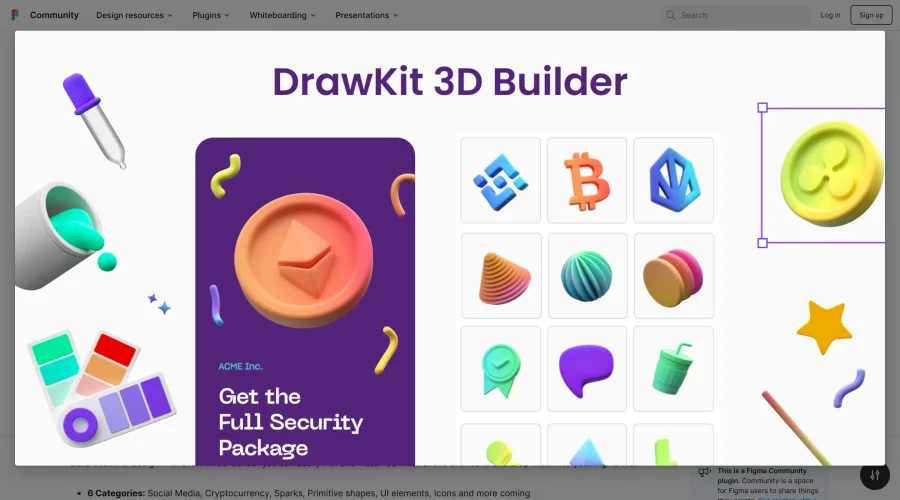
3D Builder
Extensive library of vibrant 3D objects in Figma, perfect for eye-catching designs.
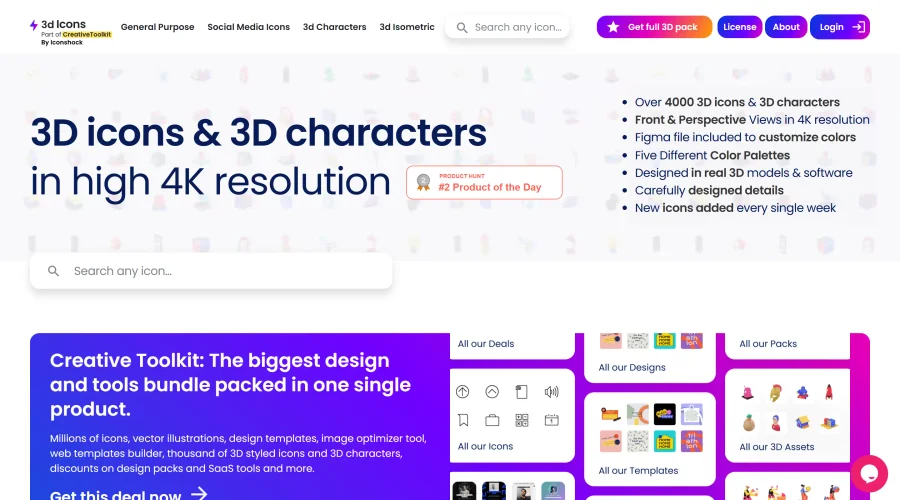
3D Icons
Over 4,000 high-resolution 3D icons and characters for professional use.

3D Lettering Alphabet
Highly detailed 3D lettering designs with a vast selection of quotes and characters.
Explore Other Categories
Discover more design resources
New to Design?
Explore our comprehensive design glossary to master essential terminology from A/B Testing to Wireframes.
Browse GlossaryLooking for something specific?
Search through our entire collection of design tools and resources