

A platform for designers to share ideas and engage in discussions.
What it costs
- Free tier
- Yes
Free 'Start for free' tier; paid plans are on a separate pricing page not fetched.
Auto-checked on 8 August 2026Source
About Viewport
What Is Viewport?
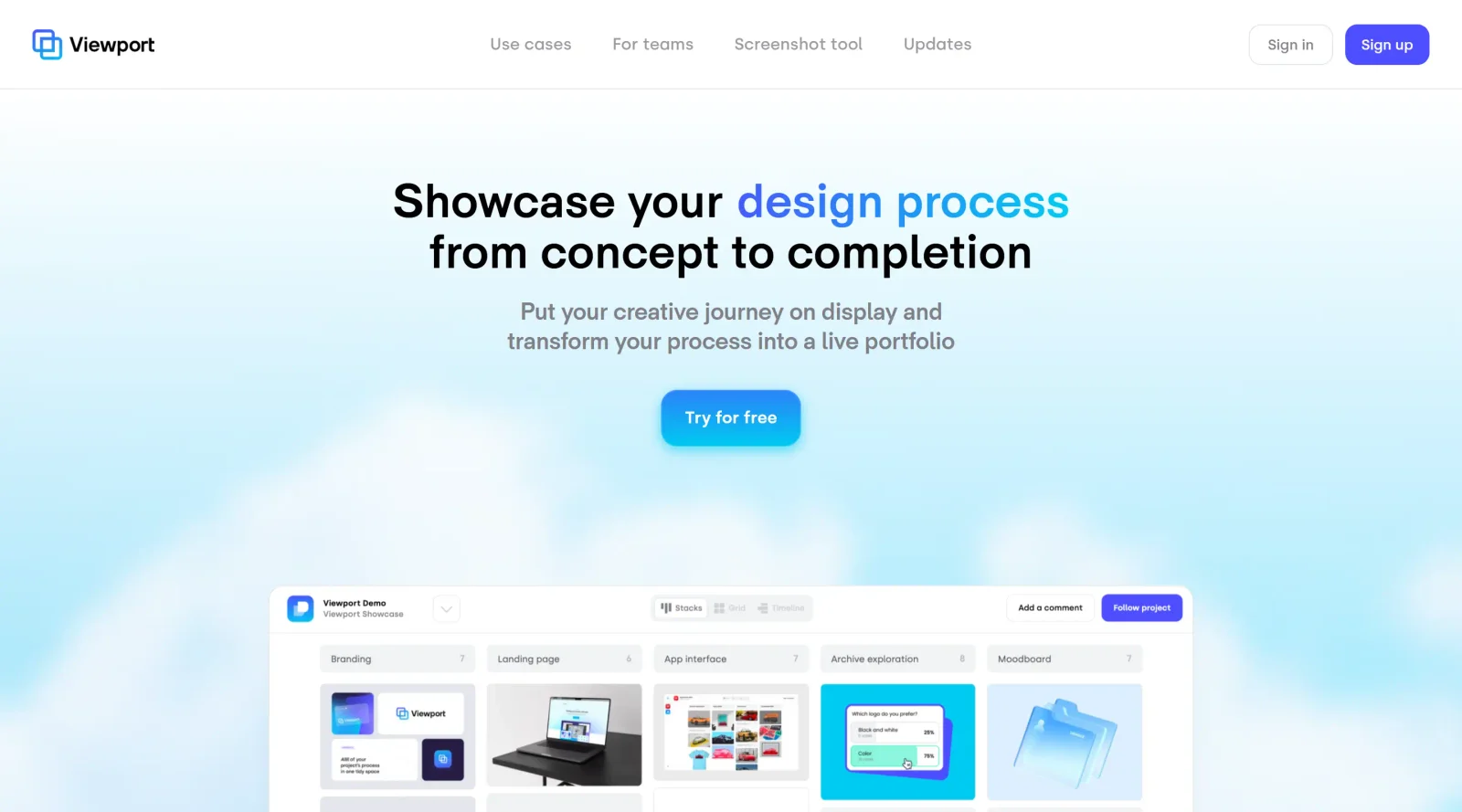
Viewport is a free platform in the community category designed for designers to share ideas and engage in discussions. It serves as a centralized space where freelancers and design teams organize and present their design processes in a clear, shareable format. Viewport fits into the design workflow by enabling communication beyond traditional tools like Figma, which handle creation but limit process sharing and iteration feedback.
What Viewport Does
- Organizes design projects into structured spaces for easy management and access.
- Supports collaboration by keeping teams updated through group features.
- Collects feedback effortlessly from stakeholders without requiring specialized design tools.
- Allows sharing of secure links with customizable expiration dates for controlled access.
- Enables quick screenshots via Quickshot, capturing content directly into projects using keystroke shortcuts.
- Facilitates discussions and idea sharing among designers in a community environment.
How Viewport Can Be Used
- Freelancers upload design iterations to projects and share secure links with clients for targeted feedback during review cycles.
- Design teams create group workspaces to align on project progress, reducing email threads and scattered files.
- During Figma workflows, users capture screenshots of prototypes with Quickshot and save them instantly to Viewport projects without disrupting their flow.
- Community members post ideas or process breakdowns to spark discussions and gather peer input on UI challenges.
- Agencies prepare client presentations by compiling organized project views with feedback threads for streamlined handoffs.
Who Is Viewport For?
Viewport suits freelancers, design teams, and UI/UX designers seeking a dedicated space for process documentation, feedback collection, and community engagement. It addresses needs of those transitioning from creation tools to presentation and collaboration phases, particularly for projects involving multiple iterations and stakeholder input. Experience levels range from individual practitioners handling client work to collaborative groups managing complex team workflows.
Featured Tools
Sponsored
Artlist
Royalty-free music, SFX, 8K footage, templates, LUTs and 100+ AI models on a single subscription for video creators.

Icons8
Large icon packs featuring over 10,000 icons for consistent design themes.

Vidu
AI video generator with text, image and reference-to-video modes, producing 3–16 second clips at up to 1080p with characters that stay consistent across shots.
Your tool here
The tools above are our own picks until the slots sell.

More Community Tools
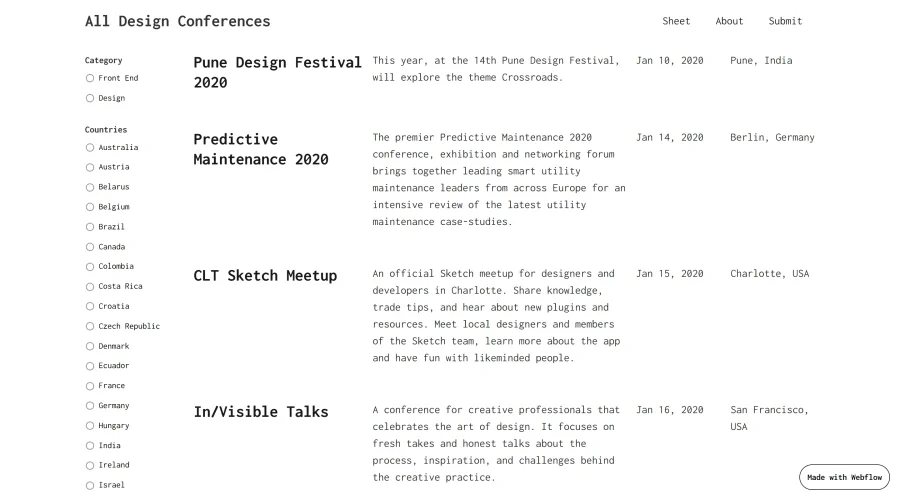

All Design Conferences
A simple guide to design and front-end conferences happening this year.
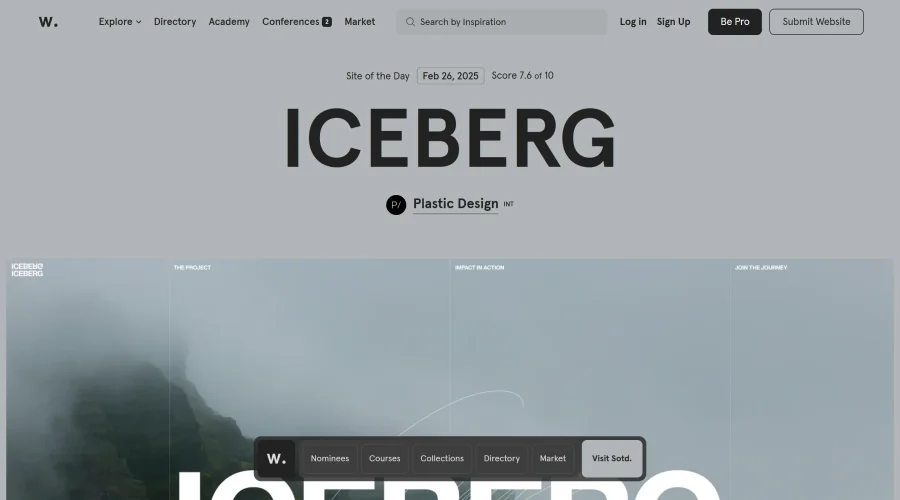

Awwwards Conference Talks
Insights from the awwwards conference on UX, UI, Design Systems, and more.
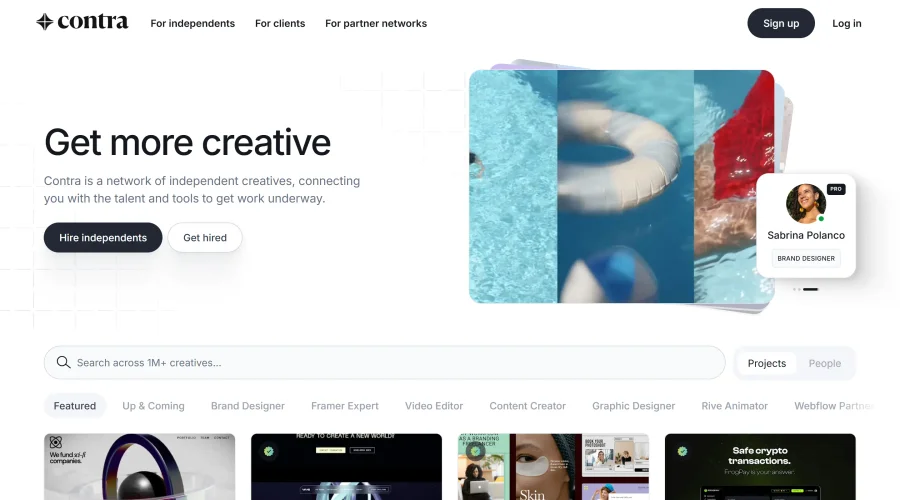

Contra
A new network tailored for professionals on an independent career path.
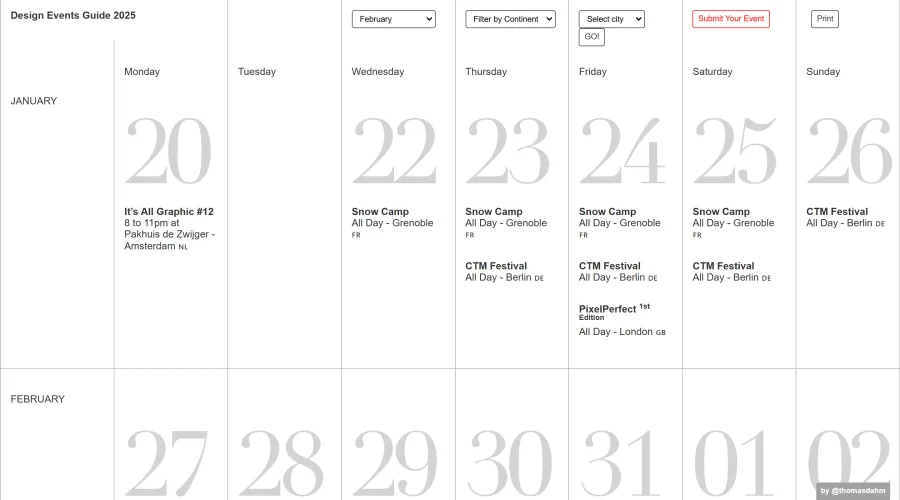

Design Events Guide
A roundup of top design events covering UX/UI, motion graphics, and more.
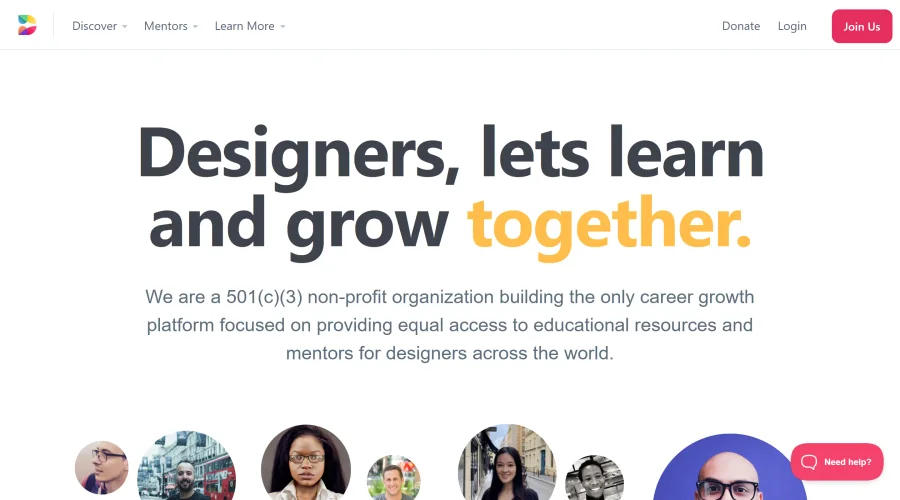

Designed
Non-profit organization focused on career growth, offering educational resources and mentorship for designers.
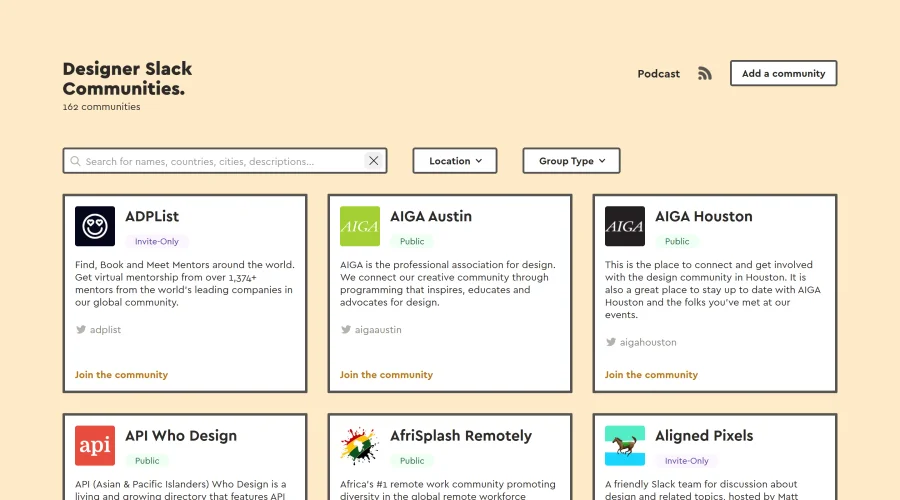

Designer Slack Communities
A compilation of Slack communities for designers worldwide.
Explore Other Categories
Discover more design resources
New to Design?
Explore our comprehensive design glossary to master essential terminology from A/B Testing to Wireframes.
Browse GlossaryLooking for something specific?
Search through our entire collection of design tools and resources