

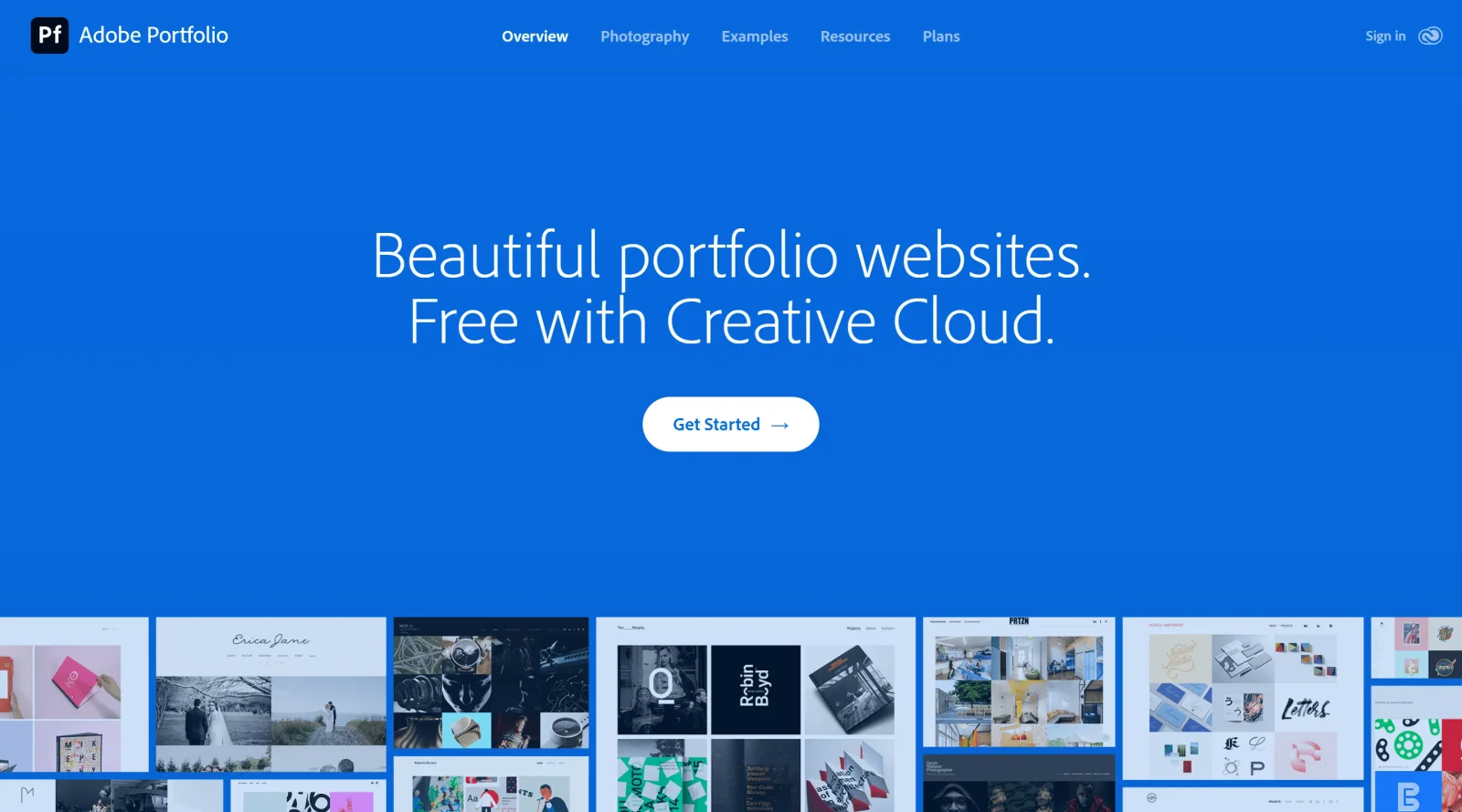
Build stunning portfolio websites, free with Creative Cloud.
What it costs
- Free tier
- No
- Paid plans from
- US$9.99/mo
Not sold standalone — included free with any Creative Cloud subscription, the cheapest route stated on the page as 'as low as US$9.99 a month.'
Auto-checked on 8 August 2026Source
About Adobe Portfolio
Adobe Portfolio: Personalized Website Builder
Adobe Portfolio is a powerful and user-friendly website builder that empowers creatives, professionals, and businesses to showcase their work and ideas online. As part of the Adobe Creative Cloud ecosystem, Adobe Portfolio seamlessly integrates with other Adobe applications, making it an ideal choice for those already familiar with the Adobe suite.
Intuitive Interface and Customization
Adobe Portfolio boasts an intuitive drag-and-drop interface that allows users to easily customize their website's layout, colors, and typography. With a wide range of pre-designed templates and layouts, users can quickly create a professional-looking website that reflects their unique style and brand identity. The platform's flexibility extends to the inclusion of various content types, including images, videos, text, and even interactive elements, ensuring that users can showcase their work in the most engaging manner possible.
Seamless Integration with Adobe Creative Cloud
One of the standout features of Adobe Portfolio is its seamless integration with other Adobe Creative Cloud applications. Users can directly import their work from Behance, Adobe's social network for creatives, or sync their files from Creative Cloud storage. This integration streamlines the website creation process, allowing users to focus on showcasing their best work without worrying about the technical aspects of website building.
Mobile-Friendly and SEO-Optimized
Adobe Portfolio ensures that your website looks great on any device, with responsive design that automatically adjusts to different screen sizes. Additionally, the platform optimizes your website for search engines, helping you attract more visitors and potential clients. With built-in SEO features, such as meta tags and descriptions, users can improve their website's visibility and ranking in search results.
Collaboration and Client Feedback
Adobe Portfolio facilitates collaboration and client feedback by allowing users to share their website with others. The platform offers password protection and custom domains, enabling users to control access to their work. Clients and collaborators can provide feedback directly on the website, streamlining the review process and ensuring that the final product meets everyone's expectations.
Affordable and Accessible
Adobe Portfolio is available as part of the Adobe Creative Cloud subscription, making it an affordable option for those already invested in the Adobe ecosystem. For those who prefer a standalone plan, Adobe Portfolio offers individual subscriptions at a competitive price point. This accessibility ensures that users of all budgets can create a professional online presence and showcase their work to the world.
Benefits for Creatives and Professionals
By leveraging Adobe Portfolio, creatives and professionals can experience numerous benefits:
- Enhanced Online Presence: With a visually stunning and user-friendly website, users can effectively showcase their work and establish a strong online presence.
- Improved Client Engagement: The collaboration and feedback features enable users to engage with clients more effectively, fostering stronger relationships and better outcomes.
- Time-Saving Efficiency: The intuitive interface and seamless integration with Adobe Creative Cloud save users valuable time and effort, allowing them to focus on their creative work.
- Increased Visibility: The SEO optimization features help users attract more visitors to their website, potentially leading to new opportunities and collaborations.
Conclusion
Adobe Portfolio is a game-changer in the world of website building, offering creatives and professionals a powerful and accessible tool to showcase their work online. With its intuitive interface, seamless integration with Adobe Creative Cloud, mobile-friendly design, and SEO optimization, Adobe Portfolio empowers users to create stunning websites that effectively communicate their unique talents and ideas. As the demand for online visibility and client engagement continues to grow, Adobe Portfolio stands as a must-have resource for anyone looking to elevate their online presence and take their creative career to new heights.
Featured Tools
Sponsored
Artlist
Royalty-free music, SFX, 8K footage, templates, LUTs and 100+ AI models on a single subscription for video creators.

Icons8
Large icon packs featuring over 10,000 icons for consistent design themes.

Vidu
AI video generator with text, image and reference-to-video modes, producing 3–16 second clips at up to 1080p with characters that stay consistent across shots.
Your tool here
The tools above are our own picks until the slots sell.

Tools we recommend

Base44
Build full-stack apps from a prompt (by Wix)

SITE123
Free website builder with hosting included


Wegic
Build & manage a whole site by chatting with AI
Editorially chosen. Some links above are affiliate links — if you sign up we may earn a commission, at no extra cost to you.
More Website Builders Tools


Framer
Design and launch your dream website with no coding required.

Webflow
Accelerate website creation without needing to code.


10Web
AI-enhanced WordPress website builder for easy site creation.


Adalo
Turn app ideas into reality without needing to code.
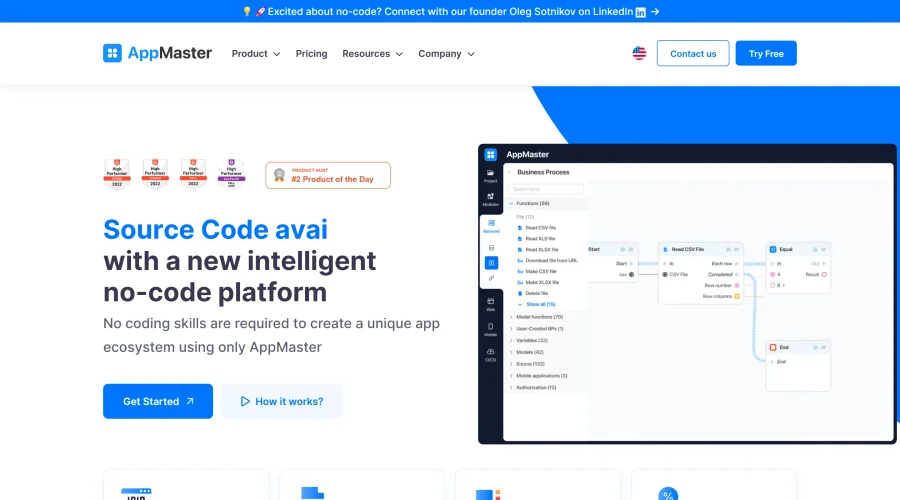

AppMaster
Next-gen no-code platform for automating business processes and building native apps.
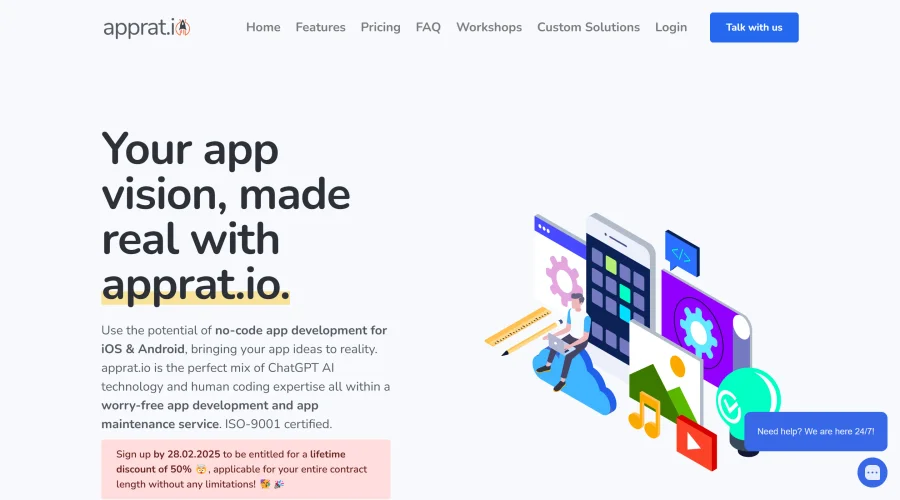

Apprat
Effortlessly build apps for iOS, Android, and web without code.
Explore Other Categories
Discover more design resources
New to Design?
Explore our comprehensive design glossary to master essential terminology from A/B Testing to Wireframes.
Browse GlossaryLooking for something specific?
Search through our entire collection of design tools and resources