

Accelerate website creation without needing to code.
What it costs
- Free tier
- Yes
- Paid plans from
- $15/mo (billed annually)
Free Starter plan publishes on a webflow.io subdomain; Basic at $15/mo annual ($25 monthly) adds a custom domain but no CMS.
Auto-checked on 10 August 2026Source
About Webflow
What Is Webflow?
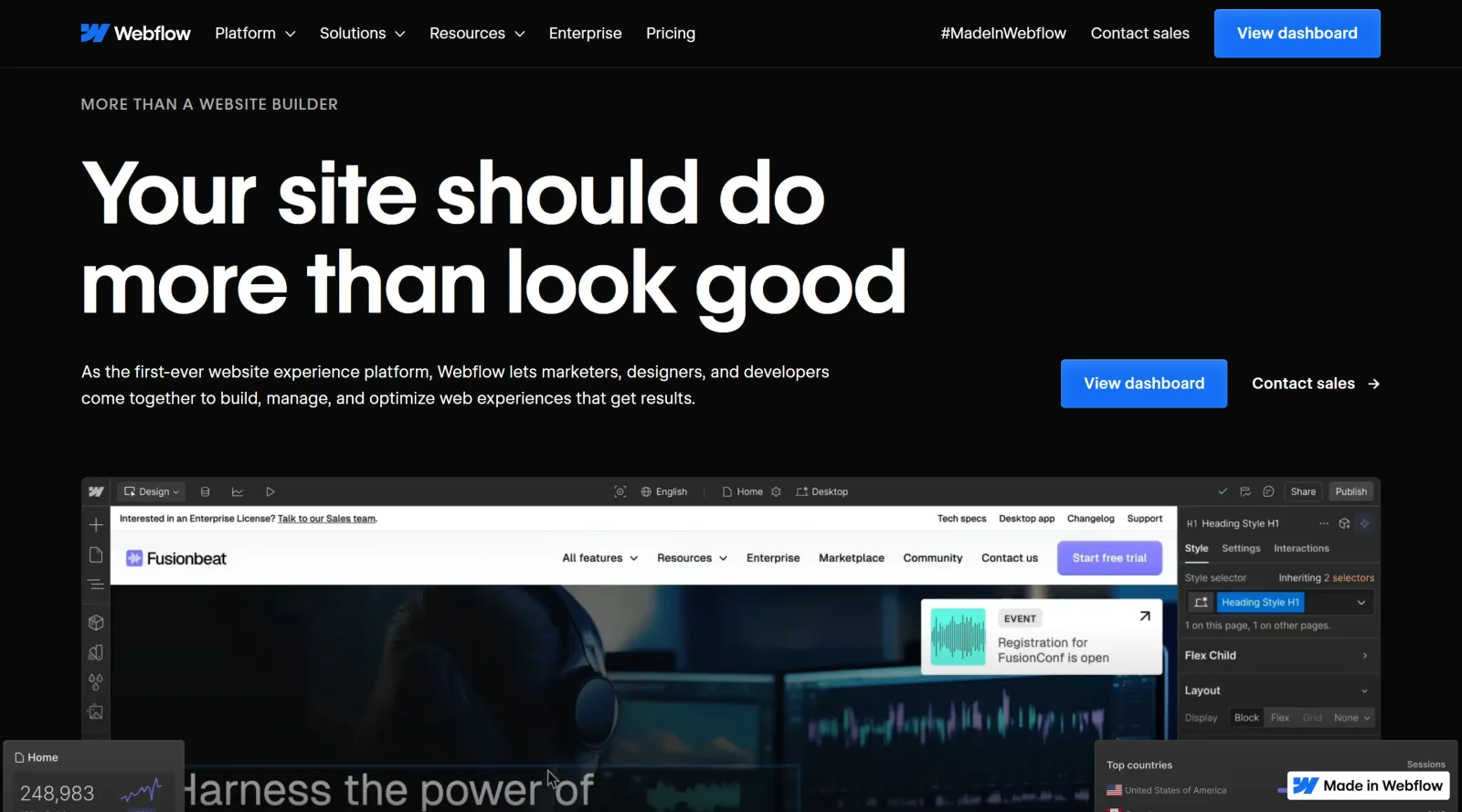
Webflow is a visual **website builder** that enables users to design, build, and launch responsive websites without writing code. It serves as a freemium platform in the website-builders category, combining drag-and-drop editing with advanced layout tools like grids and flexbox to create custom sites. Webflow fits into the design workflow by allowing designers to handle layout, styling, interactions, and content management in a single interface, bridging the gap between design tools and traditional development.
What Webflow Does
- Provides a drag-and-drop canvas for adding and organizing elements, components, and layouts visually.
- Supports responsive design that automatically adjusts sites for desktop, tablet, and mobile views.
- Includes a built-in CMS for managing dynamic content structures, such as collections and access groups.
- Allows creation of custom animations and interactions using visual tools powered by GSAP.
- Offers built-in SEO controls for metadata, URLs, alt text, and AI-powered optimization.
- Provides hosting with SSL security, fast load times, and options for client billing and transfers.
How Webflow Can Be Used
- Designers build layouts with grids and flexbox for sections like portfolios or services, then preview across devices in the editor.
- Teams collaborate in real-time, using role-based permissions and feedback tools to streamline reviews and handoffs.
- Content editors update text, images, and CMS items in editing mode without altering the underlying design.
- Developers add custom HTML, CSS, or JavaScript for integrations like analytics or third-party APIs in project settings.
- Agencies create client sites with automations, such as generating CMS objects from form submissions.
- Users generate AI-assisted content, sections, or alt text to populate heroes, navs, and footers contextually.
Who Is Webflow For?
Webflow suits designers, developers, and agencies building responsive websites, particularly those needing control over custom layouts, animations, and CMS without coding from scratch. It works for freelancers managing solo projects via the free Starter Workspace or teams using paid plans for collaboration on multiple sites. Non-technical users handle content updates, while advanced users integrate custom code or apps. Projects like portfolios, client sites, e-commerce stores, and dynamic content hubs align with its capabilities.Visit Webflow
Featured Tools
Sponsored
Artlist
Royalty-free music, SFX, 8K footage, templates, LUTs and 100+ AI models on a single subscription for video creators.

Icons8
Large icon packs featuring over 10,000 icons for consistent design themes.

Vidu
AI video generator with text, image and reference-to-video modes, producing 3–16 second clips at up to 1080p with characters that stay consistent across shots.
Your tool here
The tools above are our own picks until the slots sell.
Spotlight
SponsoredRotates daily
Animated Icons 2.0
Enhance your projects with 900+ animated icons.
Tools we recommend
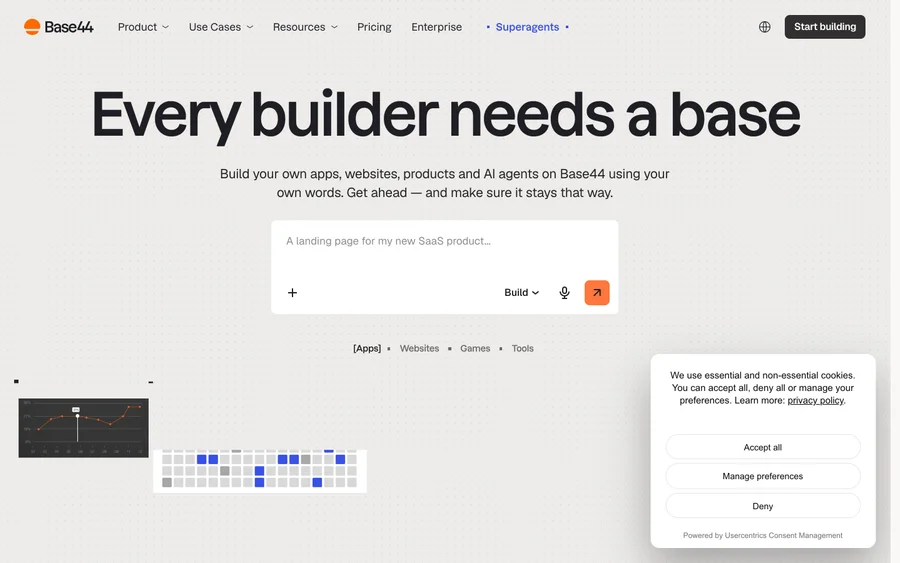

Base44
Build full-stack apps from a prompt (by Wix)
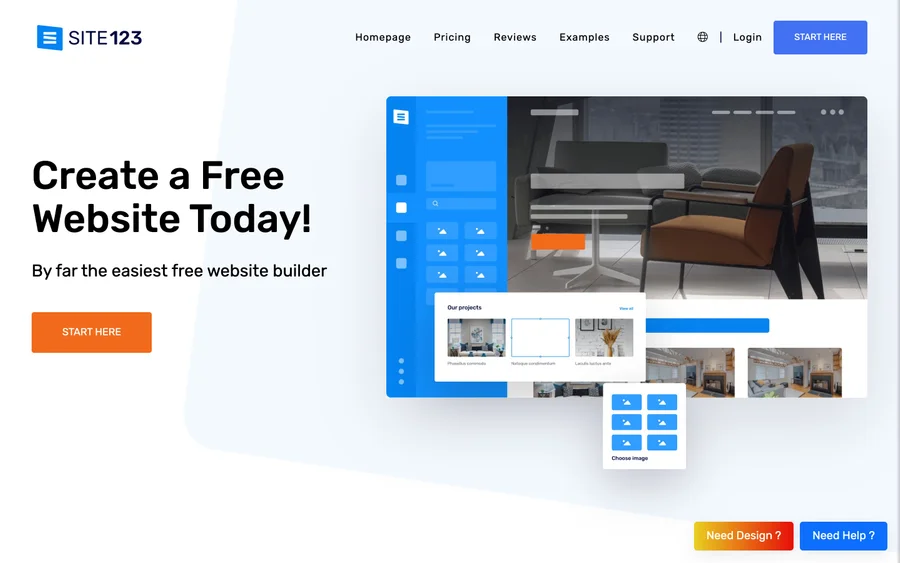

SITE123
Free website builder with hosting included
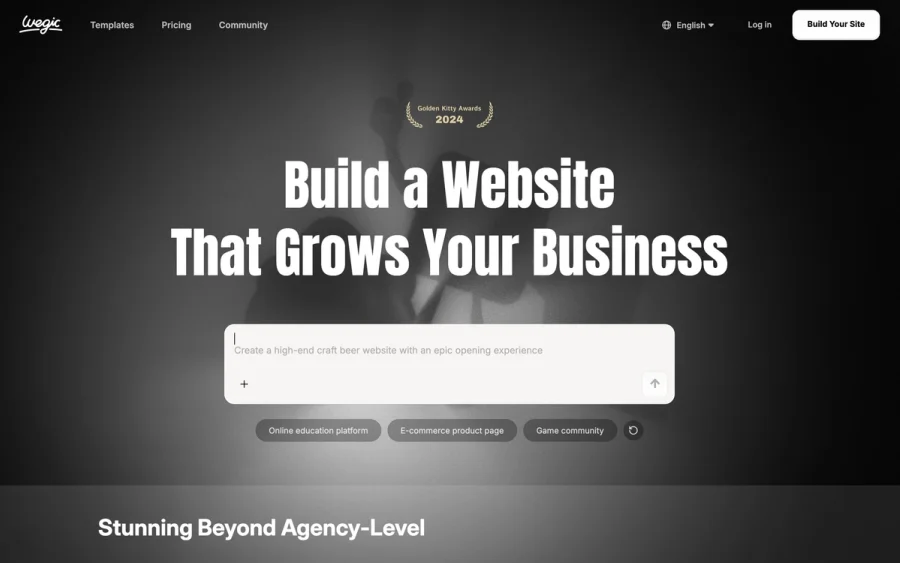

Wegic
Build & manage a whole site by chatting with AI
Editorially chosen. Some links above are affiliate links — if you sign up we may earn a commission, at no extra cost to you.
More Website Builders Tools
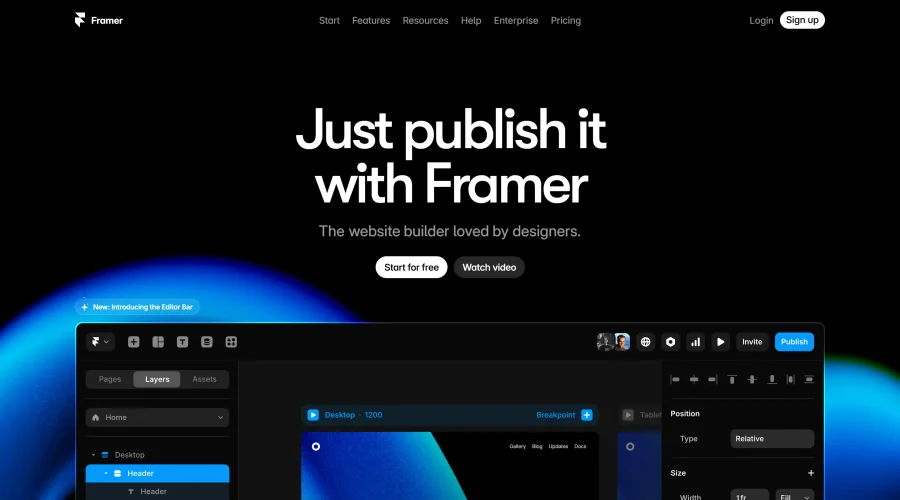

Framer
Design and launch your dream website with no coding required.
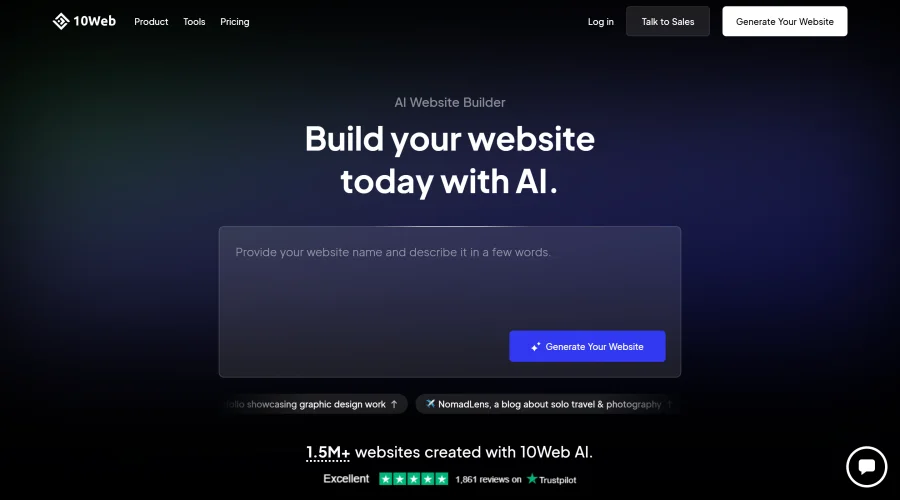

10Web
AI-enhanced WordPress website builder for easy site creation.
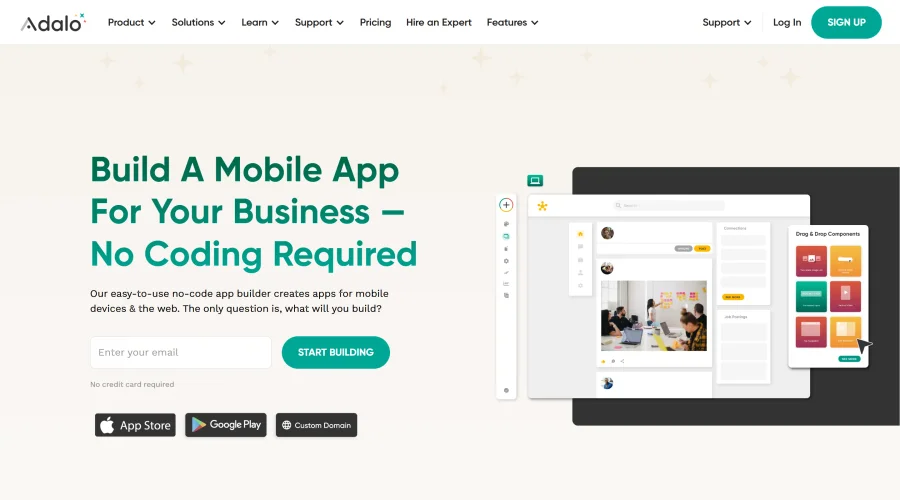
Adalo
Turn app ideas into reality without needing to code.
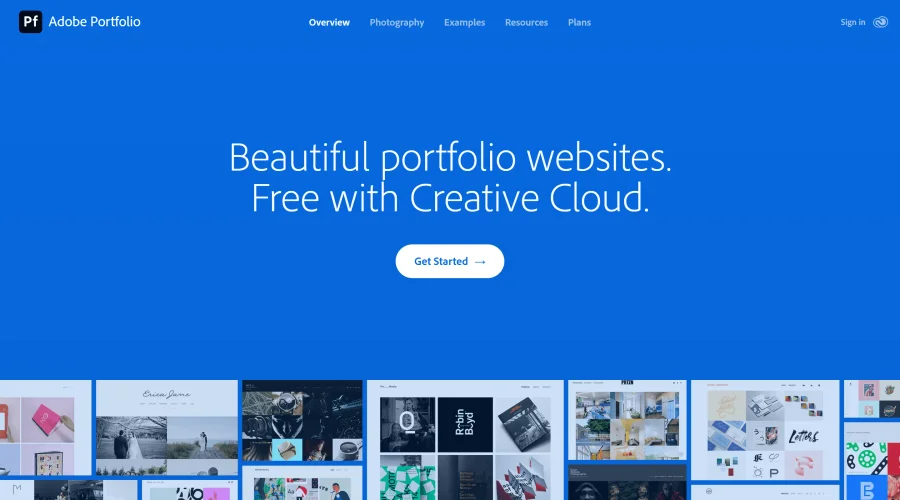

Adobe Portfolio
Build stunning portfolio websites, free with Creative Cloud.
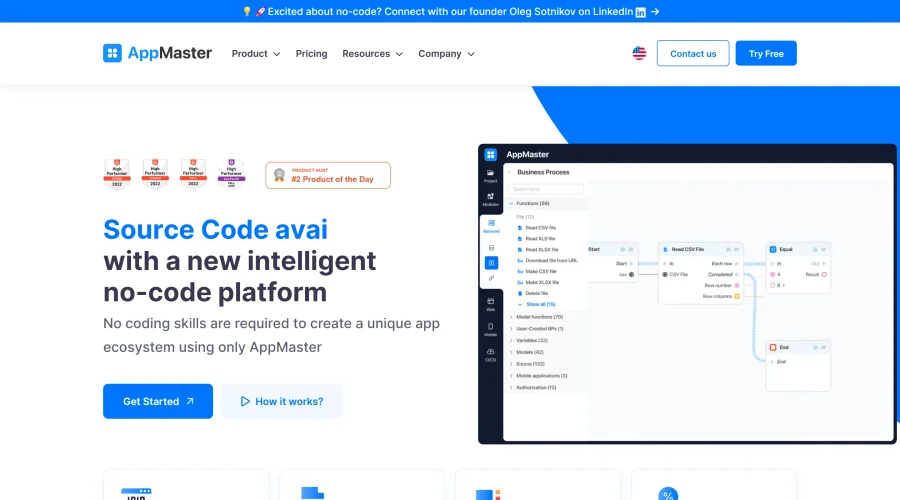

AppMaster
Next-gen no-code platform for automating business processes and building native apps.
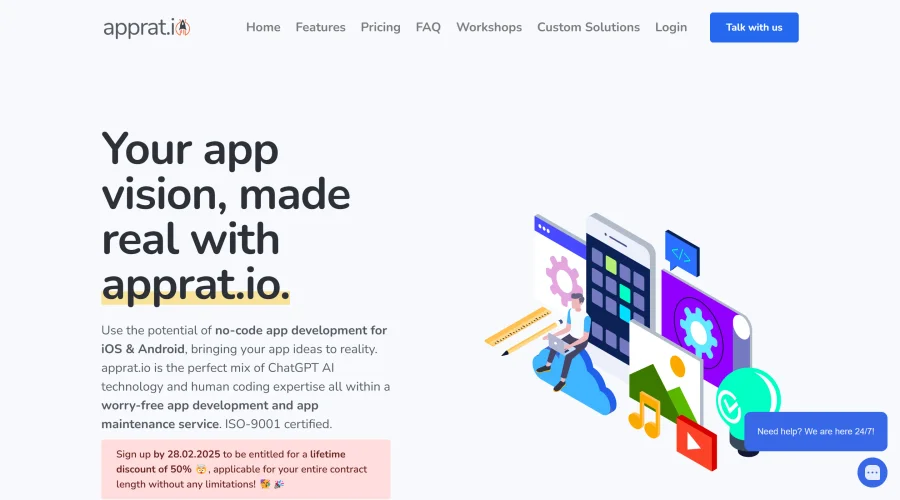

Apprat
Effortlessly build apps for iOS, Android, and web without code.
Explore Other Categories
Discover more design resources
New to Design?
Explore our comprehensive design glossary to master essential terminology from A/B Testing to Wireframes.
Browse GlossaryLooking for something specific?
Search through our entire collection of design tools and resources