

Android UI design best practices for creating beautiful interfaces.
What it costs
- Free tier
- Yes
Free official Android design and developer resources from Google; no paid plan.
Auto-checked on 8 August 2026Source
About Android Design Hub
What Is Android Design Hub?
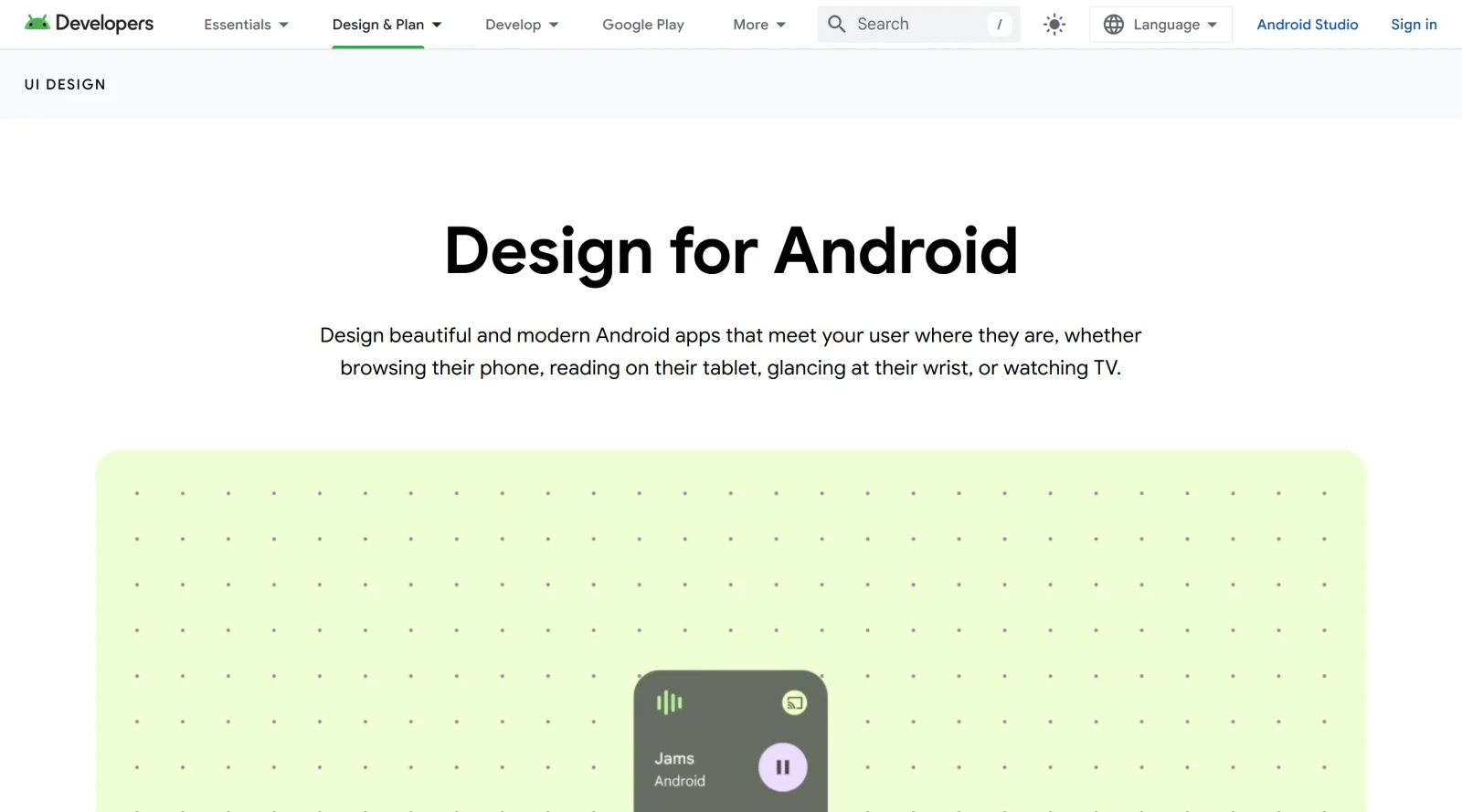
Android Design Hub is a comprehensive resource provided by Android Developers for UI design guidance in Android app development. It serves as a central hub within the Design category, offering free access to materials that help designers and developers create interfaces across various form factors. The hub fits into the early stages of the design workflow, providing foundational references before prototyping and implementation.
What Android Design Hub Does
- Provides opinionated guidance on Android UI design principles, including do's and don'ts for common challenges.
- Offers libraries tailored to form factors like phones, tablets, foldables, and large screens, with design templates and sample projects.
- Shares starter Figma kits and corresponding code samples for implementing UI components.
- Curates galleries of Android app designs across categories such as social, productivity, health & fitness, and shopping.
- Documents topics like app layout with system bars, navigation modes, theming, and adherence to Material Design guidelines.
- Includes resources for adaptive layouts, window size classes, styles, and components to support modern Android features.
How Android Design Hub Can Be Used
- Designers reference the galleries and Figma kits to explore UI patterns for specific app categories and form factors during ideation.
- Developers consult guidance on theming and navigation to ensure app layouts align with Android system UI elements like edge-to-edge content.
- Teams use form factor-specific libraries to prototype adaptive interfaces for devices ranging from mobiles to TVs and wearables.
- Individuals apply do's and don'ts examples to refine designs, addressing challenges like multi-window modes or widget compatibility.
- Workflow integration involves downloading kits for Figma, pairing them with code samples, and testing against Material Design documentation.
Who Is Android Design Hub For?
Android Design Hub targets UI designers and developers working on Android apps, particularly those addressing multiple form factors and needing alignment with platform guidelines. It supports roles from junior designers learning Material Design to experienced teams building adaptive layouts for phones, tablets, foldables, Wear OS, TV, and automotive apps. Experience levels range from beginners using starter kits to advanced users diving into system UI documentation. Visit Android Design Hub
Featured Tools
Sponsored
Artlist
Royalty-free music, SFX, 8K footage, templates, LUTs and 100+ AI models on a single subscription for video creators.

Icons8
Large icon packs featuring over 10,000 icons for consistent design themes.

Vidu
AI video generator with text, image and reference-to-video modes, producing 3–16 second clips at up to 1080p with characters that stay consistent across shots.
Your tool here
The tools above are our own picks until the slots sell.

More Educational Tools


10x Designers
Broaden your design skills with this resource.


AJ Smart
Premier resource for UX/UI, design sprints, and design thinking.


Baseline
Expertly crafted free design bootcamp for skill enhancement.


Better Web Type
Complimentary web typography course for designers and developers.


Biased by Design
Insights on recognizing and countering cognitive bias in design.


Bitcoin Design
Open-source design manual for Bitcoin-related products.
Explore Other Categories
Discover more design resources
New to Design?
Explore our comprehensive design glossary to master essential terminology from A/B Testing to Wireframes.
Browse GlossaryLooking for something specific?
Search through our entire collection of design tools and resources