

What it costs
- Free tier
- Yes
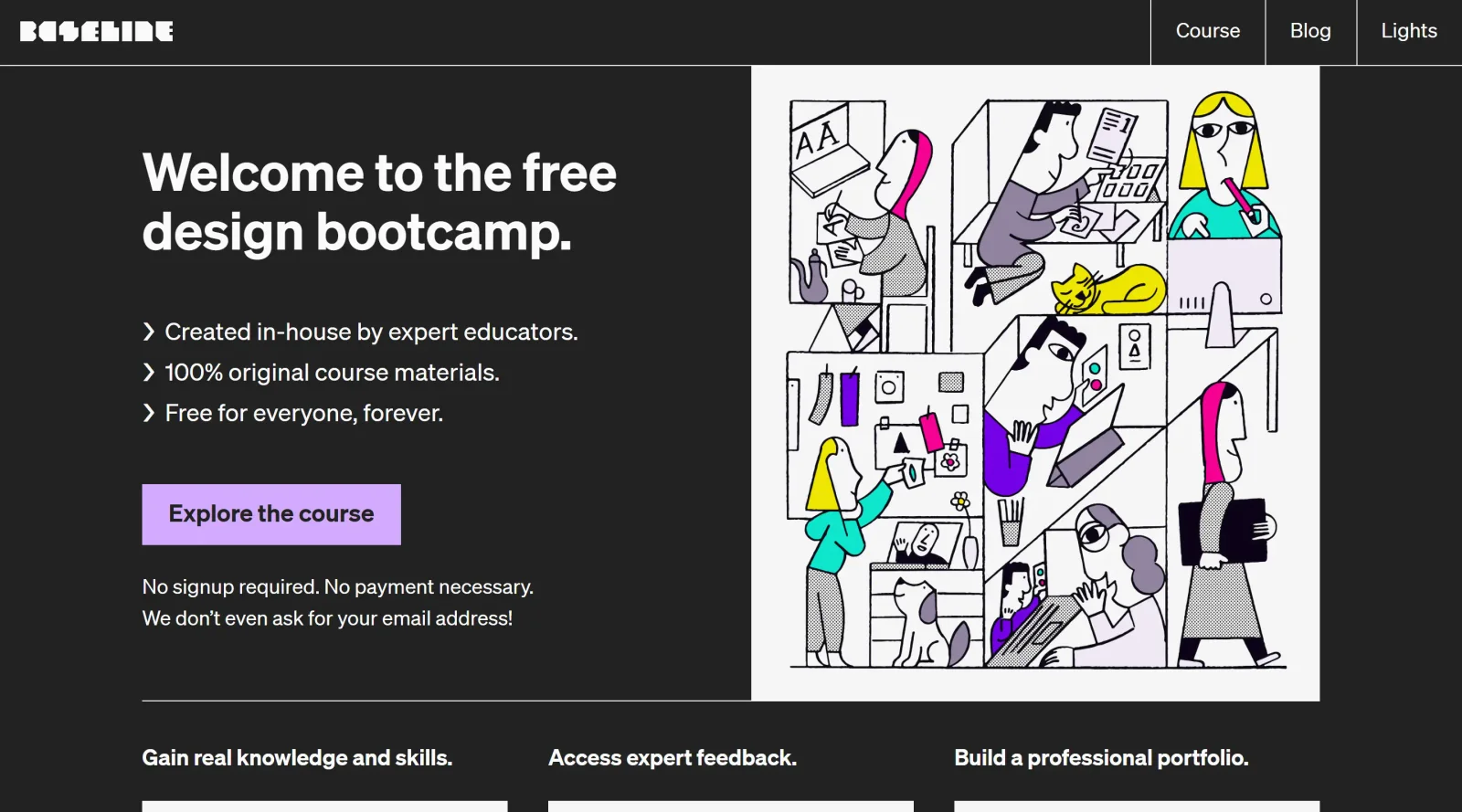
Design bootcamp is free forever with no signup or payment; optional paid coaching/mentoring is mentioned but not priced.
Auto-checked on 8 August 2026Source
About Baseline
What Is Baseline?
Baseline is a design tool in the brand management category that automates the creation of brand guidelines and style guides. Users upload a logo to generate downloadable assets, color palettes, typography rules, and shareable brand kits. As a free tool, Baseline fits into design workflows for establishing consistent visual identity early in branding projects, before content creation or design implementation.
What Baseline Does
- Extracts colors from uploaded logos using AI to create color palettes.
- Generates logo variations, such as black-on-white and white-on-black inverses, for different backgrounds.
- Supports uploading logos in SVG format and plans to add EPS and AI file support.
- Allows selection and customization of fonts, primarily from Google Fonts, for headings, subheadings, and body text.
- Compiles brand elements into shareable style guides with usage rules, color codes, and typography details.
- Provides a public URL for sharing brand kits with clients or teams.
- Includes a design editor with branded assets and templates for creating social media graphics and other content.
How Baseline Can Be Used
- Freelance designers upload client logos to quickly produce professional brand kits that include logo variations, extracted colors, and font pairings for presentation.
- Branding agencies set up multiple client brands, generate style guides, and share public links to maintain consistency across team projects.
- Teams use the built-in design editor and on-brand templates to create social media graphics or marketing materials that automatically apply brand assets.
- Small businesses establish initial brand guidelines by automating asset extraction, then collaborate on designs tied to the brand profile.
- Developers copy generated CSS from brand guides to implement consistent styling in web projects.
Who Is Baseline For?
Baseline serves freelance graphic designers, logo creators, and branding agencies handling multiple clients who need to deliver comprehensive brand kits efficiently. It suits beginners and experienced users working on projects requiring consistent visual identity, such as marketing materials or digital products, without complex setup. Product teams and small businesses also use it to automate style guide creation and content design. Visit Baseline
Featured Tools
Sponsored
Artlist
Royalty-free music, SFX, 8K footage, templates, LUTs and 100+ AI models on a single subscription for video creators.

Icons8
Large icon packs featuring over 10,000 icons for consistent design themes.

Vidu
AI video generator with text, image and reference-to-video modes, producing 3–16 second clips at up to 1080p with characters that stay consistent across shots.
Your tool here
The tools above are our own picks until the slots sell.
Spotlight
SponsoredRotates daily
Animated Icons 2.0
Enhance your projects with 900+ animated icons.
More Educational Tools


10x Designers
Broaden your design skills with this resource.


AJ Smart
Premier resource for UX/UI, design sprints, and design thinking.


Android Design Hub
Android UI design best practices for creating beautiful interfaces.


Better Web Type
Complimentary web typography course for designers and developers.


Biased by Design
Insights on recognizing and countering cognitive bias in design.

Bitcoin Design
Open-source design manual for Bitcoin-related products.
Explore Other Categories
Discover more design resources
New to Design?
Explore our comprehensive design glossary to master essential terminology from A/B Testing to Wireframes.
Browse GlossaryLooking for something specific?
Search through our entire collection of design tools and resources