

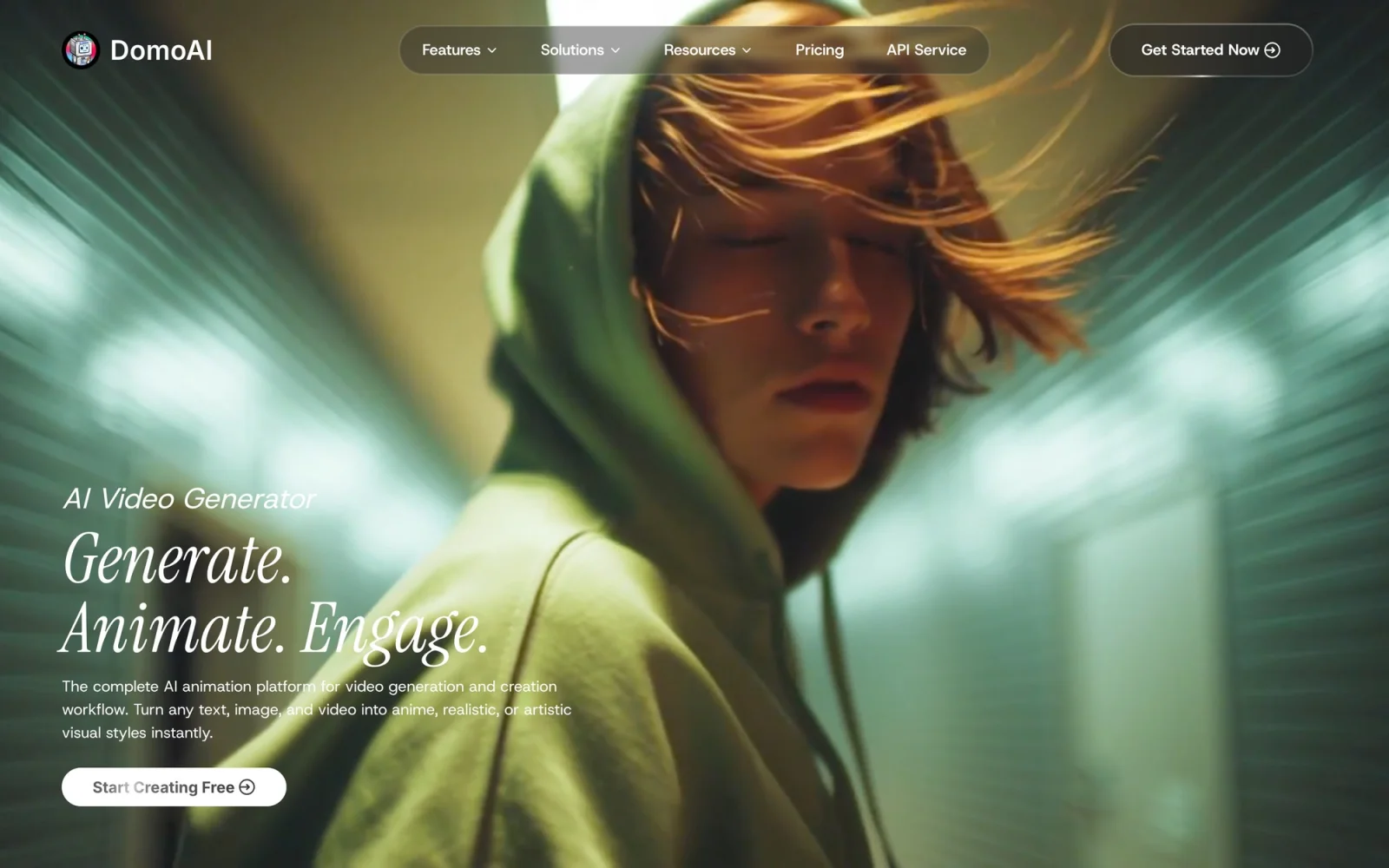
AI animation platform that turns text, images, and video into anime, realistic, and custom styles — with video restyle, lip sync, upscaling, and more.
What it costs
- Free tier
- No
- Paid plans from
- $8.99/mo (billed annually)
The free option is a one-time trial (15 credits), not an indefinite plan; cheapest paid Basic is $8.99/mo annually ($83.88/yr) or $9.99/mo monthly for 500 credits with no watermark.
Auto-checked on 10 August 2026Source
About DomoAI
DomoAI: AI Video Generation and Animation Platform
DomoAI is an all-in-one AI platform for turning text, images, and existing footage into animated video in almost any visual style — anime, realistic, cartoon, or a custom look you supply. It pairs a full set of generation tools (text-to-video, image-to-video, and video-to-video restyling) with AI editing tools like lip sync, upscaling, and background removal, so creators can go from an idea or a rough clip to a polished, stylized video in one place. It has grown to more than 5 million users and a large creative community.
Key Features
- Video-to-Video restyle — Upload real footage and transform it into anime, cartoon, or a custom art style, with a large library of models and style references.
- Text-to-Video & Image-to-Video — Generate video from a prompt, or bring a still image to life with smooth motion.
- Character Animation & Talking Avatar — Animate a photo character from a motion video, or create avatars that speak your script.
- Frames-to-Video — Turn 2–8 images into a video with smooth transitions.
- AI Lip Sync — Automatically match audio to on-screen mouth movement.
- Upscaling — Enhance video quality, and upscale images up to 6K.
- Background removal & face swap — Cut out backgrounds without a green screen, plus face swap and photo restoration.
- Text-to-Image — Generate and edit still images, including the "Nano Banana" AI image editor.
How DomoAI Works
DomoAI runs as a web app. You pick a tool — say, video-to-video — upload your input (text, an image, or a clip), choose a style from the built-in library or your own reference image, and the AI renders the result as an MP4 or image. Style and motion references let you steer the look and movement precisely, and the editing tools (upscale, lip sync, background removal) can be layered on to finish the piece. Generation runs on a credit system with a faster and a slower ("Relax") queue, so you can trade speed for volume.
Outputs and Usage Rights
Videos export as MP4 and images in standard formats, with 4K video output and image upscaling up to 6K on paid plans. Importantly, DomoAI grants commercial rights to what you create, so the results can be used in marketing, social content, and client work.
Pricing
DomoAI offers a free plan with a starting batch of credits, so you can try the tools before paying. Paid subscriptions begin at around $9.99/month, which adds unlimited generations in the slower "Relax" mode, 4K output, and access to the full toolset, with higher tiers (up to a Pro plan around $69.99/month) adding large monthly allotments of fast-mode credits and longer fast-mode clips. Because generation is credit-based, heavier or faster use consumes credits more quickly; exact allotments and prices are listed on DomoAI's pricing page.
Who It's For
- Social-media creators making anime edits, transformations, and short-form video
- Marketers and small teams producing stylized video content at volume
- Artists and animators who want to restyle footage or animate stills
- Anyone who wants text-, image-, and video-to-video generation plus AI editing in one tool
Conclusion
DomoAI brings AI video generation, restyling, and editing together in a single web platform: turn a prompt, a photo, or a clip into anime or any other style, then upscale, lip-sync, and clean it up without switching tools. With commercial rights, a large community, and a free tier to start, it's a strong pick for creators and marketers who want to produce stylized video quickly.
Featured Tools
Sponsored
Artlist
Royalty-free music, SFX, 8K footage, templates, LUTs and 100+ AI models on a single subscription for video creators.

Icons8
Large icon packs featuring over 10,000 icons for consistent design themes.

Vidu
AI video generator with text, image and reference-to-video modes, producing 3–16 second clips at up to 1080p with characters that stay consistent across shots.
Your tool here
The tools above are our own picks until the slots sell.
Spotlight
SponsoredRotates daily
Base44
No-code AI platform that builds full-stack apps and websites from plain-language prompts.
Tools we recommend


getimg.ai
20+ AI models for image, video & audio in one workspace


Hailuo AI
Cinematic AI video with camera control


OpenArt
All-in-one AI image, video & audio generator
Editorially chosen. Some links above are affiliate links — if you sign up we may earn a commission, at no extra cost to you.
More AI Tools Tools


Vidu
AI video generator with text, image and reference-to-video modes, producing 3–16 second clips at up to 1080p with characters that stay consistent across shots.

AI Boilerplate
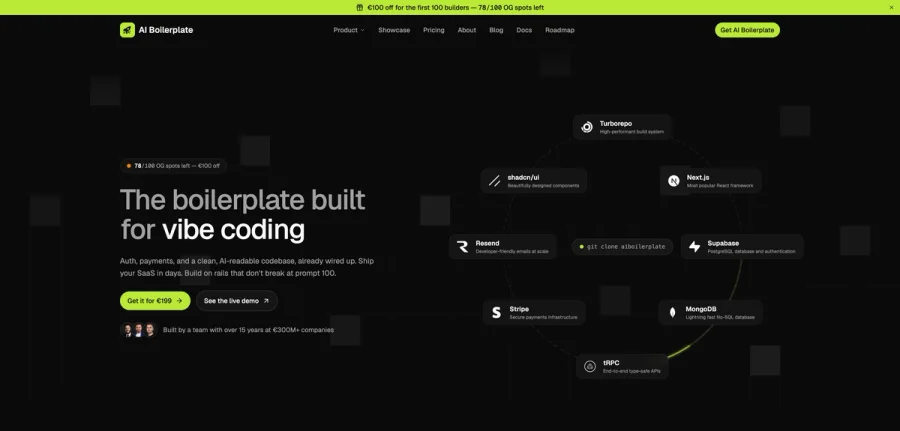
The boilerplate built for vibe coding. Includes authentication, payments, storage, and a clean, AI-readable codebase, already wired up. Build on rails that don't break at prompt 100.

PromptCreek
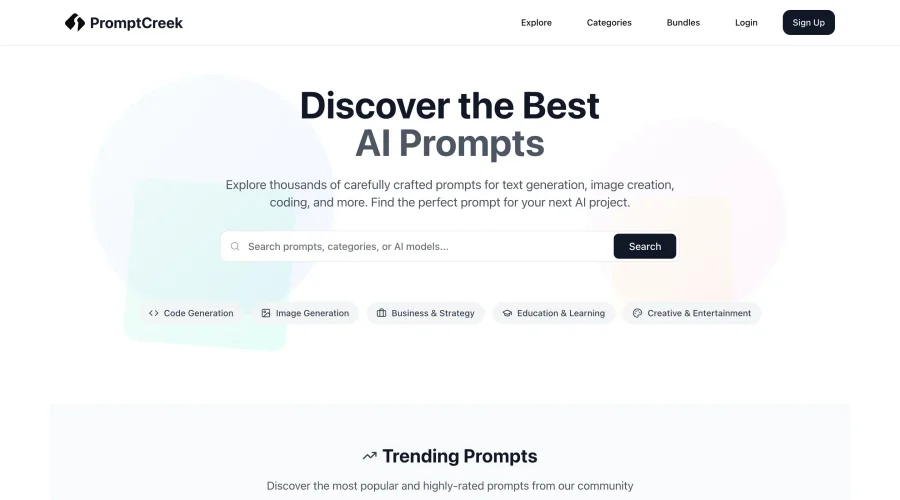
Prompt Creek is a free community-driven repository featuring thousands of AI prompts. Discover, bookmark, and share quality prompts for ChatGPT, Claude, and other AI tools.

Vatis Tech
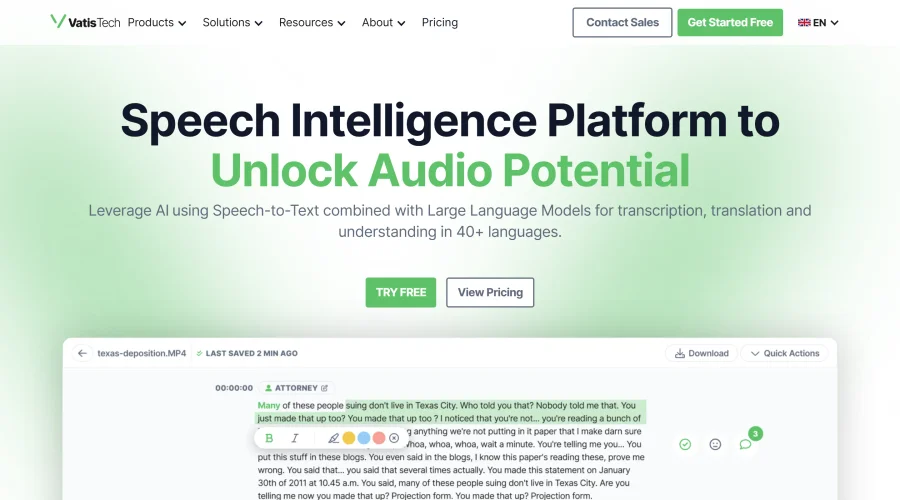
Vatis Tech is the most powerful speech-to-text infrastructure. It can be used to transcribe user interviews and client meetings.

Meshy
AI 3D model generator that turns text or images into game- and print-ready models.


PixVerse
AI video generation and editing with lip-sync, sound effects, and a node-based workflow.
Explore Other Categories
Discover more design resources
New to Design?
Explore our comprehensive design glossary to master essential terminology from A/B Testing to Wireframes.
Browse GlossaryLooking for something specific?
Search through our entire collection of design tools and resources