

Vidu
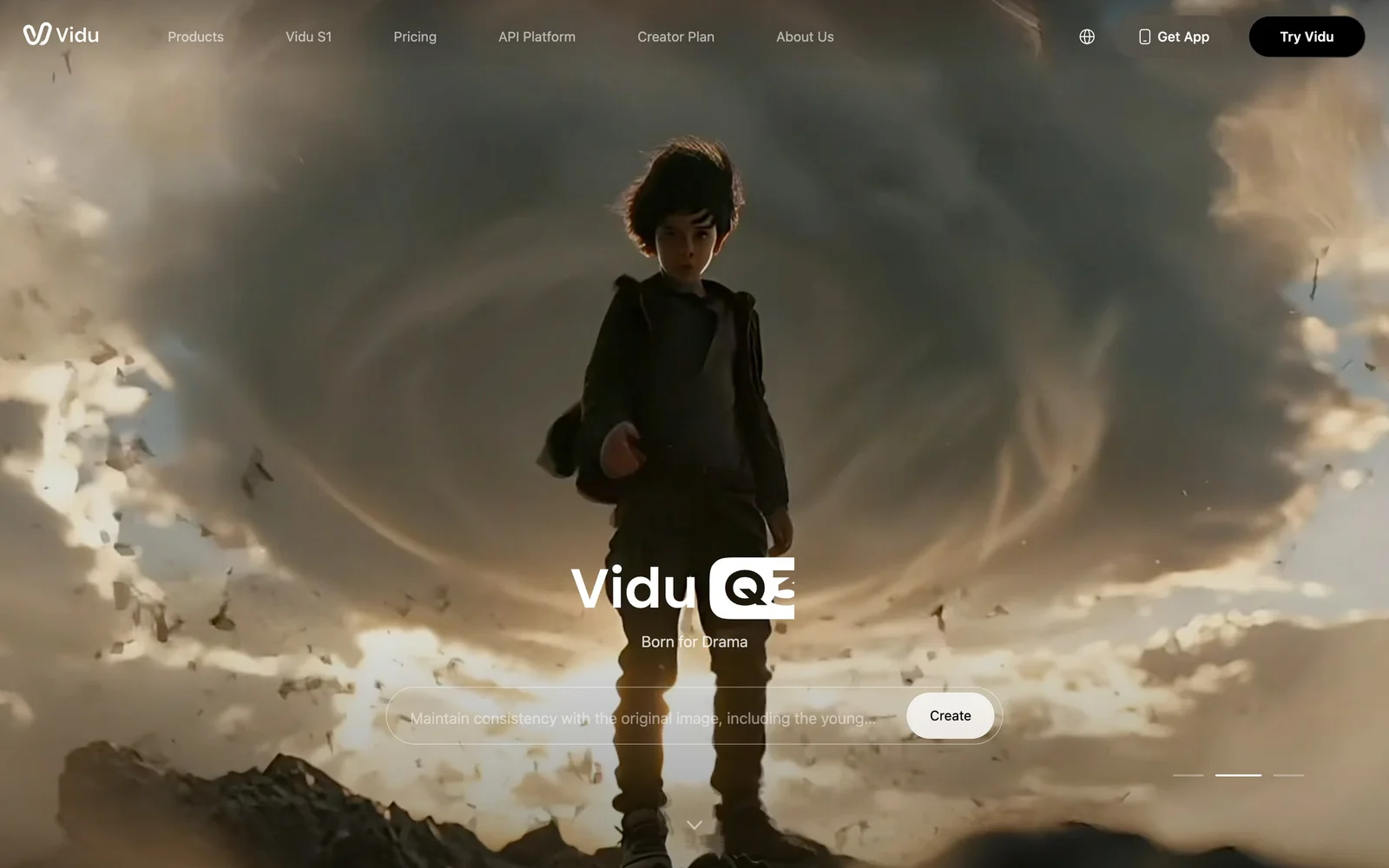
AI video generator with text, image and reference-to-video modes, producing 3–16 second clips at up to 1080p with characters that stay consistent across shots.

Vidu
Exclusive code
20%
off any plan
Save 20% on any Vidu plan
Usetools readers get 20% off Vidu subscriptions — every tier, monthly or yearly. Vidu applies the code inside your account rather than at checkout, so enter it before you pay.
How to apply it
- 01Open Vidu and create an account or log in — the coupon field only appears once you are signed in.
- 02Go to the subscription page and choose a monthly or yearly plan.
- 03Enter USETOOLS in the coupon field and apply it.
- 04Check the 20% is showing, then continue to checkout — there is no coupon field on the payment page.
Usetools may earn a commission if you subscribe — and you get a lower price. It never affects what you pay.
What it costs
- Free tier
- Yes
- Paid plans from
- $8/mo (billed yearly at $96)
The free plan lists 10 references a month and no monthly credit allowance, so free generation runs on sign-up, daily-login and event bonus credits rather than a predictable budget. Paid plans are credit-based and billed yearly: Standard $8/mo ($96) for 800 credits, Premium $28/mo ($336) for 4,000, Ultimate $79/mo ($948) for 8,000. Subscription credits expire after 30 days; purchased and bonus credits last two years.
Prices checked on 5 September 2026Source

About Vidu
Vidu: Reference-Driven AI Video with Consistent Characters
Vidu is an AI video generator built around a problem most text-to-video tools still have: characters and objects that change appearance between shots. Alongside the usual text-to-video and image-to-video modes it offers Reference-to-Video, where you supply three or more images of a subject and Vidu keeps that subject consistent across generations. Clips run 3 to 16 seconds at up to 1080p, up to four at a time, which places it squarely in the short-form and e-commerce end of AI video rather than long-form production.
Key Features
- Reference-to-Video — Feed it three or more images of a character, product or object and generate clips that keep the subject recognisably the same, which is the feature most people arrive for.
- Text, image and reference modes — Text-to-Video, Image-to-Video, Reference-to-Video, plus Text-to-Image and Reference-to-Image for stills.
- Vidu Q3 and S1 models — Q3 is the real-time model with audio generation; S1 targets interactive generation with millisecond-scale response.
- Vidu Agent — An assisted mode that handles more of the prompting and sequencing for you, gated by plan tier.
- Batch generation — Paid plans generate up to four videos at once, with H.265 Pro and H.264 Pro encoding on higher-quality exports.
- Commercial rights on paid plans — Generated content is licensed for commercial use once you are on a subscription.
How Vidu Works
Everything runs on credits. You pick a mode, write a prompt, attach reference images if you are using reference mode, and each generation draws from your monthly credit balance. Vidu splits credits into three kinds with different lifespans: subscription credits that expire after 30 days, purchased credits that last two years, and bonus credits — earned from sign-up, daily logins and events — that also last two years. That distinction matters more than it first appears, because it means an unused month genuinely disappears while topped-up credits do not.
What the Free Plan Actually Gives You
This is the part worth reading carefully. Vidu's free tier is listed as 10 references per month and carries no monthly credit allowance of its own. Reference slots are not generations — so in practice, free usage runs on bonus credits from signing up, logging in daily and taking part in events, not on a predictable monthly budget. It is enough to evaluate the reference-consistency feature, which is the thing worth evaluating, but it is not a free tier you can plan work around.
Plans and Pricing
Paid plans are priced per month billed yearly. Standard is $8/month ($96/year) for 800 credits and roughly 200 videos, with a 50/month subject-creation quota and essential Agent features. Premium is $28/month ($336/year) for 4,000 credits and around 1,000 videos, adding a high-speed generation channel, a 100/month subject quota and early feature access. Ultimate is $79/month ($948/year) for 8,000 credits, a 300/month subject quota, unlimited 1080p image generation and an off-peak mode that accepts up to 200 video submissions a day. Monthly billing is available at a higher rate on every tier, and credit add-ons are discounted 45–55% depending on plan.
How to Generate a Consistent Character with Vidu
- Collect at least three clear images of the character, product or object you want to keep consistent.
- Choose Reference-to-Video and upload them as your reference set.
- Write the prompt describing the shot, not the subject — the references are already carrying the subject.
- Generate, and use batch mode on a paid plan to produce up to four takes at once.
- Export at up to 1080p, choosing the Pro encoding formats where output quality matters.
Who It's For
- E-commerce and product marketers who need the same product to look the same in every clip
- Short-form creators producing social video where 3–16 seconds is the native length
- Designers and studios prototyping motion concepts before committing to a full production
- Anyone who has hit the character-drift problem in other text-to-video tools
Conclusion
Vidu's clearest advantage is reference consistency — it is built around keeping a subject stable rather than treating that as a happy accident, and for product and character work that is the difference between usable output and a nice demo. The trade-offs are the short 16-second ceiling, 1080p as the maximum resolution, and a free tier that is a demonstration rather than a working allowance. If consistent subjects across shots is the thing blocking you, it is worth the trial; if you need long-form or 4K, it is not the tool.
Featured Tools
Sponsored
Artlist
Royalty-free music, SFX, 8K footage, templates, LUTs and 100+ AI models on a single subscription for video creators.

Icons8
Large icon packs featuring over 10,000 icons for consistent design themes.

Framer
Design and launch your dream website with no coding required.
Your tool here
The tools above are our own picks until the slots sell.
Spotlight
SponsoredRotates daily
Base44
No-code AI platform that builds full-stack apps and websites from plain-language prompts.
Tools we recommend


getimg.ai
20+ AI models for image, video & audio in one workspace


Hailuo AI
Cinematic AI video with camera control


OpenArt
All-in-one AI image, video & audio generator
Editorially chosen. Some links above are affiliate links — if you sign up we may earn a commission, at no extra cost to you.
More AI Tools Tools
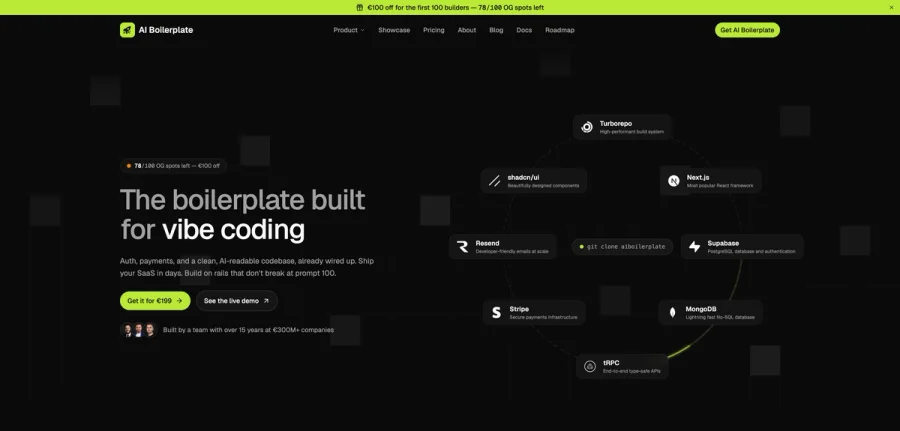

AI Boilerplate
The boilerplate built for vibe coding. Includes authentication, payments, storage, and a clean, AI-readable codebase, already wired up. Build on rails that don't break at prompt 100.
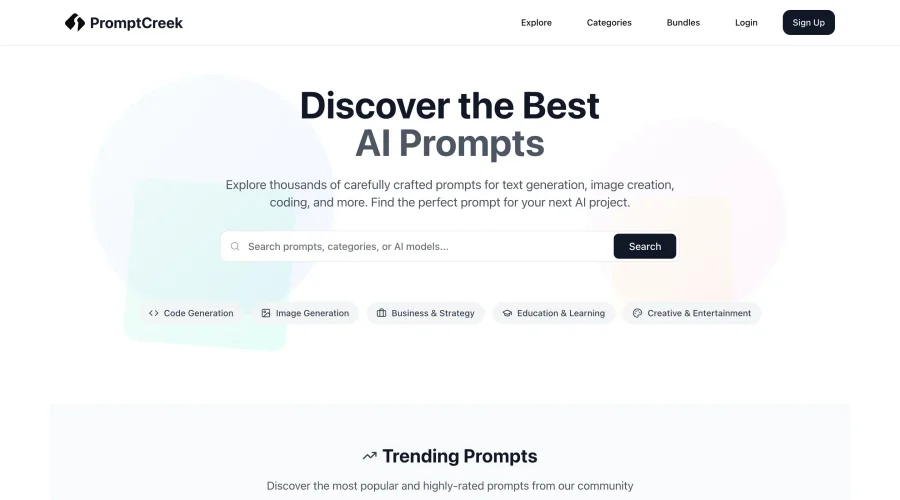

PromptCreek
Prompt Creek is a free community-driven repository featuring thousands of AI prompts. Discover, bookmark, and share quality prompts for ChatGPT, Claude, and other AI tools.
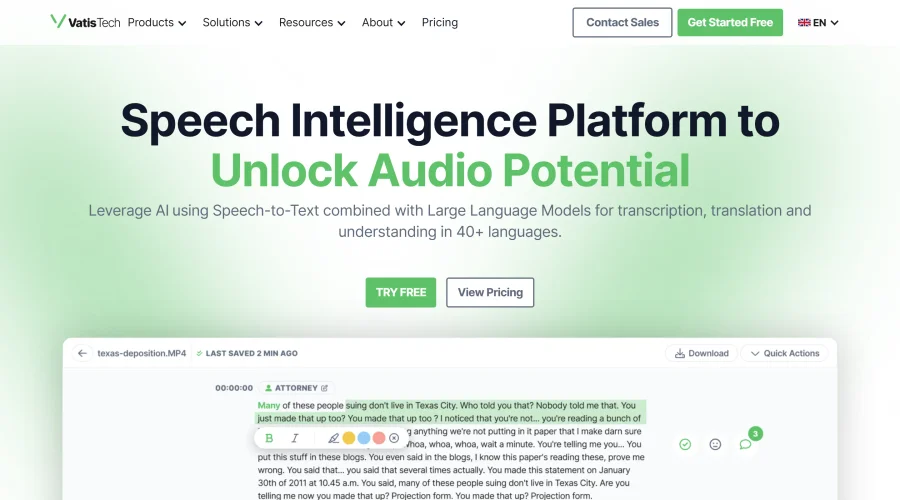

Vatis Tech
Vatis Tech is the most powerful speech-to-text infrastructure. It can be used to transcribe user interviews and client meetings.


DomoAI
AI animation platform that turns text, images, and video into anime, realistic, and custom styles — with video restyle, lip sync, upscaling, and more.

Meshy
AI 3D model generator that turns text or images into game- and print-ready models.


PixVerse
AI video generation and editing with lip-sync, sound effects, and a node-based workflow.
Explore Other Categories
Discover more design resources
New to Design?
Explore our comprehensive design glossary to master essential terminology from A/B Testing to Wireframes.
Browse GlossaryLooking for something specific?
Search through our entire collection of design tools and resources