

What it costs
- Free tier
- Yes
Free, open-source diagramming tool (diagrams.net); no paid plan.
Auto-checked on 8 August 2026Source
About Draw.io
What Is Draw.io?
Draw.io is a free online diagramming tool in the **Design** category that enables users to create visual representations such as flowcharts, diagrams, mind maps, and organization charts. It operates as a web-based application with drag-and-drop functionality and integrates with platforms like Google Drive for automatic saving, making it suitable for individual and team use in design workflows where visual communication of processes or structures is required.
What Draw.io Does
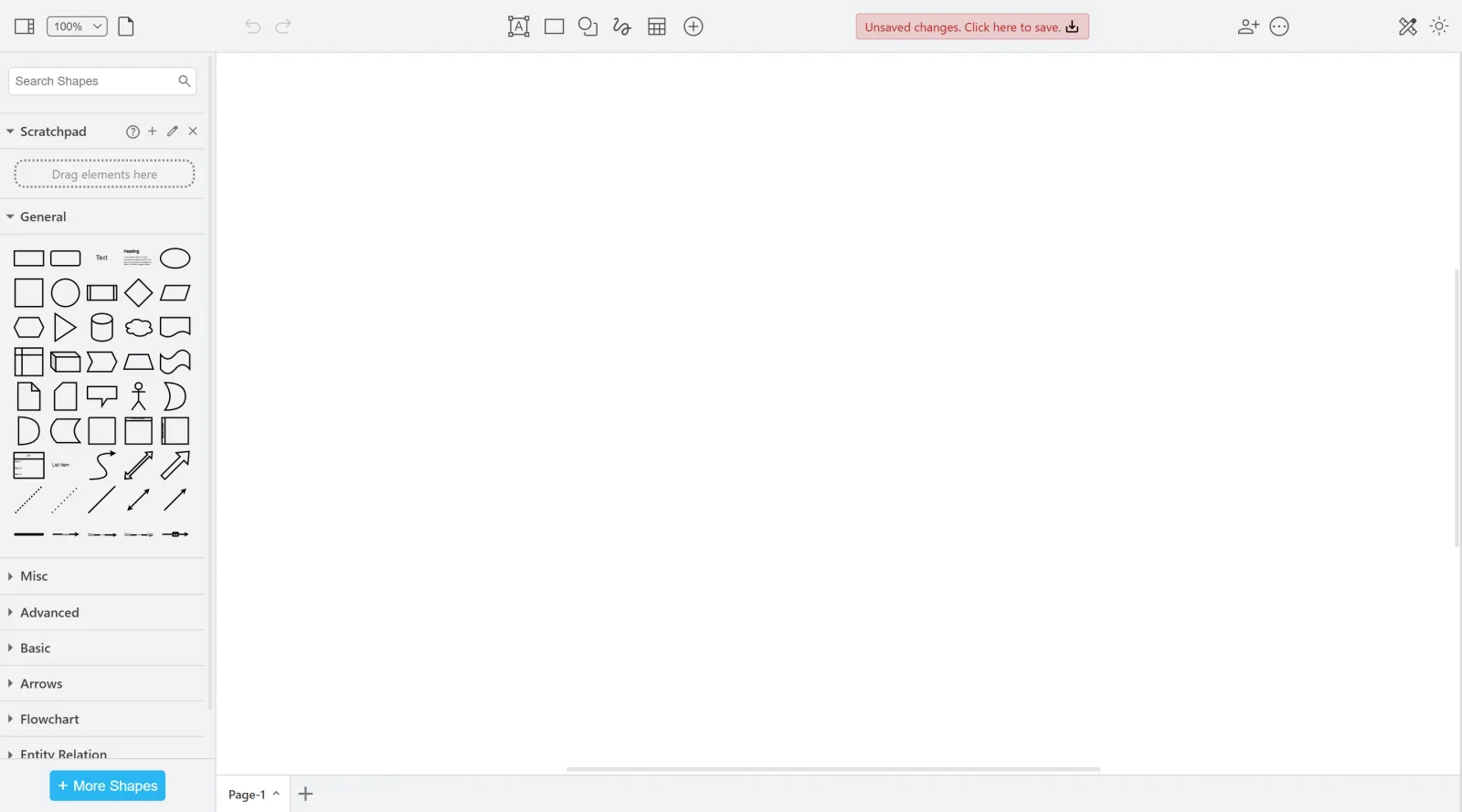
- Provides predefined shapes including rectangles, ellipses, diamonds, and industry-specific libraries for UML, BPMN, AWS, ERD, and network diagrams.
- Allows addition of text labels, annotations, and explanations with formatting options for font, size, color, and alignment across multiple languages.
- Supports connectors such as lines and arrows to link shapes, with automatic connection features during drag-and-drop placement.
- Enables real-time collaboration on diagrams, including revision history and simultaneous editing with team members.
- Offers import and export in various formats, along with autosave and integration with tools like Confluence, Jira, and Google Workspace.
- Includes layers for organizing diagram elements, smart templates, and automation via scripting for repetitive tasks or data-driven updates.
How Draw.io Can Be Used
- Creating flowcharts to illustrate project workflows or processes in design and development teams.
- Designing organization charts to depict company hierarchies or team structures.
- Building mind maps for brainstorming ideas, concepts, or content planning in creative workflows.
- Visualizing network diagrams, system architectures, or software components using UML and AWS libraries.
- Sketching wireframes, user interface layouts, floor plans, or infographics for UI/UX design and proof-of-concept layouts.
- Generating BPMN diagrams, ERD for databases, or electrical circuits in engineering and business process modeling scenarios.
Who Is Draw.io For?
Draw.io serves designers, developers, engineers, business analysts, and teams needing to produce diagrams for software development, process modeling, network visualization, or technical documentation. It fits users at various experience levels who require a free, versatile tool with collaboration features for projects involving flowcharts, UML diagrams, org charts, or wireframes. Visit Draw.io
Featured Tools
Sponsored
Artlist
Royalty-free music, SFX, 8K footage, templates, LUTs and 100+ AI models on a single subscription for video creators.

Icons8
Large icon packs featuring over 10,000 icons for consistent design themes.

Vidu
AI video generator with text, image and reference-to-video modes, producing 3–16 second clips at up to 1080p with characters that stay consistent across shots.
Your tool here
The tools above are our own picks until the slots sell.
Spotlight
SponsoredRotates daily
Glyph Neue
Over 1,500 icons in SVG and PNG formats, free with attribution.
Tools we recommend


Editorially chosen. Some links above are affiliate links — if you sign up we may earn a commission, at no extra cost to you.
More UX Tools Tools


Slicer.dev
Slicer audits entire websites and user flows, giving teams a structured way to review UI/UX at scale — then extracts any component it finds into ready-to-use AI prompts or React code.


2020 Ipsum
A Lorem Ipsum generator themed on unforgettable 2020 events.


Aaply
Wireframe mobile apps and create user-centered product experiences.


Avvvatars
Unique placeholder avatars tailored to your users.


Axure
Plan, wireframe, and prototype without any coding required.


Ballpark
Quick asynchronous product research for prototypes and designs.
Explore Other Categories
Discover more design resources
New to Design?
Explore our comprehensive design glossary to master essential terminology from A/B Testing to Wireframes.
Browse GlossaryLooking for something specific?
Search through our entire collection of design tools and resources