

Find and copy emojis, Unicode symbols, and kaomoji with EmojiSpark. Create combos, heart stickers, and text art, or explore the interactive Moon Phase Emoji app. Free, ad-free, and no sign-up.
What it costs
- Free tier
- Yes
Free with no account. There is no pricing page, no pricing link and no paid tier anywhere on the site, and no monetisation model is stated. Favourites and recent searches are kept in your browser's local storage rather than on a server. Data is used under the Unicode License V3; fallback artwork is Twemoji 17.0.3 under CC BY 4.0 and Google Noto Emoji 3D, both unmodified and credited.
Auto-checked on 26 October 2026Source
About EmojiSpark
EmojiSpark: An Emoji Browser That Actually Documents Where Its Data Comes From
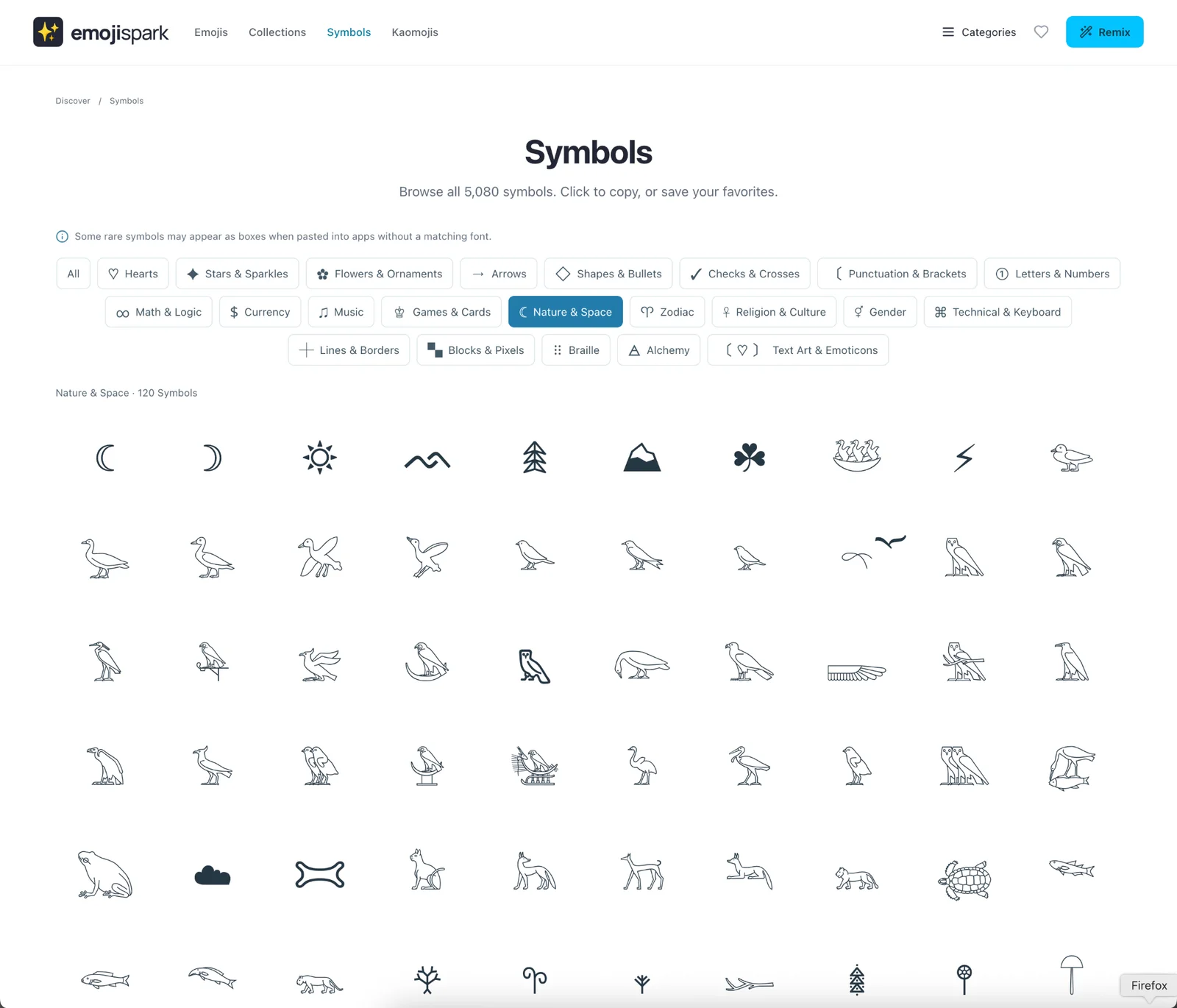
EmojiSpark is a free, account-free browser for emoji, Unicode symbols and kaomoji, with a few small creative tools attached. Plenty of sites let you copy an emoji; what makes this one worth bookmarking is the care underneath. Its catalogue is built from Unicode Emoji 18.0 with names from CLDR, its symbol library is drawn from 55 Unicode blocks, every data source and artwork licence is named on a public page, and the copy button hands you the real Unicode character rather than an image — a distinction the site explains plainly and most competitors quietly gloss over.
Key Features
- 3,963 emoji sequences — Fully qualified, from Unicode Emoji 18.0, with skin tones, flags and joined sequences preserved.
- 4,447 text symbols — Arrows, ornaments, geometric shapes, musical notation and mathematical signs across 55 Unicode blocks.
- 2,147 named kaomoji — Text faces with names and search keywords, not an undifferentiated dump.
- Copies real characters — The clipboard gets Unicode, not a PNG, so what you paste is genuine text.
- No account needed — Favourites and recent searches live in your own browser's local storage.
- Small creative tools — Combo Studio, a heart sticker maker, heart text art and a moon-phase emoji finder.
Why the Data Provenance Matters
Most emoji sites are a scraped list with no stated origin, which is how you end up with wrong names, missing variants and emoji that paste as broken boxes. EmojiSpark publishes an "About & data sources" page that names everything: emoji sequences from Unicode Emoji 18.0, English names and search keywords enriched with CLDR 48.2.2 annotations, symbol names from the Unicode Character Database, all used under the Unicode License V3 with each source linked. The practical payoff is that search works on the terms the Unicode consortium actually assigns, and the characters you copy are the fully qualified sequences rather than approximations that may not survive a paste.
The Thing Most Emoji Sites Won't Tell You
Emoji render in the font of whatever app you paste them into, so the picture you clicked on is not necessarily the picture your recipient sees. EmojiSpark says this out loud: copy buttons always copy the original Unicode characters, and their appearance after pasting depends on the receiving app's fonts. It also handles its own previews honestly — emoji use your device's native style wherever possible, and fallback artwork only appears when your browser cannot display a character. That fallback is properly licensed too: Twemoji 17.0.3 for emoji predating version 17.0, unmodified and credited under CC BY 4.0, and Google's Noto Emoji 3D for all 182 new sequences in Emoji 17.0 to 18.0, hosted locally and covering every skin tone.
Beyond the Grid
The browsing experience is organised around feeling rather than taxonomy alone. Nine standard categories sit alongside mood collections — heart, happy, cute, sad, sleep, smile, shocked, crying, laughing — and each category page gathers related combinations, decorative text motifs and kaomoji so you can find a different way to express the same idea. There is a ⌘K search, and the interface runs in English, Spanish and French. Combo Studio mixes themed palettes into ready-made combinations you can copy or remix, and the site is candid that this version works from local rules rather than a connected AI model, which is a refreshing thing to volunteer. Alongside it sit a heart sticker maker, an ASCII-style heart text art generator and a moon-phase emoji tool.
Privacy and Your Saved Items
There is no account, and the trade-off is stated clearly. Saved favourites and recent searches are kept in your browser's local storage, which means nothing to sign up for and nothing stored about you — but also that clearing browser data wipes them and they do not follow you to another device. On tracking the site is specific rather than vague: copy and search actions contribute to aggregate counts, and it states it does not store an analytics user ID or a copy of your clipboard. A Combo Studio canvas only reaches the server if you deliberately submit it for review.
How to Use It
- Search with ⌘K, or browse by category or by mood collection.
- Tap any emoji, symbol, kaomoji or combination to copy the real character.
- Hit Remix to open something in Combo Studio and make it your own.
- Save favourites to your local collection — no sign-up, but browser-only.
- Try the heart sticker maker, text art or moon-phase tool for something more decorative.
Who It's For
- Anyone who wants the correct Unicode character rather than a lookalike image
- Designers and writers hunting a specific arrow, ornament or mathematical sign
- Social and community managers assembling emoji combinations for posts and bios
- People who want kaomoji that are actually named and searchable
- Anyone who would rather not create an account to copy a heart
Conclusion
EmojiSpark is a small, well-made project in a category full of SEO filler. The catalogue is sourced from Unicode and CLDR with the receipts published, the copy behaviour is correct and honestly explained, the fallback artwork is properly licensed and credited, and there is no account wall in front of any of it. Favourites living only in your browser is the main limitation, and the headline counts flatter the catalogue by bundling variants, symbols and kaomoji together. Neither matters much for the thing you will actually use it for — finding the right character and copying it — which it does better than most.
Featured Tools
Sponsored
Artlist
Royalty-free music, SFX, 8K footage, templates, LUTs and 100+ AI models on a single subscription for video creators.

Icons8
Large icon packs featuring over 10,000 icons for consistent design themes.

Vidu
AI video generator with text, image and reference-to-video modes, producing 3–16 second clips at up to 1080p with characters that stay consistent across shots.
Your tool here
The tools above are our own picks until the slots sell.

Tools we recommend


Editorially chosen. Some links above are affiliate links — if you sign up we may earn a commission, at no extra cost to you.
More Icons Tools
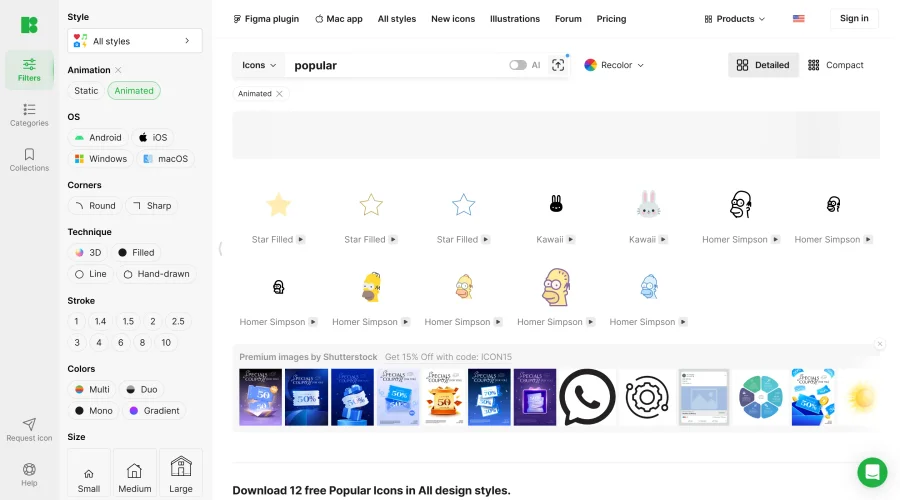

Animated Icons 2.0
Enhance your projects with 900+ animated icons.
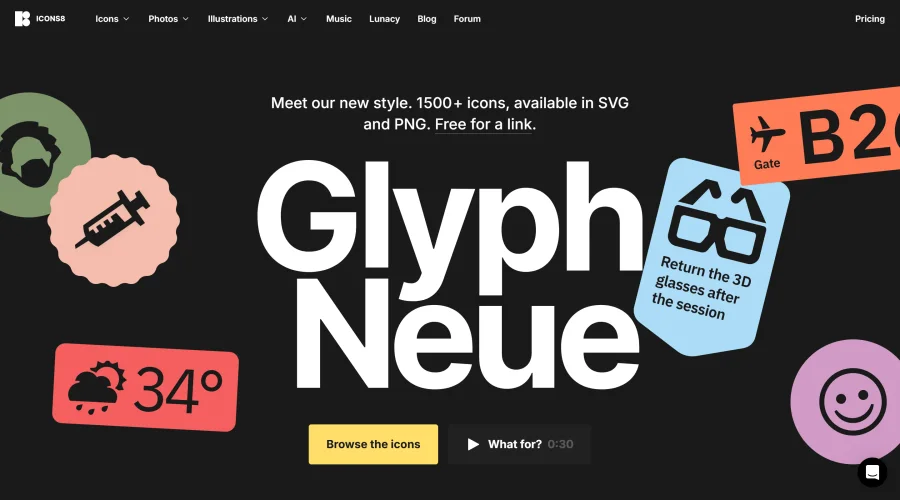

Glyph Neue
Over 1,500 icons in SVG and PNG formats, free with attribution.
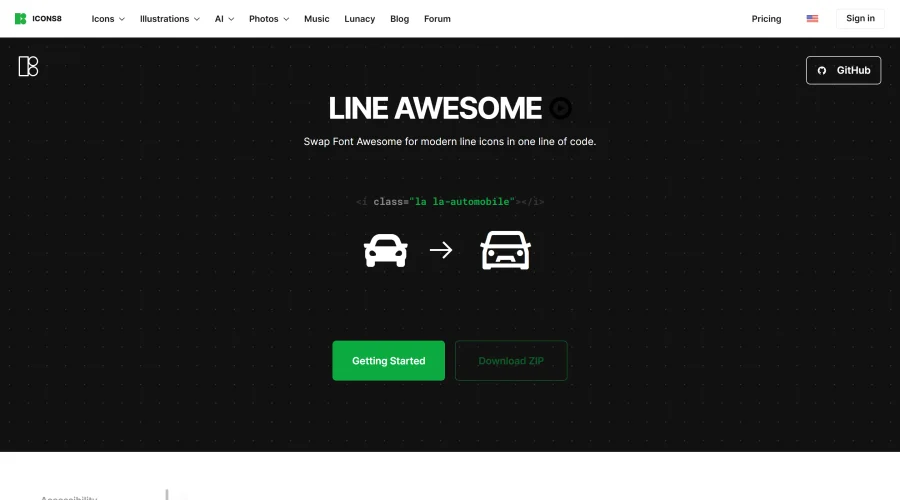

Line Awesome
Easily replace Font Awesome with modern line icons using one line of code.
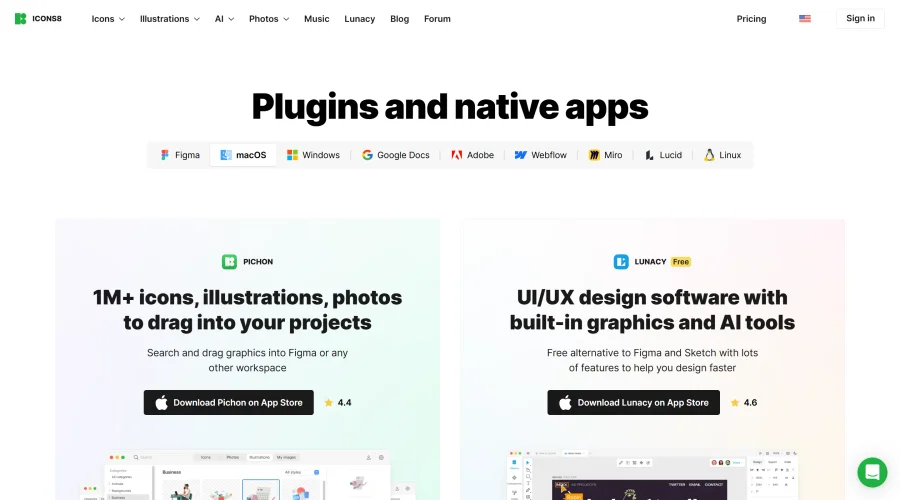

Pichon
Drag and drop the best design graphics with ease.
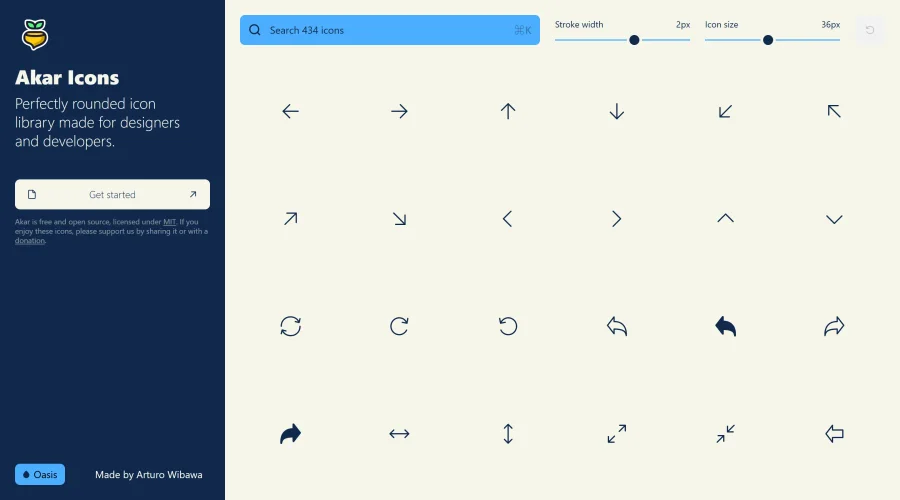

Akar Icons
A perfectly rounded icon library designed for designers and developers.
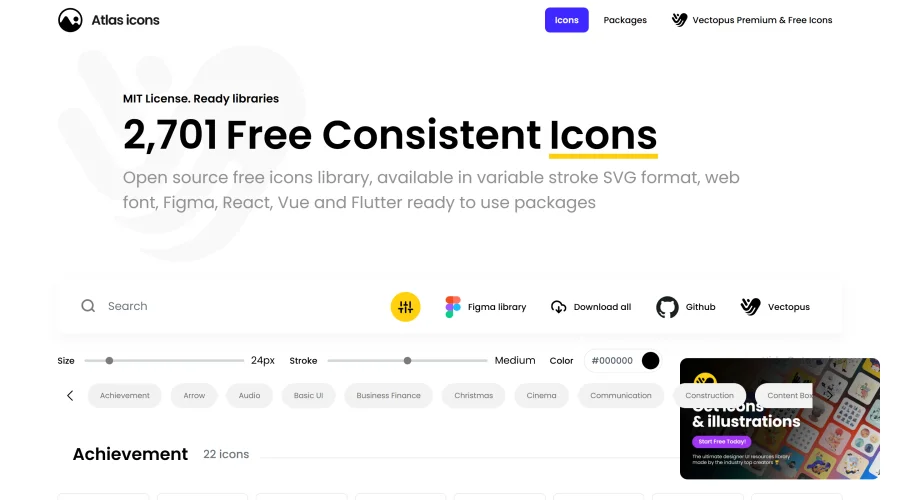

Atlas Icons
Versatile open-source icon library, offering various stroke widths and formats.
Explore Other Categories
Discover more design resources
New to Design?
Explore our comprehensive design glossary to master essential terminology from A/B Testing to Wireframes.
Browse GlossaryLooking for something specific?
Search through our entire collection of design tools and resources