

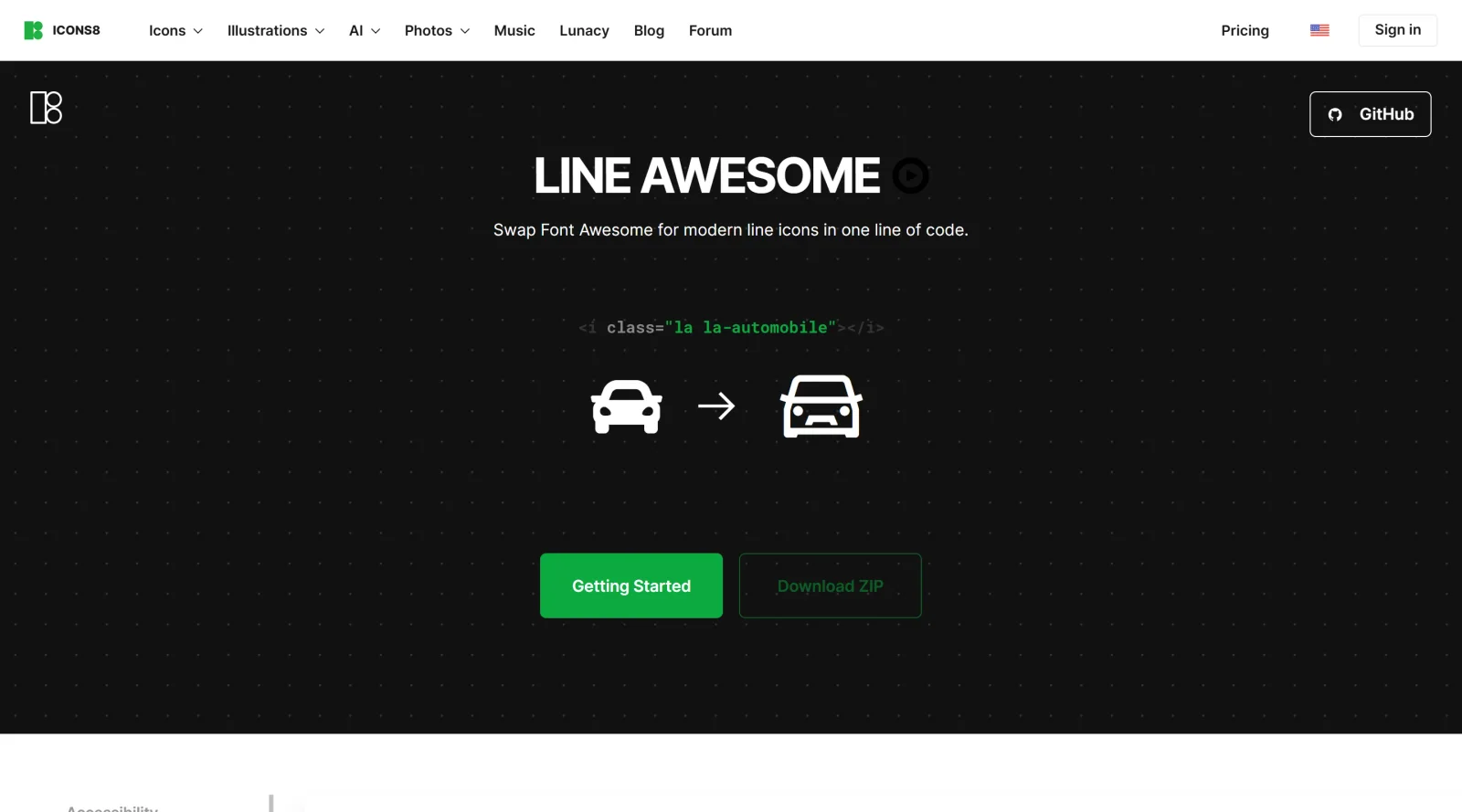
Easily replace Font Awesome with modern line icons using one line of code.
What it costs
- Free tier
- Yes
Scrape resolved to the Icons8 homepage, not the Line Awesome page; the icon set is a free download while Icons8 has paid plans on a separate /pricing page.
Auto-checked on 8 August 2026Source
About Line Awesome
What Is Line Awesome?
Line Awesome is a free icon library that provides modern line icons as an alternative to Font Awesome. It offers over 1,400 icons in SVG and font formats, enabling designers and developers to replace existing Font Awesome implementations with one line of code. As part of the icons category, Line Awesome fits into design workflows where scalable vector icons are needed for web applications, user interfaces, and digital products without additional costs.
What Line Awesome Does
- Supplies approximately 1,400 line-style icons covering categories such as accessibility, arrows, web application elements, hand gestures, transportation, directional symbols, and brands.
- Allows replacement of Font Awesome icons using compatible class names like "la-" prefix instead of "fa-".
- Provides icons in multiple formats including SVG for individual use and font files for broader integration.
- Supports three icon styles: regular, solid, and brand.
- Enables use in design tools such as Figma, Sketch, and Photoshop.
- Maintains open-source licensing under Apache 2.0 for personal and commercial projects.
How Line Awesome Can Be Used
- Integrate into web projects by linking the CSS file and using class names to display icons in navigation menus, buttons, or forms.
- Upgrade legacy Font Awesome setups in existing sites by swapping class prefixes, preserving layout while refreshing to line aesthetics.
- Incorporate individual SVG icons into Vaadin applications or Drupal themes via provided APIs or modules.
- Embed in front-end frameworks like React, Angular, or Vue by referencing the font or SVG sprites.
- Import icons into design files for prototyping UI elements in tools like Figma before development.
Who Is Line Awesome For?
Line Awesome serves web developers seeking a lightweight icon library compatible with Font Awesome workflows, front-end designers needing scalable line icons for modern interfaces, and teams working on open-source or budget-conscious projects across frameworks like Vaadin or Drupal. It suits roles from junior developers handling icon replacements to UI/UX professionals prototyping with precise vector graphics. Visit Line Awesome
Featured Tools
Sponsored
Artlist
Royalty-free music, SFX, 8K footage, templates, LUTs and 100+ AI models on a single subscription for video creators.

Icons8
Large icon packs featuring over 10,000 icons for consistent design themes.

Vidu
AI video generator with text, image and reference-to-video modes, producing 3–16 second clips at up to 1080p with characters that stay consistent across shots.
Your tool here
The tools above are our own picks until the slots sell.
Spotlight
SponsoredRotates daily
Kittl
AI-first design platform with image, vector, and video generation, plus templates, mockups, and print-ready exports.
Tools we recommend


Editorially chosen. Some links above are affiliate links — if you sign up we may earn a commission, at no extra cost to you.
More Icons Tools
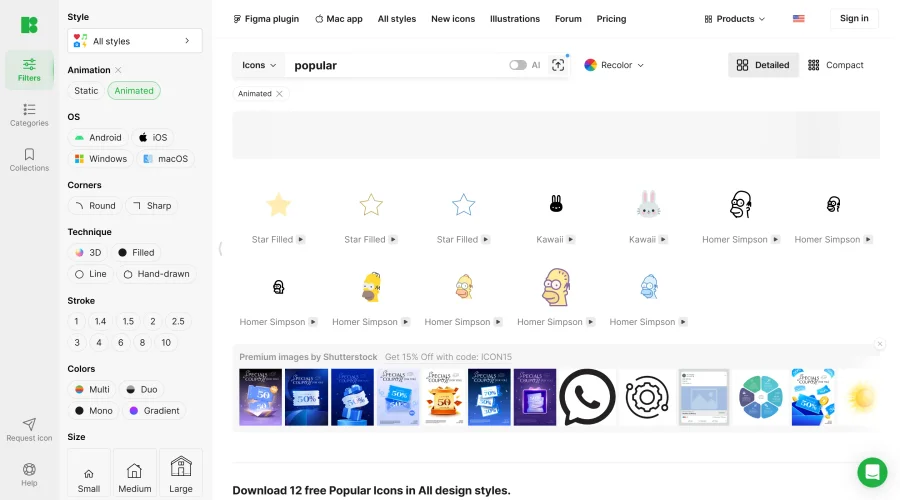

Animated Icons 2.0
Enhance your projects with 900+ animated icons.
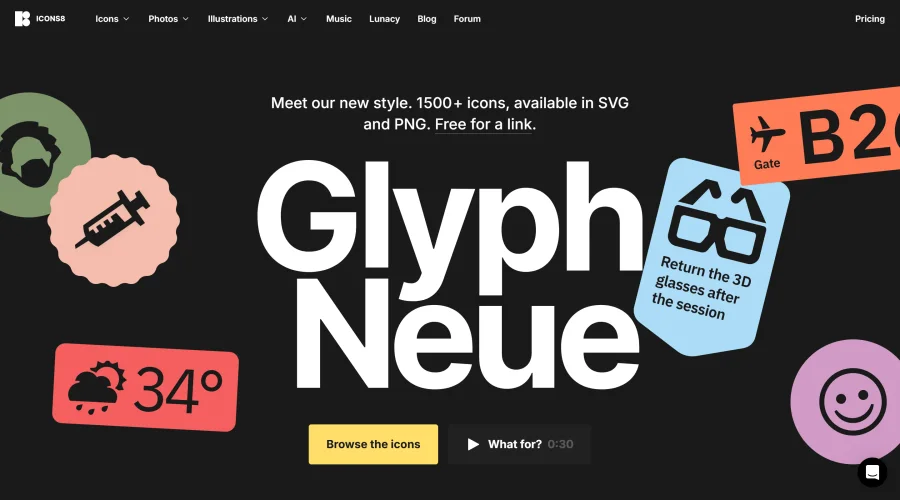

Glyph Neue
Over 1,500 icons in SVG and PNG formats, free with attribution.
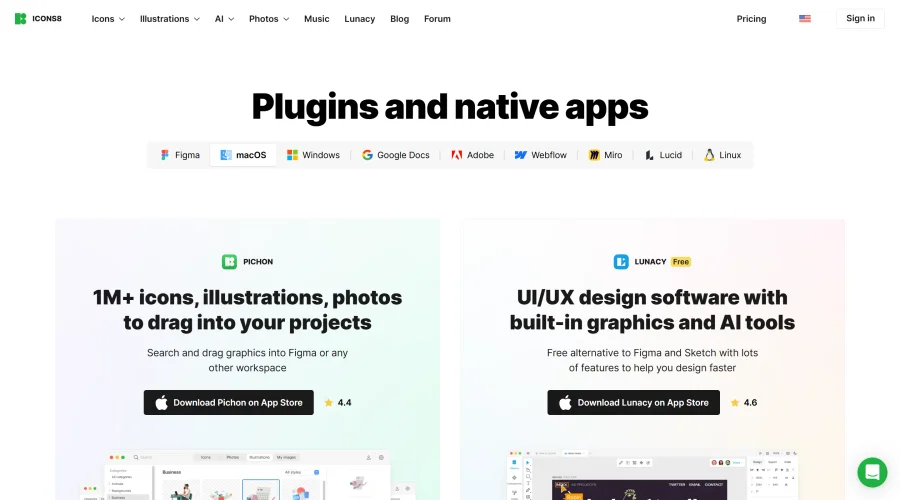

Pichon
Drag and drop the best design graphics with ease.
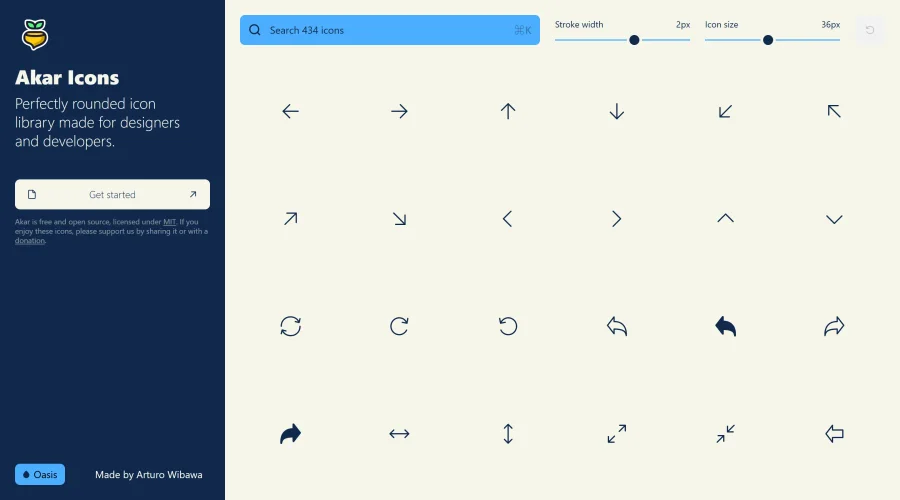

Akar Icons
A perfectly rounded icon library designed for designers and developers.
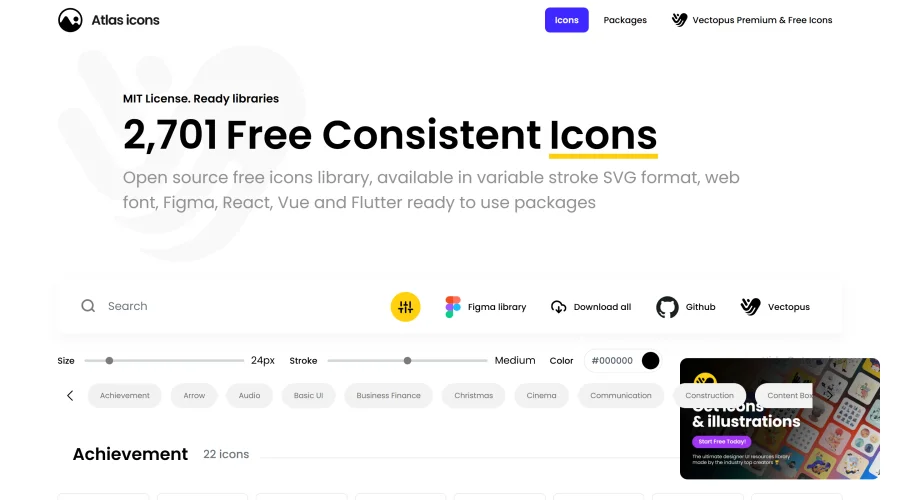

Atlas Icons
Versatile open-source icon library, offering various stroke widths and formats.
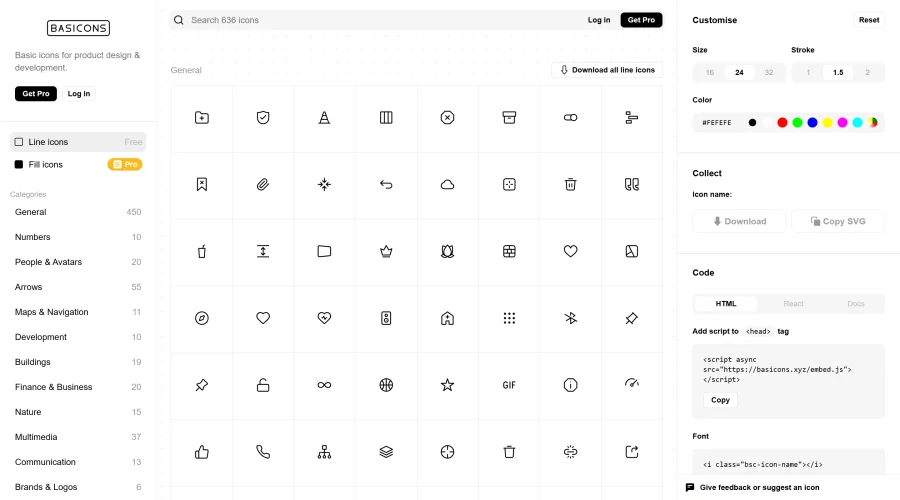

Basicons
Essential icons perfect for product design and development.
Explore Other Categories
Discover more design resources
New to Design?
Explore our comprehensive design glossary to master essential terminology from A/B Testing to Wireframes.
Browse GlossaryLooking for something specific?
Search through our entire collection of design tools and resources