

Generate a unique person with specific parameters.
What it costs
- Free tier
- Yes
Free AI face gallery/generator with paid commercial/API/dataset plans; prices are on the /pricing page not captured.
Auto-checked on 8 August 2026Source
About Face Generator
What Is Face Generator?
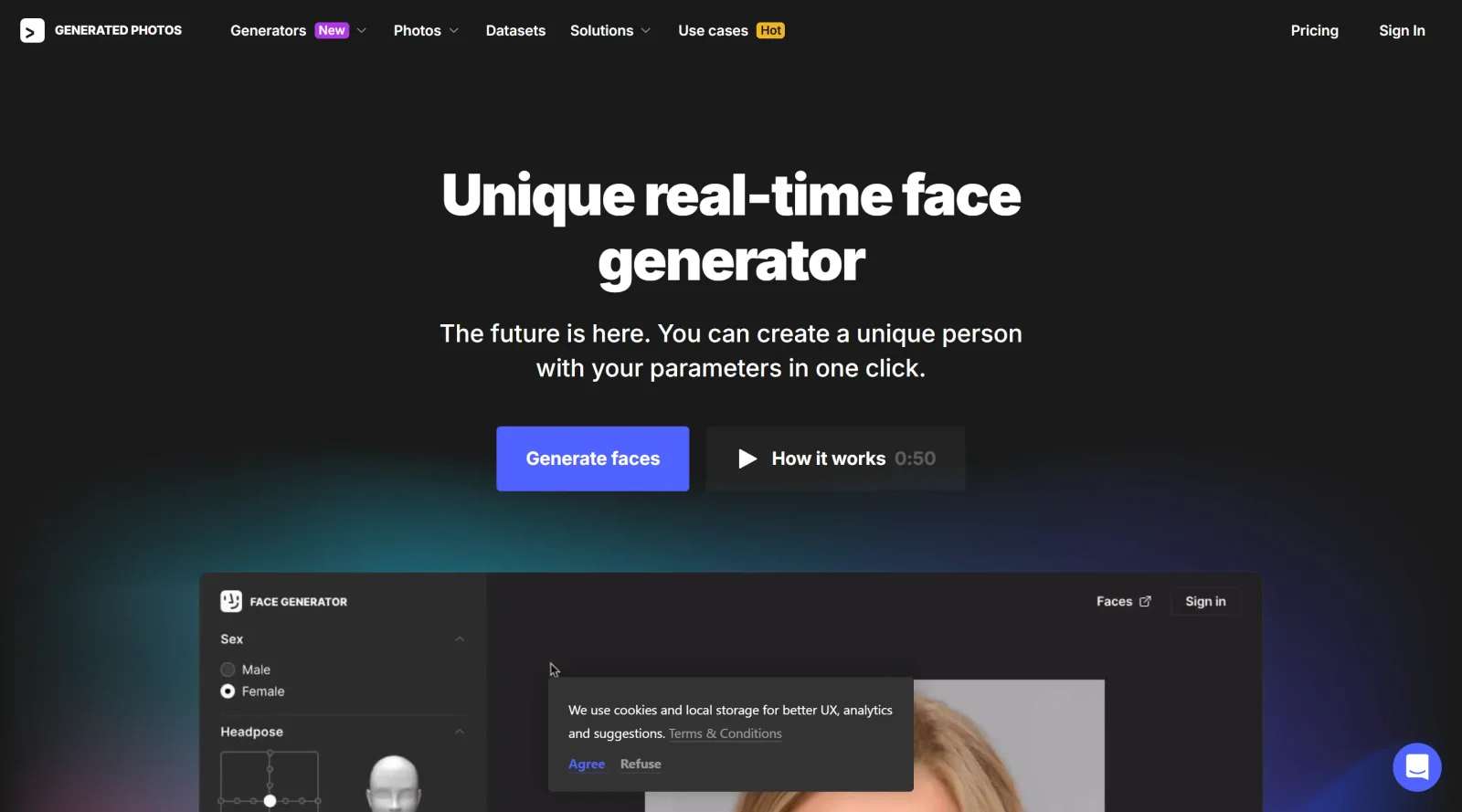
Face Generator is a free-to-paid design tool that creates photo-realistic, AI-generated human faces for digital projects. Built by Generated Photos, the tool uses machine learning trained on studio-captured, model-released images to produce unique synthetic faces with consistent quality and clarity. Face Generator fits into the broader category of AI design tools, enabling designers, developers, and researchers to generate custom avatars, mockups, and visual assets without relying on stock photography or recruiting human subjects.
What Face Generator Does
- Generates unlimited unique, photo-realistic face variations in real time through a single-click interface
- Provides granular control over facial attributes including age, skin tone, gender, head pose, emotion, hair color, hair length, makeup, and ethnic traits
- Allows users to modify the same generated face across multiple parameters—aging or rejuvenating it, changing expressions, or altering appearance without regenerating entirely
- Supports API access for automation and integration into larger design workflows or applications
- Offers clear commercial licensing options, allowing generated faces to be used for paid projects and professional work with appropriate license purchase
- Includes tools to save generated faces to collections and refine results through iterative parameter adjustments
How Face Generator Can Be Used
Face Generator serves practical workflows across multiple design and development contexts. Product teams use it to rapidly generate cohesive avatar sets for demos, interfaces, and user personas without sourcing stock images. Researchers leverage it to create diverse, controlled facial datasets for studies on face perception, emotion recognition, and human-computer interaction, eliminating ethical concerns around consent and privacy. Designers building character-driven projects—from game mockups to animated content—use Face Generator to establish visual consistency across multiple synthetic people. Mobile and web developers integrate it via API to populate user profiles, testimonial sections, or placeholder avatars. The tool's real-time customization also supports rapid prototyping when client briefs call for specific demographic representation or emotional expression in visuals.
Who Is Face Generator For?
Face Generator is most valuable for UX/UI designers, product managers, web and app developers, and academic researchers. It works well for teams that need to iterate quickly on visual mockups, avoid the logistics of stock photo licensing, or maintain consistent stylization across multiple human faces. Designers familiar with generative AI tools and parameter-based customization will find the interface intuitive, though the tool is accessible enough for less technical users. It is particularly suited to projects where demographic diversity, emotional range, or custom facial characteristics are critical to the design, and where commercial licensing for professional use is a requirement. Visit Face Generator
Featured Tools
Sponsored
Artlist
Royalty-free music, SFX, 8K footage, templates, LUTs and 100+ AI models on a single subscription for video creators.

Icons8
Large icon packs featuring over 10,000 icons for consistent design themes.

Vidu
AI video generator with text, image and reference-to-video modes, producing 3–16 second clips at up to 1080p with characters that stay consistent across shots.
Your tool here
The tools above are our own picks until the slots sell.
Spotlight
SponsoredRotates daily
FontLab
Integrated font editor for creating fonts across various applications.
Tools we recommend


Editorially chosen. Some links above are affiliate links — if you sign up we may earn a commission, at no extra cost to you.
More UX Tools Tools


Slicer.dev
Slicer audits entire websites and user flows, giving teams a structured way to review UI/UX at scale — then extracts any component it finds into ready-to-use AI prompts or React code.


2020 Ipsum
A Lorem Ipsum generator themed on unforgettable 2020 events.


Aaply
Wireframe mobile apps and create user-centered product experiences.


Avvvatars
Unique placeholder avatars tailored to your users.


Axure
Plan, wireframe, and prototype without any coding required.


Ballpark
Quick asynchronous product research for prototypes and designs.
Explore Other Categories
Discover more design resources
New to Design?
Explore our comprehensive design glossary to master essential terminology from A/B Testing to Wireframes.
Browse GlossaryLooking for something specific?
Search through our entire collection of design tools and resources