

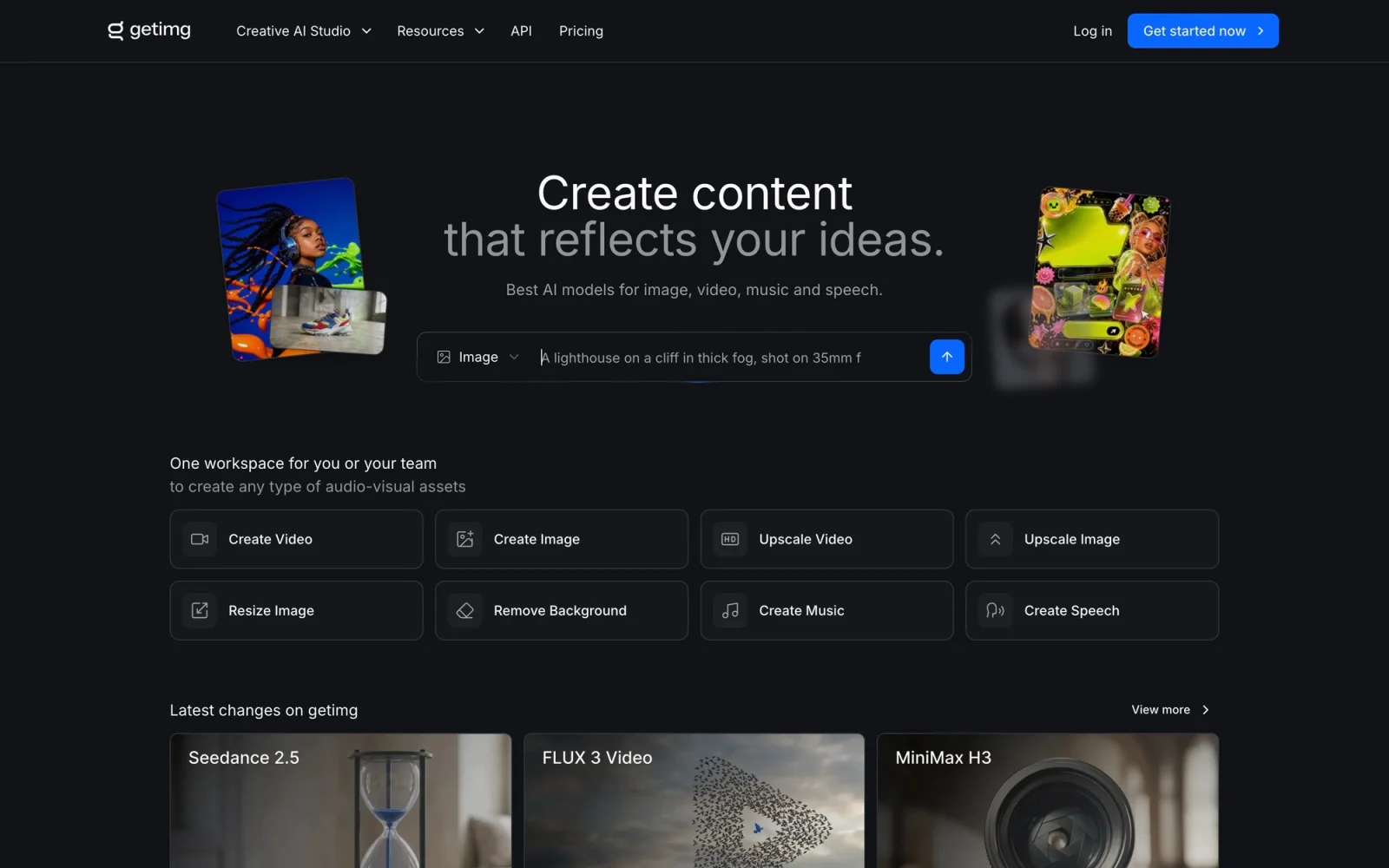
One workspace for AI image, video, audio and editing, running 20+ models from FLUX.2 and Seedream to Veo, Kling and Sora.
What it costs
- Free tier
- Yes
- Paid plans from
- €10/mo (€8/mo billed annually)
Genuine free plan gives 100 credits/month; the cheapest paid Entry tier adds 3,000 credits/month, all image/video models and commercial rights.
Auto-checked on 10 August 2026Source
About getimg.ai
getimg.ai: One Workspace for AI Image, Video, and Audio Generation
getimg.ai is a creative AI studio that puts image generation, video generation, audio generation, and editing tools in a single workspace, running more than twenty third-party models behind one interface. Rather than subscribing to Midjourney for images, a separate service for video, and another for voice or music, you pick the model that suits the job from a single credit balance. Its tagline — "Create content that reflects your ideas" — points at the core promise: you shouldn't need to research which model is currently best, or wire up four different accounts, to produce a finished asset.
Key Features
- AI image generation — Text-to-image and image-to-image with multi-reference guidance, across models including FLUX.2, Seedream, Nano Banana, GPT Image, Grok Imagine, and Qwen.
- AI video generation — Text-to-video and image-to-video via Google Veo 3.1, Kling, Seedance, Sora, Wan, Minimax, Gemini Omni, and others, with keyframe and reference controls.
- AI audio — Music generation, text-to-speech, and sound-effect generation, including ElevenLabs and Lyria models.
- AI editing suite — Image upscaler (up to 4K, 8K, or 16K depending on plan), video upscaler, smart image resizer, and background remover.
- Team collaboration — Shared workspaces and asset management, with seat-based plans and multiple teams.
- Developer API — Production endpoints for image and video generation, billed separately from the subscription.
How getimg.ai Works
Everything runs in the browser on a single monthly credit balance. You choose a tool — image, video, audio, or one of the editing utilities — pick a model or let Auto mode choose for you, and generate. Because the same credits work across every model, you can start a piece with one image model, upscale it, animate it with a video model, and add a soundtrack without switching tools or accounts. Credits renew monthly with your subscription and do not roll over, and each plan sets how many generations you can run at once (2 on Entry, up to 10 on Ultra).
Model access is tiered: the Entry plan reaches 11 image models and 9 video models, while Core and above unlock all of them. The practical difference between plans is volume — Entry's 3,000 credits buy roughly 200 FLUX.2 images or 60 Seedance videos per month, whereas Ultra's 100,000 credits buy around 6,666 images or 2,000 videos.
The Developer API
Alongside the web app, getimg.ai offers a production API with a synchronous image endpoint (/v2/images/generations, sub-second responses) and an asynchronous, polling-based video endpoint (/v2/videos/generations). It exposes 20+ models with text-to-image/video, reference-image guidance, aspect ratio, and resolution controls. API pricing is pay-as-you-go with no subscription or commitment — roughly $0.015–$0.18 per image and $0.022–$0.42 per second of video, depending on model and resolution. Note that API usage is billed separately from a web subscription and does not draw on plan credits.
Pricing
There is no free plan. Paid tiers run: Entry at €10/month (€8/month, €96 billed yearly) for 3,000 credits; Core at €30/month (€25/month yearly) for 15,000 credits per seat and access to all models; Plus at €65/month (€55/month yearly) for 35,000 credits per seat; and Ultra at €175/month (€150/month yearly) for 100,000 credits per seat. Yearly billing saves 20%. Every tier includes commercial rights, under the CreativeML Open RAIL-M license — but only paid plans do, so there is no way to use output commercially without subscribing. Plus and Ultra can also buy top-up credits.
Who It's For
- Creators and marketers who want current frontier models without tracking which one is best this month
- Teams that need image, video, and audio from one budget, one workspace, and one shared asset library
- Anyone consolidating several separate AI subscriptions into a single credit pool
- Developers who want a pay-as-you-go generation API rather than a subscription
Conclusion
getimg.ai's real advantage is breadth: 20+ models spanning image, video, and audio, plus upscaling, resizing, and background removal, all drawing on one credit balance in one workspace. The trade-off is that there is no free tier to test it on and no commercial rights without a paid plan, so it suits people already producing enough AI content to consolidate — not those trying the category for the first time.
Featured Tools
Sponsored
Artlist
Royalty-free music, SFX, 8K footage, templates, LUTs and 100+ AI models on a single subscription for video creators.

Icons8
Large icon packs featuring over 10,000 icons for consistent design themes.

Vidu
AI video generator with text, image and reference-to-video modes, producing 3–16 second clips at up to 1080p with characters that stay consistent across shots.
Your tool here
The tools above are our own picks until the slots sell.

Tools we recommend


Hailuo AI
Cinematic AI video with camera control


OpenArt
All-in-one AI image, video & audio generator


DomoAI
Restyle any video or photo into AI anime & art
Editorially chosen. Some links above are affiliate links — if you sign up we may earn a commission, at no extra cost to you.
More AI Tools Tools


Vidu
AI video generator with text, image and reference-to-video modes, producing 3–16 second clips at up to 1080p with characters that stay consistent across shots.
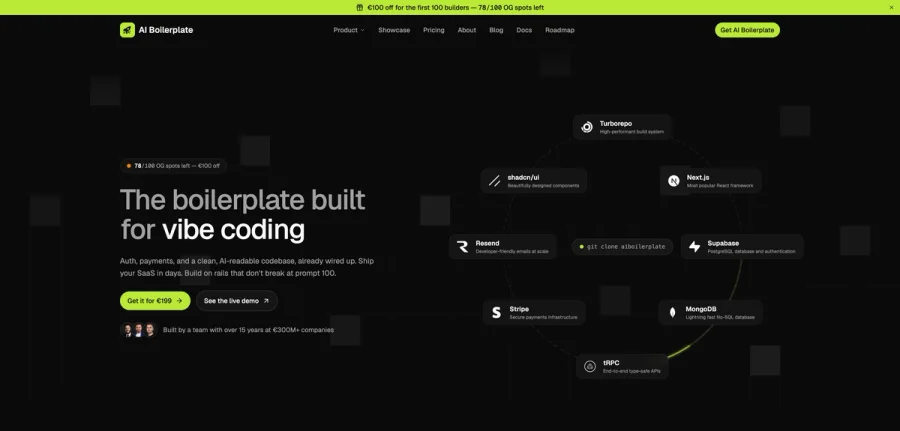

AI Boilerplate
The boilerplate built for vibe coding. Includes authentication, payments, storage, and a clean, AI-readable codebase, already wired up. Build on rails that don't break at prompt 100.
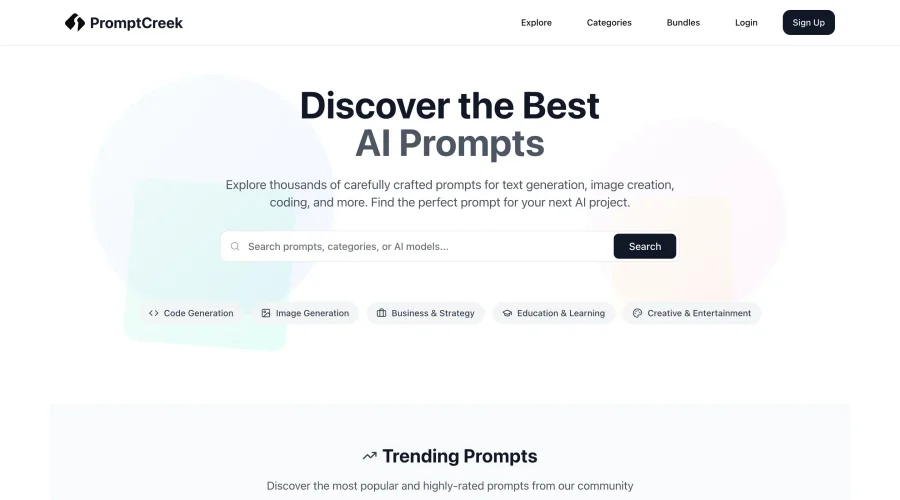

PromptCreek
Prompt Creek is a free community-driven repository featuring thousands of AI prompts. Discover, bookmark, and share quality prompts for ChatGPT, Claude, and other AI tools.
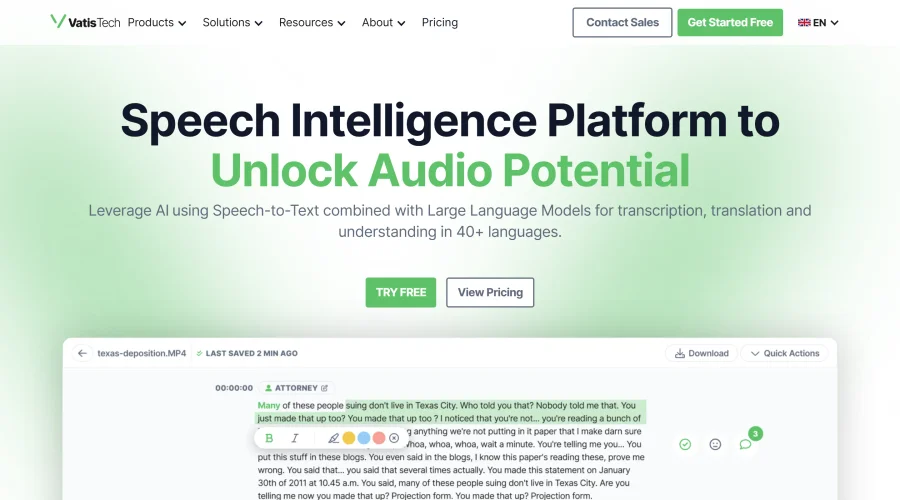

Vatis Tech
Vatis Tech is the most powerful speech-to-text infrastructure. It can be used to transcribe user interviews and client meetings.

Meshy
AI 3D model generator that turns text or images into game- and print-ready models.


PixVerse
AI video generation and editing with lip-sync, sound effects, and a node-based workflow.
Explore Other Categories
Discover more design resources
New to Design?
Explore our comprehensive design glossary to master essential terminology from A/B Testing to Wireframes.
Browse GlossaryLooking for something specific?
Search through our entire collection of design tools and resources