

Records and transcribes interviews and meetings, then turns them into summaries and action items.

HyNote
Reader discount
10%
off your first billing cycle
10% off your first HyNote bill
Usetools readers get 10% off HyNote's first billing cycle. It applies once, not every renewal, so it is worth most on an annual plan — and the code is the same whether you paste it at checkout or arrive through the link.
How to apply it
- 01Pick a plan and go to checkout — arriving through this link may have applied the discount already.
- 02If it isn't showing, paste 4GN4UD5FFW into the promo code field before you pay.
Usetools may earn a commission if you subscribe — and you get a lower price. It never affects what you pay.
What it costs
- Free tier
- Yes
- Paid plans from
- $6.66/mo (billed annually; $79.99/yr)
Free-forever plan (no card, up to 120 min/session); cheapest paid is Pro at $6.66/mo billed annually (~$11.99/mo month-to-month).
Auto-checked on 8 August 2026Source
About HyNote
HyNote: Turn User Interviews and Meetings Into Structured Notes
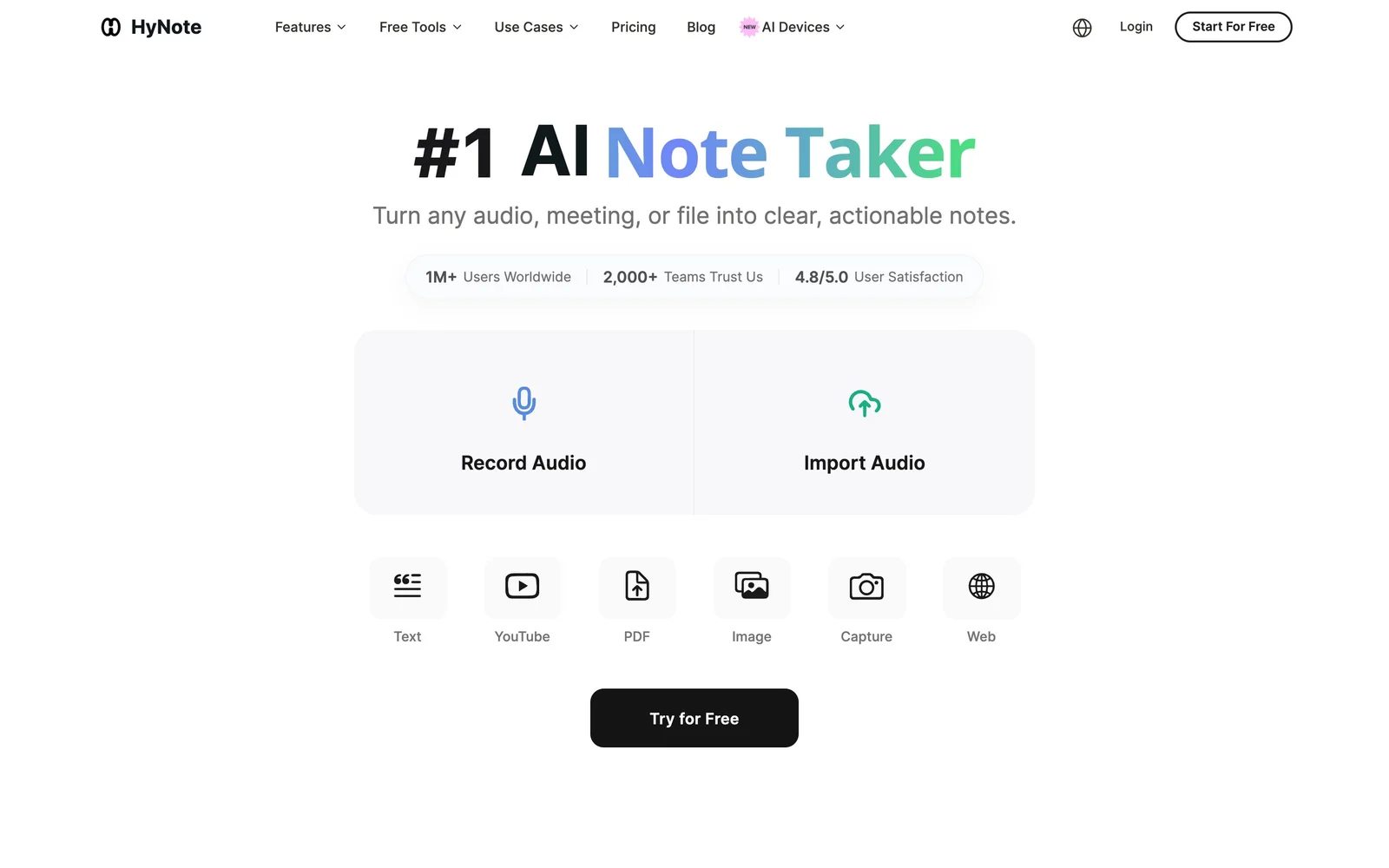
HyNote is an AI note-taker that records or ingests audio and turns it into a transcript, a summary, and a list of action items. For designers and researchers, the useful case is the one that eats the most time: user interviews. A round of eight research sessions is a full day of listening back and writing up; HyNote transcribes them, labels who said what, and produces a structured summary you can actually search across. Its tagline — "Turn any audio, meeting, or file into clear, actionable notes" — is broad, but interview and discovery work is where it earns its place next to tools like Dovetail and Lookback.
Key Features
- Live recording and file upload — Record a session as it happens, or upload existing MP3, WAV, M4A, or AAC files.
- Speaker identification — Separates and labels up to 10 participants with timestamps, so quotes can be attributed correctly.
- Transcription in 50+ languages — Useful for international research where sessions aren't all run in English.
- Summaries, not just keywords — Generates written summaries, key points, and action items rather than extracting keyword lists.
- 30+ templates — Including Interview Notes, Case Study, SWOT Analysis, Brainstorm Notes, and Follow-Ups.
- Beyond audio — Summarizes PDFs, web pages, and YouTube videos, and runs OCR on images and screenshots.
- Chat across all notes — Query your whole note library, which is how you spot a theme repeating across separate sessions.
- Exports and sync — Sends to Google Docs, Notion, PDF, or TXT; syncs with Google and Apple Calendar.
- Cross-device — Web, iOS, Android, iPad, Apple Watch, and a Chrome extension.
Why It Matters for Research and Discovery
The bottleneck in qualitative research is rarely running the sessions — it's synthesis. Transcribing by hand is slow, and skipping transcription means insights live only in whoever attended. Automatic transcription with speaker labels makes sessions quotable and searchable, and the "chat with all notes" feature turns a folder of interviews into something you can interrogate: which participants raised onboarding friction, what language did people use for a feature. It's also handy well outside research — stakeholder meetings, client calls, and design critiques all produce decisions that otherwise go unrecorded.
Worth being clear about scope: HyNote is a capture-and-summarize tool, not a full research repository. It won't tag findings against a taxonomy or manage participants the way a dedicated research platform does. What it does is remove the transcription and write-up step.
Security and Compliance
Because research recordings often contain personal data, the handling matters. HyNote encrypts data at rest with AES-256 and in transit with TLS 1.3, runs on SOC 2 Type II compliant infrastructure, and describes its workflows as aligned with GDPR, CCPA, and HIPAA. If you're recording participants, you still need their consent — but the platform side is credible.
Pricing
There is a free plan to start with. Paid tiers are Pro at $11.99/month ($79.99/year, about $6.66/month), Plus at $18.99/month ($129.99/year, about $10.83/month), and Unlimited at $24.99/month ($189.99/year, about $15.83/month), which HyNote marks as its most popular. Annual billing is roughly 45% cheaper per month, so the yearly commitment is where the real saving sits.
Who It's For
- UX researchers transcribing and synthesizing user interviews
- Product designers capturing discovery calls and stakeholder decisions
- Freelancers and agencies documenting client conversations
- Anyone who runs more conversations than they have time to write up
Conclusion
HyNote's value for a design team is narrow but real: it removes the write-up tax on user interviews and meetings, with speaker labels, searchable transcripts, and summaries that make sessions shareable rather than trapped in one person's memory. It isn't a research repository, and it isn't a design tool — but with a free plan and Pro from $6.66/month billed yearly, it's an inexpensive way to stop losing what was actually said.
Featured Tools
Sponsored
Artlist
Royalty-free music, SFX, 8K footage, templates, LUTs and 100+ AI models on a single subscription for video creators.

Icons8
Large icon packs featuring over 10,000 icons for consistent design themes.

Vidu
AI video generator with text, image and reference-to-video modes, producing 3–16 second clips at up to 1080p with characters that stay consistent across shots.
Your tool here
The tools above are our own picks until the slots sell.

More UX Tools Tools


Slicer.dev
Slicer audits entire websites and user flows, giving teams a structured way to review UI/UX at scale — then extracts any component it finds into ready-to-use AI prompts or React code.


2020 Ipsum
A Lorem Ipsum generator themed on unforgettable 2020 events.


Aaply
Wireframe mobile apps and create user-centered product experiences.


Avvvatars
Unique placeholder avatars tailored to your users.


Axure
Plan, wireframe, and prototype without any coding required.


Ballpark
Quick asynchronous product research for prototypes and designs.
Explore Other Categories
Discover more design resources
New to Design?
Explore our comprehensive design glossary to master essential terminology from A/B Testing to Wireframes.
Browse GlossaryLooking for something specific?
Search through our entire collection of design tools and resources