

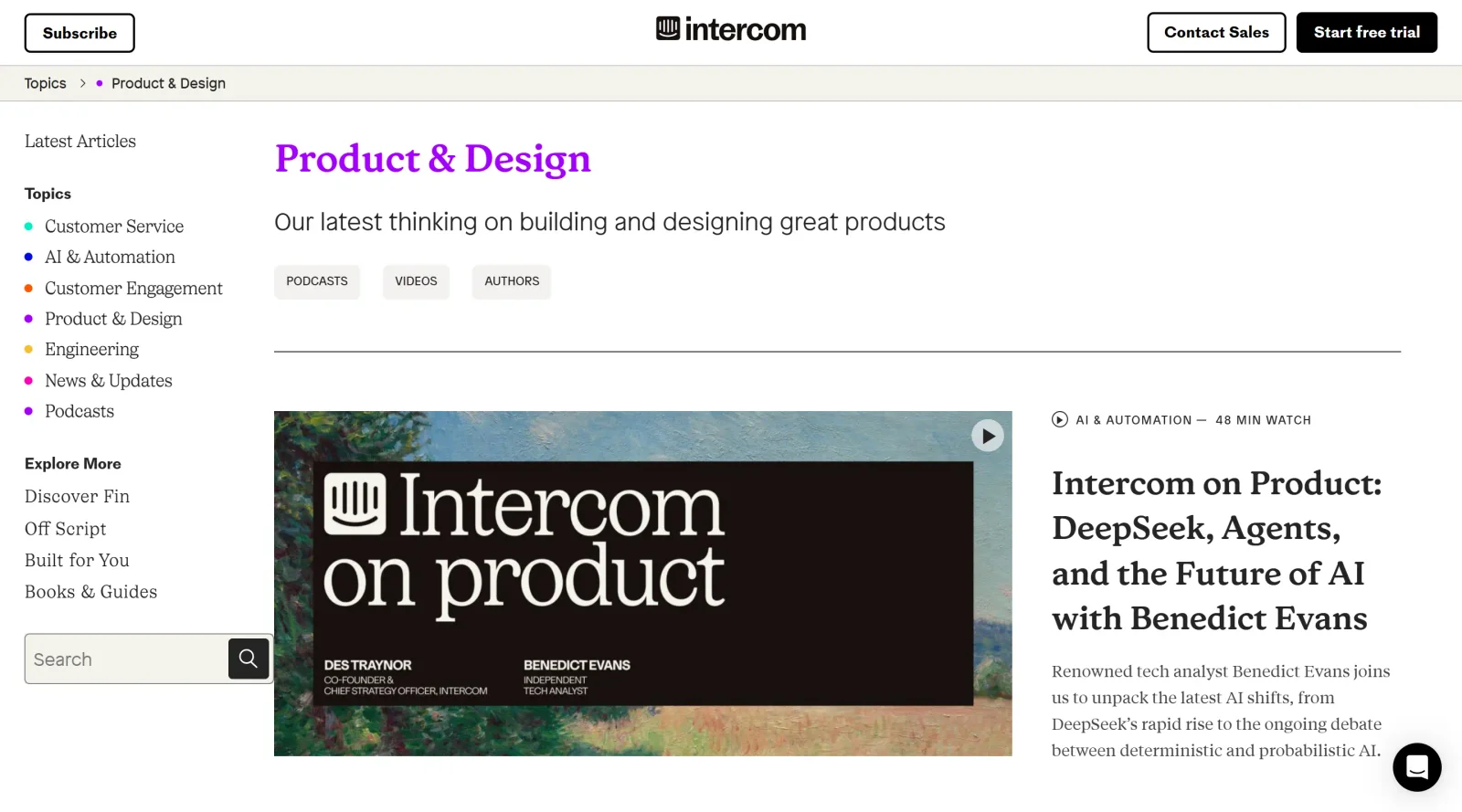
Intercom's latest insights on building and designing great products.
What it costs
- Free tier
- No
Domain is Intercom's paid product site (14-day free trial only, not a free tier); catalog's 'Free' is wrong and prices sit on /pricing.
Auto-checked on 8 August 2026Source
About Inside Intercom
What Is Inside Intercom?
Inside Intercom is a blogs resource from Intercom that publishes articles on product design, development, and user experience strategies. It serves as a free platform delivering insights into building and designing products, drawn from Intercom's internal practices. Inside Intercom fits into the design workflow as a knowledge hub for professionals seeking real-world examples of product challenges, onboarding design, navigation improvements, and content strategies, accessible at no cost to readers worldwide.
What Inside Intercom Does
- Publishes articles detailing Intercom's approaches to product design challenges, such as maintaining simplicity across multiple products and features.
- Shares case studies on redesigning navigation and information architecture to enhance usability and clarity in scaling products.
- Explains methodologies like Job Stories for designing UI and UX by focusing on user causality, anxieties, and motivations.
- Documents improvements in onboarding processes, including centralized hubs with modular steps for new users.
- Covers content design practices, such as creating guidelines for components to ensure consistent messaging and style.
- Provides insights into team collaborations that integrate brand and product design workflows.
How Inside Intercom Can Be Used
- Designers reference Inside Intercom articles during product audits to identify navigation bottlenecks and apply reordered structures based on usage data.
- Product teams use Job Stories from Inside Intercom to shift from feature lists to user-centered workflows in early design stages.
- UX researchers draw on onboarding examples to centralize setup flows and create modular, game-like progression for customer adoption.
- Content designers consult guidelines shared in Inside Intercom for consistent nomenclature across UI elements like buttons and tooltips.
- Teams planning blog redesigns analyze Inside Intercom's navigation testing and personalization learnings to improve content findability.
Who Is Inside Intercom For?
Inside Intercom targets product designers, UX researchers, and developers working on customer-facing software, particularly those addressing scalability in navigation, onboarding, and feature design. It suits teams at companies building multi-product platforms, where maintaining simplicity amid growth is key, as well as individuals studying real-world applications of Jobs To Be Done frameworks. Experience levels range from mid-level practitioners implementing team-shared patterns to seniors leading architecture restructures. Visit Inside Intercom
Featured Tools
Sponsored
Artlist
Royalty-free music, SFX, 8K footage, templates, LUTs and 100+ AI models on a single subscription for video creators.

Icons8
Large icon packs featuring over 10,000 icons for consistent design themes.

Vidu
AI video generator with text, image and reference-to-video modes, producing 3–16 second clips at up to 1080p with characters that stay consistent across shots.
Your tool here
The tools above are our own picks until the slots sell.
Spotlight
SponsoredRotates daily
HyNote
Records and transcribes interviews and meetings, then turns them into summaries and action items.
More Blogs Tools

Adobe Blog
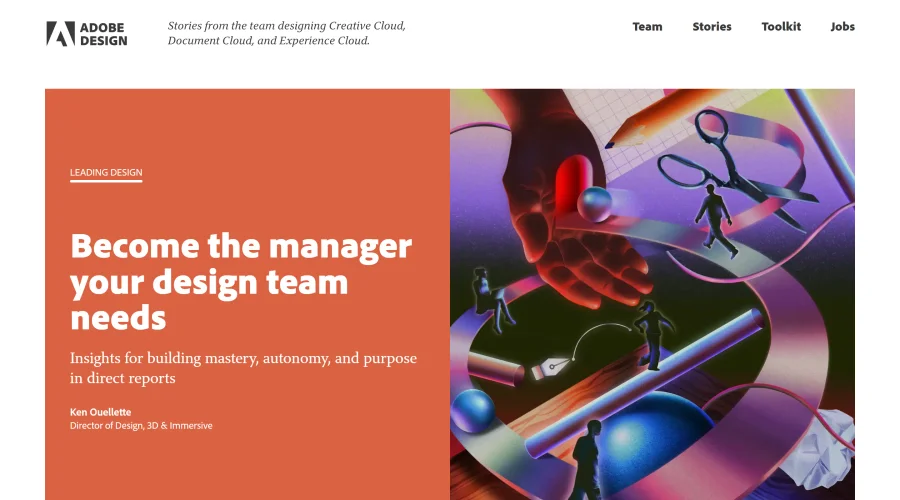
Insights from the team behind Creative Cloud, Document Cloud, and Experience Cloud.

Airbnb Design
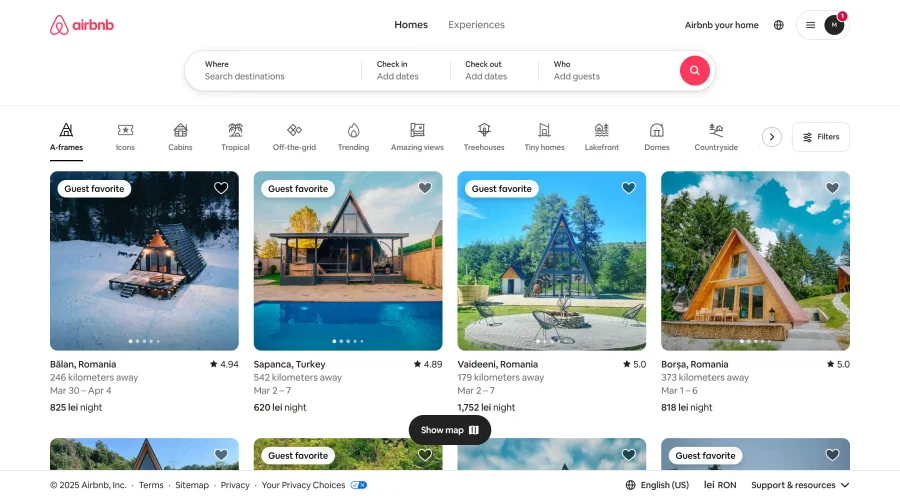
Stay updated with Airbnb's creative team and their design journey.

Apple & Banana
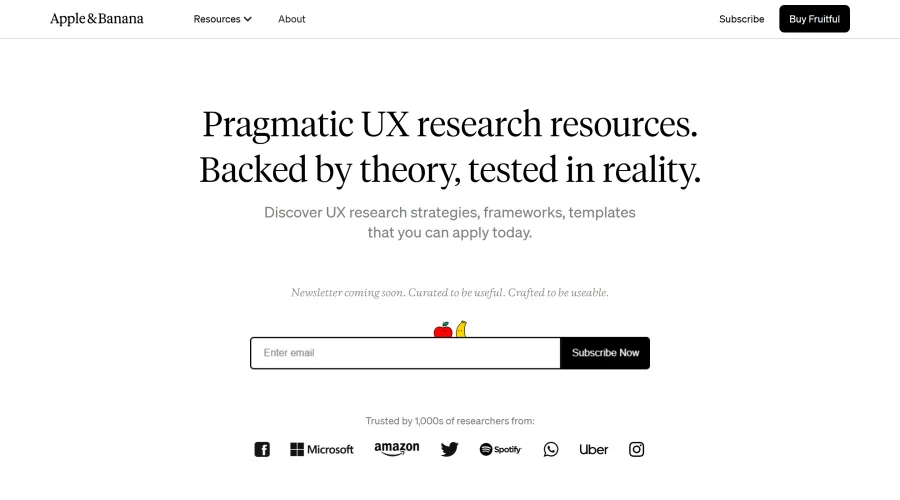
A space for user researchers to share and learn.
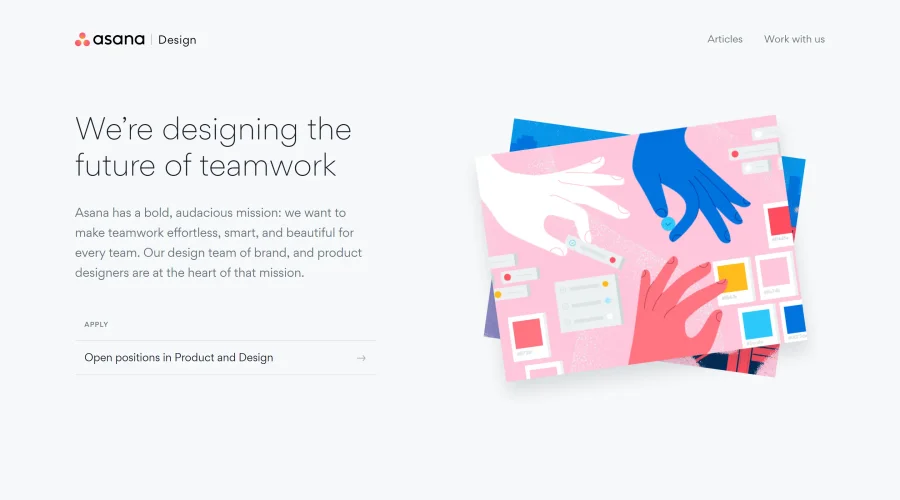

Asana Design
Innovative approaches to designing for teamwork.
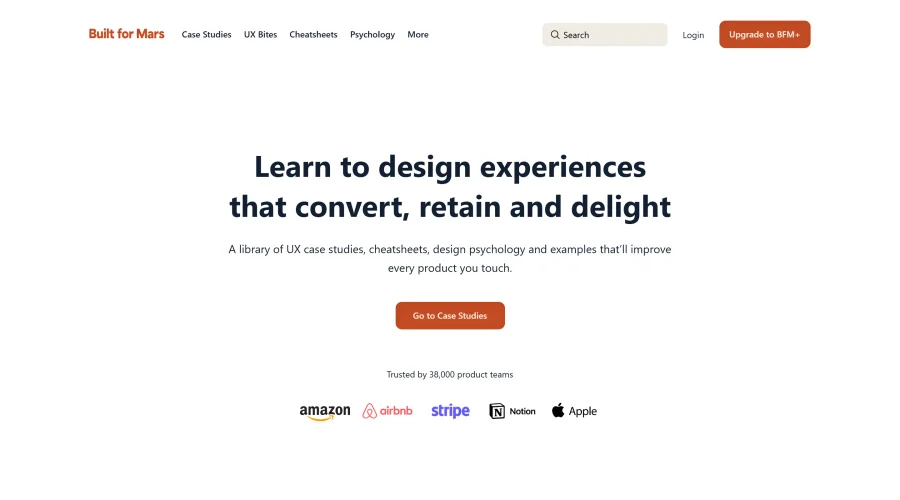

Built for Mars
Research-driven case studies packed with insights from thousands of hours.
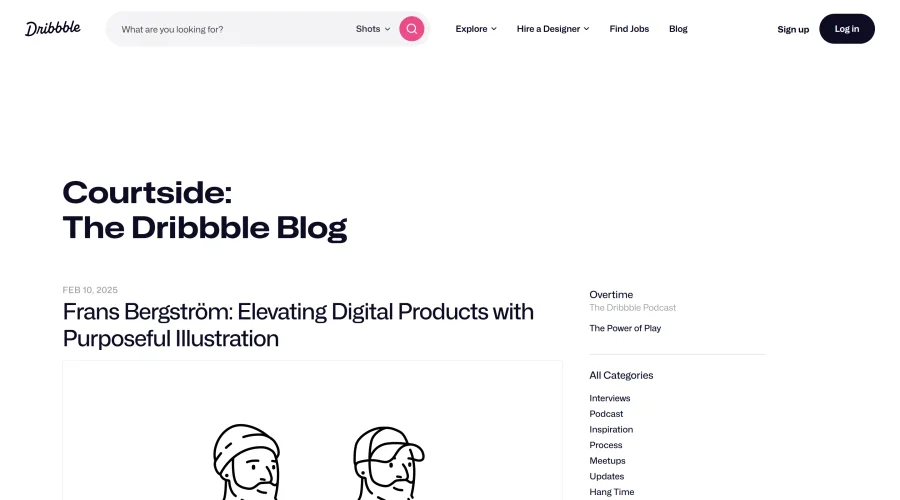

Courtside
Engaging stories about designers, freelancing, and various design topics.
Explore Other Categories
Discover more design resources
New to Design?
Explore our comprehensive design glossary to master essential terminology from A/B Testing to Wireframes.
Browse GlossaryLooking for something specific?
Search through our entire collection of design tools and resources