

What it costs
- Free tier
- No
User-research tool offering a free first session (trial); actual plan prices are on a separate /pricing page not scraped.
Auto-checked on 8 August 2026Source
About Lookback
What Is Lookback?
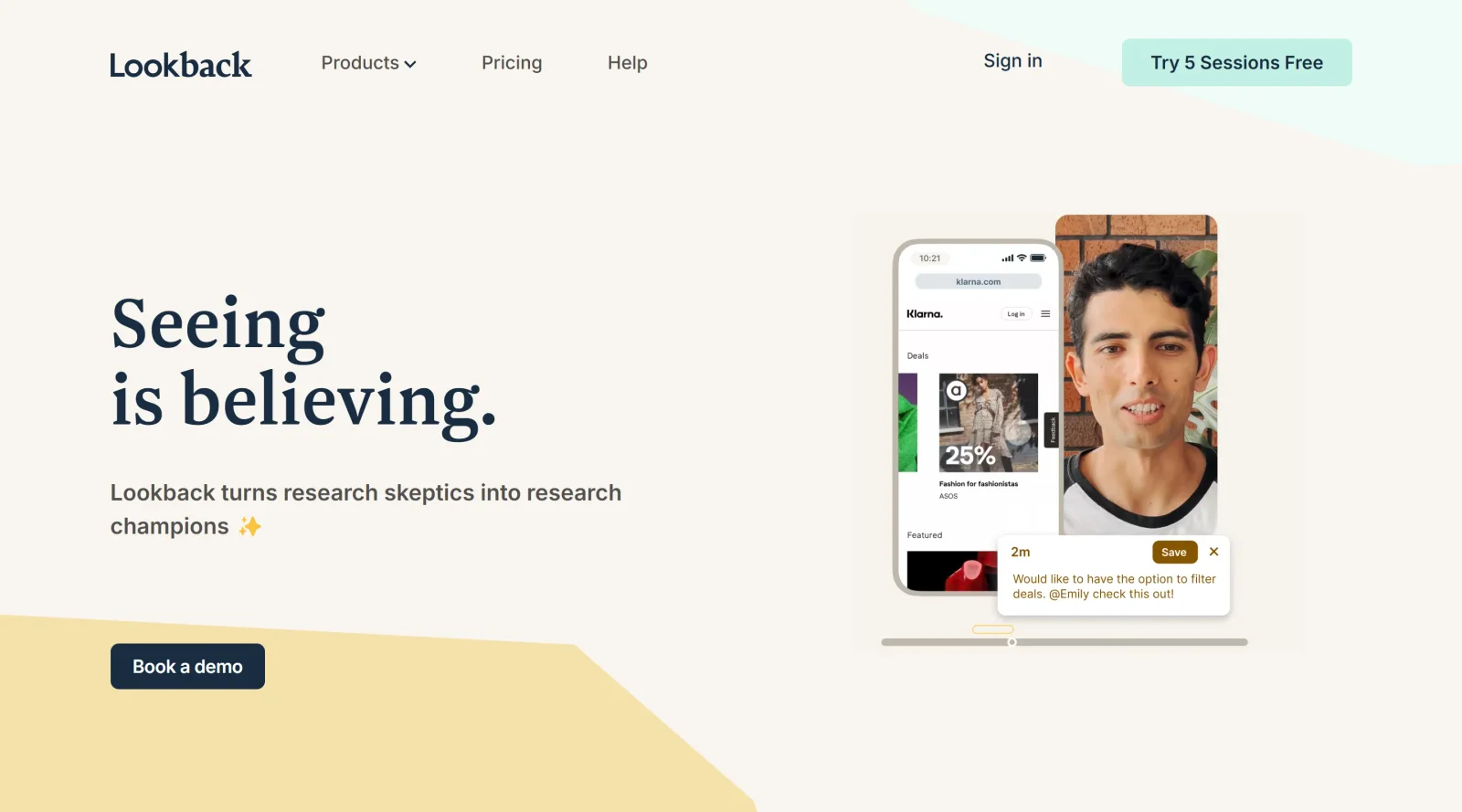
Lookback is a UX research platform designed for conducting remote user interviews and usability testing with global participants. It supports moderated and unmoderated studies across mobile and desktop devices, fitting into the UX tools category as a paid solution for gathering user insights during the research and validation phases of the design workflow.
What Lookback Does
- Records screen and camera simultaneously to capture user interactions, facial expressions, and verbal feedback in real time.
- Supports moderated and unmoderated sessions, including remote ethnography where participants switch between front and rear cameras.
- Provides AI-powered features like one-click note-taking, transcript summaries, and automatic insight generation aligned with research goals.
- Allows live observation by team members and stakeholders through an observer lobby for real-time collaboration.
- Enables redaction of audio or screen segments to protect sensitive information before sharing recordings.
- Offers built-in discussion guides, PreCheck for setup testing, and localized participant experiences in multiple languages.
How Lookback Can Be Used
- Run moderated usability tests where researchers guide participants live via push-links while observers take timestamped notes.
- Conduct unmoderated step-by-step tasks or diary studies, recording interactions for later review and analysis.
- Analyze sessions collaboratively by creating highlight reels, tagging moments, and using search functions across timestamped transcripts.
- Integrate with participant recruitment tools to track session data like links, timestamps, and durations in a unified workflow.
- Perform in-person or remote ethnography to observe user environments and behaviors beyond screen interactions.
Who Is Lookback For?
Lookback serves UX researchers, product teams, and stakeholders conducting qualitative research such as usability testing, user interviews, and mixed-method studies. It suits teams needing to streamline remote workflows with global testers, from session setup to AI-assisted analysis and sharing, particularly for those handling moderated sessions with live collaboration or unmoderated tasks requiring detailed recordings. Product managers and designers benefit from its support for early usability issue identification and stakeholder alignment on user behaviors.Visit Lookback
Featured Tools
Sponsored
Artlist
Royalty-free music, SFX, 8K footage, templates, LUTs and 100+ AI models on a single subscription for video creators.

Icons8
Large icon packs featuring over 10,000 icons for consistent design themes.

Vidu
AI video generator with text, image and reference-to-video modes, producing 3–16 second clips at up to 1080p with characters that stay consistent across shots.
Your tool here
The tools above are our own picks until the slots sell.
Spotlight
SponsoredRotates daily
Glyph Neue
Over 1,500 icons in SVG and PNG formats, free with attribution.
Tools we recommend

Editorially chosen. Some links above are affiliate links — if you sign up we may earn a commission, at no extra cost to you.
More UX Tools Tools

Slicer.dev
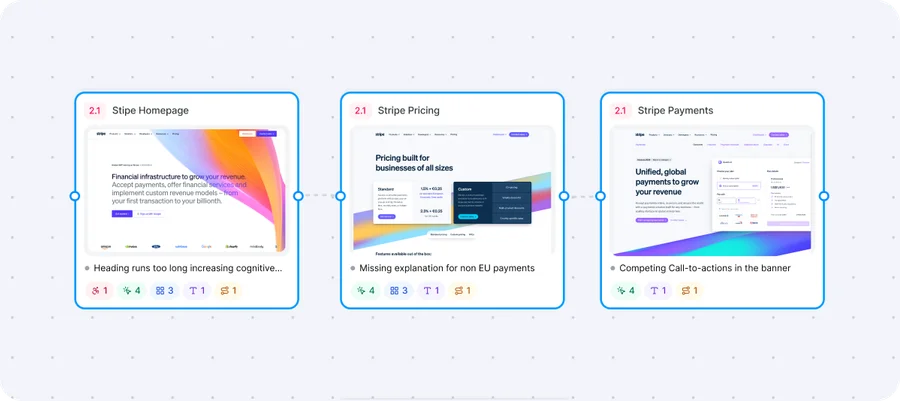
Slicer audits entire websites and user flows, giving teams a structured way to review UI/UX at scale — then extracts any component it finds into ready-to-use AI prompts or React code.

2020 Ipsum
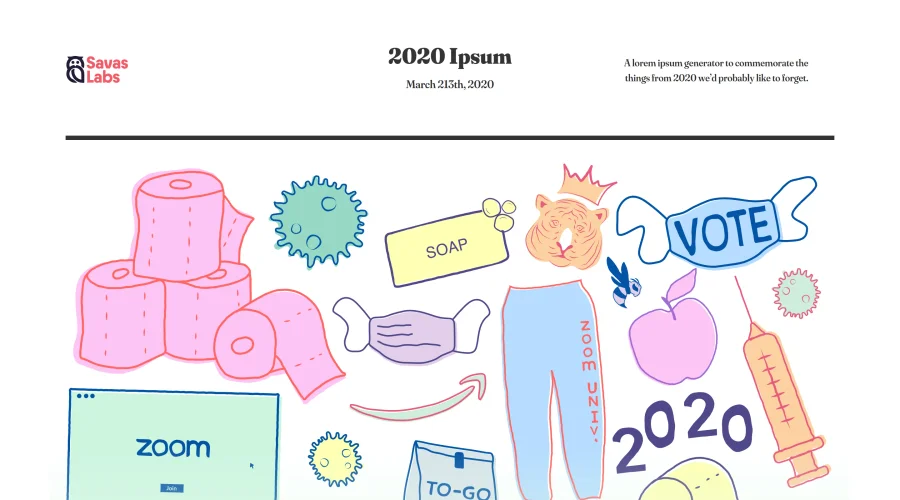
A Lorem Ipsum generator themed on unforgettable 2020 events.


Aaply
Wireframe mobile apps and create user-centered product experiences.


Avvvatars
Unique placeholder avatars tailored to your users.

Axure
Plan, wireframe, and prototype without any coding required.

Ballpark
Quick asynchronous product research for prototypes and designs.
Explore Other Categories
Discover more design resources
New to Design?
Explore our comprehensive design glossary to master essential terminology from A/B Testing to Wireframes.
Browse GlossaryLooking for something specific?
Search through our entire collection of design tools and resources