

Enhance Figma designs with realistic Lorem Ipsum text.
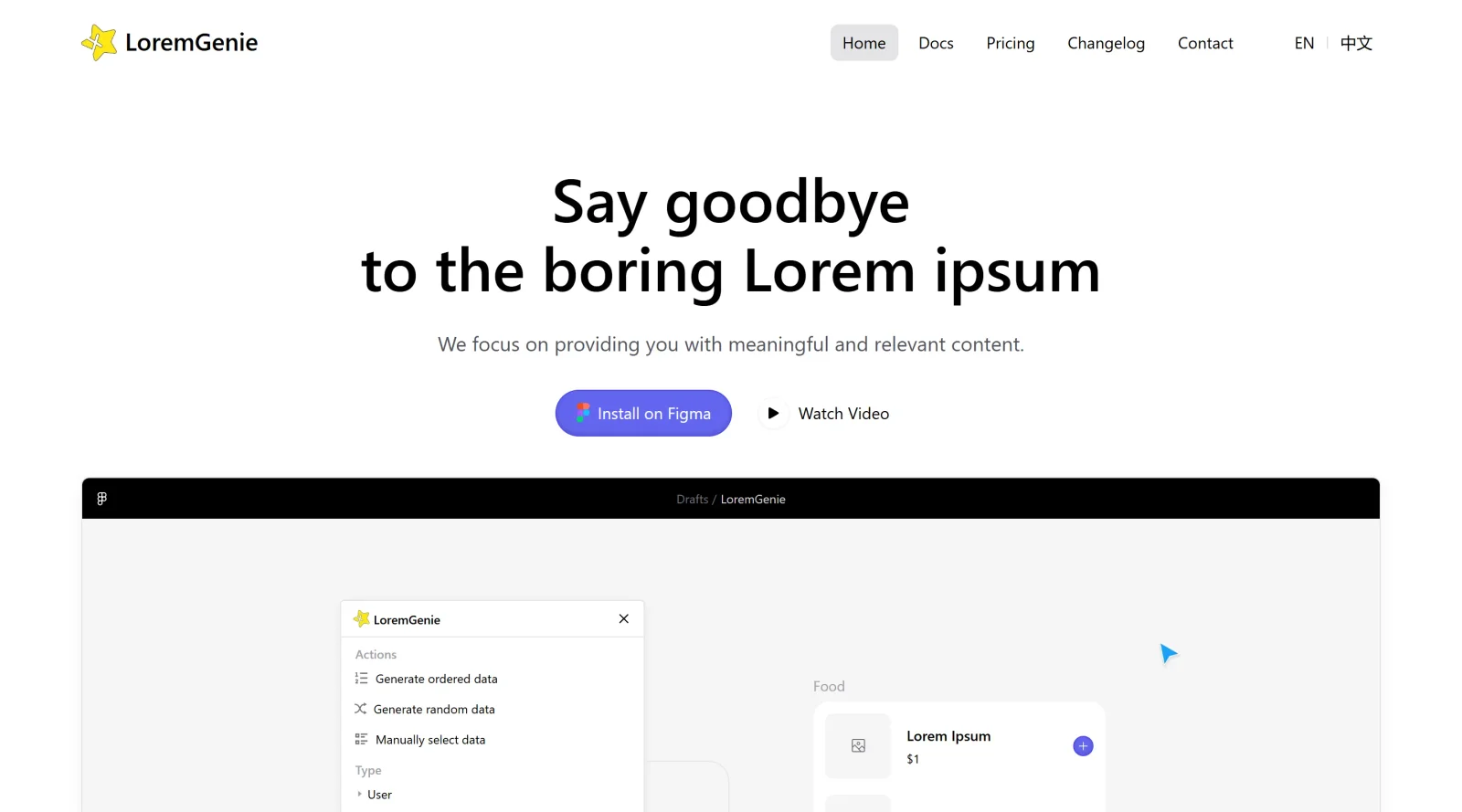
About LoremGenie
What Is LoremGenie?
LoremGenie is a Figma plugin designed to enhance UX designs by filling text layers with realistic placeholder content instead of traditional Lorem Ipsum text. It integrates directly into the Figma workflow, allowing designers to populate selected layers or create new ones with relevant data across 22 categories. As a UX tool available in a free-paid pricing model, LoremGenie supports efficient content generation for prototypes, wireframes, and mockups, reducing manual text input during early design stages.
What LoremGenie Does
- Fills selected text layers with content from 22 categories, such as user profiles, product details, and reviews, matching layer dimensions.
- Generates new layers by dragging or clicking content without prior selection.
- Provides four avatar styles: solid-color backgrounds, object-backgrounds, Emoji style, and text avatars.
- Enables AI data generation using ChatGPT for project-specific content like movie lists with names, descriptions, directors, actors, and durations.
- Allows custom content creation, formatting for dates, numbers, names, and emails, and importing from Notion with planned JSON and CSV support.
- Supports multiple languages including English and Simplified Chinese.
How LoremGenie Can Be Used
- In wireframing, select multiple text layers for cards or lists and fill them with realistic user data like names, emails, and bios to simulate populated interfaces.
- During prototyping, generate product listings with descriptions, prices, and images to test layouts without sourcing real content.
- For dashboard designs, use AI prompts to create relevant metrics, charts data, or customer reviews that fit existing frames.
- Import Notion databases into Figma files to populate tables or forms, streamlining handoff from planning to visual design.
- Replace inconsistent filler text by applying categorized content that aligns with design themes, such as e-commerce or social media feeds.
Who Is LoremGenie For?
LoremGenie serves UX designers, UI developers, and product teams working in Figma who need quick, contextually relevant placeholder content for prototypes and mockups. It fits solo designers handling early-stage layouts, collaborative teams iterating on user flows, and projects requiring multilingual or custom-formatted data like apps, websites, or dashboards. Experience levels range from intermediate users familiar with Figma plugins to advanced practitioners using AI-assisted workflows.Visit LoremGenie
Featured Tools
Sponsored
Artlist
Royalty-free music, SFX, 8K footage, templates, LUTs and 100+ AI models on a single subscription for video creators.

Icons8
Large icon packs featuring over 10,000 icons for consistent design themes.

Vidu
AI video generator with text, image and reference-to-video modes, producing 3–16 second clips at up to 1080p with characters that stay consistent across shots.
Your tool here
The tools above are our own picks until the slots sell.
Spotlight
SponsoredRotates daily
FontLab
Integrated font editor for creating fonts across various applications.
Tools we recommend


Editorially chosen. Some links above are affiliate links — if you sign up we may earn a commission, at no extra cost to you.
More UX Tools Tools


Slicer.dev
Slicer audits entire websites and user flows, giving teams a structured way to review UI/UX at scale — then extracts any component it finds into ready-to-use AI prompts or React code.


2020 Ipsum
A Lorem Ipsum generator themed on unforgettable 2020 events.


Aaply
Wireframe mobile apps and create user-centered product experiences.


Avvvatars
Unique placeholder avatars tailored to your users.


Axure
Plan, wireframe, and prototype without any coding required.


Ballpark
Quick asynchronous product research for prototypes and designs.
Explore Other Categories
Discover more design resources
New to Design?
Explore our comprehensive design glossary to master essential terminology from A/B Testing to Wireframes.
Browse GlossaryLooking for something specific?
Search through our entire collection of design tools and resources