

What it costs
- Free tier
- Yes
Free to start with no sign-up; paid plan prices are on a separate /pricing page not captured.
Auto-checked on 8 August 2026Source
About Octopus.do
What Is Octopus.do?
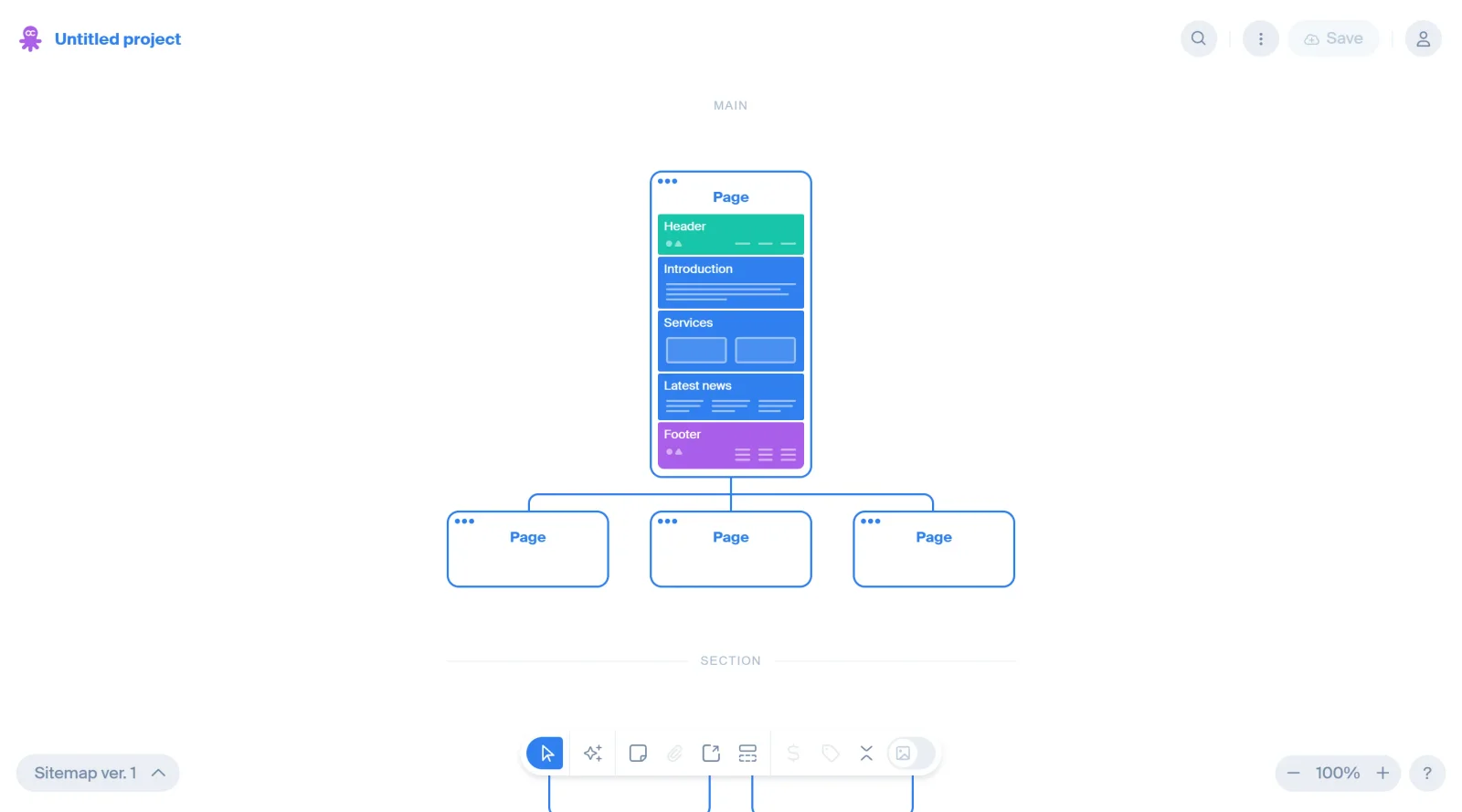
Octopus.do is a visual sitemap tool categorized under UX tools that enables users to swiftly build visual sitemaps for websites and applications. It supports the creation of site structures, content organization, and planning within the design workflow, particularly during early stages of UX planning and website architecture development. Available on a freemium pricing model, Octopus.do allows basic access for free with premium features for advanced use.
What Octopus.do Does
- Combines multiple wireframes using shift-click to construct complex page structures.
- Applies page frames to distinguish pages by type, such as single pages, multiples, or groups.
- Connects blocks to pages with arrows to represent internal links or user flows.
- Manages symbols as reusable global blocks across projects.
- Adds tags to mark progress or domains, with filtering options to focus on specific elements.
- Attaches files directly to the artboard for centralized project management.
How Octopus.do Can Be Used
- Generate visual sitemaps from URLs or XML to visualize existing website structures and identify areas for improvement.
- Build new sitemaps manually or with AI assistance by describing pages and auto-generating content blocks and meta tags.
- Organize content by adding low-fidelity wireframes, notes, images, and sticky notes to individual blocks.
- Export sitemaps as PDF, PNG, TXT, XML, or CSV for integration with tools like WordPress, Webflow, or Figma.
- Share sitemaps with teams or clients for collaboration, including comments and no-sign-up viewing.
- Switch to mobile previews, dark themes, or color schemes to adapt views for different devices or preferences.
Who Is Octopus.do For?
Octopus.do serves UX designers, product managers, content creators, marketers, and developers who need to plan website architectures or application structures visually. It fits beginners planning new sites with premade wireframes and AI drafts, as well as teams handling content organization, SEO meta tags, and client presentations for existing projects. Roles involving site audits, user flow mapping, or cost estimation find it applicable in workflows from ideation to export.Visit Octopus.do
Featured Tools
Sponsored
Artlist
Royalty-free music, SFX, 8K footage, templates, LUTs and 100+ AI models on a single subscription for video creators.

Icons8
Large icon packs featuring over 10,000 icons for consistent design themes.

Vidu
AI video generator with text, image and reference-to-video modes, producing 3–16 second clips at up to 1080p with characters that stay consistent across shots.
Your tool here
The tools above are our own picks until the slots sell.

Tools we recommend


Editorially chosen. Some links above are affiliate links — if you sign up we may earn a commission, at no extra cost to you.
More UX Tools Tools


Slicer.dev
Slicer audits entire websites and user flows, giving teams a structured way to review UI/UX at scale — then extracts any component it finds into ready-to-use AI prompts or React code.


2020 Ipsum
A Lorem Ipsum generator themed on unforgettable 2020 events.


Aaply
Wireframe mobile apps and create user-centered product experiences.


Avvvatars
Unique placeholder avatars tailored to your users.


Axure
Plan, wireframe, and prototype without any coding required.


Ballpark
Quick asynchronous product research for prototypes and designs.
Explore Other Categories
Discover more design resources
New to Design?
Explore our comprehensive design glossary to master essential terminology from A/B Testing to Wireframes.
Browse GlossaryLooking for something specific?
Search through our entire collection of design tools and resources