

What it costs
- Free tier
- No
Free 14-day trial only, then a paid Pro subscription; pricing on a separate /pricing page not captured.
Auto-checked on 8 August 2026Source
About Overflow
What Is Overflow?
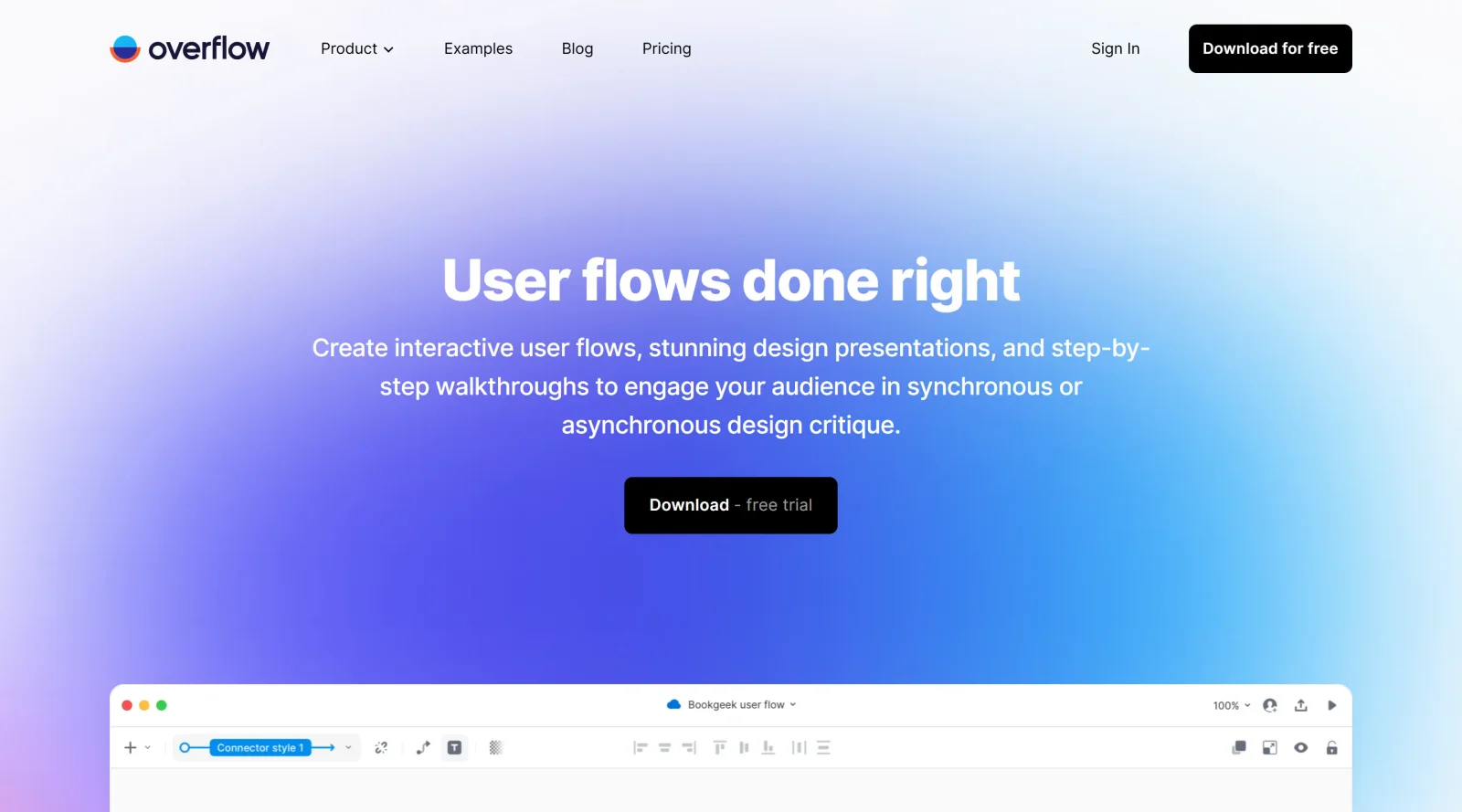
Overflow is a paid UX tool designed to convert designs into interactive user flow diagrams. It serves as a desktop application within the ux-tools category, enabling designers to import artboards and layers from various design tools to create visual representations of user journeys. Overflow fits into the design workflow after initial prototyping, where teams need to map out screen connections and flows before presentation or review stages.
What Overflow Does
- Imports designs from tools like Sketch, Figma, Adobe XD, and others to serve as the base for user flow diagrams.
- Generates connectors between screens automatically while preserving design layers for consistency.
- Supports customization of connectors, including editing, layering, removal, and application of device skins.
- Provides canvas view for interactive bird's-eye overviews of user flows and prototype view for screen-by-screen navigation.
- Allows addition of labels, shapes, and decision elements like diamonds to clarify flow paths.
- Enables cloud sharing through Overflow Cloud with version history, team folders, and collaboration features.
How Overflow Can Be Used
- Sync artboards from a Figma file to build a user flow diagram showing happy paths in green and error paths in orange for quick stakeholder walkthroughs.
- Import Adobe XD prototypes to create a bird's-eye diagram, then switch to prototype view for detailed interaction using arrow keys during team critiques.
- Organize multiple user journeys from different entry points in team folders, invite collaborators to edit, and track changes via full version history.
- Present flows asynchronously by generating shareable links or embedding in tools like Jira or Confluence for remote feedback on user journeys.
- Export diagrams as PDF or PNG, or print on multiple sheets to create wall-sized overviews for design sprints.
Who Is Overflow For?
Overflow targets product designers, UX teams, and developers who require visual mapping of user experiences across design tools. It suits roles involved in workflow diagramming, such as UI/UX designers handling prototypes from Sketch or Figma, and teams conducting asynchronous reviews or client presentations. Experience levels range from intermediate users familiar with design software to advanced practitioners managing complex flows in collaborative environments. Visit Overflow
Featured Tools
Sponsored
Artlist
Royalty-free music, SFX, 8K footage, templates, LUTs and 100+ AI models on a single subscription for video creators.

Icons8
Large icon packs featuring over 10,000 icons for consistent design themes.

Vidu
AI video generator with text, image and reference-to-video modes, producing 3–16 second clips at up to 1080p with characters that stay consistent across shots.
Your tool here
The tools above are our own picks until the slots sell.

Tools we recommend


Editorially chosen. Some links above are affiliate links — if you sign up we may earn a commission, at no extra cost to you.
More UX Tools Tools


Slicer.dev
Slicer audits entire websites and user flows, giving teams a structured way to review UI/UX at scale — then extracts any component it finds into ready-to-use AI prompts or React code.


2020 Ipsum
A Lorem Ipsum generator themed on unforgettable 2020 events.


Aaply
Wireframe mobile apps and create user-centered product experiences.


Avvvatars
Unique placeholder avatars tailored to your users.


Axure
Plan, wireframe, and prototype without any coding required.


Ballpark
Quick asynchronous product research for prototypes and designs.
Explore Other Categories
Discover more design resources
New to Design?
Explore our comprehensive design glossary to master essential terminology from A/B Testing to Wireframes.
Browse GlossaryLooking for something specific?
Search through our entire collection of design tools and resources