

What it costs
- Free tier
- Yes
Free open-source (Apache-2.0) LQIP library now in maintenance mode with only optional sponsorship — no paid tier, so the catalog 'Freemium' label is off.
Auto-checked on 8 August 2026Source
About Plaiceholder
What Is Plaiceholder?
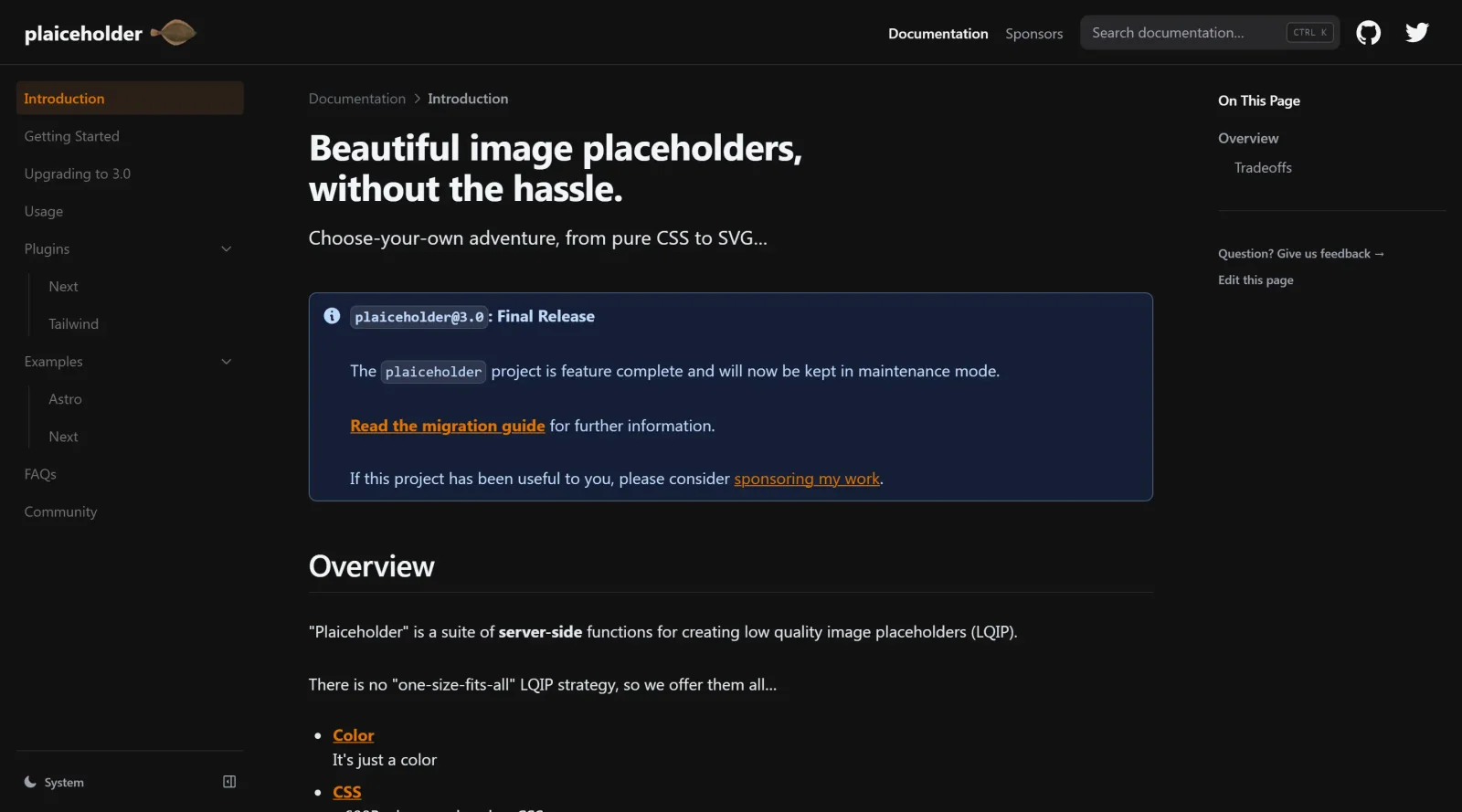
Plaiceholder is a freemium UX tool that generates beautiful image placeholders for design and development projects. It streamlines the process of creating placeholder images without requiring complex configuration, making it valuable for designers and developers who need quick, visually polished stand-ins for final images during mockups and prototyping phases.
What Plaiceholder Does
- Transforms images into blurred placeholder versions using base64 encoding
- Generates placeholders compatible with modern frameworks like Next.js through the Image component
- Supports multiple output formats including pure CSS and SVG-based placeholders
- Provides both free and premium functionality for different project requirements
- Integrates with development workflows to automate placeholder image creation
- Handles remote and local images for flexible placeholder generation
How Plaiceholder Can Be Used
- Creating blur effect placeholders while images load, improving perceived performance and user experience
- Generating mockups and design presentations with professional-looking image placeholders
- Automating placeholder creation in Next.js projects through API integration
- Building responsive designs where placeholder images adapt across different screen sizes
- Simplifying handoff between designers and developers by providing pre-formatted placeholder code
Who Is Plaiceholder For?
Plaiceholder serves front-end developers and UI/UX designers working with modern web frameworks, particularly those using Next.js. It is especially useful for teams building high-performance websites where placeholder optimization matters, and for designers creating realistic mockups before final assets are ready. Both freelancers and larger teams can benefit from Plaiceholder's automation capabilities and straightforward implementation. Visit Plaiceholder
Featured Tools
Sponsored
Artlist
Royalty-free music, SFX, 8K footage, templates, LUTs and 100+ AI models on a single subscription for video creators.

Icons8
Large icon packs featuring over 10,000 icons for consistent design themes.

Vidu
AI video generator with text, image and reference-to-video modes, producing 3–16 second clips at up to 1080p with characters that stay consistent across shots.
Your tool here
The tools above are our own picks until the slots sell.
Spotlight
SponsoredRotates daily
Animated Icons 2.0
Enhance your projects with 900+ animated icons.
Tools we recommend


Editorially chosen. Some links above are affiliate links — if you sign up we may earn a commission, at no extra cost to you.
More UX Tools Tools


Slicer.dev
Slicer audits entire websites and user flows, giving teams a structured way to review UI/UX at scale — then extracts any component it finds into ready-to-use AI prompts or React code.


2020 Ipsum
A Lorem Ipsum generator themed on unforgettable 2020 events.


Aaply
Wireframe mobile apps and create user-centered product experiences.


Avvvatars
Unique placeholder avatars tailored to your users.


Axure
Plan, wireframe, and prototype without any coding required.


Ballpark
Quick asynchronous product research for prototypes and designs.
Explore Other Categories
Discover more design resources
New to Design?
Explore our comprehensive design glossary to master essential terminology from A/B Testing to Wireframes.
Browse GlossaryLooking for something specific?
Search through our entire collection of design tools and resources