

What it costs
- Free tier
- No
Paid prototyping tool with a 15-day free trial (no free plan); plan prices are on a separate /pricing page not scraped.
Auto-checked on 8 August 2026Source
About Proto.io
What Is Proto.io?
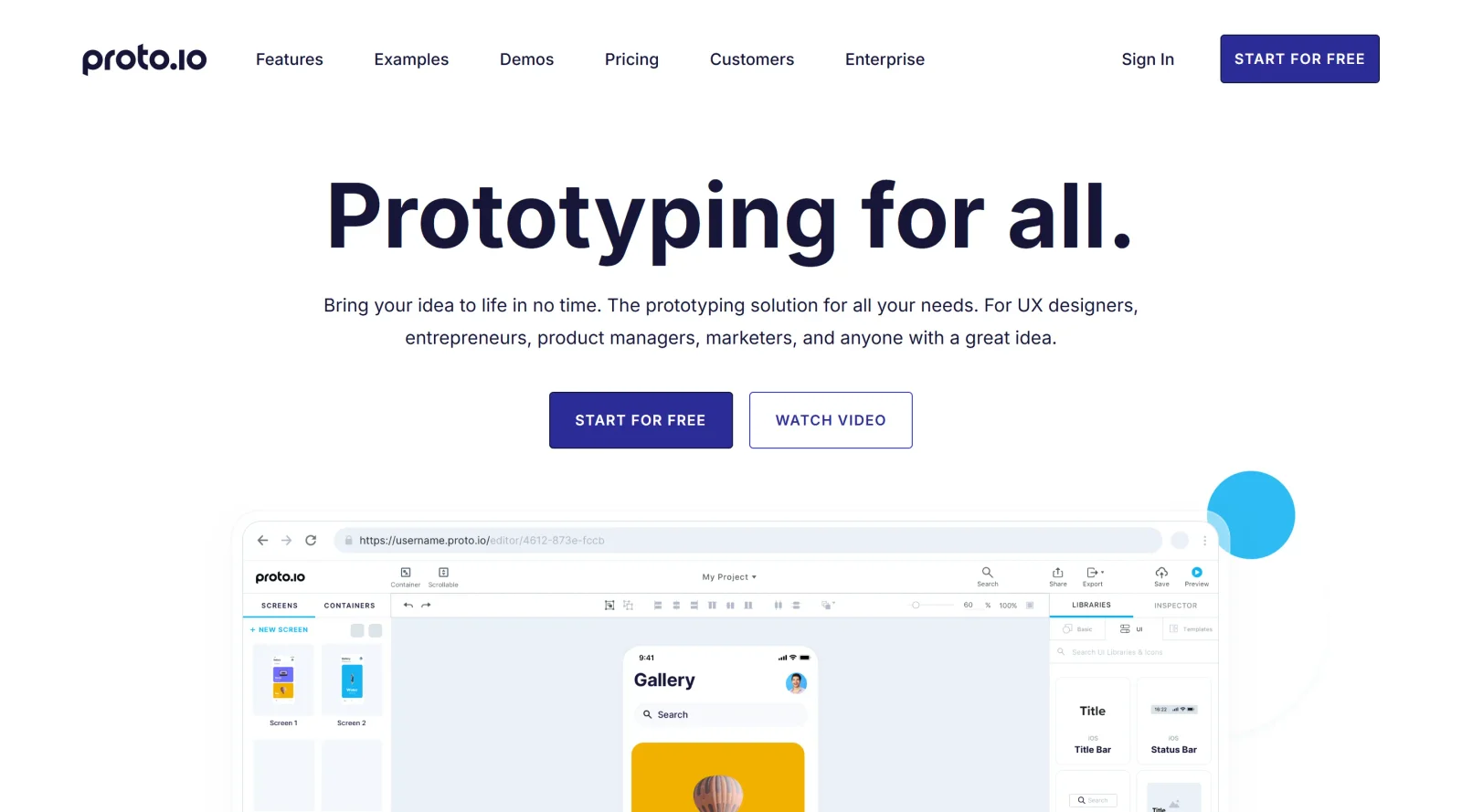
Proto.io is a paid UX tool designed for creating complex interactive prototypes without coding. It fits into the design workflow after initial wireframing and visual design, enabling designers to build functional mockups that simulate app and web interfaces. Users leverage its drag-and-drop interface to assemble prototypes for mobile apps, websites, tablets, wearables, and other screen-based projects, bridging the gap between static designs and development handoff.
What Proto.io Does
- Provides a drag-and-drop interface with built-in UI libraries, including static and animated icons, stock images, and sound effects, for assembling prototypes without coding.
- Supports full interactivity through touch events like double taps, pinch, swipe, and mouse events such as clicks, scrolls, and releases.
- Enables timeline-based animations at 60 FPS, including moving, rotating, scaling, fading, loops, and property changes like opacity, colors, and filters.
- Allows prototyping for various devices with custom screen sizes, from smartphones to watches, and includes native UI components for iOS, Android, and Windows.
- Offers import capabilities from tools like Adobe XD, Figma, Photoshop, and Sketch to convert static designs into dynamic prototypes.
- Includes advanced features such as AE Lottie vector animations, variables for capturing user input, and keyboard navigation for realistic interactions.
How Proto.io Can Be Used
- Designers create low-fidelity wireframes by dragging UI components like status bars, buttons, and lists onto screens, then link them with taps or swipes to simulate navigation flows.
- Teams build high-fidelity prototypes with animations, transitions like slide or push, and micro-interactions such as scrollable tab bars or snap paging for onboarding sequences and carousels.
- Product managers prototype form elements with radio buttons, sliders, and input fields that capture and reflect user data via variables for dynamic feedback.
- Developers preview interactions on web browsers, mobile apps for iOS/Android, or devices to test gestures, tooltips on hover, and multi-directional scrolling before handoff.
- Collaborators share prototypes via links for review, annotations, comments, and testing across devices to gather feedback and iterate on designs.
Who Is Proto.io For?
Proto.io serves UX designers, product managers, and teams needing to prototype interactive experiences for mobile, web, tablet, or wearable interfaces. It suits users transitioning from tools like Figma or Sketch to functional testing, especially those handling multi-device projects requiring gestures, animations, and collaboration without developer involvement. Experience levels range from beginners using templates and libraries to advanced users implementing Lottie animations and variables. Visit Proto.io
Featured Tools
Sponsored
Artlist
Royalty-free music, SFX, 8K footage, templates, LUTs and 100+ AI models on a single subscription for video creators.

Icons8
Large icon packs featuring over 10,000 icons for consistent design themes.

Vidu
AI video generator with text, image and reference-to-video modes, producing 3–16 second clips at up to 1080p with characters that stay consistent across shots.
Your tool here
The tools above are our own picks until the slots sell.
Spotlight
SponsoredRotates daily
Animated Icons 2.0
Enhance your projects with 900+ animated icons.
Tools we recommend


Editorially chosen. Some links above are affiliate links — if you sign up we may earn a commission, at no extra cost to you.
More UX Tools Tools


Slicer.dev
Slicer audits entire websites and user flows, giving teams a structured way to review UI/UX at scale — then extracts any component it finds into ready-to-use AI prompts or React code.


2020 Ipsum
A Lorem Ipsum generator themed on unforgettable 2020 events.


Aaply
Wireframe mobile apps and create user-centered product experiences.


Avvvatars
Unique placeholder avatars tailored to your users.


Axure
Plan, wireframe, and prototype without any coding required.


Ballpark
Quick asynchronous product research for prototypes and designs.
Explore Other Categories
Discover more design resources
New to Design?
Explore our comprehensive design glossary to master essential terminology from A/B Testing to Wireframes.
Browse GlossaryLooking for something specific?
Search through our entire collection of design tools and resources