

What it costs
- Free tier
- Yes
Free, open-source API for generating random user data, supported by optional donations.
Auto-checked on 8 August 2026Source
About Random User
What Is Random User?
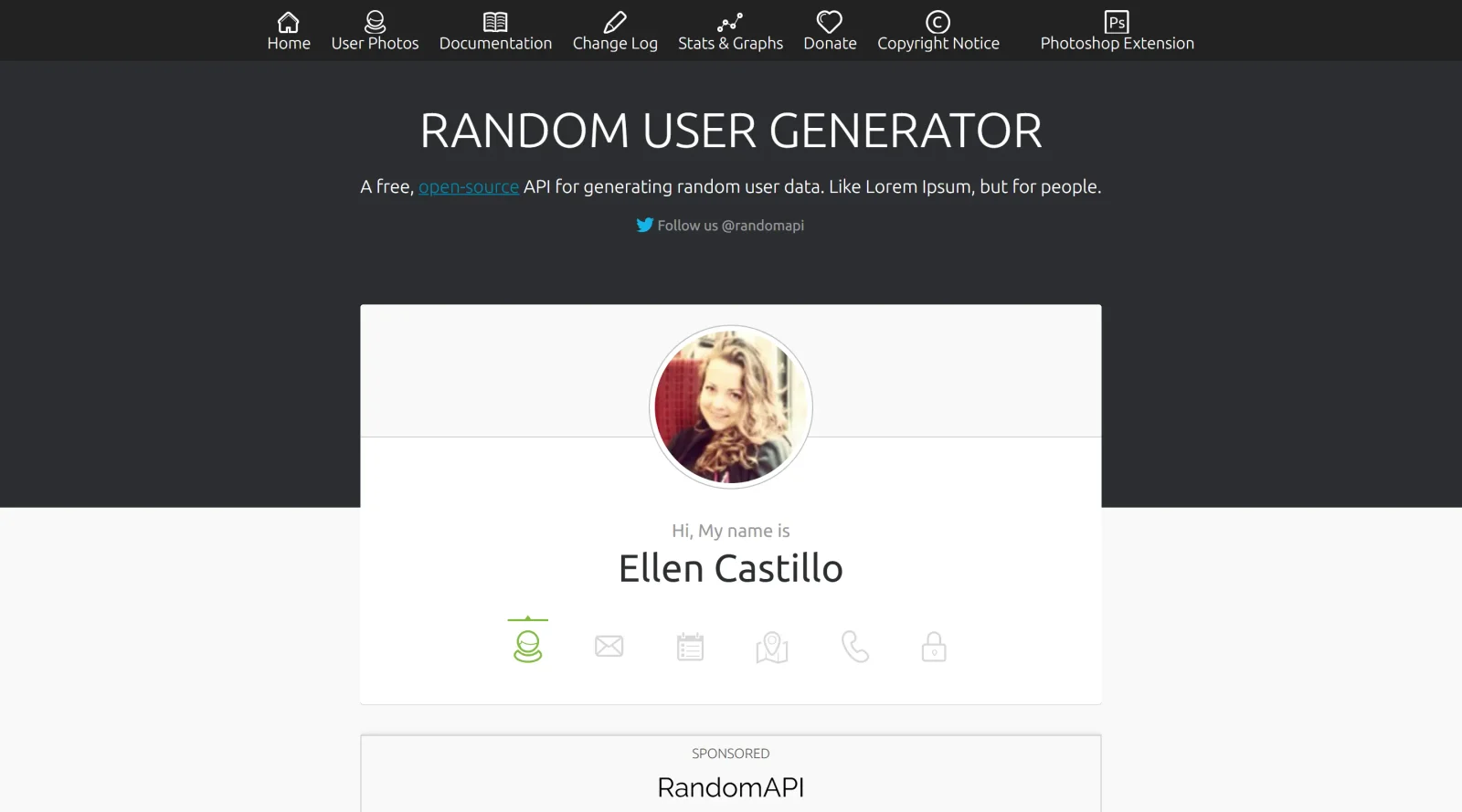
Random User is a free API that generates realistic placeholder user data as an alternative to Lorem Ipsum text, focusing on people-related information. Designed for UX tools category, it provides randomly generated profiles including names, photos, and contact details to populate designs and prototypes without using generic filler content. Developers and designers integrate Random User into their workflow during early-stage prototyping, testing, and demo creation where authentic-looking user information enhances realism.
What Random User Does
- Generates random user profiles with fields such as name, gender, location, email, phone, and profile picture URLs.
- Supports filtering by parameters like gender, nationality, and number of results (up to 100 per request).
- Delivers data in JSON format for easy parsing and integration into applications or design tools.
- Allows inclusion or exclusion of specific fields like login details, date of birth, or coordinates.
- Provides seed-based generation for reproducible results across multiple calls.
- Offers bulk generation capabilities to create datasets of multiple user profiles at once.
How Random User Can Be Used
- Populate UI mockups in Figma or similar tools with realistic user avatars, names, and addresses for client presentations.
- Seed databases during software development testing to simulate user records without manual data entry.
- Create demo accounts for staging environments, including emails and phone numbers for form validation tests.
- Generate diverse user personas for UX research, mapping demographics to journey maps or empathy exercises.
- Automate prototype filling in tools like UXPin, replacing placeholder text with structured user data for interactive feature testing.
Who Is Random User For?
Random User serves UX designers needing quick, realistic user data for wireframes and prototypes, front-end developers populating test interfaces, and product teams creating sample datasets for workshops or A/B testing scenarios. It fits projects requiring scalable, privacy-safe placeholder information across beginner to advanced experience levels, particularly in agile workflows where speed and authenticity matter. Visit Random User
Featured Tools
Sponsored
Artlist
Royalty-free music, SFX, 8K footage, templates, LUTs and 100+ AI models on a single subscription for video creators.

Icons8
Large icon packs featuring over 10,000 icons for consistent design themes.

Vidu
AI video generator with text, image and reference-to-video modes, producing 3–16 second clips at up to 1080p with characters that stay consistent across shots.
Your tool here
The tools above are our own picks until the slots sell.
Spotlight
SponsoredRotates daily
Glyph Neue
Over 1,500 icons in SVG and PNG formats, free with attribution.
Tools we recommend


Editorially chosen. Some links above are affiliate links — if you sign up we may earn a commission, at no extra cost to you.
More UX Tools Tools


Slicer.dev
Slicer audits entire websites and user flows, giving teams a structured way to review UI/UX at scale — then extracts any component it finds into ready-to-use AI prompts or React code.


2020 Ipsum
A Lorem Ipsum generator themed on unforgettable 2020 events.


Aaply
Wireframe mobile apps and create user-centered product experiences.


Avvvatars
Unique placeholder avatars tailored to your users.


Axure
Plan, wireframe, and prototype without any coding required.


Ballpark
Quick asynchronous product research for prototypes and designs.
Explore Other Categories
Discover more design resources
New to Design?
Explore our comprehensive design glossary to master essential terminology from A/B Testing to Wireframes.
Browse GlossaryLooking for something specific?
Search through our entire collection of design tools and resources