

What it costs
- Free tier
- Yes
Free tool for moving gradients, offered as a Figma plugin, Framer plugin, and React component; no paid plan shown on the page.
Auto-checked on 8 August 2026Source
About ShaderGradient
What Is ShaderGradient?
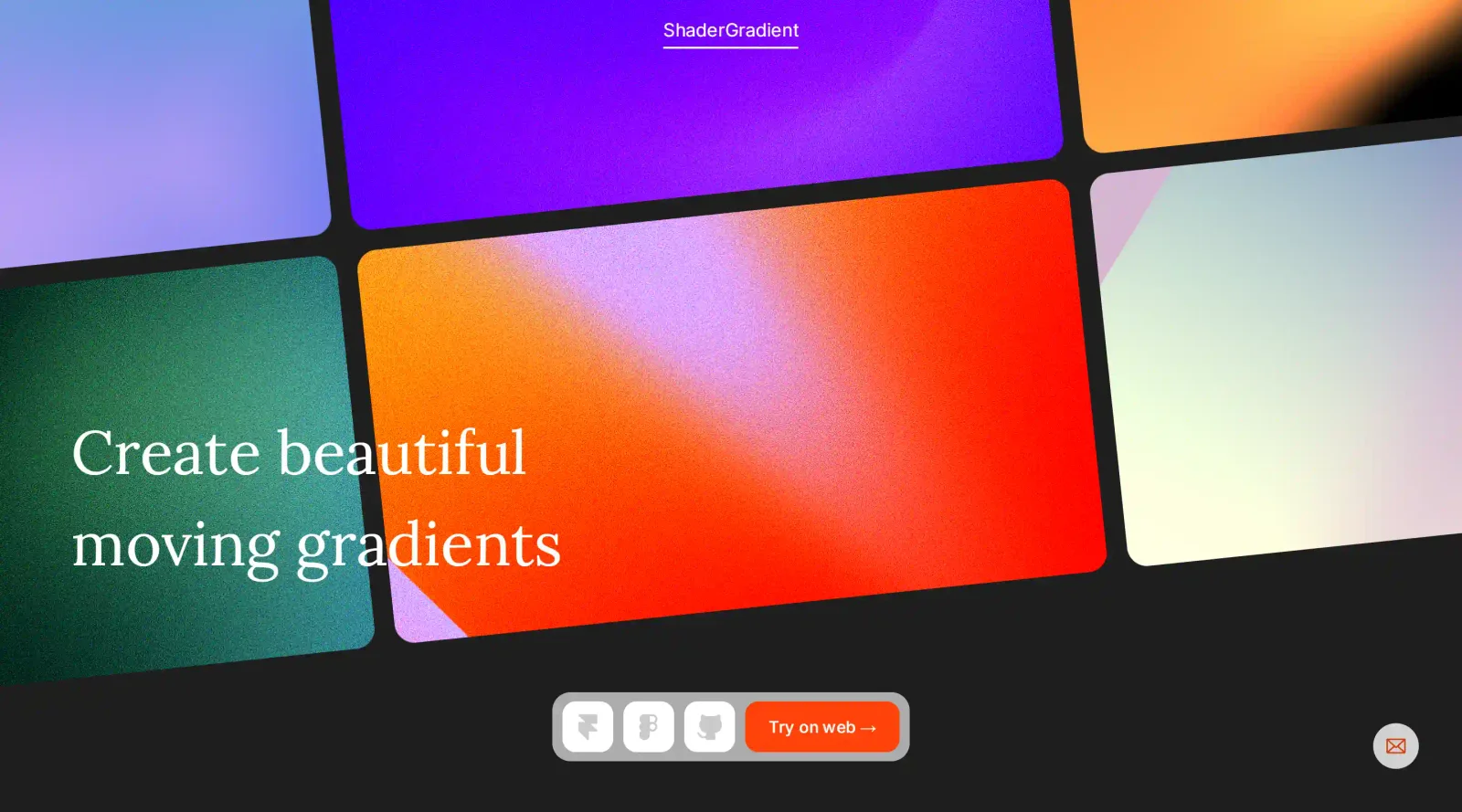
ShaderGradient is a free color tool designed for crafting animated gradients with depth and movement. It operates through a web-based interface where users adjust parameters to generate dynamic visuals powered by WebGL shaders. As part of the color tools category, ShaderGradient fits into design workflows for creating backgrounds, effects, and interactive elements in tools like Figma and Framer, offering export options for seamless integration without additional cost.
What ShaderGradient Does
- Supports multiple 3D shapes including plane, sphere, and water plane for gradient rendering.
- Allows adjustment of colors, motion speed, frequency, and animation toggle for dynamic effects.
- Provides shader parameters such as noise density, noise strength, and spiral for organic distortions.
- Includes camera and environment controls like lighting presets, brightness, reflection, and rotation.
- Offers additional effects including grain, zoom, position, and environment presets.
- Generates shareable URL strings and code snippets for embedding in web projects.
How ShaderGradient Can Be Used
- Designers prototype animated backgrounds in Figma by exporting gradients via the plugin and applying them to frames or components.
- Framer users insert ShaderGradient components directly into sites, customizing properties for interactive elements like hero sections or transitions.
- Developers integrate gradients as React components, copying code from the generator for production-ready WebGL visuals.
- Teams browse community-submitted gradients for inspiration, remix presets like "Universe" or "Sunset," and share their own creations.
- Workflows involve live previewing on the customize page, tweaking parameters in real-time, then exporting for use in static sites or apps needing subtle animations.
Who Is ShaderGradient For?
ShaderGradient serves UI designers, web developers, and motion enthusiasts working on projects requiring animated color gradients with 3D qualities. It suits users familiar with Figma, Framer, or React who seek control over shader-based effects without writing custom GLSL code, as well as those exploring community presets for quick starts. Experience levels range from intermediate designers handling prototypes to developers embedding performant visuals. Visit ShaderGradient
Featured Tools
Sponsored
Artlist
Royalty-free music, SFX, 8K footage, templates, LUTs and 100+ AI models on a single subscription for video creators.

Icons8
Large icon packs featuring over 10,000 icons for consistent design themes.

Vidu
AI video generator with text, image and reference-to-video modes, producing 3–16 second clips at up to 1080p with characters that stay consistent across shots.
Your tool here
The tools above are our own picks until the slots sell.
Spotlight
SponsoredRotates daily
HyNote
Records and transcribes interviews and meetings, then turns them into summaries and action items.
More Color Tools Tools


Hue Codex
Hue Codex is a free, no-account color workspace for designers and developers, with palette generation, WCAG contrast checks, modern CSS tools, image color extraction, local saving, and exports.


Upclimb Color Picker
A free browser-based tool for designers & clients to decide on color schemes. Pick & save colors, generate color palettes, extract website colors, check WCAG contrast & find passing colors.


Adobe Color
Create and explore color themes and trends with an inspirational tool.


Alphredo
Generate translucent colors that match their opaque versions.


Atmos
Easily create effective UI color palettes.


Cheeky Palettes
Find color palette inspiration in real-world context.
Explore Other Categories
Discover more design resources
New to Design?
Explore our comprehensive design glossary to master essential terminology from A/B Testing to Wireframes.
Browse GlossaryLooking for something specific?
Search through our entire collection of design tools and resources