

What it costs
- Free tier
- No
Page failed to load ('This page couldn't load'), so no pricing could be captured.
Auto-checked on 8 August 2026Source
About Atmos
What Is Atmos?
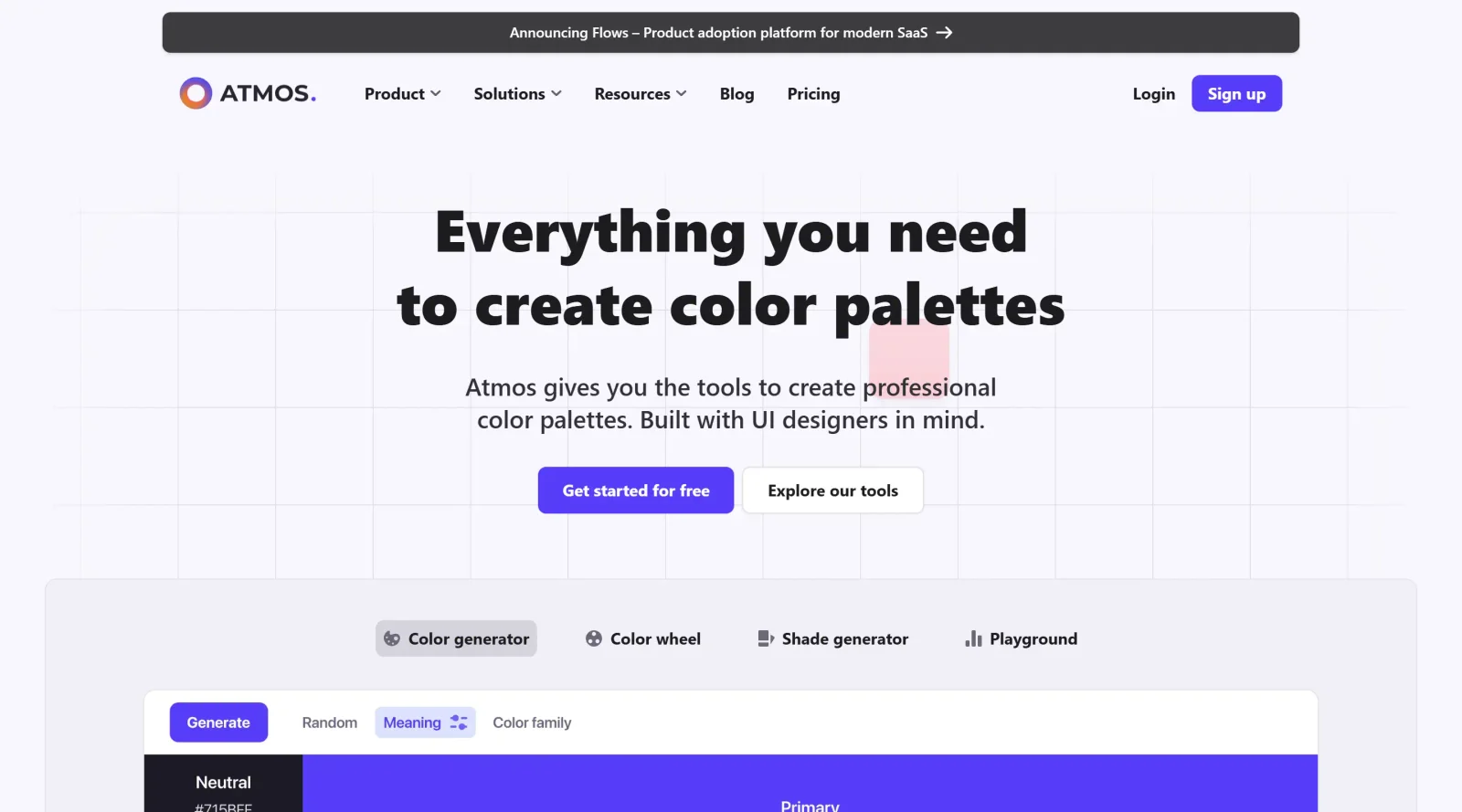
Atmos is a design tool in the **Design** category that provides a platform for creating interactive 3D visualizations of event stands and booths. Accessible via a web browser, Atmos enables users to configure and preview custom setups in real time, supporting the planning process for exhibitions and corporate events. It operates on a freemium pricing model, allowing basic access without cost while offering advanced features through premium plans.
What Atmos Does
- Generates real-time 3D renderings of booth configurations based on user inputs for dimensions, walls, and flooring.
- Allows selection and positioning of furniture, partition walls, and valances within the virtual stand design.
- Supports customization of wall prints, height adjustments, and brandable elements for personalized event setups.
- Produces detailed quotations automatically, including breakdowns of selected features and multiple viewing angles.
- Provides a cloud-based administrator for updating texts, images, and 3D models without requiring application downloads.
- Collects user data to generate databases and analytics on design preferences and market trends.
How Atmos Can Be Used
- Designers configure booth layouts by specifying wall counts, widths, lengths, and floor types to visualize event stands before production.
- Sales teams input client requirements for furniture and branding, then generate instant quotes with 3D previews to streamline proposals.
- Event planners test variations in stand height and partitions to optimize space usage for trade shows or corporate exhibitions.
- Companies update asset libraries via the web admin to reflect new materials or designs, ensuring real-time accuracy in client simulations.
Who Is Atmos For?
Atmos serves professionals in the events industry, including stand designers, sales teams at exhibition companies, and event production firms handling trade fairs, showrooms, and corporate activations. It fits workflows for teams managing custom booth projects where interactive 3D previews and automated quoting reduce manual rendering efforts, suitable for both small agencies and larger operations seeking digital tools for client presentations. Visit Atmos
Featured Tools
Sponsored
Artlist
Royalty-free music, SFX, 8K footage, templates, LUTs and 100+ AI models on a single subscription for video creators.

Icons8
Large icon packs featuring over 10,000 icons for consistent design themes.

Vidu
AI video generator with text, image and reference-to-video modes, producing 3–16 second clips at up to 1080p with characters that stay consistent across shots.
Your tool here
The tools above are our own picks until the slots sell.
Spotlight
SponsoredRotates daily
Glyph Neue
Over 1,500 icons in SVG and PNG formats, free with attribution.
More Color Tools Tools

Hue Codex
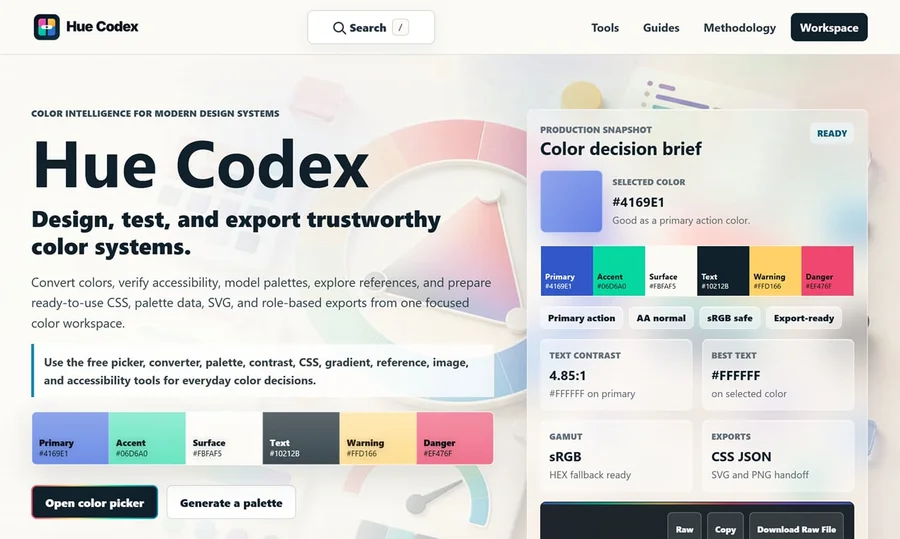
Hue Codex is a free, no-account color workspace for designers and developers, with palette generation, WCAG contrast checks, modern CSS tools, image color extraction, local saving, and exports.
Upclimb Color Picker
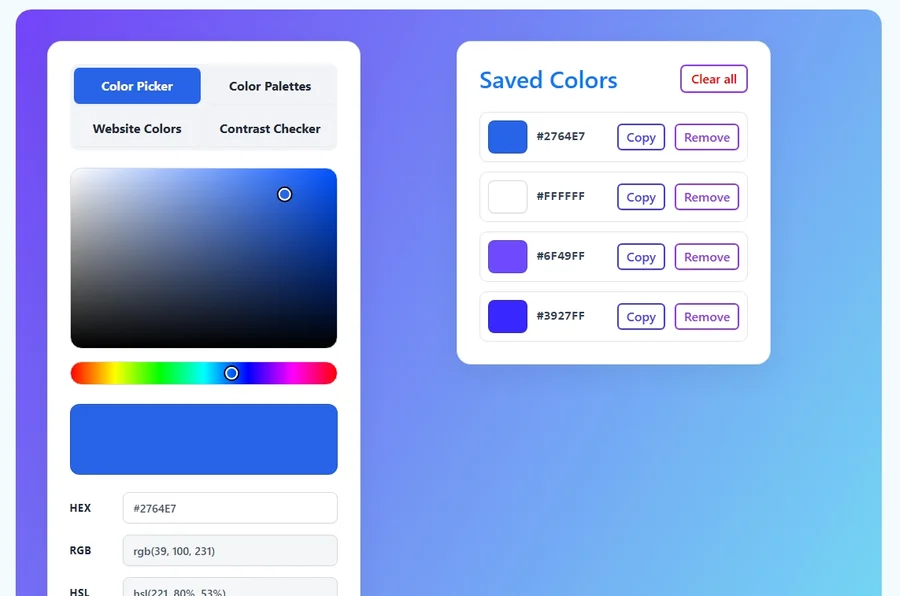
A free browser-based tool for designers & clients to decide on color schemes. Pick & save colors, generate color palettes, extract website colors, check WCAG contrast & find passing colors.
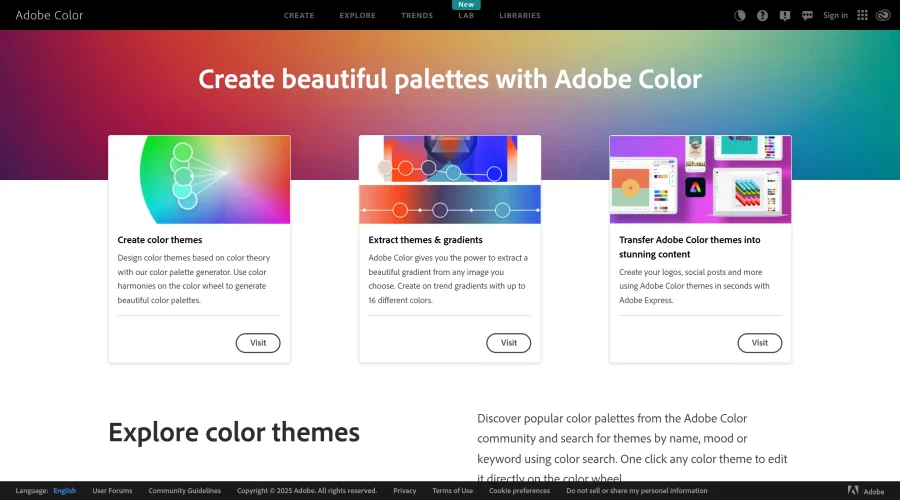

Adobe Color
Create and explore color themes and trends with an inspirational tool.
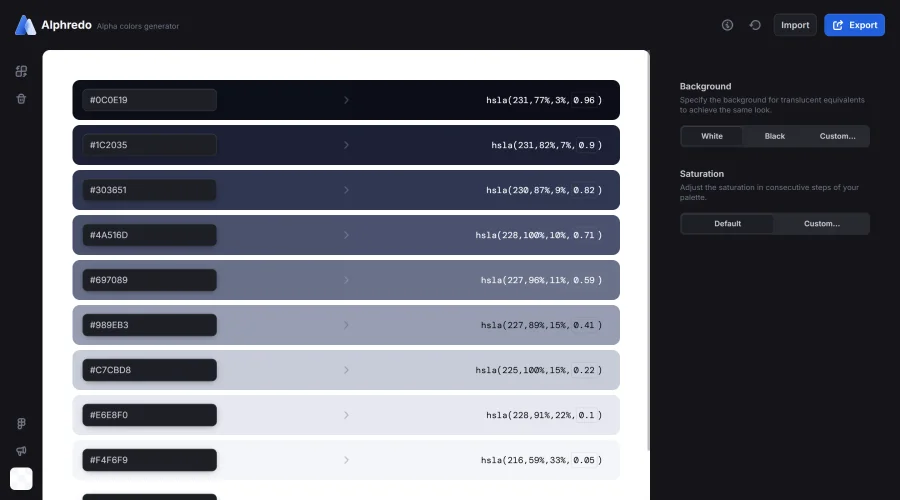

Alphredo
Generate translucent colors that match their opaque versions.
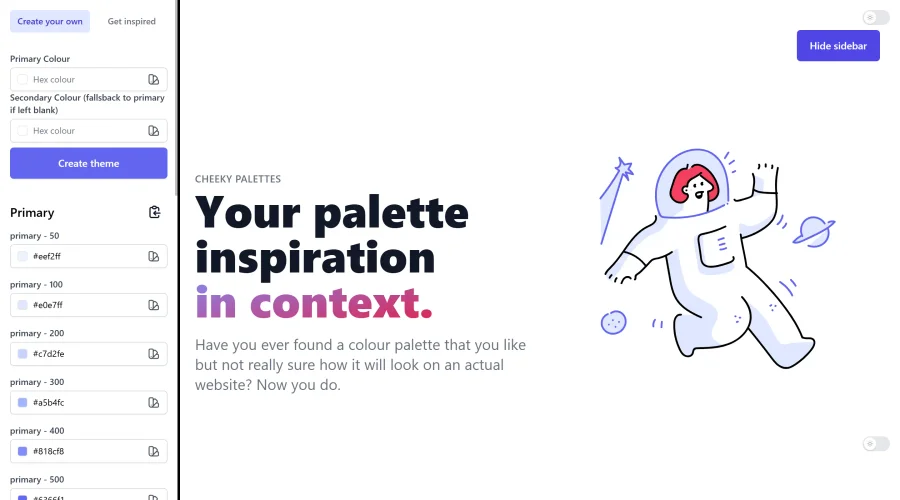

Cheeky Palettes
Find color palette inspiration in real-world context.
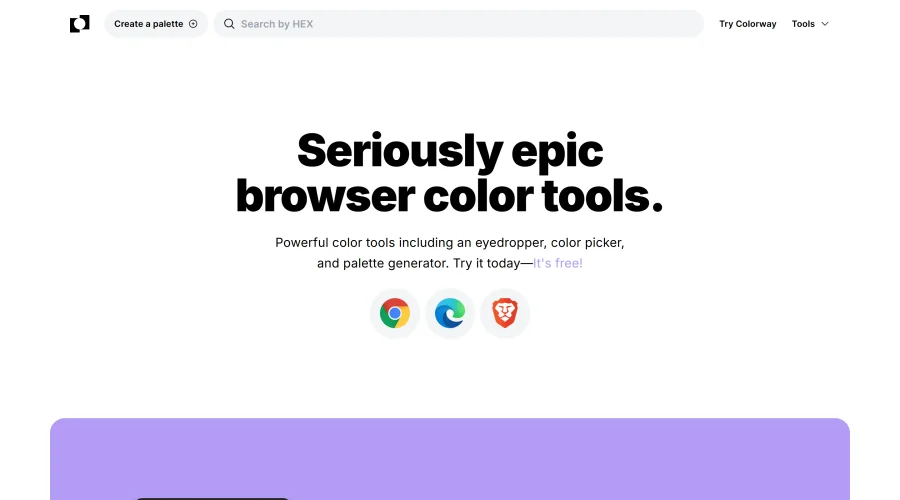

Chroma
Browser extension for color picking and palette building.
Explore Other Categories
Discover more design resources
New to Design?
Explore our comprehensive design glossary to master essential terminology from A/B Testing to Wireframes.
Browse GlossaryLooking for something specific?
Search through our entire collection of design tools and resources