

What it costs
- Free tier
- Yes
Slack's free design blog/editorial site; nothing is sold.
Auto-checked on 8 August 2026Source
About Slack Design
What Is Slack Design?
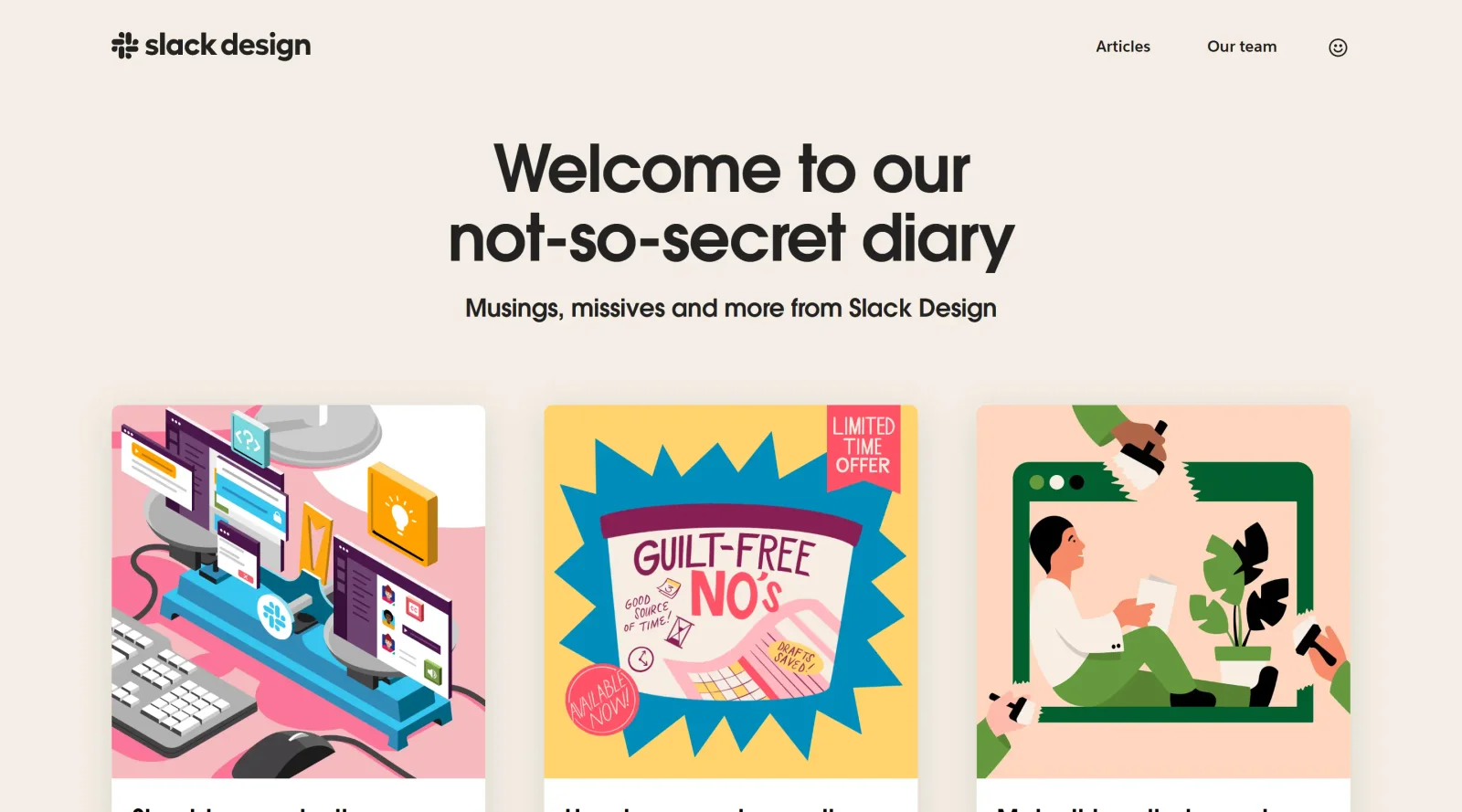
Slack Design is a collection of blogs that share insights from the Slack team on design knowledge and practices. It serves as a resource within the blogs category, offering free access to articles on topics such as UI design, product focus, and visual design principles applied in Slack's development. Slack Design fits into the design workflow as a knowledge hub where designers reference real-world examples from Slack's design processes, helping teams understand approaches to building collaborative tools.
What Slack Design Does
- Provides articles detailing Slack's design decisions, such as creating focused and productive interfaces.
- Shares insights on visual design elements, including softer surfaces, rounded avatars, and subtle theming systems.
- Explains structural changes in Slack's app design to balance focus and accessibility.
- Offers perspectives on design for collaboration features like notifications and dedicated work views.
- Documents design processes for AI features, including channel recaps and thread summaries.
- Presents team knowledge on integrating design with product evolution and user needs.
How Slack Design Can Be Used
- Designers reference Slack Design articles when planning UI layouts that prioritize focus amid multiple channels and notifications, drawing from Slack's redesigned views.
- Teams studying visual hierarchies use examples of reduced decoration and elevation cues to refine their app interfaces.
- Product designers apply insights from Slack Design to balance deep work modes with quick collaboration access in team tools.
- UX researchers consult posts on AI-driven summaries to inform designs for conversation-heavy platforms.
- Developers and designers collaborate on workflow integrations by reviewing Slack's design rationale for automations and metadata.
Who Is Slack Design For?
Slack Design targets UI/UX designers, product designers, and design teams working on collaborative software or communication tools. It suits professionals at various experience levels seeking practical design knowledge from a real product team, particularly those handling focus, productivity, and visual consistency in complex apps. Slack Design also appeals to developers incorporating design principles into Slack integrations or similar platforms.
Featured Tools
Sponsored
Artlist
Royalty-free music, SFX, 8K footage, templates, LUTs and 100+ AI models on a single subscription for video creators.

Icons8
Large icon packs featuring over 10,000 icons for consistent design themes.

Vidu
AI video generator with text, image and reference-to-video modes, producing 3–16 second clips at up to 1080p with characters that stay consistent across shots.
Your tool here
The tools above are our own picks until the slots sell.
Spotlight
SponsoredRotates daily
HyNote
Records and transcribes interviews and meetings, then turns them into summaries and action items.
More Blogs Tools

Adobe Blog
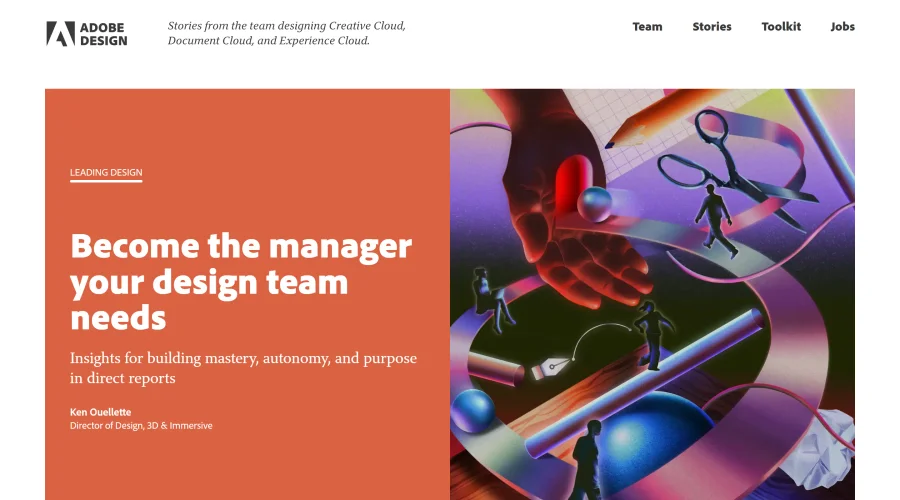
Insights from the team behind Creative Cloud, Document Cloud, and Experience Cloud.

Airbnb Design
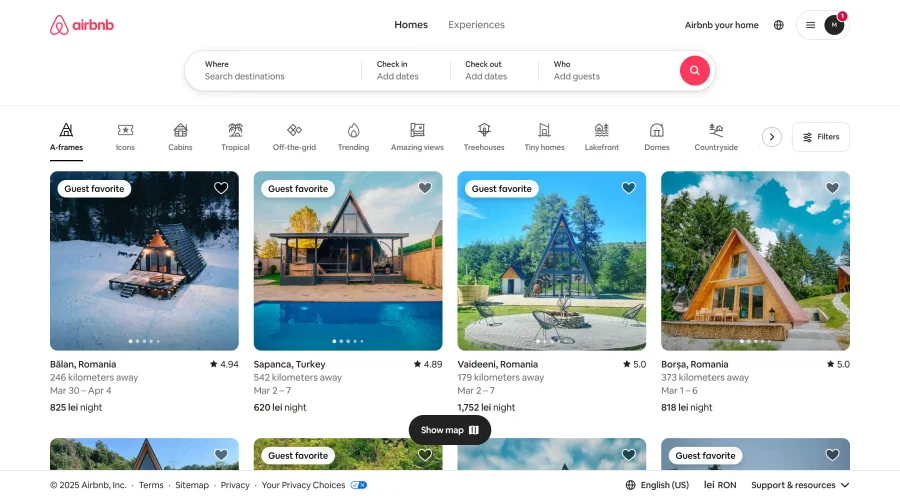
Stay updated with Airbnb's creative team and their design journey.
Apple & Banana
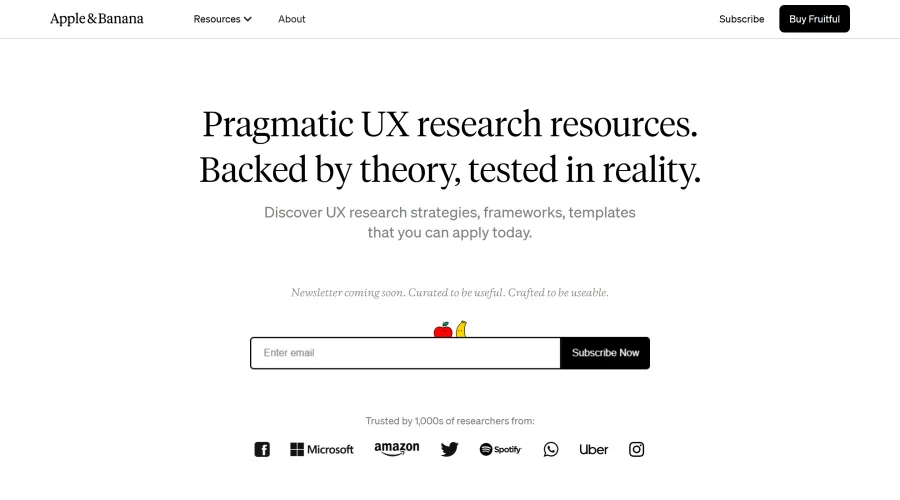
A space for user researchers to share and learn.
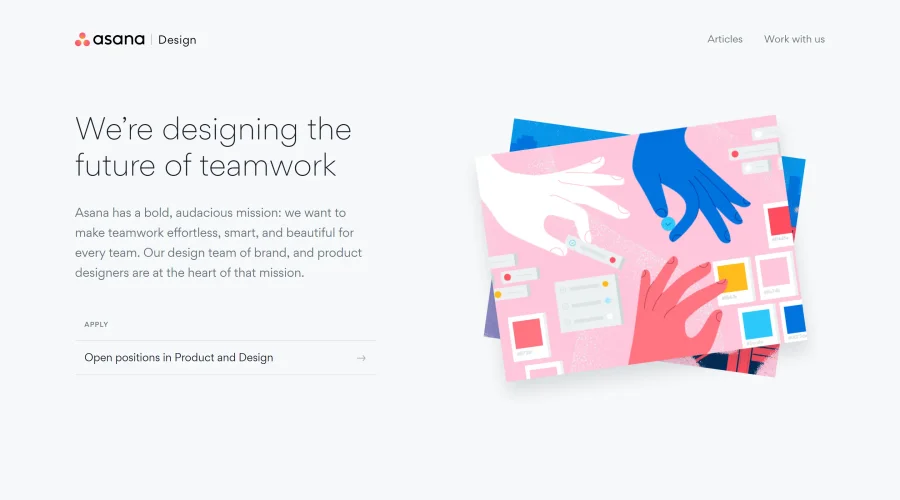

Asana Design
Innovative approaches to designing for teamwork.
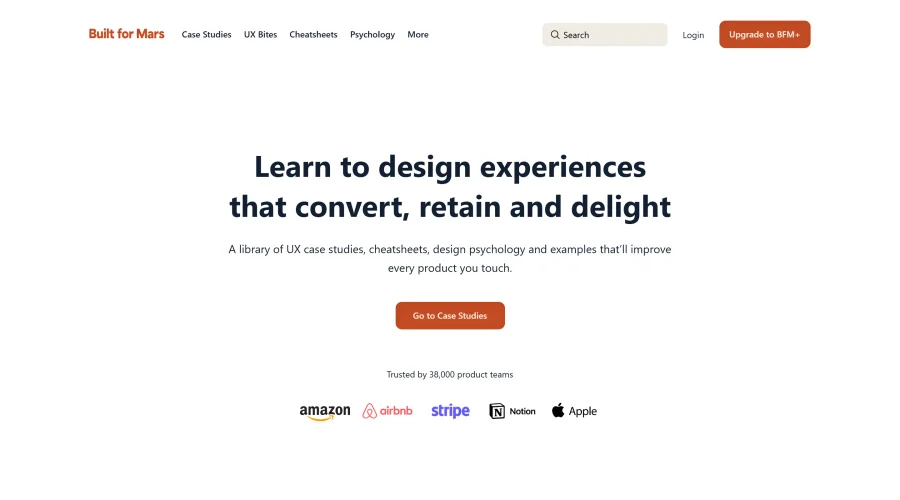

Built for Mars
Research-driven case studies packed with insights from thousands of hours.
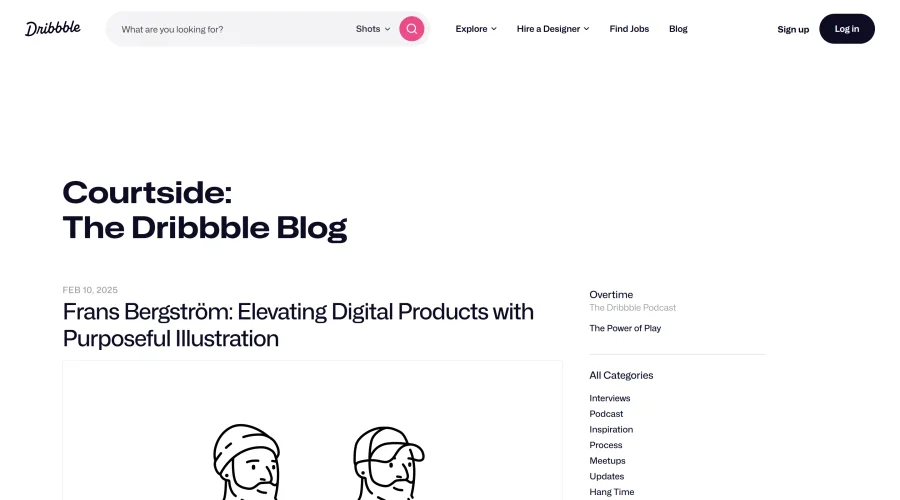

Courtside
Engaging stories about designers, freelancing, and various design topics.
Explore Other Categories
Discover more design resources
New to Design?
Explore our comprehensive design glossary to master essential terminology from A/B Testing to Wireframes.
Browse GlossaryLooking for something specific?
Search through our entire collection of design tools and resources