

What it costs
- Free tier
- Yes
Smartlook is winding down after joining Cisco — End of Sale 31 May 2026, decommissioned 30 Sep 2027; no new subscriptions sold and no prices shown.
Auto-checked on 8 August 2026Source
About Smartlook
What Is Smartlook?
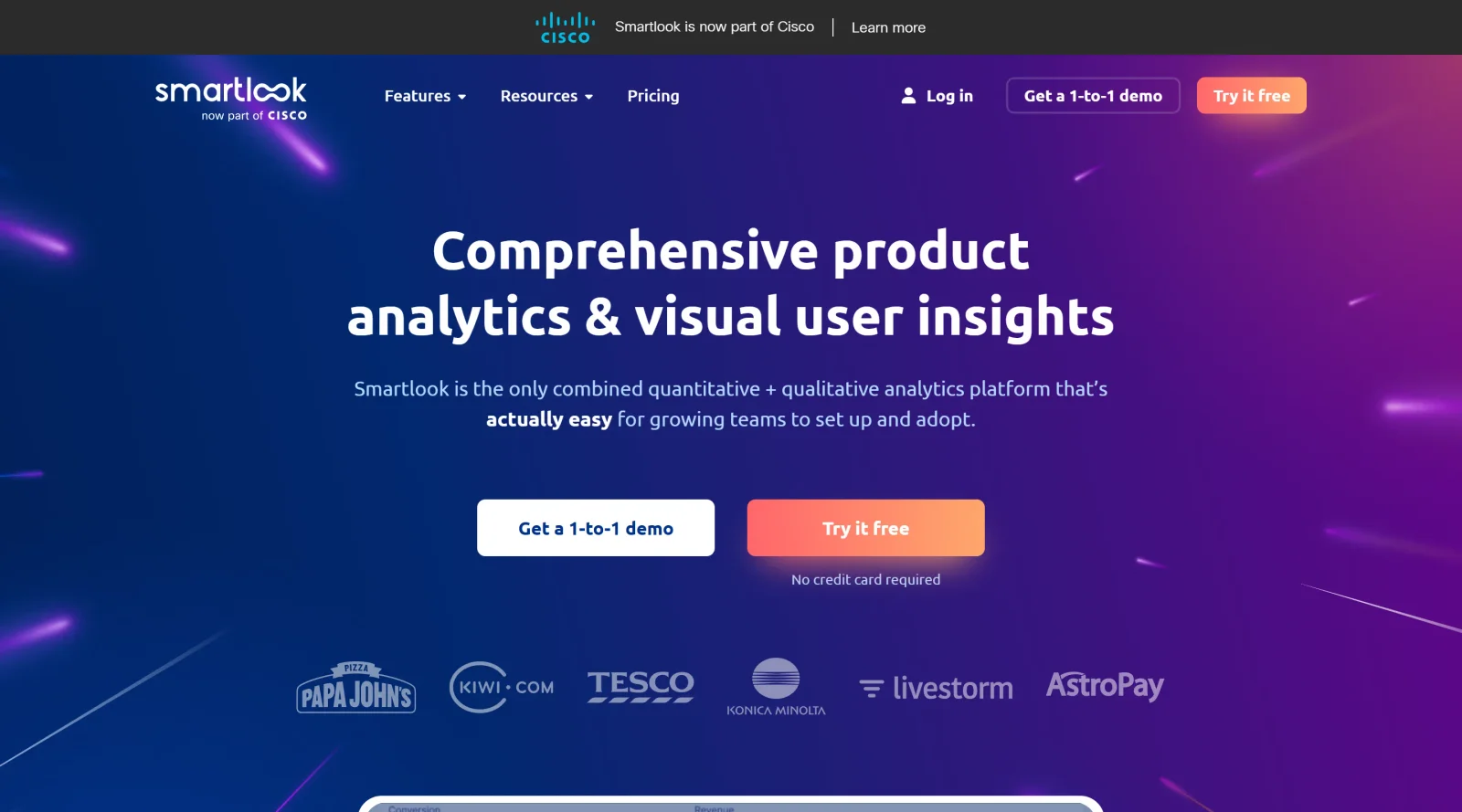
Smartlook is a UX analytics tool that records and analyzes user interactions on websites, web apps, and mobile apps. It provides detailed insights into user behavior through qualitative and quantitative data, fitting into the design workflow during user research, UX testing, and optimization phases. As a freemium solution in the ux-tools category, Smartlook enables teams to monitor sessions across web, iOS, and Android platforms with minimal setup.
What Smartlook Does
- Records full user sessions for playback, capturing cross-device interactions without sampling.
- Generates heatmaps to visualize clicks, scrolls, and engagement patterns on pages and screens.
- Tracks custom events such as button clicks, form submissions, logins, and rage clicks.
- Creates funnels from event sequences to analyze drop-offs and conversion paths.
- Detects anomalies, crashes, and errors with real-time alerts and session replays.
- Supports user identification and segmentation via API for filtering recordings by attributes like email or username.
How Smartlook Can Be Used
- Review session recordings to observe the context around specific events, such as why users abandon a checkout funnel or fail to interact with a call-to-action button.
- Analyze heatmaps and event data during A/B tests by linking recordings to variants via integrations with tools like Google Optimize.
- Monitor real-time user behavior on live sites or apps to identify crashes or frustration signals like dead clicks immediately after they occur.
- Build funnels for product goals, such as tracking paths to purchase, and drill into drop-off sessions to diagnose layout or flow issues.
- Segment recordings by user cohorts to study how different groups, like new versus returning visitors, navigate key features.
Who Is Smartlook For?
Smartlook serves product managers, UX/UI designers, marketers, developers, and data analysts working on web and mobile products. It supports teams optimizing user flows, validating feature usage, and resolving UX friction in growth-stage projects. Roles involving user research or performance monitoring benefit from its event-based filtering and integrations with tools like Google Analytics, Slack, and Salesforce. Visit Smartlook at Visit Smartlook
Featured Tools
Sponsored
Artlist
Royalty-free music, SFX, 8K footage, templates, LUTs and 100+ AI models on a single subscription for video creators.

Icons8
Large icon packs featuring over 10,000 icons for consistent design themes.

Vidu
AI video generator with text, image and reference-to-video modes, producing 3–16 second clips at up to 1080p with characters that stay consistent across shots.
Your tool here
The tools above are our own picks until the slots sell.
Spotlight
SponsoredRotates daily
Glyph Neue
Over 1,500 icons in SVG and PNG formats, free with attribution.
Tools we recommend


Editorially chosen. Some links above are affiliate links — if you sign up we may earn a commission, at no extra cost to you.
More UX Tools Tools


Slicer.dev
Slicer audits entire websites and user flows, giving teams a structured way to review UI/UX at scale — then extracts any component it finds into ready-to-use AI prompts or React code.


2020 Ipsum
A Lorem Ipsum generator themed on unforgettable 2020 events.


Aaply
Wireframe mobile apps and create user-centered product experiences.


Avvvatars
Unique placeholder avatars tailored to your users.


Axure
Plan, wireframe, and prototype without any coding required.


Ballpark
Quick asynchronous product research for prototypes and designs.
Explore Other Categories
Discover more design resources
New to Design?
Explore our comprehensive design glossary to master essential terminology from A/B Testing to Wireframes.
Browse GlossaryLooking for something specific?
Search through our entire collection of design tools and resources