

What it costs
- Free tier
- Yes
Page is now enterprise/demo-led ("Book a demo") with no prices shown; pricing lives on the separate /pricing page.
Auto-checked on 8 August 2026Source
About Sprig
What Is Sprig?
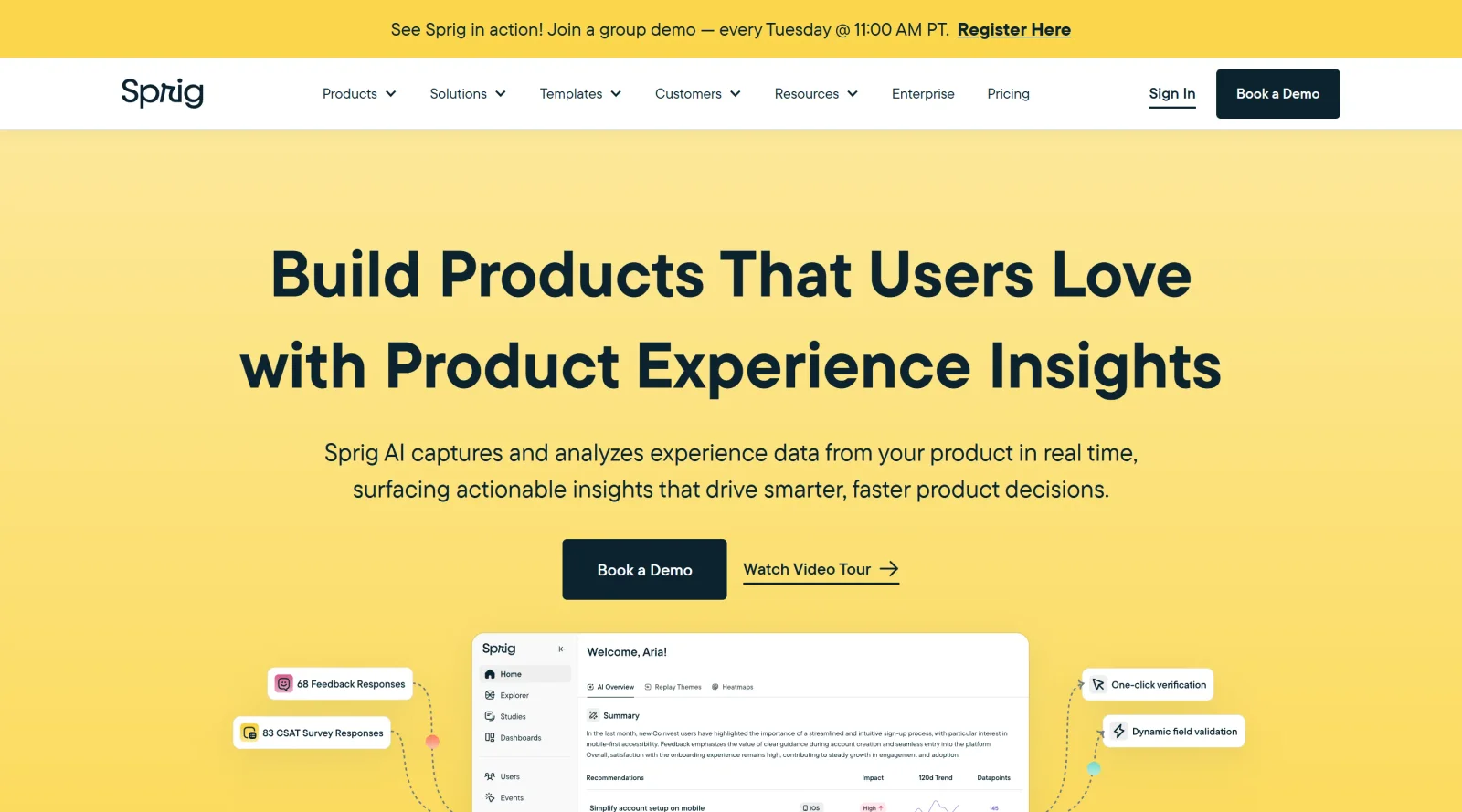
Sprig is a comprehensive product research platform designed for UX teams to gather and analyze user insights efficiently. It serves as an all-in-one solution within the ux-tools category, enabling in-product surveys, feedback collection, and AI-powered analysis to inform product decisions. Operating on a freemium pricing model, Sprig allows teams to start with basic features at no cost and scale to advanced capabilities as needed. This positions Sprig in the design workflow during user testing, iteration, and optimization phases, where understanding user behavior and preferences is essential for refining experiences.
What Sprig Does
- Sprig deploys in-product surveys to collect real-time feedback on specific features or user experiences.
- It provides AI-powered analysis that processes open-ended responses to identify trends and sentiment automatically.
- Sprig supports targeted surveys directed at specific user segments based on attributes and in-product actions.
- The platform includes session replays and heatmaps to observe user behavior alongside qualitative data.
- Sprig offers prototype testing and concept validation tools, including integrations like Figma for design teams.
- It features always-on feedback buttons and asynchronous video surveys for continuous user input.
How Sprig Can Be Used
- Product managers use Sprig to launch quick surveys during onboarding to measure conversion rates and pinpoint drop-off points.
- UX designers integrate Sprig for prototype tests, gathering targeted feedback from users interacting with Figma prototypes.
- Teams run in-product microsurveys to assess feature usability, rotating simple questions on quality, functionality, and ease of use.
- Researchers analyze session replays and heatmap data combined with survey responses to understand friction in user journeys.
- Cross-functional groups, including engineers, employ Sprig's AI recommendations to prioritize product improvements based on aggregated insights.
Who Is Sprig For?
Sprig targets UX researchers, product managers, designers, and engineering teams at tech companies seeking continuous user insights without extensive manual effort. It suits mid-sized to enterprise product teams handling software products, such as those at Figma, Notion, or Dropbox, where rapid iteration based on real-time data drives adoption and retention. Small startups benefit from the freemium access for initial research, while larger organizations leverage its scalability for multi-product environments. Roles involving user-centric decision-making, from junior PMs democratizing research to heads of engineering reviewing holistic analytics, find Sprig applicable across diverse project types focused on experience optimization. Visit Sprig
Featured Tools
Sponsored
Artlist
Royalty-free music, SFX, 8K footage, templates, LUTs and 100+ AI models on a single subscription for video creators.

Icons8
Large icon packs featuring over 10,000 icons for consistent design themes.

Vidu
AI video generator with text, image and reference-to-video modes, producing 3–16 second clips at up to 1080p with characters that stay consistent across shots.
Your tool here
The tools above are our own picks until the slots sell.
Spotlight
SponsoredRotates daily
FontLab
Integrated font editor for creating fonts across various applications.
Tools we recommend


Editorially chosen. Some links above are affiliate links — if you sign up we may earn a commission, at no extra cost to you.
More UX Tools Tools


Slicer.dev
Slicer audits entire websites and user flows, giving teams a structured way to review UI/UX at scale — then extracts any component it finds into ready-to-use AI prompts or React code.


2020 Ipsum
A Lorem Ipsum generator themed on unforgettable 2020 events.


Aaply
Wireframe mobile apps and create user-centered product experiences.


Avvvatars
Unique placeholder avatars tailored to your users.


Axure
Plan, wireframe, and prototype without any coding required.


Ballpark
Quick asynchronous product research for prototypes and designs.
Explore Other Categories
Discover more design resources
New to Design?
Explore our comprehensive design glossary to master essential terminology from A/B Testing to Wireframes.
Browse GlossaryLooking for something specific?
Search through our entire collection of design tools and resources