

Discover what works and what doesn’t in your product quickly.
What it costs
- Free tier
- No
Paid user-testing tool (offers a free trial, not a free plan); plan prices were not visible in the captured page, which was mostly truncated logo/feature markup.
Auto-checked on 8 August 2026Source
About Userbrain
What Is Userbrain?
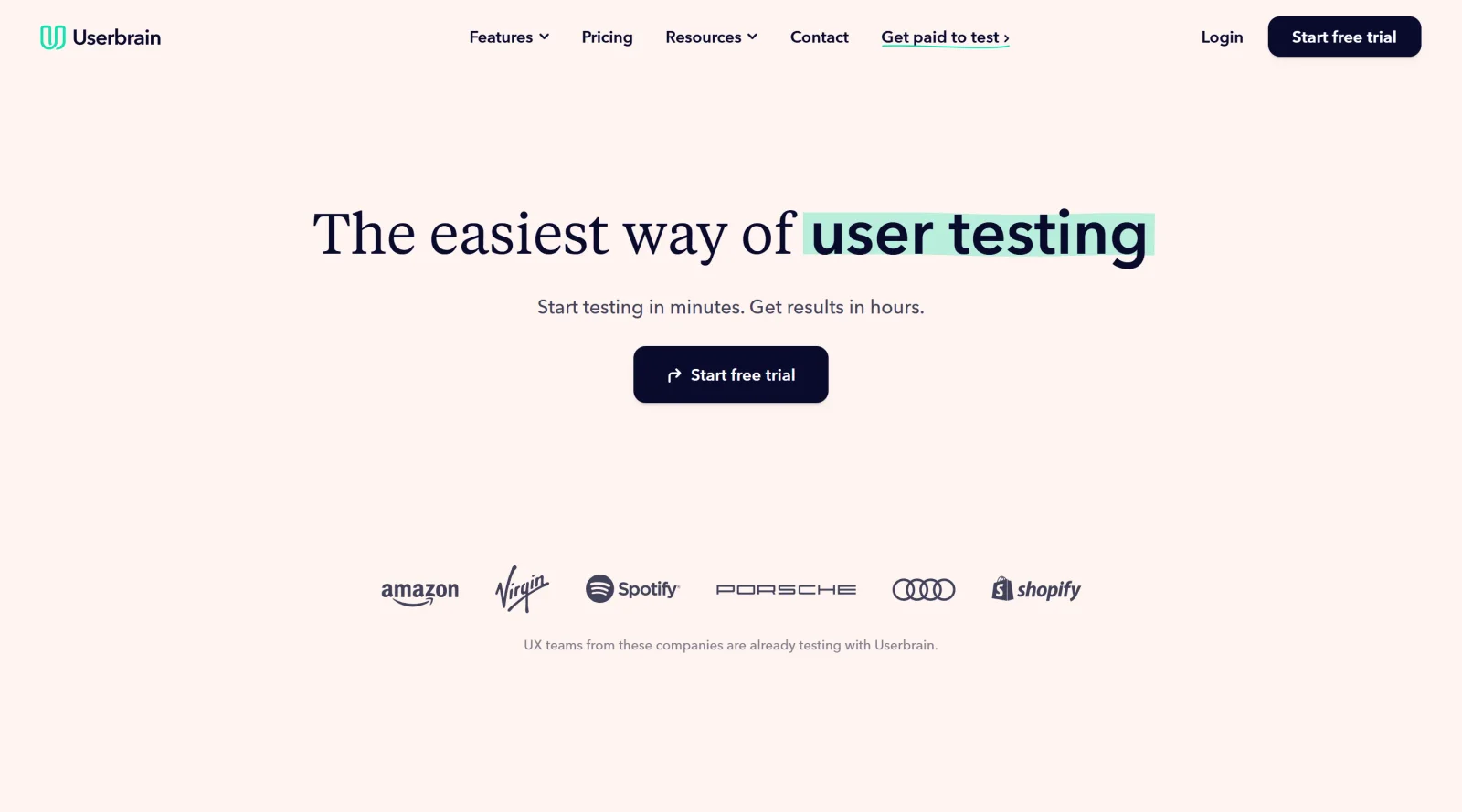
Userbrain is a UX testing tool designed for unmoderated usability testing of websites, prototypes, and mobile apps. It enables teams to identify what functions effectively and what requires improvement in products through participant feedback. As part of the ux-tools category, Userbrain operates on a paid pricing model with options including pay-as-you-go and subscriptions starting at $79 per month. Users set up tests quickly by linking to their digital products, recruiting testers, and reviewing results with AI assistance, fitting into early validation and iterative design workflows.
What Userbrain Does
- Recruits testers from a pool of over 150,000 qualified participants or allows inviting custom audiences via shareable links.
- Supports testing of websites, prototypes from tools like Figma and Adobe XD, and mobile apps on iOS and Android devices.
- Generates AI-powered insights, including automatic highlighting of key moments, patterns, and usability trends from test sessions.
- Produces automated test reports with time-stamped screen recordings, metrics like task completion time, and tags for issues or positive feedback.
- Provides AI-generated transcripts of participant voice recordings for searchable text analysis.
- Creates short video clips of significant interactions for sharing findings with stakeholders.
How Userbrain Can Be Used
- Designers test prototypes by providing a public link and defining tasks, then analyze participant screen and voice recordings to spot navigation issues or confusion points.
- Product managers run continuous usability checks on live websites or development sites, using demographic targeting to match real user profiles and validate features early.
- Teams conduct mobile app testing by having participants interact on actual devices, capturing feedback on interactions, bugs, and design choices within 24 hours.
- UX researchers auto-generate test tasks with AI by describing the product, then review aggregated insights and clips to inform iterations without manual transcription.
- Agencies share test links with clients or colleagues for collaborative feedback on competitor sites or password-protected pages, streamlining remote validation workflows.
Who Is Userbrain For?
Userbrain serves UX designers, product managers, researchers, founders, and agencies conducting frequent, lightweight usability testing. It suits teams handling prototypes, websites, or mobile apps who need rapid setup, real-user feedback, and AI-assisted analysis without requiring UX expertise. Experience levels range from juniors seeking quick validation to seniors managing ongoing product improvements. Visit Userbrain
Featured Tools
Sponsored
Artlist
Royalty-free music, SFX, 8K footage, templates, LUTs and 100+ AI models on a single subscription for video creators.

Icons8
Large icon packs featuring over 10,000 icons for consistent design themes.

Vidu
AI video generator with text, image and reference-to-video modes, producing 3–16 second clips at up to 1080p with characters that stay consistent across shots.
Your tool here
The tools above are our own picks until the slots sell.
Spotlight
SponsoredRotates daily
Glyph Neue
Over 1,500 icons in SVG and PNG formats, free with attribution.
Tools we recommend


Editorially chosen. Some links above are affiliate links — if you sign up we may earn a commission, at no extra cost to you.
More UX Tools Tools


Slicer.dev
Slicer audits entire websites and user flows, giving teams a structured way to review UI/UX at scale — then extracts any component it finds into ready-to-use AI prompts or React code.


2020 Ipsum
A Lorem Ipsum generator themed on unforgettable 2020 events.


Aaply
Wireframe mobile apps and create user-centered product experiences.


Avvvatars
Unique placeholder avatars tailored to your users.


Axure
Plan, wireframe, and prototype without any coding required.


Ballpark
Quick asynchronous product research for prototypes and designs.
Explore Other Categories
Discover more design resources
New to Design?
Explore our comprehensive design glossary to master essential terminology from A/B Testing to Wireframes.
Browse GlossaryLooking for something specific?
Search through our entire collection of design tools and resources