

What it costs
- Free tier
- Yes
All-in-one UX research platform; plans/prices are on a separate /pricing page that wasn't captured.
Auto-checked on 8 August 2026Source
About UX Metrics
What Is UX Metrics?
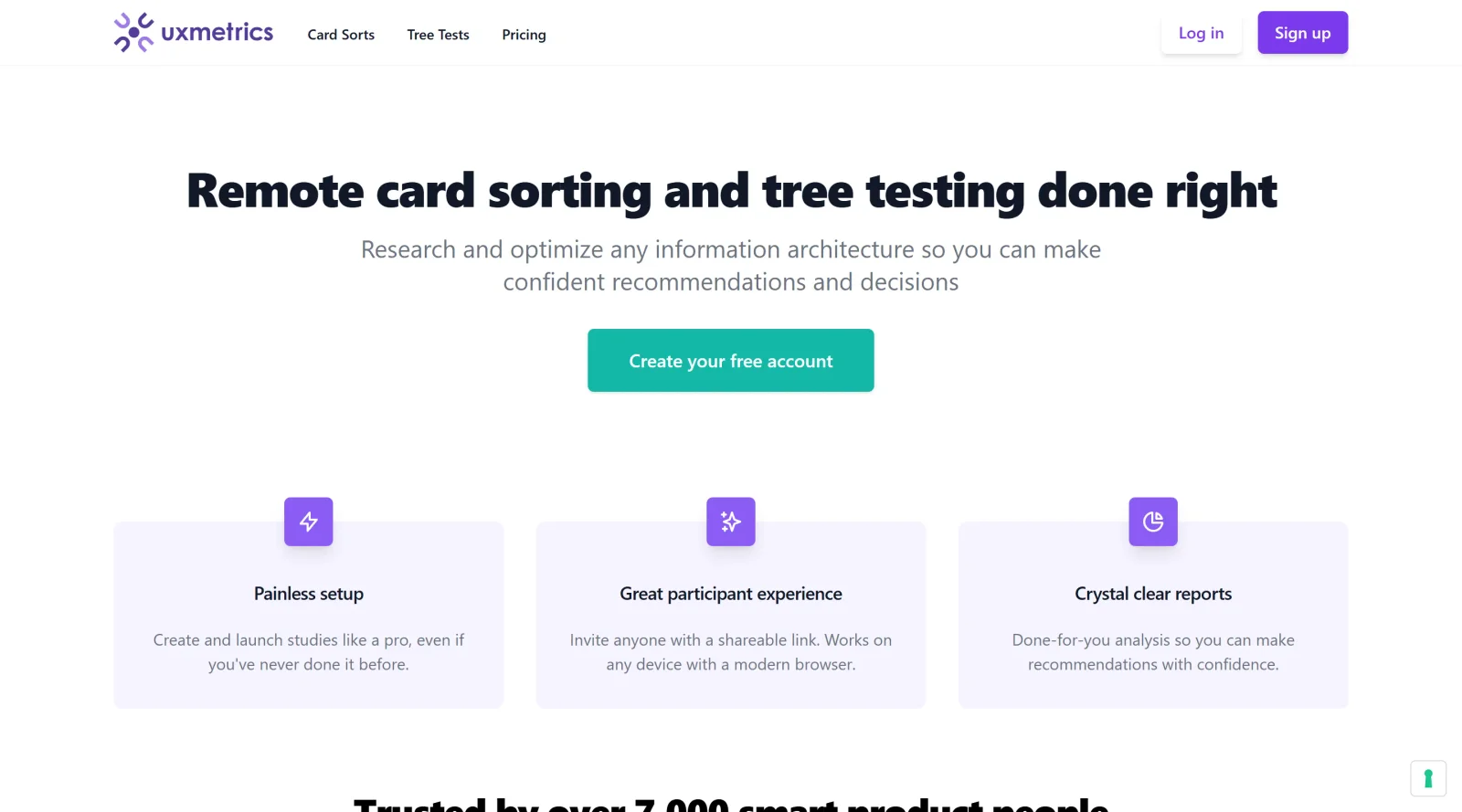
UX Metrics is an online tool in the UX tools category that simplifies card sorting and tree testing for user experience research. Its core purpose is to enable designers and researchers to evaluate and optimize information architecture through participant-driven studies. Available on a freemium pricing model, UX Metrics fits into the early stages of the design workflow, particularly during usability testing and navigation structure validation, helping teams gather data on how users organize and find content.
What UX Metrics Does
- Supports online card sorting to assess how participants group and label content items for intuitive categorization.
- Facilitates tree testing to measure the findability of items within proposed navigation structures.
- Allows invitation of participants to remote studies via shareable links for easy recruitment and data collection.
- Provides results analysis to identify patterns in user decisions and task completion rates.
- Operates on a freemium basis, offering core card sorting and tree testing features at no cost with optional paid upgrades.
- Streamlines research setup without requiring specialized software installations or complex configurations.
How UX Metrics Can Be Used
- In information architecture audits, where UX teams conduct tree tests to validate menu hierarchies before redesigning a website's navigation.
- During card sorting sessions to inform sitemap creation, helping developers understand user mental models for content grouping.
- For remote usability studies with distributed teams, inviting stakeholders or target users to test prototypes and generate quantitative metrics like success rates and paths taken.
- In iterative design workflows, combining UX Metrics data with frameworks such as task success rates to prioritize navigation improvements based on participant performance.
- To benchmark pre- and post-redesign navigation efficiency, tracking changes in completion times and error rates across study iterations.
Who Is UX Metrics For?
UX Metrics serves UX researchers, designers, and product teams focused on usability testing and information architecture optimization. It suits solo practitioners or small agencies handling frequent card sorting and tree testing needs, as well as larger organizations validating navigation for web and app projects. Experience levels range from junior designers learning research methods to senior leads requiring scalable, freemium tools for ongoing studies. Those working on e-commerce sites, content-heavy platforms, or enterprise dashboards find it applicable for real-world scenarios involving user navigation challenges. Visit UX Metrics
Featured Tools
Sponsored
Artlist
Royalty-free music, SFX, 8K footage, templates, LUTs and 100+ AI models on a single subscription for video creators.

Icons8
Large icon packs featuring over 10,000 icons for consistent design themes.

Vidu
AI video generator with text, image and reference-to-video modes, producing 3–16 second clips at up to 1080p with characters that stay consistent across shots.
Your tool here
The tools above are our own picks until the slots sell.
Spotlight
SponsoredRotates daily
Hailuo AI
AI video generator from MiniMax with cinematic, language-driven camera control.
Tools we recommend


Editorially chosen. Some links above are affiliate links — if you sign up we may earn a commission, at no extra cost to you.
More UX Tools Tools


Slicer.dev
Slicer audits entire websites and user flows, giving teams a structured way to review UI/UX at scale — then extracts any component it finds into ready-to-use AI prompts or React code.


2020 Ipsum
A Lorem Ipsum generator themed on unforgettable 2020 events.


Aaply
Wireframe mobile apps and create user-centered product experiences.


Avvvatars
Unique placeholder avatars tailored to your users.


Axure
Plan, wireframe, and prototype without any coding required.


Ballpark
Quick asynchronous product research for prototypes and designs.
Explore Other Categories
Discover more design resources
New to Design?
Explore our comprehensive design glossary to master essential terminology from A/B Testing to Wireframes.
Browse GlossaryLooking for something specific?
Search through our entire collection of design tools and resources