

Quickly create user personas and download in PowerPoint format.
What it costs
- Free tier
- Yes
Free user-persona and fake-name generators (personas download as PowerPoint) — no paid plan.
Auto-checked on 8 August 2026Source
About UXDummy
What Is UXDummy?
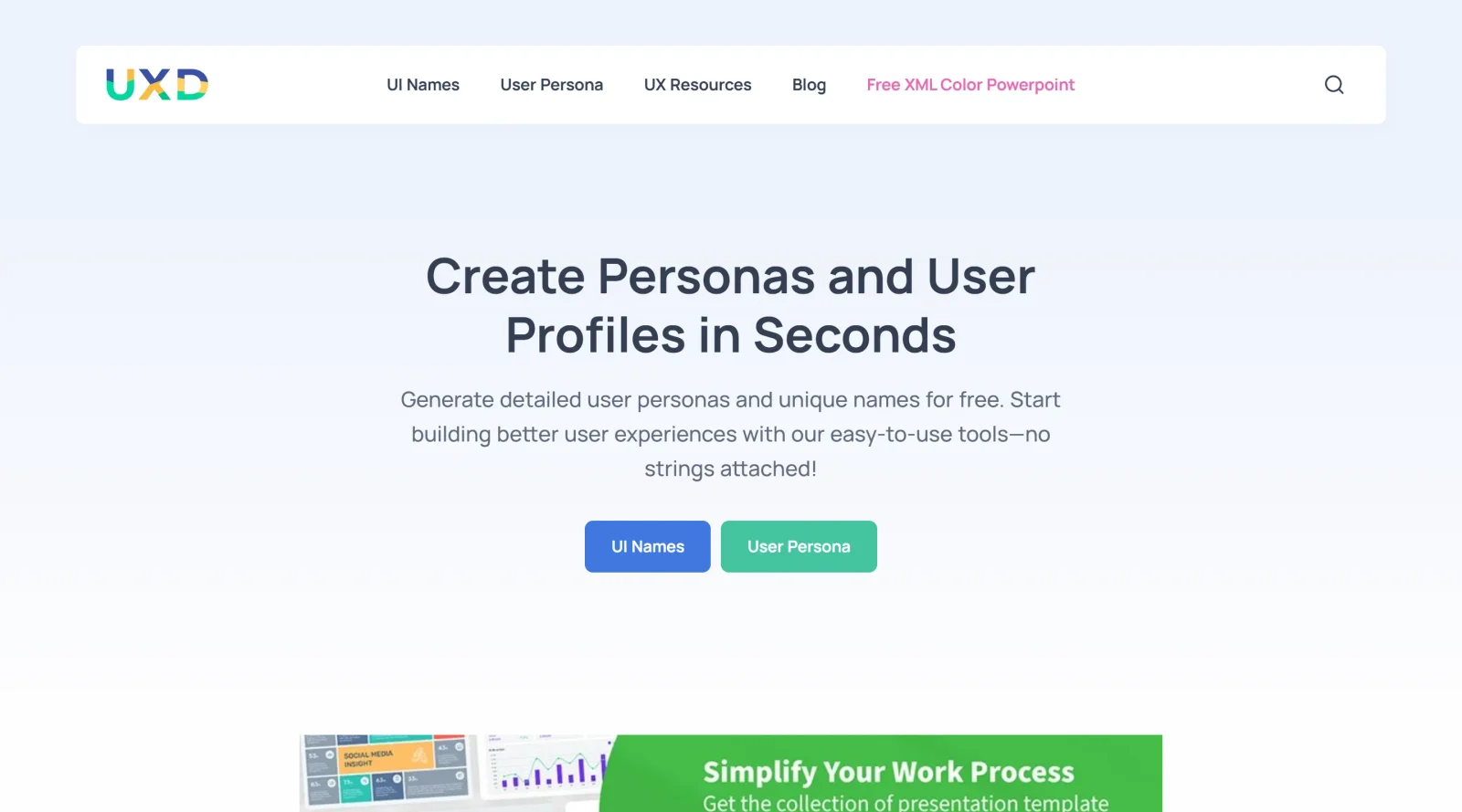
UXDummy is a free UX tool designed for generating user personas to support user experience design processes. It enables designers to define ideal user or buyer personas based on project research needs, fitting into the early stages of the UX workflow where understanding target users is essential. As part of the ux-tools category, UXDummy provides these personas in an editable PowerPoint format for easy integration into presentations and documentation.
What UXDummy Does
- Generates detailed user personas by allowing input of key characteristics such as demographics, behaviors, goals, and pain points.
- Produces editable PowerPoint files of completed personas for download and further customization.
- Offers a free interface with no account requirements for quick persona creation.
- Supports creation of both user and buyer personas relevant to UX/UI projects.
- Provides fields to define persona elements like name, occupation, background, frustrations, and objectives.
- Facilitates representation of aggregated user data in a structured, visual format.
How UXDummy Can Be Used
- In UX research phases to quickly prototype personas from team insights or initial data before full user studies.
- During wireframing and ideation workflows to reference personas as a design compass for features and layouts.
- For stakeholder presentations, where downloadable PowerPoint personas communicate user needs effectively.
- In collaborative design sprints to align teams on target user profiles without complex tools.
- To test UI designs by generating realistic user names and profiles for scenario-based evaluations.
Who Is UXDummy For?
UXDummy serves UX designers, product managers, and researchers who need to create and document user personas efficiently in projects ranging from app development to website redesigns. It suits solo practitioners or small teams handling early-stage UX tasks, particularly those working with PowerPoint for deliverables, as well as beginners learning persona development or experienced professionals streamlining repetitive documentation. Those focused on data-informed design find it useful for representing user segments without extensive setup. Visit UXDummy
Featured Tools
Sponsored
Artlist
Royalty-free music, SFX, 8K footage, templates, LUTs and 100+ AI models on a single subscription for video creators.

Icons8
Large icon packs featuring over 10,000 icons for consistent design themes.

Vidu
AI video generator with text, image and reference-to-video modes, producing 3–16 second clips at up to 1080p with characters that stay consistent across shots.
Your tool here
The tools above are our own picks until the slots sell.
Spotlight
SponsoredRotates daily
Glyph Neue
Over 1,500 icons in SVG and PNG formats, free with attribution.
Tools we recommend


Editorially chosen. Some links above are affiliate links — if you sign up we may earn a commission, at no extra cost to you.
More UX Tools Tools


Slicer.dev
Slicer audits entire websites and user flows, giving teams a structured way to review UI/UX at scale — then extracts any component it finds into ready-to-use AI prompts or React code.


2020 Ipsum
A Lorem Ipsum generator themed on unforgettable 2020 events.


Aaply
Wireframe mobile apps and create user-centered product experiences.


Avvvatars
Unique placeholder avatars tailored to your users.


Axure
Plan, wireframe, and prototype without any coding required.


Ballpark
Quick asynchronous product research for prototypes and designs.
Explore Other Categories
Discover more design resources
New to Design?
Explore our comprehensive design glossary to master essential terminology from A/B Testing to Wireframes.
Browse GlossaryLooking for something specific?
Search through our entire collection of design tools and resources