

Centralized platform for designing, prototyping, and team collaboration.
What it costs
- Free tier
- No
Paid code-backed prototyping tool with a free trial; plan prices are on the /pricing page not captured.
Auto-checked on 8 August 2026Source
About UXPin
What Is UXPin?
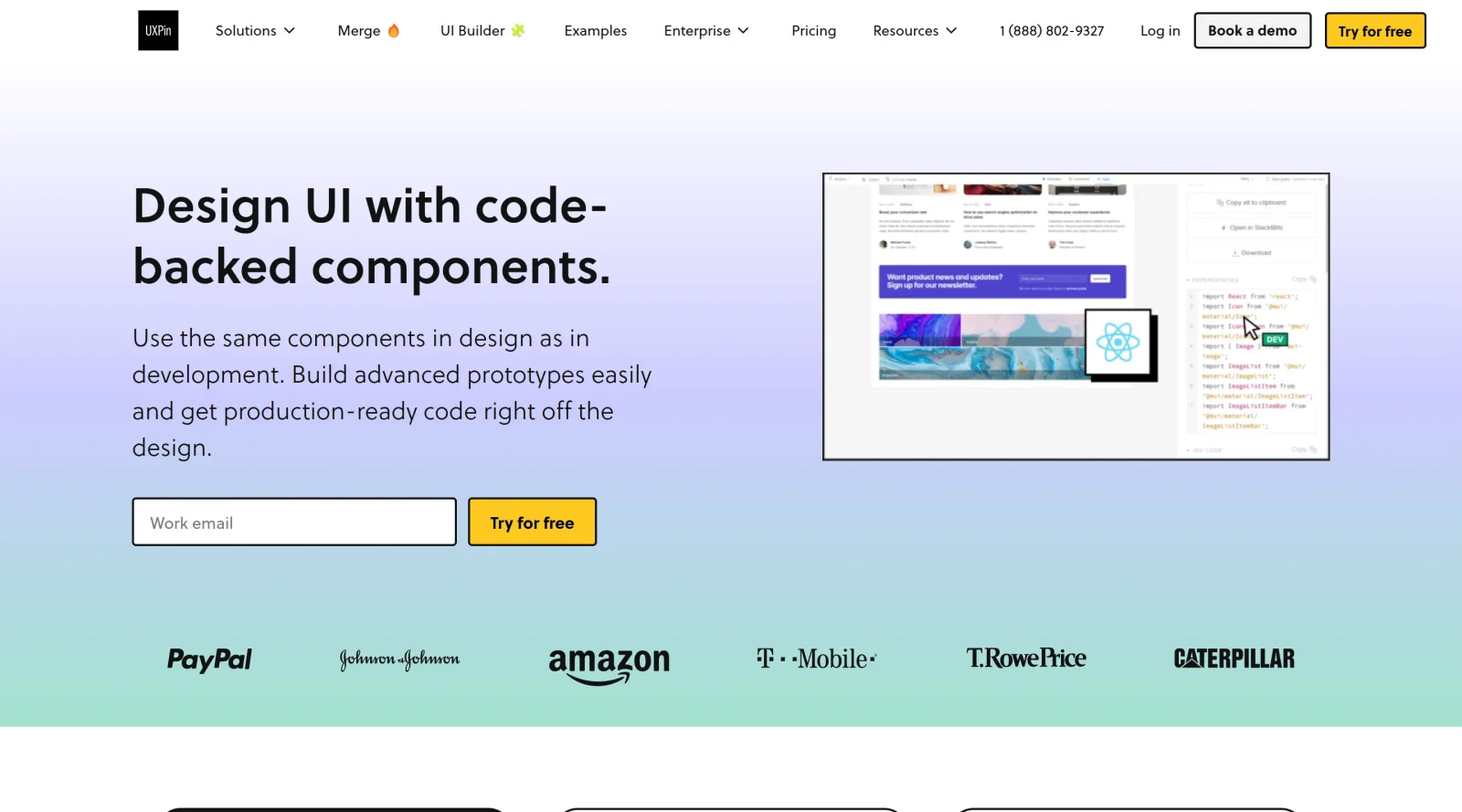
UXPin is a centralized **UX design platform** in the ux-toolscategory that supports designing, prototyping, and team collaboration on user interfaces. It functions as a paid, cloud-based tool where designers create wireframes, high-fidelity prototypes, interface designs, and design systems in a single environment. UXPin fits into the design workflow by enabling ideation, documentation, interactive prototyping, and developer handoff, bridging the gap between design and development teams for complex products like SaaS platforms, dashboards, and mobile apps.
What UXPin Does
- Provides tools to build interactive prototypes using states, variables, expressions, conditional logic, gestures, transitions, and animations.
- Supports creation and management of design systems as a single source of truth, including reusable UI components, libraries, and documentation for consistency across projects.
- Allows real-time collaboration by inviting team members and clients to workspaces for simultaneous design iteration and feedback.
- Integrates code-based features like APIs for data processing, React components via MUI, and Storybook imports for high-fidelity prototyping that mimics final products.
- Generates inspectable specs, CSS, HTML, or React code directly from prototypes to facilitate developer handoff.
- Offers built-in UI kits, custom vector illustrations, and responsive layout tools for wireframing and UI design.
How UXPin Can Be Used
- Designers create wireframes and high-fidelity prototypes to test user flows, incorporating variables for dynamic data like user inputs passed between screens.
- Teams build and maintain design systems by developing interactive components such as sliders, menus, and pop-ups, then update master components across projects for alignment.
- Product managers and stakeholders collaborate in real-time on prototypes, sharing live links for previews on devices or generating code snippets for implementation.
- Developers access inspect panels for UI patterns, translating designs into CSS or React code during handoff phases.
- UX researchers prototype applications with API integrations to fetch real data from services like Google Sheets, simulating authentic experiences for usability testing.
Who Is UXPin For?
UXPin serves UX designers, product managers, developers, and UX researchers working on digital products requiring advanced prototyping and design system management. It suits teams handling complex interfaces in enterprise settings, such as those at Shopify or Asana, who need code-quality prototypes, collaborative workflows, and seamless handoff for SaaS, dashboards, or mobile apps. Experience levels range from intermediate designers familiar with prototyping to advanced users building scalable design systems. Visit UXPin
Featured Tools
Sponsored
Artlist
Royalty-free music, SFX, 8K footage, templates, LUTs and 100+ AI models on a single subscription for video creators.

Icons8
Large icon packs featuring over 10,000 icons for consistent design themes.

Vidu
AI video generator with text, image and reference-to-video modes, producing 3–16 second clips at up to 1080p with characters that stay consistent across shots.
Your tool here
The tools above are our own picks until the slots sell.
Spotlight
SponsoredRotates daily
HyNote
Records and transcribes interviews and meetings, then turns them into summaries and action items.
Tools we recommend


Editorially chosen. Some links above are affiliate links — if you sign up we may earn a commission, at no extra cost to you.
More UX Tools Tools


Slicer.dev
Slicer audits entire websites and user flows, giving teams a structured way to review UI/UX at scale — then extracts any component it finds into ready-to-use AI prompts or React code.


2020 Ipsum
A Lorem Ipsum generator themed on unforgettable 2020 events.


Aaply
Wireframe mobile apps and create user-centered product experiences.


Avvvatars
Unique placeholder avatars tailored to your users.


Axure
Plan, wireframe, and prototype without any coding required.


Ballpark
Quick asynchronous product research for prototypes and designs.
Explore Other Categories
Discover more design resources
New to Design?
Explore our comprehensive design glossary to master essential terminology from A/B Testing to Wireframes.
Browse GlossaryLooking for something specific?
Search through our entire collection of design tools and resources