

UX research tool for enhancing usability from prototypes to production.
What it costs
- Free tier
- Yes
Free plan for small-scale projects (no card); paid tier prices are on the /pricing page not captured.
Auto-checked on 8 August 2026Source
About UXtweak
What Is UXtweak?
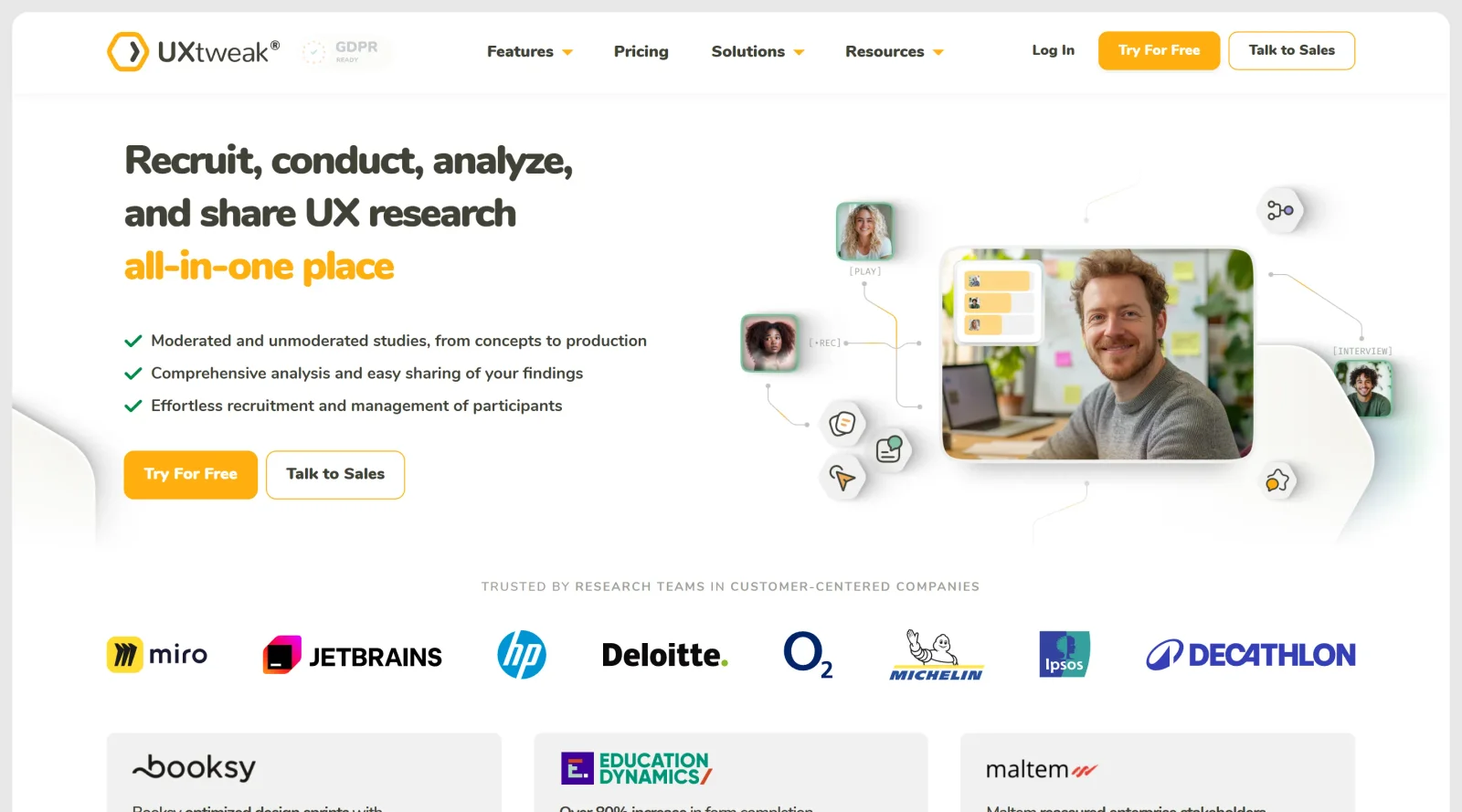
UXtweak is an all-in-one UX research platform designed for usability testing and user research on digital products, from prototypes to production environments. It fits into the UX tools category by providing capabilities to evaluate and improve user interactions across websites, mobile apps, and prototypes. As a freemium tool, UXtweak offers free access to basic features with paid plans for advanced functionality and higher usage limits.
What UXtweak Does
- Conducts usability testing on desktop and mobile websites, apps, and prototypes to observe user interactions.
- Performs card sorting to analyze how users group content into categories.
- Executes tree testing to validate navigation structures and findability of information.
- Runs preference tests to compare design options and determine user preferences.
- Implements five second tests to assess immediate user recall and impressions of designs.
- Records user sessions, including screen activity, mouse movements, scrolls, and facial expressions for behavioral analysis.
- Creates surveys to collect user feedback on thoughts, preferences, and experiences.
- Provides first click tests on sketches, wireframes, mockups, and prototypes to identify intuitive entry points.
- Supports participant recruitment through global panels, onsite widgets, or custom databases.
How UXtweak Can Be Used
- During ideation, use card sorting and tree testing to refine information architecture before building wireframes.
- In early prototyping stages, apply five second tests and preference tests to validate visual design choices quickly.
- For iterative testing on wireframes or prototypes, run first click tests and prototype testing to pinpoint navigation issues.
- On live websites or apps, deploy session recording and website testing to track real user behavior, such as clicks, scrolls, and drop-off points.
- Throughout development, conduct surveys and freeform interviews to gather qualitative insights and inform design adjustments.
- Prior to launch, organize mobile app testing and usability studies to ensure cross-device performance and task completion rates.
Who Is UXtweak For?
UXtweak serves UX researchers, designers, product managers, and development teams working on digital products who need integrated tools for user testing and analysis. It supports roles involved in usability studies across experience levels, from individual practitioners validating prototypes to enterprise teams conducting large-scale research with recruited participants. UXtweak accommodates projects ranging from early-stage ideation to production optimization, particularly for teams emphasizing data-driven improvements in user experience.
Featured Tools
Sponsored
Artlist
Royalty-free music, SFX, 8K footage, templates, LUTs and 100+ AI models on a single subscription for video creators.

Icons8
Large icon packs featuring over 10,000 icons for consistent design themes.

Vidu
AI video generator with text, image and reference-to-video modes, producing 3–16 second clips at up to 1080p with characters that stay consistent across shots.
Your tool here
The tools above are our own picks until the slots sell.
Spotlight
SponsoredRotates daily
Glyph Neue
Over 1,500 icons in SVG and PNG formats, free with attribution.
Tools we recommend


Editorially chosen. Some links above are affiliate links — if you sign up we may earn a commission, at no extra cost to you.
More UX Tools Tools


Slicer.dev
Slicer audits entire websites and user flows, giving teams a structured way to review UI/UX at scale — then extracts any component it finds into ready-to-use AI prompts or React code.


2020 Ipsum
A Lorem Ipsum generator themed on unforgettable 2020 events.


Aaply
Wireframe mobile apps and create user-centered product experiences.


Avvvatars
Unique placeholder avatars tailored to your users.


Axure
Plan, wireframe, and prototype without any coding required.


Ballpark
Quick asynchronous product research for prototypes and designs.
Explore Other Categories
Discover more design resources
New to Design?
Explore our comprehensive design glossary to master essential terminology from A/B Testing to Wireframes.
Browse GlossaryLooking for something specific?
Search through our entire collection of design tools and resources