

What it costs
- Free tier
- Yes
Scrape returned 'Not Found' (affiliate redirect link)—no page data; Webflow's blog is free to read.
Auto-checked on 8 August 2026Source
About Webflow Blog
What Is Webflow Blog?
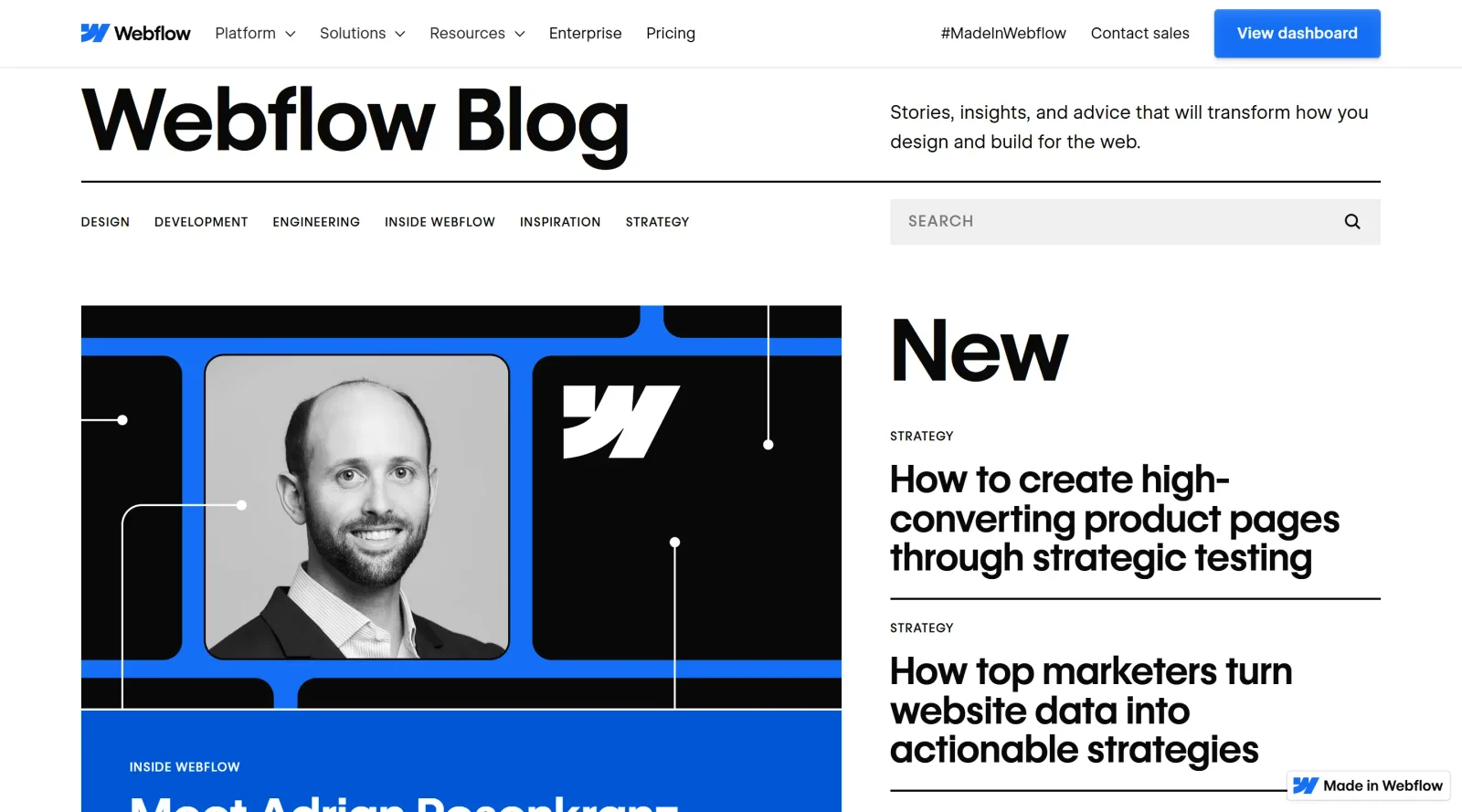
Webflow Blog is a free resource in the blogs category that provides tips, insights, and best practices focused on web design, development, and related strategies. It serves as a content hub within the Webflow ecosystem, offering articles on topics such as CMS usage, SEO optimization, and design workflows. Designers and developers access Webflow Blog during research phases or when seeking inspiration for projects built on no-code platforms.
What Webflow Blog Does
- Publishes articles on web design techniques, including harnessing Webflow CMS for content management and dynamic templates.
- Shares insights on SEO practices, such as dynamic meta titles, descriptions, and Open Graph settings for blog posts.
- Covers best practices for creating customizable content types like CMS Collections with fields for text, images, dates, and tags.
- Provides guidance on dynamic content filtering, sorting, and related content tools for blogs.
- Discusses workflows for drafting, publishing, and collaborating on content updates.
- Explores integrations like RSS feeds for CMS Collections and analytics for performance tracking.
How Webflow Blog Can Be Used
- Designers reference Webflow Blog articles to set up CMS Collections for blog posts, defining fields like title, author, date, and featured images before building templates.
- Developers follow tutorials on the site to implement dynamic content displays, ensuring posts update automatically across site pages without code changes.
- Teams use insights from Webflow Blog to optimize blog layouts for readability, including sections for recent posts, categories, tags, and author bios.
- Content creators apply SEO checklists from the blog to configure meta fields, URL structures, and Open Graph tags for better search visibility.
- Marketers draw on related content strategies to build modules like "related posts" or RSS feeds for newsletters and subscriptions.
Who Is Webflow Blog For?
Webflow Blog targets web designers, developers, and content teams working with no-code platforms, particularly those using Webflow CMS for blogs or dynamic sites. It suits beginners learning CMS setup and advanced users exploring SEO, filtering, and collaboration features. Independent creators, in-house marketing groups, and agencies managing content-driven projects find relevant guidance in its articles on design inspiration and best practices. Visit Webflow Blog
Featured Tools
Sponsored
Artlist
Royalty-free music, SFX, 8K footage, templates, LUTs and 100+ AI models on a single subscription for video creators.

Icons8
Large icon packs featuring over 10,000 icons for consistent design themes.

Vidu
AI video generator with text, image and reference-to-video modes, producing 3–16 second clips at up to 1080p with characters that stay consistent across shots.
Your tool here
The tools above are our own picks until the slots sell.

More Blogs Tools

Adobe Blog
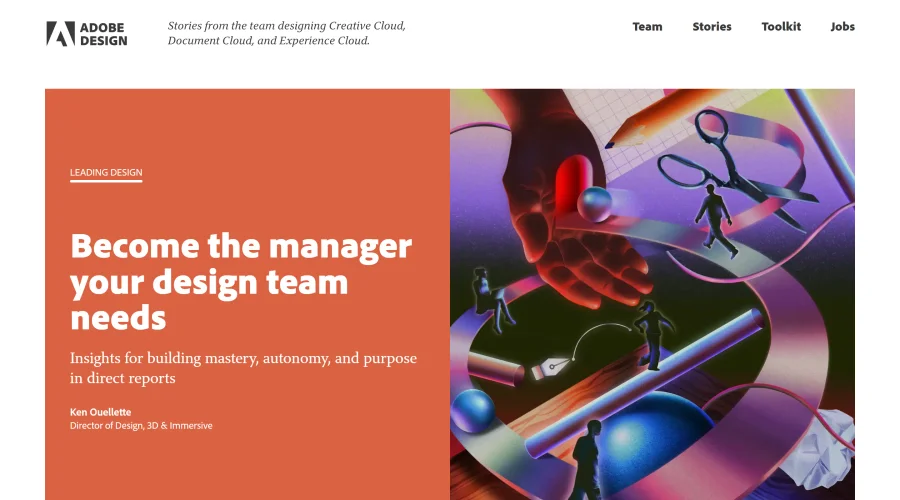
Insights from the team behind Creative Cloud, Document Cloud, and Experience Cloud.

Airbnb Design
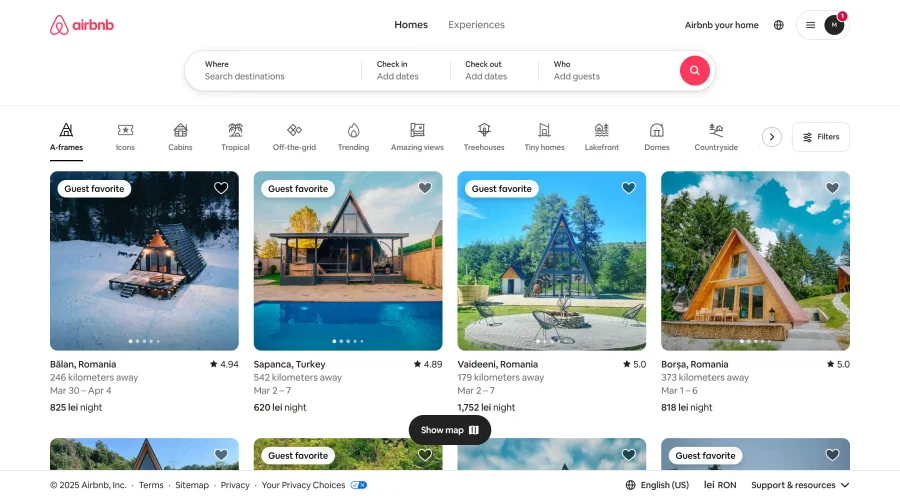
Stay updated with Airbnb's creative team and their design journey.

Apple & Banana
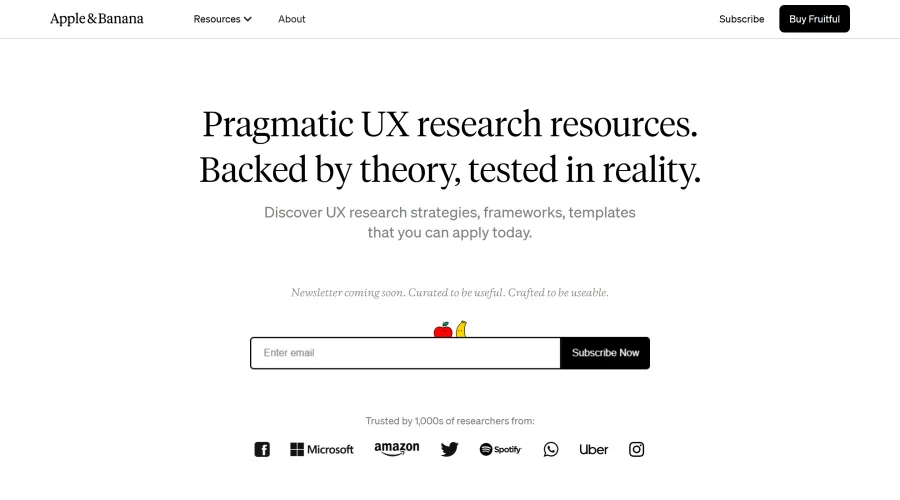
A space for user researchers to share and learn.
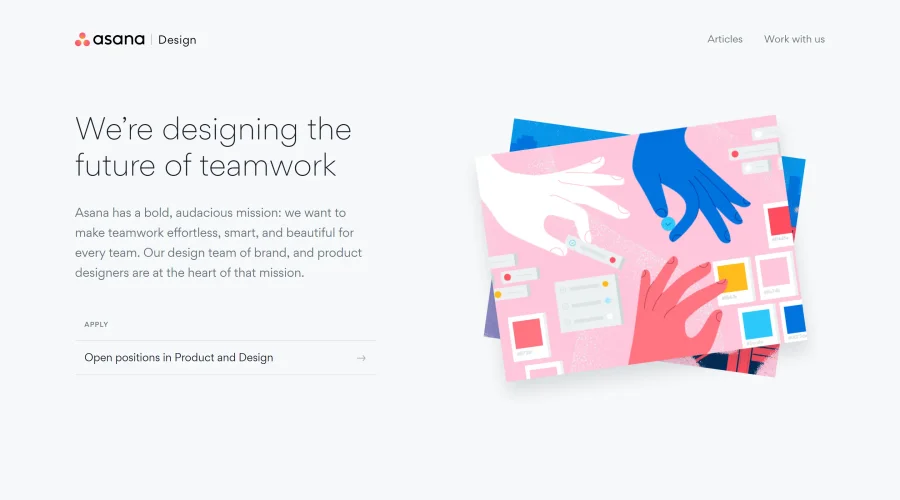

Asana Design
Innovative approaches to designing for teamwork.
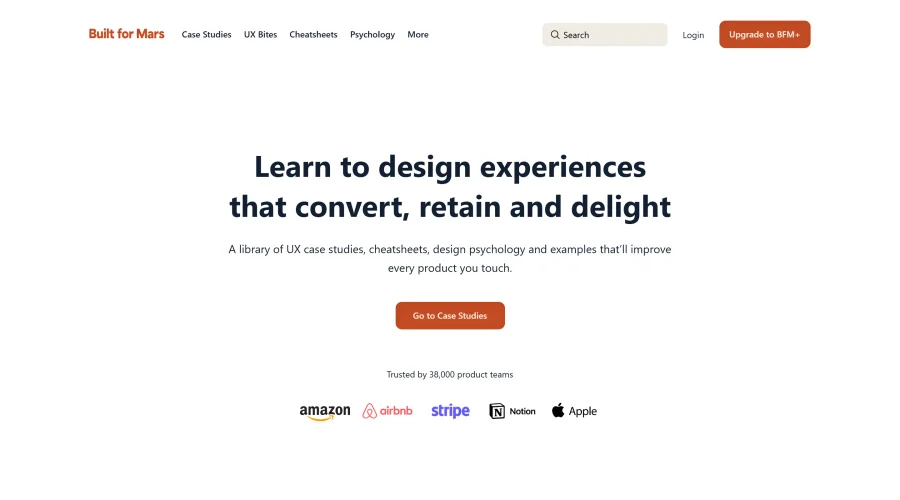

Built for Mars
Research-driven case studies packed with insights from thousands of hours.
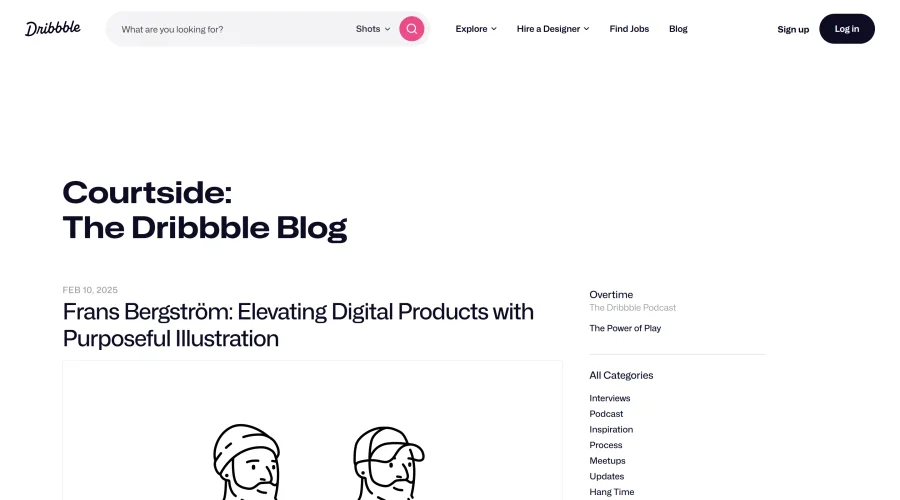

Courtside
Engaging stories about designers, freelancing, and various design topics.
Explore Other Categories
Discover more design resources
New to Design?
Explore our comprehensive design glossary to master essential terminology from A/B Testing to Wireframes.
Browse GlossaryLooking for something specific?
Search through our entire collection of design tools and resources