

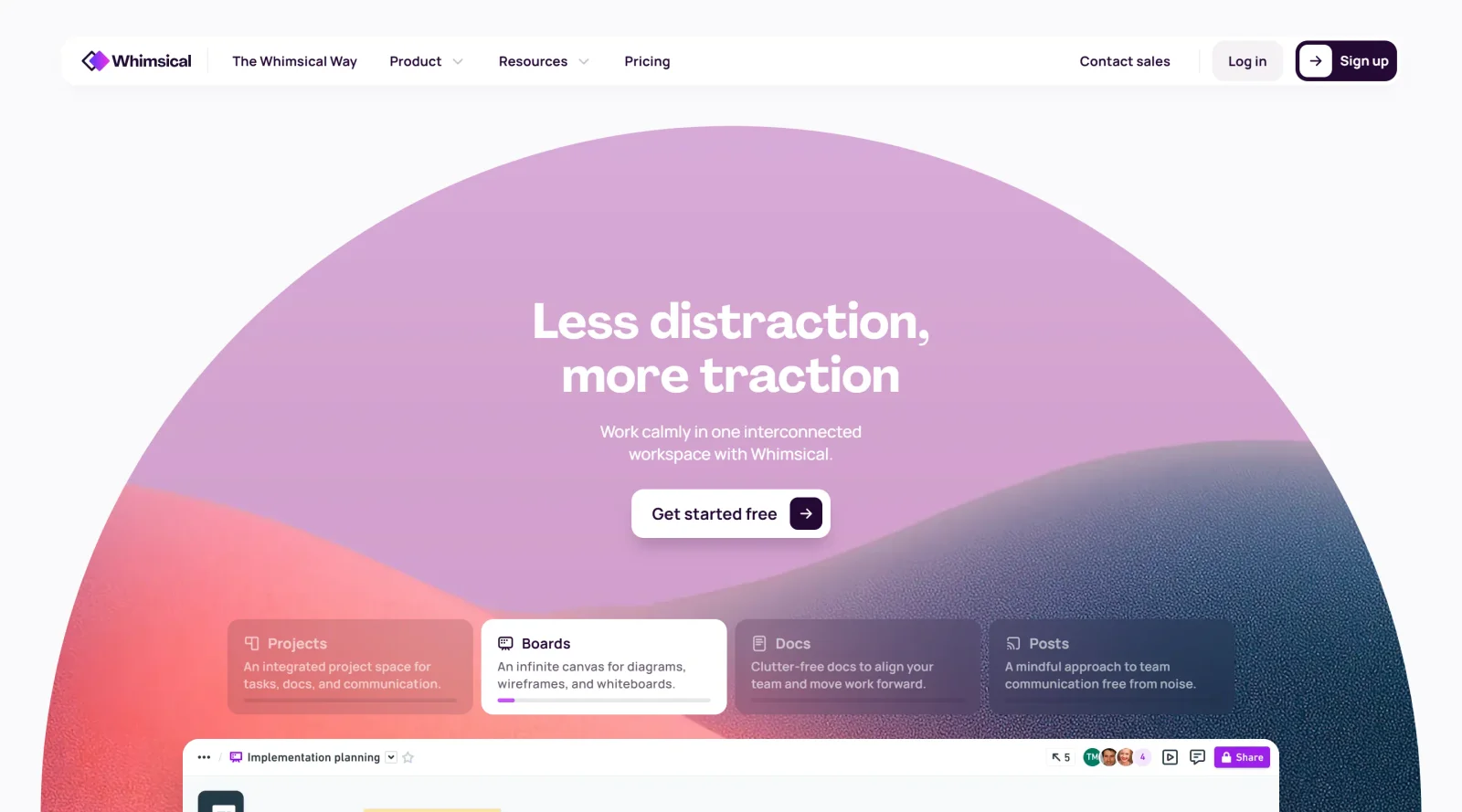
Simple tool for wireframing, flowcharts, sticky notes, and mind maps with collaboration features.
What it costs
- Free tier
- Yes
Free plan available ('Get started free'); paid plan prices are on the separate /pricing page.
Auto-checked on 8 August 2026Source
About Whimsical
What Is Whimsical?
Whimsical is a freemium collaborative visual workspace designed for teams to create wireframes, flowcharts, sticky notes, mind maps, and process diagrams. It serves as a UX tool that bridges the gap between rapid ideation and structured visual documentation, enabling teams to move from conceptual thinking to actionable design artifacts without requiring specialized design software. The platform operates on a freemium pricing model with tiered paid plans, making it accessible to individual users and scalable for larger teams.
What Whimsical Does
- Create wireframes, flowcharts, mind maps, and process diagrams in a shared workspace
- Enable real-time collaboration with unlimited workspace members on the free plan and configurable guest limits on paid tiers
- Provide AI-assisted creation with a base allowance of AI actions that scales across pricing tiers (100 actions on the free plan up to 2,000 monthly on enterprise)
- Support file uploads and version history, with storage capacity and historical retention increasing on higher-tier plans (5MB to 10GB, 7 days to unlimited)
- Export boards and designs with customizable resolution and advanced export options available on higher plans
- Integrate custom templates, backlinks, voting features, and timer tools on paid plans
How Whimsical Can Be Used
- Product teams using Whimsical to sketch user flows and wireframes before formal design handoff
- Marketing and content teams organizing campaign plans and timelines through mind maps and sticky notes
- Cross-functional teams documenting business processes and workflows visually for onboarding and process documentation
- Design and development teams collaborating asynchronously on low-fidelity prototypes and interactive diagrams
- Stakeholder presentations where abstract concepts need to be communicated with visual clarity and alignment
Who Is Whimsical For?
Whimsical serves startups, small-to-medium teams, individual designers, and product managers who prioritize speed-to-value and collaborative ideation over enterprise-scale feature complexity. It is well-suited for teams seeking a lightweight alternative to heavy design tools, those requiring asynchronous collaboration on visual artifacts, and organizations where cross-functional members need simple tools without formal training. The pricing structure supports both solo practitioners exploring visual planning tools and growing teams scaling their collaboration capacity. Visit Whimsical
Featured Tools
Sponsored
Artlist
Royalty-free music, SFX, 8K footage, templates, LUTs and 100+ AI models on a single subscription for video creators.

Icons8
Large icon packs featuring over 10,000 icons for consistent design themes.

Vidu
AI video generator with text, image and reference-to-video modes, producing 3–16 second clips at up to 1080p with characters that stay consistent across shots.
Your tool here
The tools above are our own picks until the slots sell.
Spotlight
SponsoredRotates daily
GoProd
Remove backgrounds and upscale images effectively.
Tools we recommend


Editorially chosen. Some links above are affiliate links — if you sign up we may earn a commission, at no extra cost to you.
More UX Tools Tools


Slicer.dev
Slicer audits entire websites and user flows, giving teams a structured way to review UI/UX at scale — then extracts any component it finds into ready-to-use AI prompts or React code.


2020 Ipsum
A Lorem Ipsum generator themed on unforgettable 2020 events.


Aaply
Wireframe mobile apps and create user-centered product experiences.


Avvvatars
Unique placeholder avatars tailored to your users.


Axure
Plan, wireframe, and prototype without any coding required.


Ballpark
Quick asynchronous product research for prototypes and designs.
Explore Other Categories
Discover more design resources
New to Design?
Explore our comprehensive design glossary to master essential terminology from A/B Testing to Wireframes.
Browse GlossaryLooking for something specific?
Search through our entire collection of design tools and resources