

What it costs
- Free tier
- Yes
Homepage repeatedly calls it a 'free flowchart maker' with a paid upgrade (testimonial 'signed up and upgraded'), but shows no price figures.
Auto-checked on 8 August 2026Source
About Zen Flowchart
What Is Zen Flowchart?
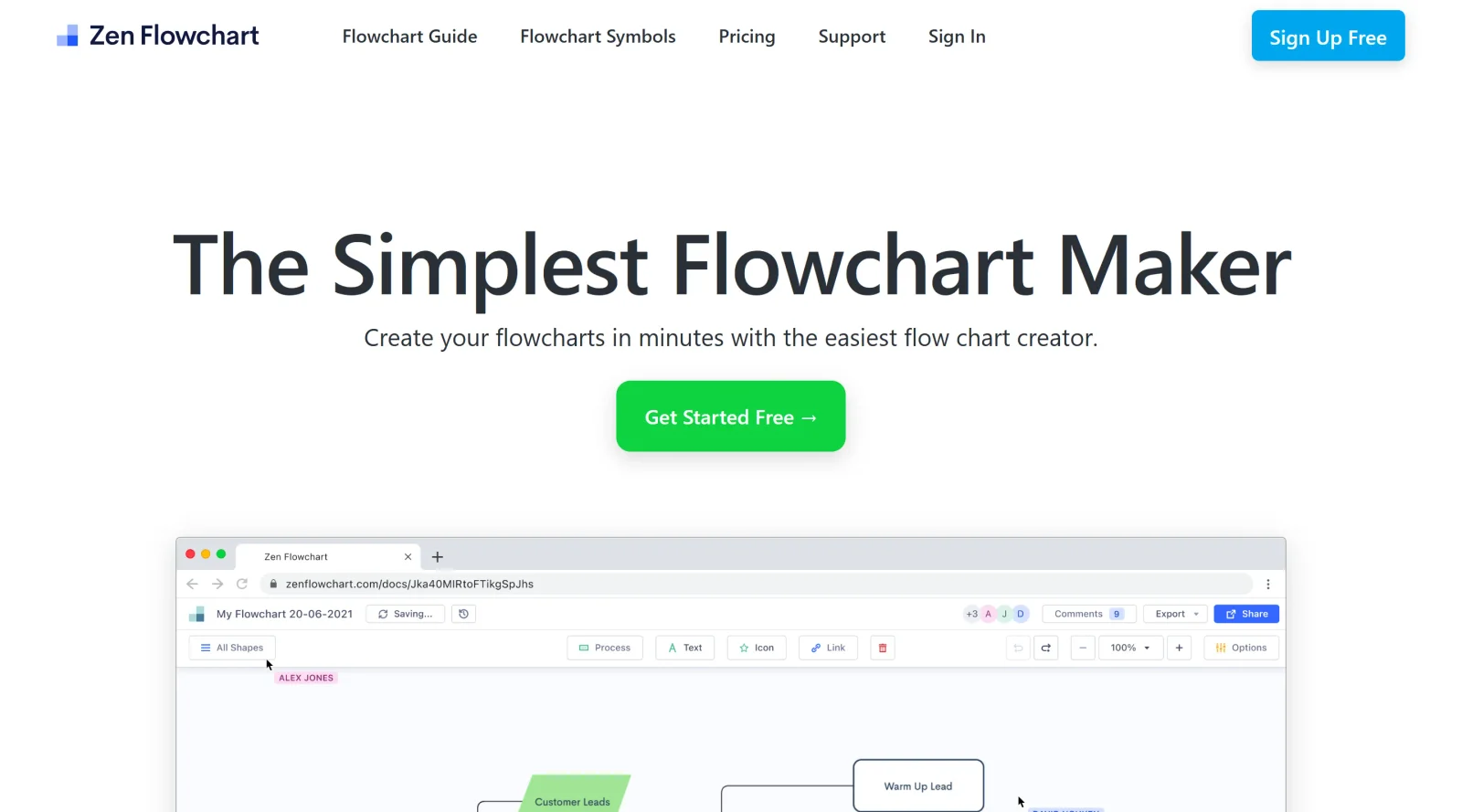
Zen Flowchart is an online diagramming tool categorized under UX tools that enables users to create flowcharts and other diagrams through a user-friendly interface. Its core purpose is to simplify the visualization of processes, structures, and ideas, fitting into design workflows for mapping user experiences, planning interfaces, and documenting logic flows. As a freemiumtool, Zen Flowchart offers free access to basic features with premium options for advanced capabilities like unlimited documents and priority support.
What Zen Flowchart Does
- Provides a drag-and-drop interface for placing shapes and connecting nodes to build diagrams.
- Supports creation of flowcharts, organizational charts, sitemaps, process flows, and mind maps.
- Enables real-time collaboration, allowing multiple users to view, edit, and comment simultaneously.
- Offers customizable templates, shape libraries, color themes, and one-click styling for nodes, text, and lines.
- Includes export options, publishing to shareable links that auto-update, and presentation mode.
- Features cloud storage, version history, auto-save, undo/redo, zoom, grid/snap tools, and keyboard shortcuts.
How Zen Flowchart Can Be Used
Zen Flowchart supports practical workflows in UX design and development by allowing teams to map user journeys as flowcharts or sitemaps during the research phase. Designers can create organizational charts to outline team structures for project planning or process flows to document app logic before wireframing. In collaborative scenarios, developers use it to visualize algorithms or decision trees, sharing editable links for feedback. For instance, a UX team brainstorming a mobile app interface starts with a sitemap in Zen Flowchart, adds connectors for navigation paths, applies styling, and exports for stakeholder review. It also aids in creating mind maps to organize ideas from user interviews into hierarchical diagrams.
Who Is Zen Flowchart For?
Zen Flowchart serves UX designers, product managers, developers, and teams in startups, SMBs, and enterprises who need to visualize processes without complex software. It suits beginners due to its intuitive drag-and-drop setup and one-click features, as well as experienced users handling collaborative diagramming for UX tools like flowcharts and sitemaps. Project types include process documentation, idea brainstorming, and workflow planning where quick diagram creation enhances communication.Visit Zen Flowchart
Featured Tools
Sponsored
Artlist
Royalty-free music, SFX, 8K footage, templates, LUTs and 100+ AI models on a single subscription for video creators.

Icons8
Large icon packs featuring over 10,000 icons for consistent design themes.

Vidu
AI video generator with text, image and reference-to-video modes, producing 3–16 second clips at up to 1080p with characters that stay consistent across shots.
Your tool here
The tools above are our own picks until the slots sell.

Tools we recommend


Editorially chosen. Some links above are affiliate links — if you sign up we may earn a commission, at no extra cost to you.
More UX Tools Tools


Slicer.dev
Slicer audits entire websites and user flows, giving teams a structured way to review UI/UX at scale — then extracts any component it finds into ready-to-use AI prompts or React code.


2020 Ipsum
A Lorem Ipsum generator themed on unforgettable 2020 events.


Aaply
Wireframe mobile apps and create user-centered product experiences.


Avvvatars
Unique placeholder avatars tailored to your users.


Axure
Plan, wireframe, and prototype without any coding required.


Ballpark
Quick asynchronous product research for prototypes and designs.
Explore Other Categories
Discover more design resources
New to Design?
Explore our comprehensive design glossary to master essential terminology from A/B Testing to Wireframes.
Browse GlossaryLooking for something specific?
Search through our entire collection of design tools and resources