
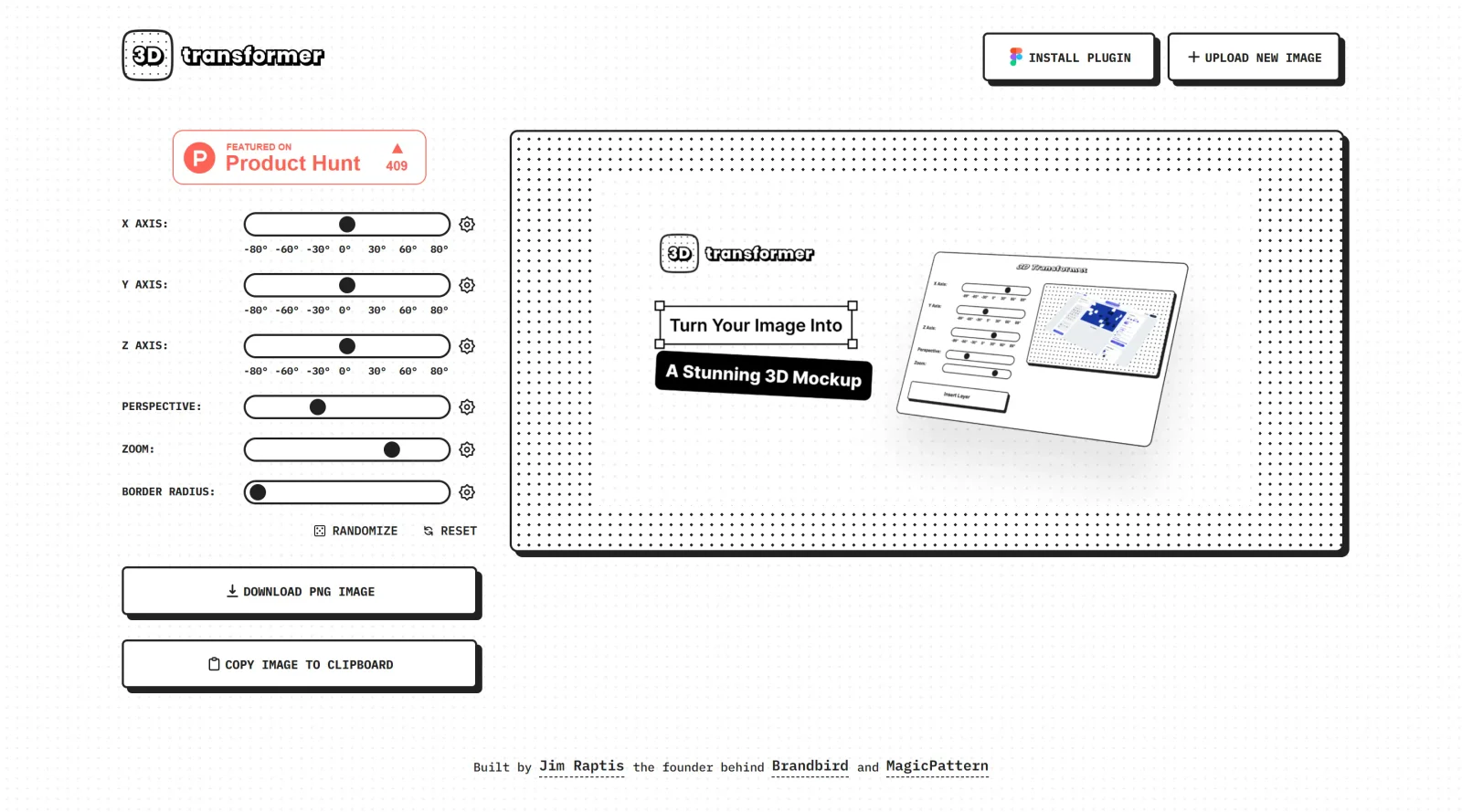
Transform frames into striking 3D mockups online and in Figma.
What it costs
- Free tier
- Yes
Fully free browser and Figma tool for rotating images into 3D mockups, with no account, paywall, or paid plan shown.
Auto-checked on 8 August 2026Source
About 3D Transformer
What Is 3D Tranformer?
3D Tranformer is a free design tool in the **Design** category focused on processing and optimizing 3D data for visualization and interactive applications. It supports workflows involving CAD, mesh, BIM, and point cloud files, enabling users to convert, prepare, and export 3D models into standard formats suitable for real-time rendering. 3D Tranformer fits into design pipelines where handling complex 3D assets is essential, such as preparing models for game engines, web-based 3D viewers, or simulation environments, all without subscription costs.
What 3D Tranformer Does
- Imports 3D data from over 70 formats, including CAD assemblies, BIM models, tessellated meshes, and point clouds, while preserving geometry, hierarchy, materials, metadata, and animations.
- Converts various 3D file types into standard formats compatible with visualization tools and real-time engines.
- Optimizes complex 3D models by generating levels of detail (LODs), UV maps, mesh merging, pivot adjustments, and explosion views.
- Automates repetitive data preparation tasks through scripting interfaces like Python API.
- Processes data in batches for scalable workflows, supporting on-premise or cloud deployment options.
- Prepares 3D assets natively within compatible editors, reducing re-import cycles for iterative design work.
How 3D Tranformer Can Be Used
- Designers import large CAD assemblies from engineering software, optimize them for real-time performance, and export to Unity for interactive product demos.
- Developers automate point cloud processing from laser scans, converting them into optimized meshes for AR/VR applications or web 3D viewers.
- Teams handling BIM data use 3D Tranformer to simplify building models, generate LODs, and integrate into simulation pipelines for architectural visualization.
- In game development workflows, it prepares high-poly models by reducing polygon counts and baking materials, streamlining asset pipelines from concept to deployment.
- Engineers batch-process multiple 3D variants to test optimizations, such as mesh decimation for mobile devices or detailed renders for desktop simulations.
Who Is 3D Tranformer For?
3D Tranformer serves 3D designers, game developers, CAD engineers, and visualization specialists who work with diverse 3D data sources and need efficient conversion and optimization tools. It suits projects involving real-time applications, interactive experiences, or data-heavy pipelines, particularly for users seeking a free solution without hardware dependencies. Experience levels range from intermediate users familiar with 3D workflows to advanced teams automating large-scale asset processing. Visit 3D Tranformer
Featured Tools
Sponsored
Artlist
Royalty-free music, SFX, 8K footage, templates, LUTs and 100+ AI models on a single subscription for video creators.

Icons8
Large icon packs featuring over 10,000 icons for consistent design themes.

Vidu
AI video generator with text, image and reference-to-video modes, producing 3–16 second clips at up to 1080p with characters that stay consistent across shots.
Your tool here
The tools above are our own picks until the slots sell.
Spotlight
SponsoredRotates daily
Animated Icons 2.0
Enhance your projects with 900+ animated icons.
More Mockups Tools
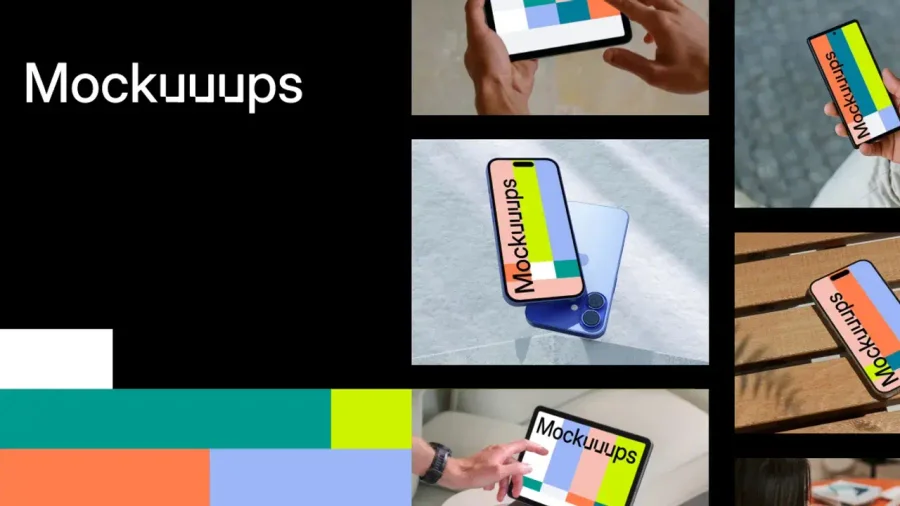

Mockuuups Studio
Photorealistic device and print mockups in the browser or Figma. Drop in your design and export polished app, portfolio, and marketing scenes in seconds.
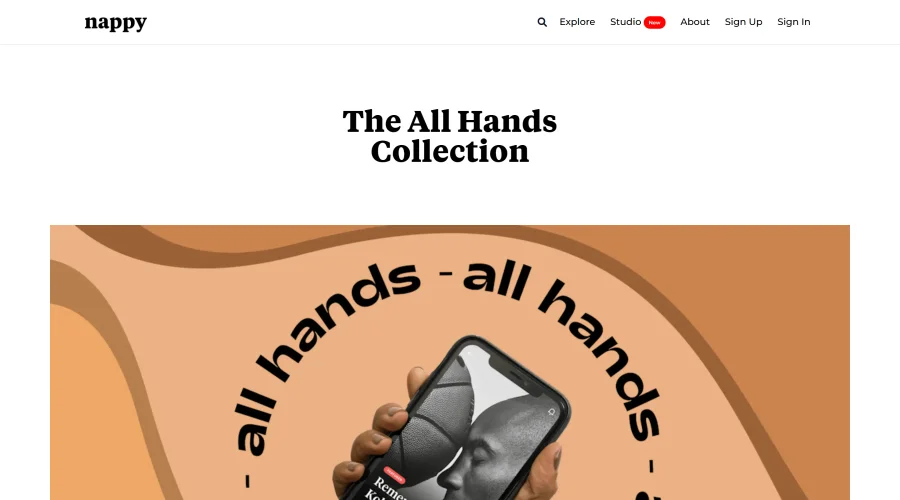

All Hands
25 free device mockups showcasing diverse hand types.


Angle
1,000 vector and 3D device mockups compatible with Sketch, Figma, and XD.
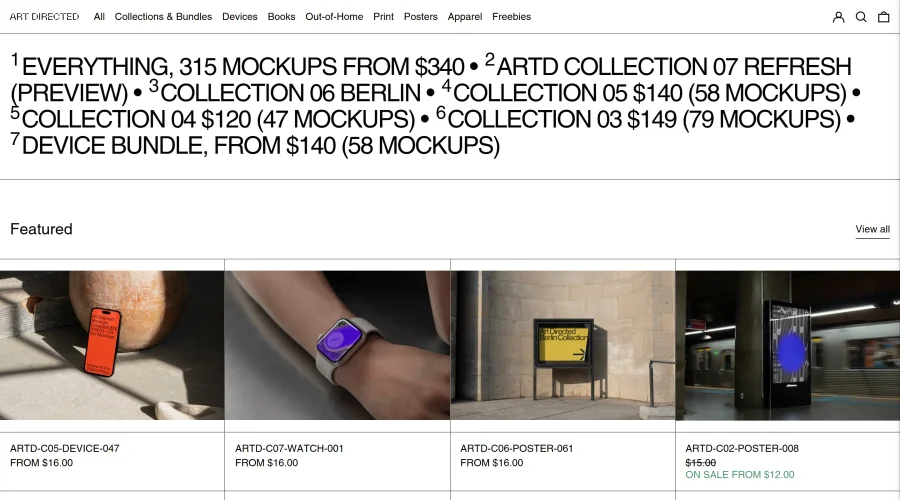

Art Directed
Modern mockups designed for contemporary design presentations.
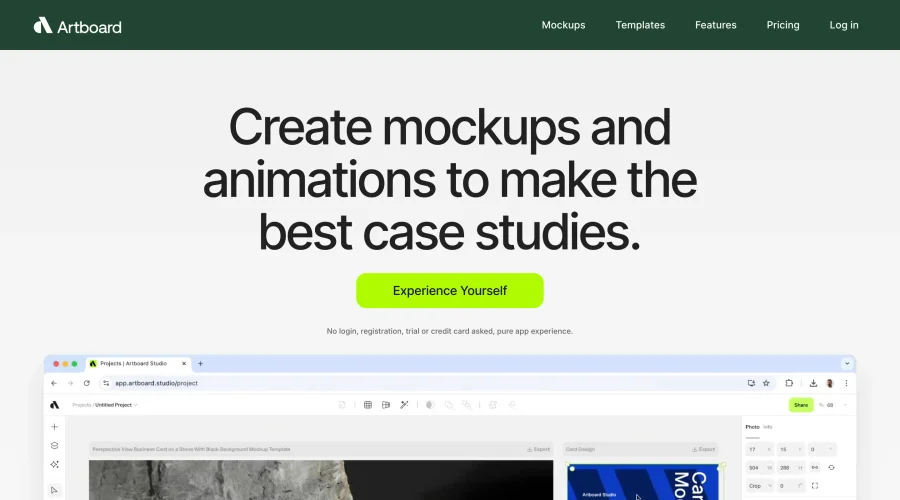

Artboard Studio Mockup Generator
Design amazing mockups and realistic scenes effortlessly.
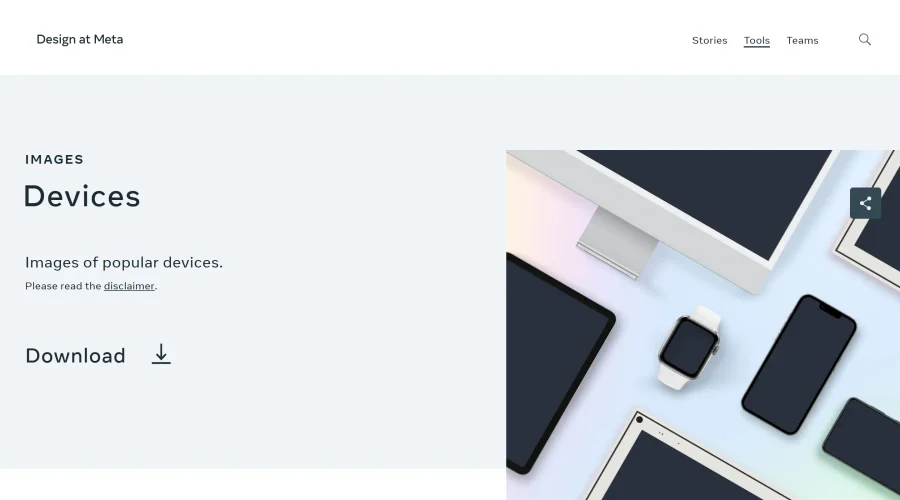

Design at Meta - Devices
Gallery of popular device images for diverse uses.
Explore Other Categories
Discover more design resources
New to Design?
Explore our comprehensive design glossary to master essential terminology from A/B Testing to Wireframes.
Browse GlossaryLooking for something specific?
Search through our entire collection of design tools and resources