

Photorealistic device and print mockups in the browser or Figma. Drop in your design and export polished app, portfolio, and marketing scenes in seconds.
What it costs
- Free tier
- Yes
- Paid plans from
- $12/mo billed yearly
Professional is $12/mo billed yearly ($144/yr); paying month-to-month costs more, as the yearly plan is sold at 40% off. Pricing is localised, and some regions are served an additional discount on top, so your checkout may show less than the headline figure. The free tier is a genuine try-before-you-buy: free mockups are limited and, under the Personal License, carry a watermark and ask for attribution, so billable work needs a paid plan. Students and teachers get 50% off, and non-profits are invited to ask. The Mockup Generator API is billed separately from $50/mo.
Auto-checked on 2 October 2026Source
About Mockuuups Studio
Mockuuups Studio: 5,300+ Mockups in the Browser, Figma, Sketch and a Desktop App
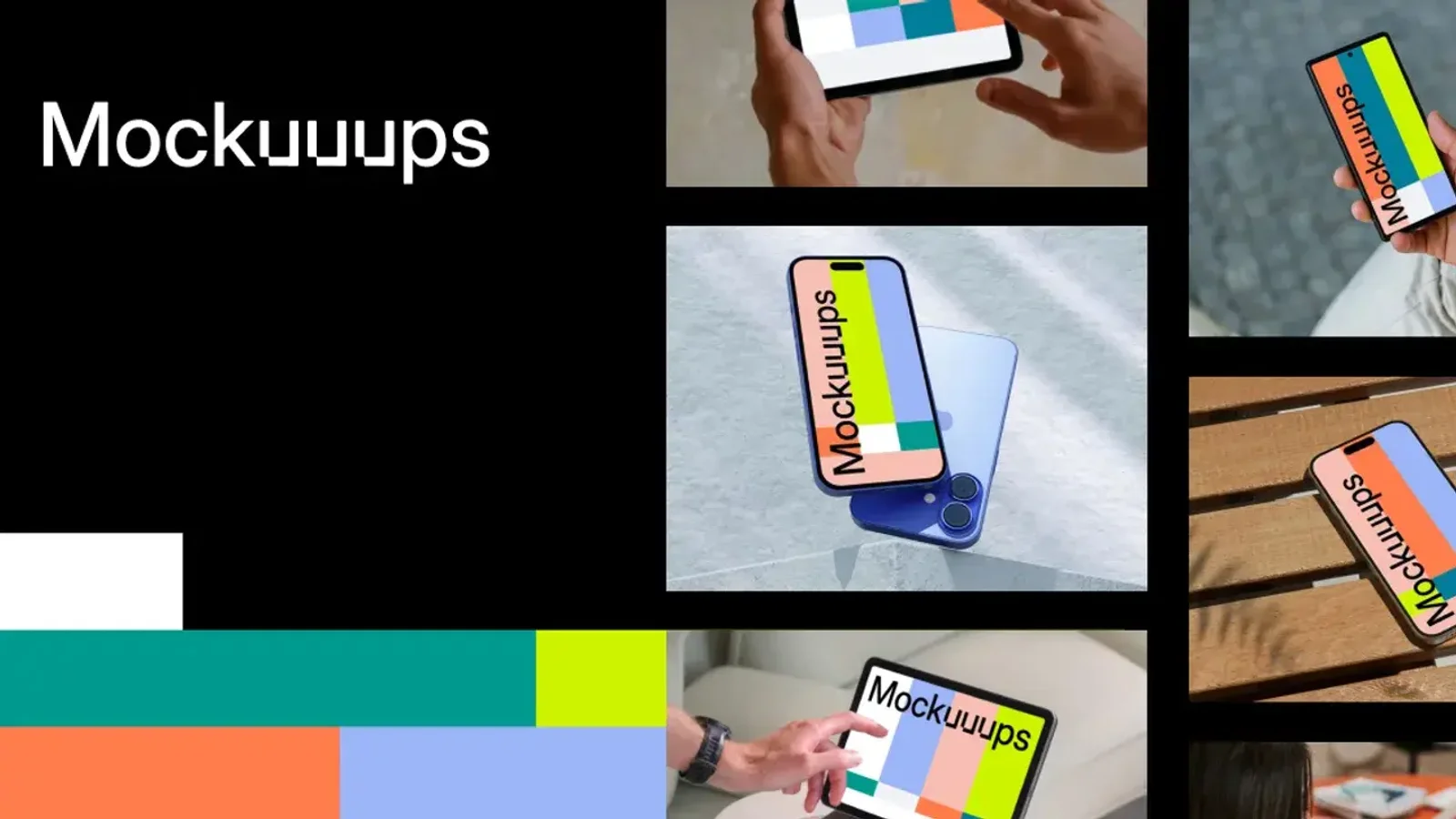
Mockuuups Studio helps you turn UI and artwork into presentation-ready mockups fast. Drop designs into a large, regularly updated library of photorealistic device, lifestyle and print scenes, work wherever you already design — the browser, Figma, Sketch, Penpot, Adobe Express or a desktop app — tweak the framing, and export high-res images for portfolios, decks, App Store assets and landing pages. Client work is in scope on a paid plan, while the free tier covers personal use — so it is worth knowing which one you need before you export.
Key Features
- More than 5,300 mockups — The counter was at 5,300+ in October 2026, up from 4,800+ in February, across Apple devices, Android handsets, laptops, tablets, TVs, posters, books, business cards and e-commerce scenes.
- Current hardware, quickly — The free gallery alone lists iPhone 18 Pro, iPhone Air, iPhone 17 Pro and 17e, Google Pixel 11 Pro, Samsung Galaxy S26 and MacBook Neo frames.
- Six places to work — A browser studio, a desktop app for Mac, Windows and Linux, and plugins for Figma, Sketch, Penpot, Adobe Express and Frontify.
- Website screenshots built in — Paste a URL and the editor captures the live site and drops it into the scene, so you never open a browser tab to grab a screenshot.
- Cleared for commercial use — People, hands and locations in the photography come with model and property releases, which is the thing free template packs usually cannot promise.
- Shareable preview links and an API — Publish a public link to a mockup, or render them programmatically at up to 8K through the Mockup Generator API.
What the Free Tier Covers
There is a browsable free collection you can use without an account, and it is a genuine way to try the library before paying. The company is refreshingly direct about where it stops: its own pricing FAQ notes that the free mockups "are limited and require attribution". The licence fills in the detail. Free-plan and free-trial exports fall under a Personal License, which carries a watermark, asks for a visible credit reading "Mockup by Mockuuups Studio", and covers personal, non-commercial use — student projects, practice pieces, a personal portfolio, or simply evaluating the library. Billable work needs a paid plan, which removes the watermark and the attribution and adds the commercial licence. That is a clearer line than many mockup sites draw, and it is better known before you start than at export time.
Pricing, and Why Yours May Differ
Professional runs $12 a month billed yearly, which works out at $144 for the year; month-to-month costs more, since the annual plan is sold at 40% off. Team is billed per seat and adds team management, SAML single sign-on, unified billing, payment by invoice or bank transfer and priority support. Three things are worth knowing. First, pricing is localised, and not only by currency — some regions are served an additional discount on top, so the figure at your checkout may be lower than the headline one. Students and teachers get 50% off, and the company invites non-profits to ask. Second, the Mockup Generator API is a separate product on its own credit-based tiers starting at $50 a month, so a Professional subscription does not include it. Third, there is a quieter one-time option: a single high-res export can be bought outright from inside the desktop app at the moment you export, which is useful if you need exactly one mockup. Refunds run seven days and lapse once you have downloaded or used the file.
Where It Runs
This is the part that separates it from a mockup download site. The same library is reachable from a browser studio, a desktop app for Mac, Windows and Linux, and plugins for Figma, Sketch, Penpot and Frontify, plus an Adobe Express add-on and a lightweight web entry point at Mockup.new. In practice that means a designer can stay inside Figma, a marketer can stay inside Adobe Express, and a developer can skip the interface entirely and POST to the API, which takes a mockup id and either an image or a URL to screenshot and returns a rendered file on a CDN. The API also connects to Zapier, so the "generate a mockup every time a new blog post publishes" workflow does not need any code.
How to Use Mockuuups Studio
- Browse or search the library by device, scene or collection, or filter to the free mockups to try it without an account.
- Drop in your screenshot or artwork — or paste a live URL and let it capture the screenshot for you.
- Adjust the framing, background and any editable elements, then preview the scene.
- Export at up to 4K, or share a public preview link; on a paid plan the file carries no watermark and needs no credit.
What the Licence Allows
The licence is short and readable, which is a point in its favour. Within your own design, marketing and client work it sets no cap on uses, views, prints or distribution channels: websites, apps, print, packaging, advertising, social and video are all in scope on a paid plan. The limits are the ones you would expect. You may not resell or redistribute the mockups themselves, bundle them into downloadable packs or UI kits, or build a product whose main value is the mockups. Registering one as a logo or trademark is out, as is using the content to train AI or machine-learning systems. Embedding mockups in a service where other people generate or customise content — website builders, presentation tools, ad creators — runs through the official API under an approved agreement rather than a standard subscription.
Who It's For
- Product and UI designers who need App Store screenshots and case-study visuals without opening Photoshop
- Figma, Sketch and Penpot users who would rather not leave the file they are working in
- Freelancers and agencies who need the commercial licence and the model releases that come with it
- Marketers producing landing-page and social visuals, in Adobe Express or on their own
- Developers automating mockup generation for a web app, blog or ad pipeline through the API
Conclusion
Mockuuups Studio's case is breadth plus reach: a large, current library that follows you into whichever tool you already work in, with the licensing cleared so client work is not a gamble. At $144 a year that compares well against the hour-per-mockup alternative of hunting templates and warping smart objects by hand, and because exports stay yours after you cancel, a single month is a legitimate way to clear a backlog. Two things to check before committing. The free tier is a try-before-you-buy rather than a long-term free plan, since its exports are watermarked and credited and cover personal use only. And pricing is localised, so the figure at your checkout may differ from the $12 a month quoted here. For anyone presenting digital work regularly it earns its place; if you need a single mockup once a year, the one-off desktop export is the cheaper route.
Mockuuups Studio pros and cons
- Large, genuinely current library — 5,300+ scenes, with iPhone 18 Pro, iPhone Air, Pixel 11 Pro and Galaxy S26 frames already in the free gallery
- Works where you already design: browser, Mac/Windows/Linux app, and Figma, Sketch, Penpot, Frontify and Adobe Express plugins
- Paid plans clear the licensing properly — commercial use, no attribution, and model and property releases for the people and hands in the shots
- Exports stay usable after you cancel, so a single month can legitimately clear a backlog of portfolio and client visuals
- Built-in website screenshot capture and an API that renders mockups from a URL at up to 8K, with Zapier for no-code automation
- The free tier is a try-before-you-buy: exports are watermarked, carry attribution and cover personal use only, so billable work needs a paid plan
- Pricing is localised, so the headline figure is not what everyone pays — worth checking your own checkout before comparing
- The Mockup Generator API is a separate subscription from $50/mo, not part of a Professional plan
- Professional covers one person, so a team needs per-seat Team pricing
- The one-off single-export purchase is only available inside the desktop app at the moment you export, not in the browser studio
Mockuuups Studio's real strength is distribution. The library is large and kept genuinely current — new iPhone, Pixel and Galaxy frames land quickly — and it reaches you in Figma, Sketch, Penpot, Adobe Express, a desktop app and an API rather than making you come to a website and wrestle with a PSD. For anyone who presents digital work for a living, the licensing is the quiet selling point: commercial use, no attribution, and model and property releases on the photography, which is exactly what free template packs cannot offer. Two things to know going in. The free tier is a try-before-you-buy rather than a free plan — exports are watermarked, credited and personal-use only — so budget for a subscription if the work is billable. And pricing is localised, so the $12/month billed yearly quoted here is a reference point rather than a promise; check your own checkout. The detail that makes a short subscription genuinely viable is that exports stay licensed to you after cancellation, so subscribing for a month to clear a backlog is a supported move rather than a loophole.
Frequently asked questions
Is Mockuuups Studio free?
Partly. There is a free collection you can browse and use without paying, and it is a genuine way to try the library. Exports under the free Personal License are watermarked, carry a visible credit reading "Mockup by Mockuuups Studio", and cover personal, non-commercial use — student projects, practice work and personal portfolios. Billable work needs a paid plan, which removes the watermark and the attribution and adds the commercial licence.
How much does Mockuuups Studio cost?
The Professional plan is $12 a month billed yearly, which is $144 for the year; paying month-to-month costs more, since the annual plan is sold at 40% off. Team is billed per seat and adds SAML SSO, unified billing and invoice payment. Pricing is localised, and some regions are served an additional discount on top, so your own checkout may show less than the headline figure. Students and teachers get 50% off.
Can I use Mockuuups mockups for client work?
Yes, on a paid plan. The Commercial License that comes with any paid subscription — or with a single export purchase — covers client and freelance projects, websites, paid campaigns, packaging, pitch decks and marketing materials, with no attribution required and no limit on uses or channels. The free Personal License covers personal and non-commercial use instead, so billable work needs a subscription. In both cases you cannot resell the mockups themselves, bundle them into UI kits, or use them to train AI systems.
Does Mockuuups Studio work inside Figma?
Yes — there is a Figma plugin, and it is the company's most promoted integration. The same library is also available through plugins for Sketch and Penpot, an Adobe Express add-on, a Frontify app, a desktop app for Mac, Windows and Linux, and the browser studio. For automated workflows there is a REST Mockup Generator API, billed separately, that renders a mockup from an uploaded image or a live URL.
Can I keep using mockups after my subscription ends?
Yes. Both the licence and the pricing FAQ state that mockups exported while you were on a paid plan remain usable afterwards, within the terms of that licence. So subscribing for a single month, exporting everything you need and cancelling is explicitly supported — portfolio pieces created that way can stay on your site indefinitely. What stops at cancellation is access to the library and to new mockups, not the files you already exported.
Featured Tools
Sponsored
Artlist
Royalty-free music, SFX, 8K footage, templates, LUTs and 100+ AI models on a single subscription for video creators.

Icons8
Large icon packs featuring over 10,000 icons for consistent design themes.

Vidu
AI video generator with text, image and reference-to-video modes, producing 3–16 second clips at up to 1080p with characters that stay consistent across shots.
Your tool here
The tools above are our own picks until the slots sell.
Spotlight
SponsoredRotates daily
FontLab
Integrated font editor for creating fonts across various applications.
More Mockups Tools
3D Transformer
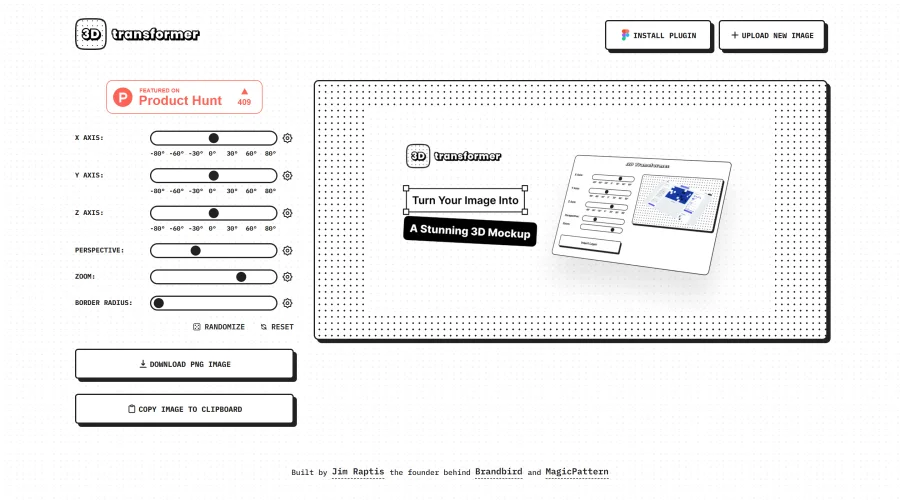
Transform frames into striking 3D mockups online and in Figma.

All Hands
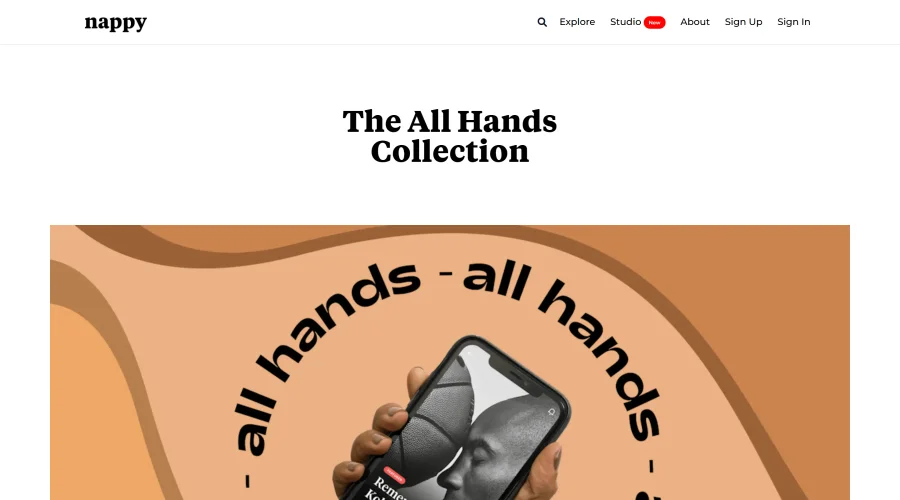
25 free device mockups showcasing diverse hand types.

Angle
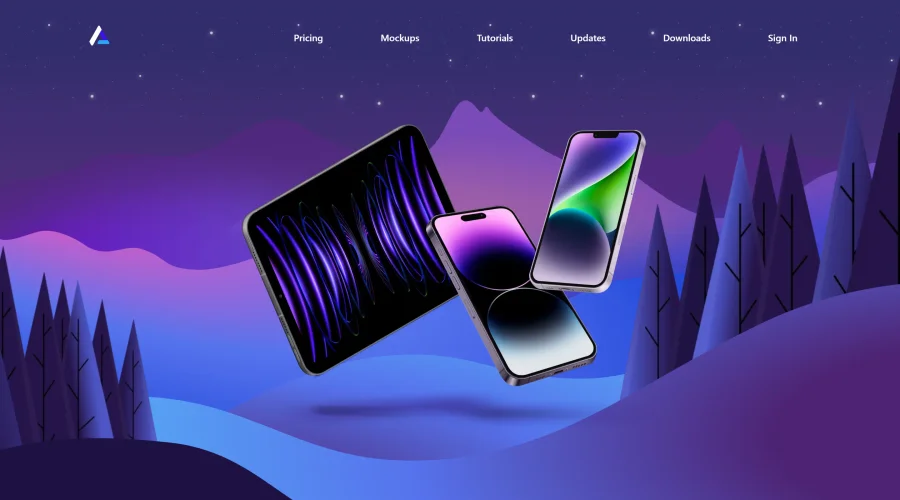
1,000 vector and 3D device mockups compatible with Sketch, Figma, and XD.
Art Directed
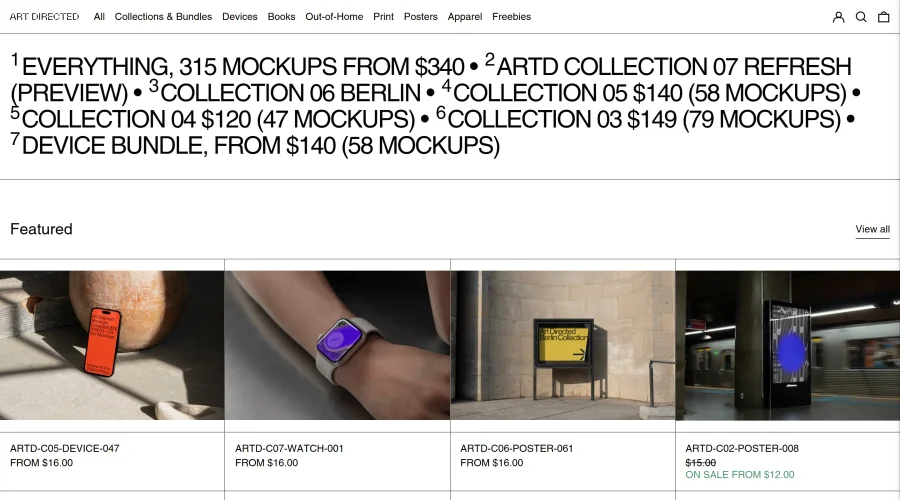
Modern mockups designed for contemporary design presentations.

Artboard Studio Mockup Generator
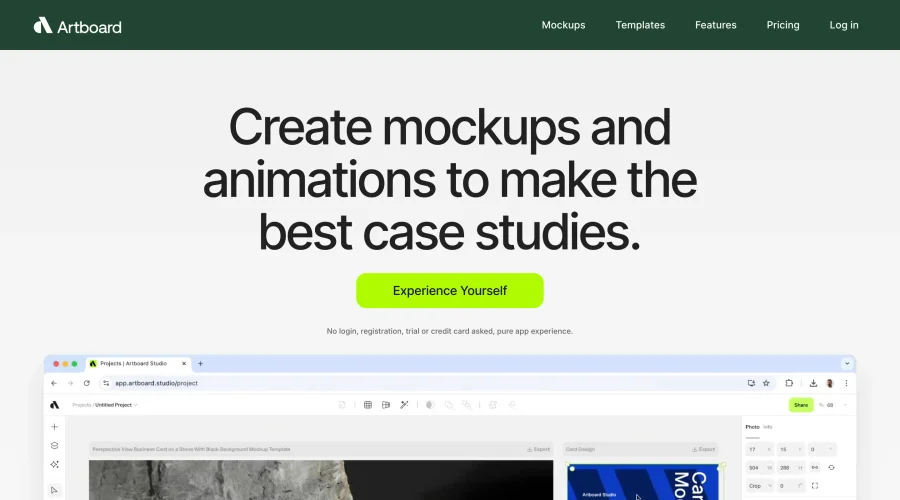
Design amazing mockups and realistic scenes effortlessly.
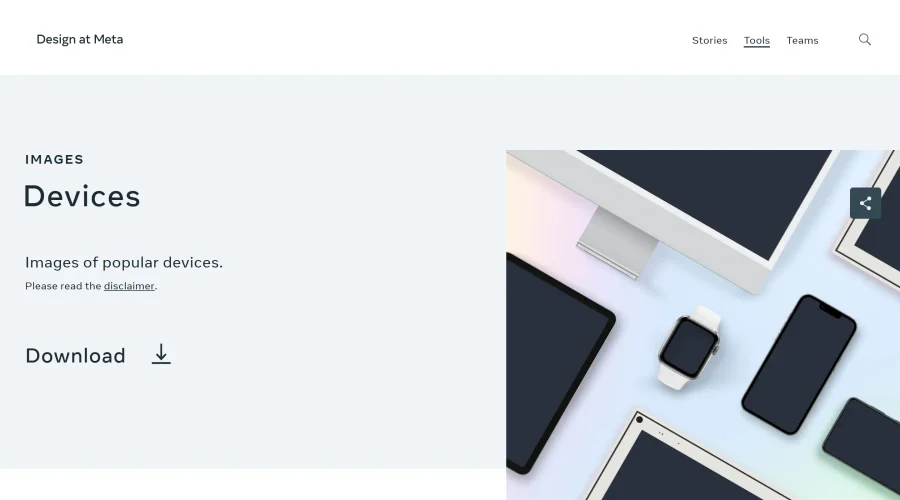

Design at Meta - Devices
Gallery of popular device images for diverse uses.
Explore Other Categories
Discover more design resources
New to Design?
Explore our comprehensive design glossary to master essential terminology from A/B Testing to Wireframes.
Browse GlossaryLooking for something specific?
Search through our entire collection of design tools and resources