
About Design at Meta - Devices
What Is Design at Meta - Devices?
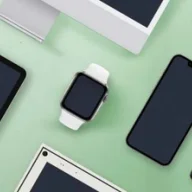
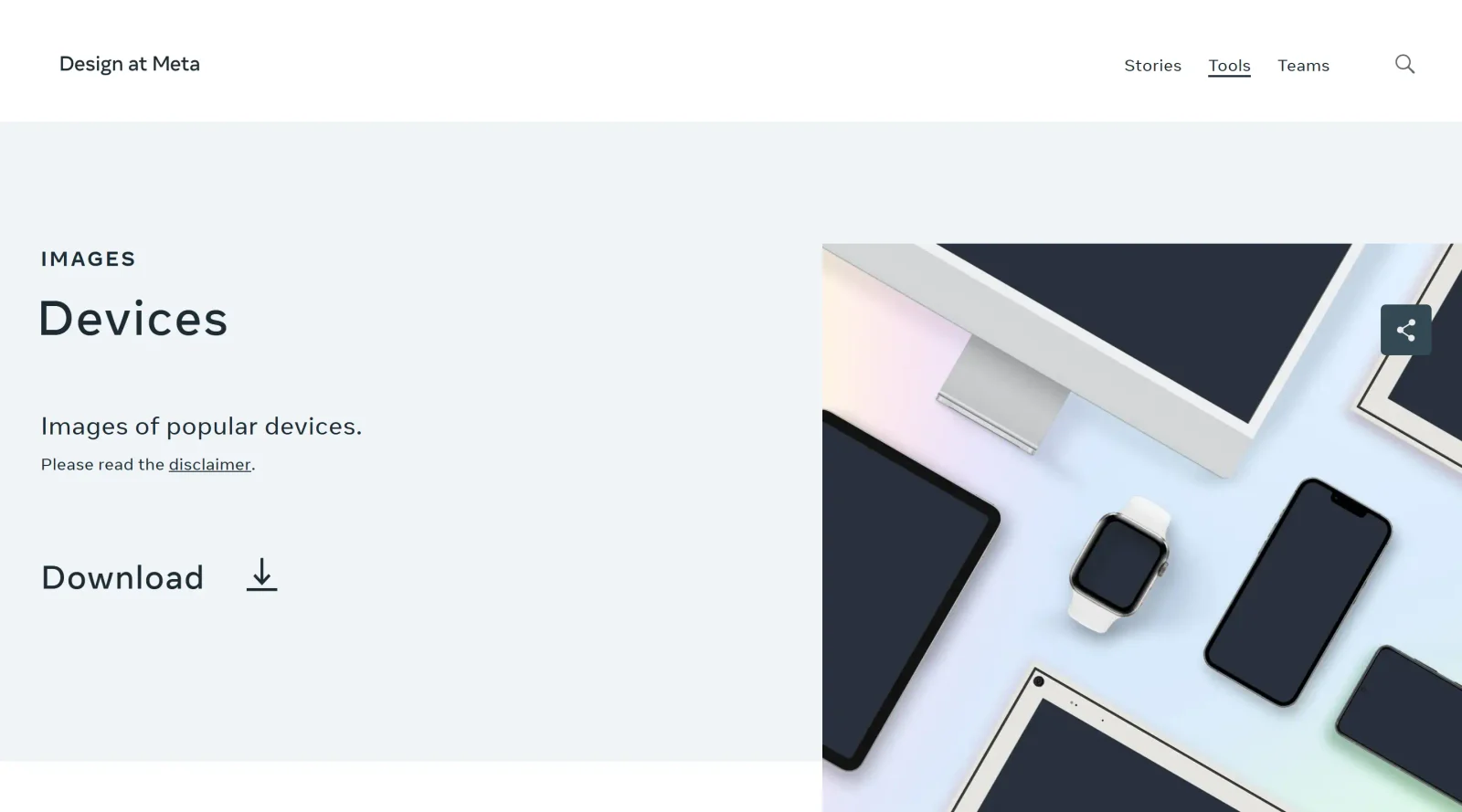
Design at Meta - Devices is a free resource in the **Design** category that provides a gallery of mockups for popular devices. It offers images of computers, smartphones, tablets, and wearables to place digital products or designs in realistic contexts. This tool fits into the design workflow during presentation and mockup stages, where designers need to visualize interfaces on actual hardware without creating custom assets.
What Design at Meta - Devices Does
- Supplies mockups of computers for displaying desktop or laptop interfaces in mockups.
- Provides smartphone images to showcase mobile app designs on various screen sizes.
- Includes tablet mockups for tablet-optimized UI demonstrations.
- Offers wearable device frames, such as smart glasses or watches, for AR/VR or accessory previews.
- Delivers high-resolution device images suitable for design presentations and portfolios.
- Supports realistic context placement for digital products across multiple device types.
How Design at Meta - Devices Can Be Used
- UI designers embed app screenshots into smartphone mockups to create client-ready visuals for mobile projects.
- Product teams use computer frames to present web applications in a desktop environment during stakeholder reviews.
- AR/VR developers insert interface prototypes into wearable mockups to simulate real-world usage scenarios.
- Marketers combine tablet images with content previews for pitch decks targeting tablet users.
- Freelance designers layer custom designs onto device mockups for portfolio websites or social media shares.
Who Is Design at Meta - Devices For?
Design at Meta - Devices serves UI/UX designers, product designers, and front-end developers who require quick device mockups in their workflow. It suits teams working on cross-platform projects involving smartphones, tablets, computers, and wearables, particularly those in digital product design needing free, ready-to-use assets. Experience levels range from junior designers building portfolios to senior teams preparing client deliverables. Visit Design at Meta - Devices
Featured Tools
Sponsored
Artlist
Royalty-free music, SFX, 8K footage, templates, LUTs and 100+ AI models on a single subscription for video creators.

Icons8
Large icon packs featuring over 10,000 icons for consistent design themes.

Vidu
AI video generator with text, image and reference-to-video modes, producing 3–16 second clips at up to 1080p with characters that stay consistent across shots.
Your tool here
The tools above are our own picks until the slots sell.
Spotlight
SponsoredRotates daily
HyNote
Records and transcribes interviews and meetings, then turns them into summaries and action items.
More Mockups Tools
3D Transformer
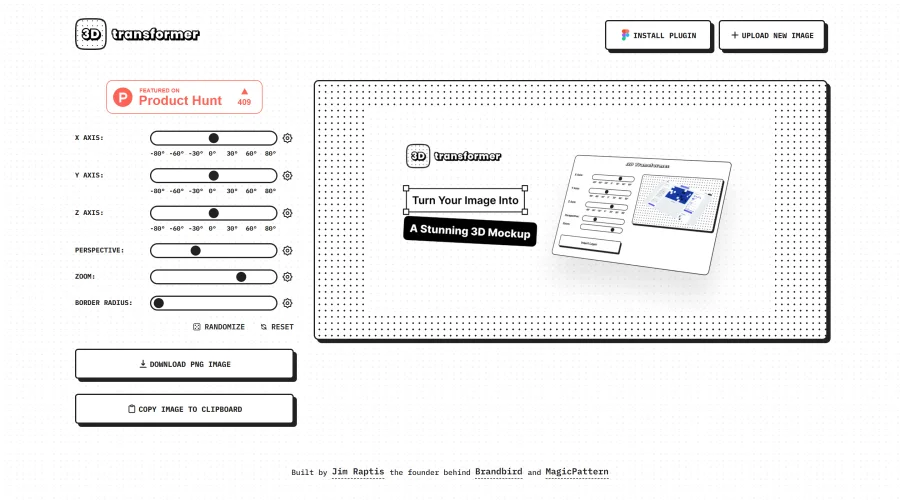
Transform frames into striking 3D mockups online and in Figma.
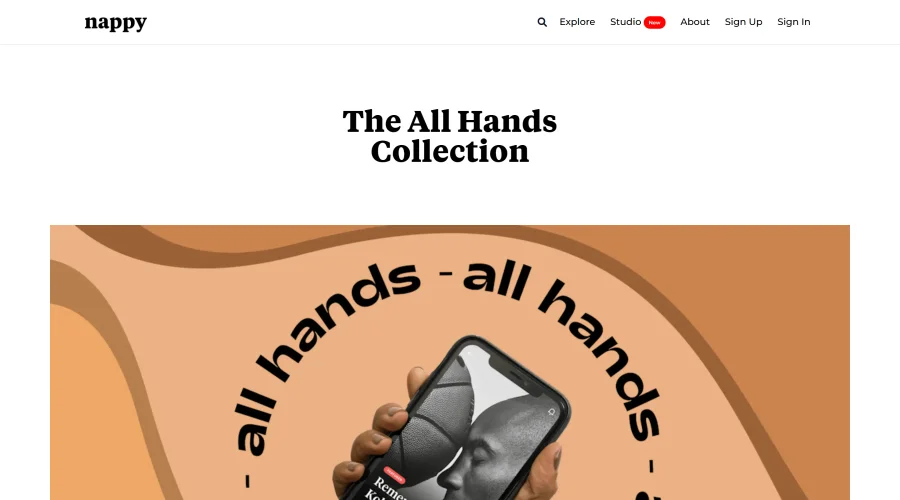
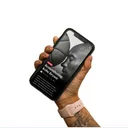
All Hands
25 free device mockups showcasing diverse hand types.
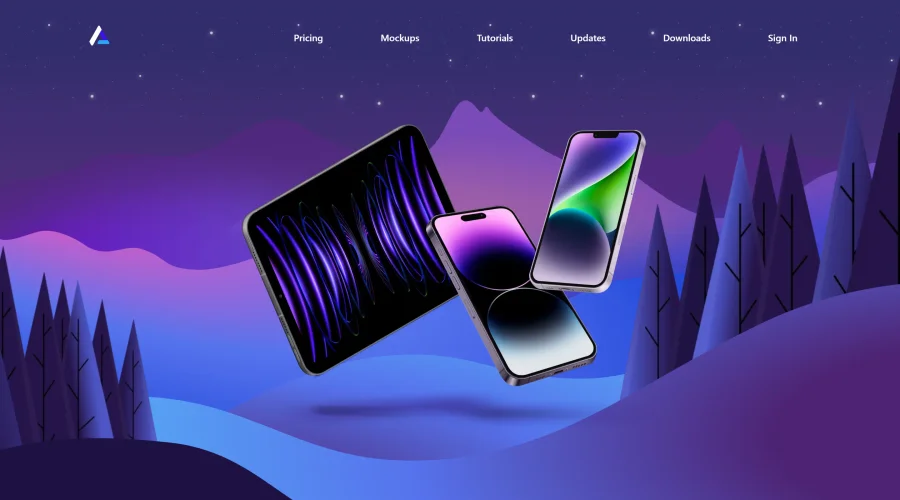

Angle
1,000 vector and 3D device mockups compatible with Sketch, Figma, and XD.
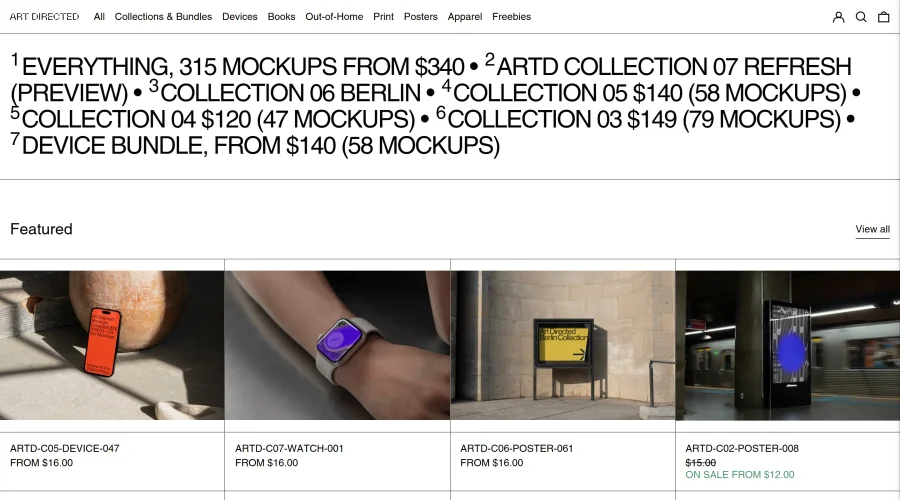

Art Directed
Modern mockups designed for contemporary design presentations.
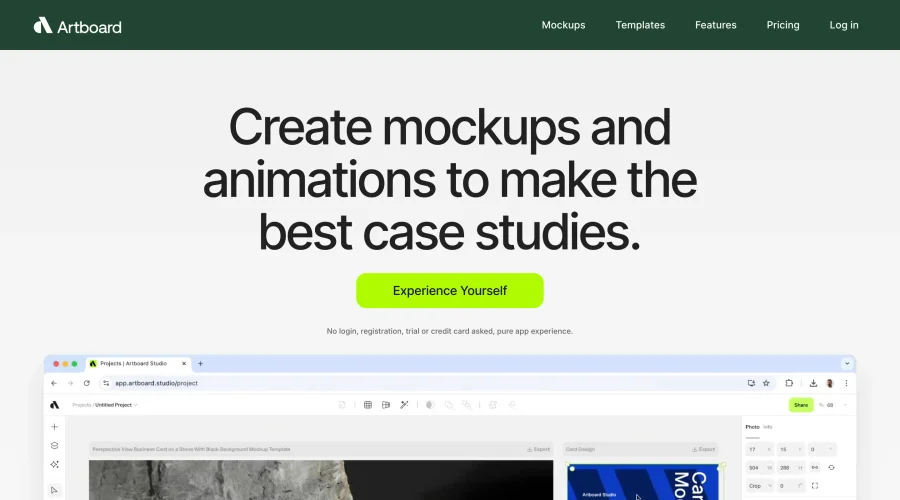

Artboard Studio Mockup Generator
Design amazing mockups and realistic scenes effortlessly.
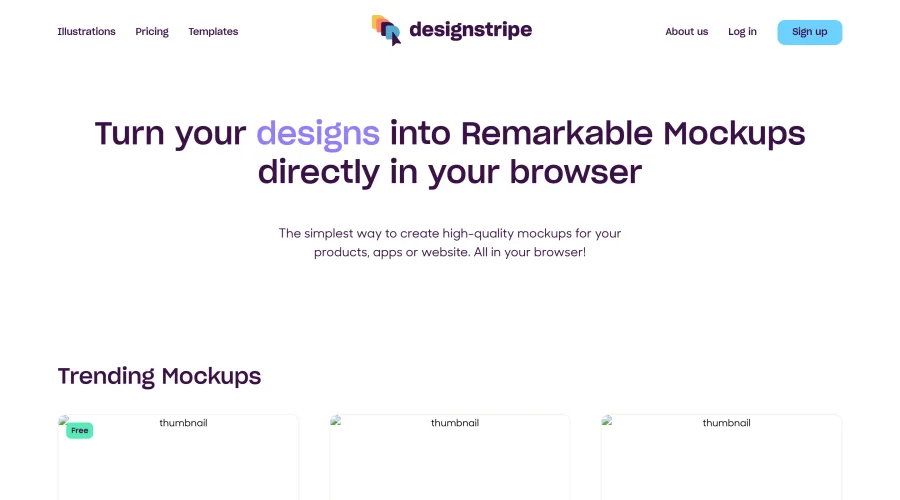

Designstripe Mockups
Turn designs into impressive mockups directly in your web browser.
Explore Other Categories
Discover more design resources
New to Design?
Explore our comprehensive design glossary to master essential terminology from A/B Testing to Wireframes.
Browse GlossaryLooking for something specific?
Search through our entire collection of design tools and resources