

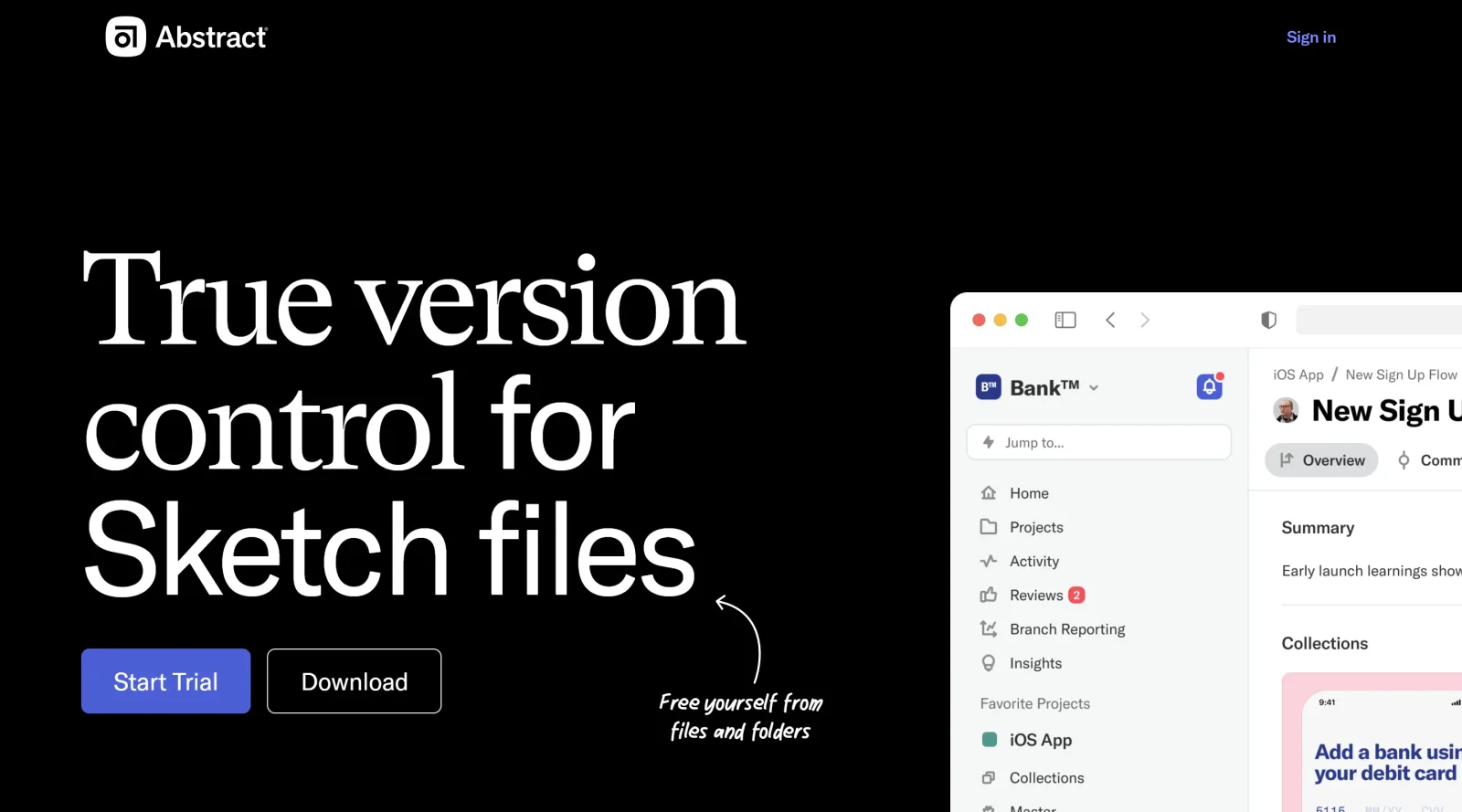
Version control solution tailored for Sketch workflows.
What it costs
- Free tier
- No
Major drift: abstract.com now resolves to a venture-capital firm ('$1.8 billion in assets under management'), not the design version-control tool — the tool appears defunct or moved and needs a manual check.
Auto-checked on 8 August 2026Source
About Abstract
What Is Abstract?
Abstract is a paid design tool in the **design** category that provides version control for Sketch files on macOS. It enables designers to manage design projects through a Git-based system adapted for visual workflows, eliminating the need for command-line operations. Abstract fits into collaborative design processes by handling file organization, change tracking, and team feedback within a dedicated desktop application.
What Abstract Does
- Supports branch management to isolate design changes and enable parallel work on Sketch files.
- Tracks commits automatically when changes are made in Sketch, with previews before saving.
- Provides a timeline view of past commits to review modifications by team members and timestamps.
- Allows inline comments on artboards and files for feedback from teammates or clients.
- Handles merging of branches, resolving conflicts for overlapping edits on artboards or symbols.
- Manages link libraries across files and projects to standardize symbols and assets.
- Operates offline with local storage of commits, branches, and edits, syncing when online.
How Abstract Can Be Used
- Designers import existing Sketch files into a project’s master branch to establish a baseline, then create feature branches for new UI components or iterations.
- Teams collaborate by committing artboard changes from Sketch, notifying others via Abstract for review and comments before merging to the master.
- Project leads use the file structure view to organize artboards by page, search content, and export files without opening Sketch.
- During handoff, developers access commit histories and version comparisons to understand design evolution and linked libraries.
- Clients view projects through the web app to provide feedback on specific artboards without needing Sketch access.
Who Is Abstract For?
Abstract serves macOS users working with Sketch in team environments, including UI/UX designers, product design teams, and collaborators handling version control for design files. It suits roles focused on maintaining organized workflows for projects with multiple contributors, shared symbols, and iterative feedback cycles, particularly where eliminating file duplicates and tracking changes streamlines handoff to development.
Featured Tools
Sponsored
Artlist
Royalty-free music, SFX, 8K footage, templates, LUTs and 100+ AI models on a single subscription for video creators.

Icons8
Large icon packs featuring over 10,000 icons for consistent design themes.

Vidu
AI video generator with text, image and reference-to-video modes, producing 3–16 second clips at up to 1080p with characters that stay consistent across shots.
Your tool here
The tools above are our own picks until the slots sell.
Spotlight
SponsoredRotates daily
FontLab
Integrated font editor for creating fonts across various applications.
Tools we recommend


getimg.ai
20+ AI models for image, video & audio in one workspace


OpenArt
All-in-one AI image, video & audio generator


YouCam Online Editor
Free online AI photo & video editor
Editorially chosen. Some links above are affiliate links — if you sign up we may earn a commission, at no extra cost to you.
More Design Tools Tools


Pryzm
Pryzm is a real-time studio for designers who need backgrounds that don't look like everyone else's. Layer procedural gradients, then stack glass, grain, light and blobs.


Modeinspect
Mode turns your product’s codebase into editable canvas frames. Refine real UI with visual controls, experiment with AI then share or hand off for review.


GoProd
Remove backgrounds and upscale images effectively.


Kittl
AI-first design platform with image, vector, and video generation, plus templates, mockups, and print-ready exports.


Lunacy
Free design software enhanced with AI tools and built-in graphics.


Smart Upscaler
Automatically improve image clarity using AI technology.
Explore Other Categories
Discover more design resources
New to Design?
Explore our comprehensive design glossary to master essential terminology from A/B Testing to Wireframes.
Browse GlossaryLooking for something specific?
Search through our entire collection of design tools and resources