

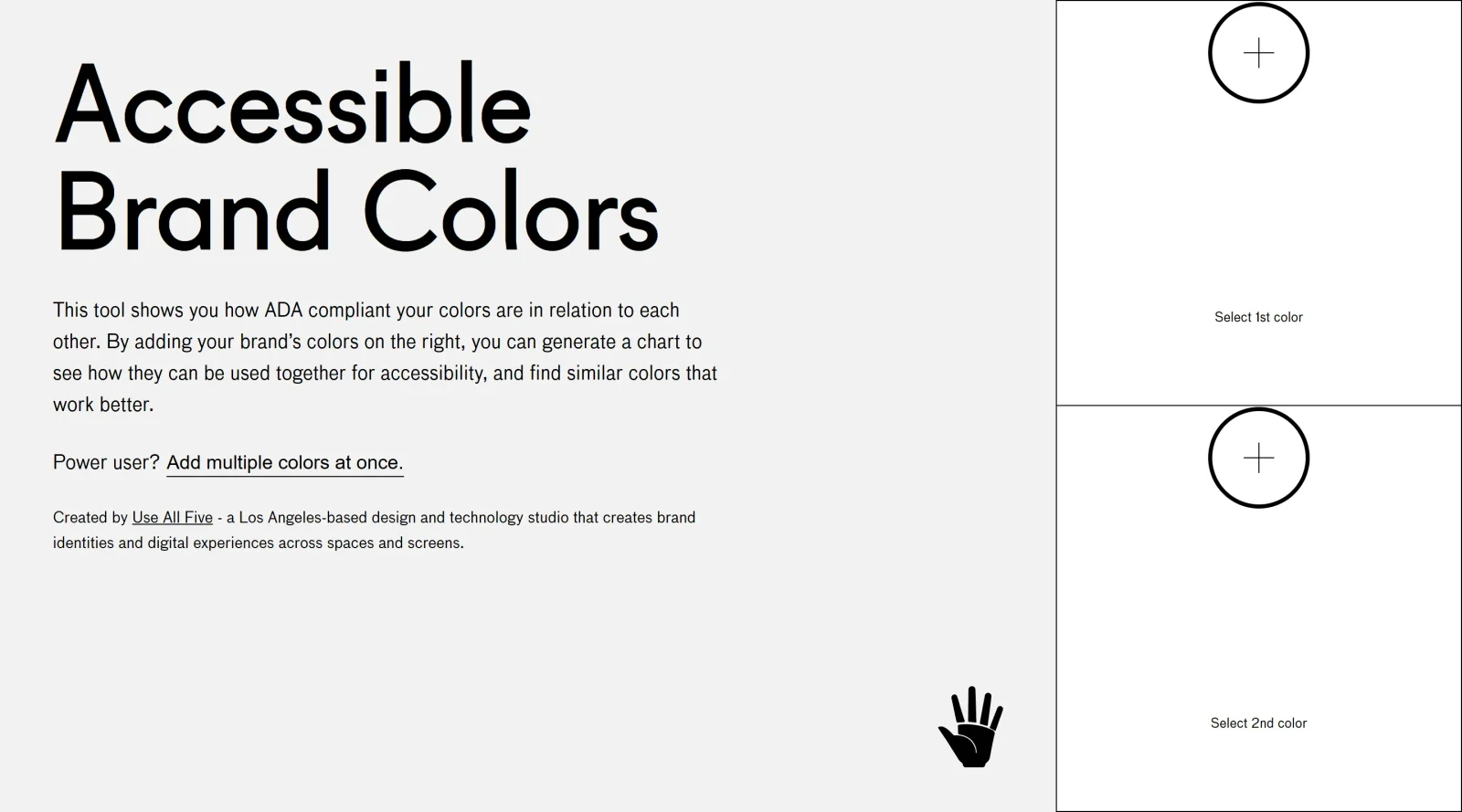
A tool assessing ADA compliance of color contrasts.
What it costs
- Free tier
- Yes
Fully free single-purpose tool built by the studio Use All Five; no paid plan.
Auto-checked on 8 August 2026Source
About Accessible Brand Colors
What Is Accessible Brand Colors?
Accessible Brand Colors is a free design tool in the Design category that evaluates color combinations for accessibility compliance. It generates a chart displaying contrast ratios between user-input brand colors, helping designers identify pairs that meet Web Content Accessibility Guidelines (WCAG) standards for text, UI elements, and readability. This tool fits into the early stages of the design workflow, such as brand guide development or color palette creation, where ensuring sufficient contrast prevents issues like low visibility for users with visual impairments.
What Accessible Brand Colors Does
- Accepts user-defined brand colors via input fields to analyze their pairwise relationships.
- Produces a visual chart showing contrast ratios between all combinations of entered colors.
- Indicates WCAG compliance levels, such as AA or AAA, for text and non-text elements based on contrast thresholds.
- Highlights accessible pairings suitable for foreground and background use in digital products.
- Supports ADA compliance checks by evaluating relative accessibility of colors against each other.
- Provides a matrix view to quickly scan viable color combinations for brand applications.
How Accessible Brand Colors Can Be Used
- Designers input primary and secondary brand colors to generate a compliance matrix for inclusion in brand guides, ensuring text over backgrounds meets minimum 4.5:1 contrast ratios.
- During UI prototyping, teams test color schemes for buttons, links, and interactive elements to confirm readability across devices and user needs.
- Developers use the output chart to validate color tokens in design systems, pairing high-contrast combinations like dark text on light backgrounds.
- For redesign projects, existing palettes are evaluated to flag low-contrast pairs, guiding adjustments without starting from scratch.
- Accessibility auditors reference the tool's results to document compliant color usage in reports or style guides.
Who Is Accessible Brand Colors For?
Accessible Brand Colors serves UI/UX designers, brand strategists, and front-end developers working on web and digital products requiring WCAG-compliant color schemes. It suits projects involving brand identity creation, design system builds, or accessibility audits, particularly for teams targeting Level AA conformance. Experience levels range from junior designers learning contrast rules to senior professionals streamlining palette validation. Small agencies and solo freelancers benefit from its simplicity in workflows without complex software. Visit Accessible Brand Colors
Featured Tools
Sponsored
Artlist
Royalty-free music, SFX, 8K footage, templates, LUTs and 100+ AI models on a single subscription for video creators.

Icons8
Large icon packs featuring over 10,000 icons for consistent design themes.

Vidu
AI video generator with text, image and reference-to-video modes, producing 3–16 second clips at up to 1080p with characters that stay consistent across shots.
Your tool here
The tools above are our own picks until the slots sell.
Spotlight
SponsoredRotates daily
HyNote
Records and transcribes interviews and meetings, then turns them into summaries and action items.
More Accesibility Tools
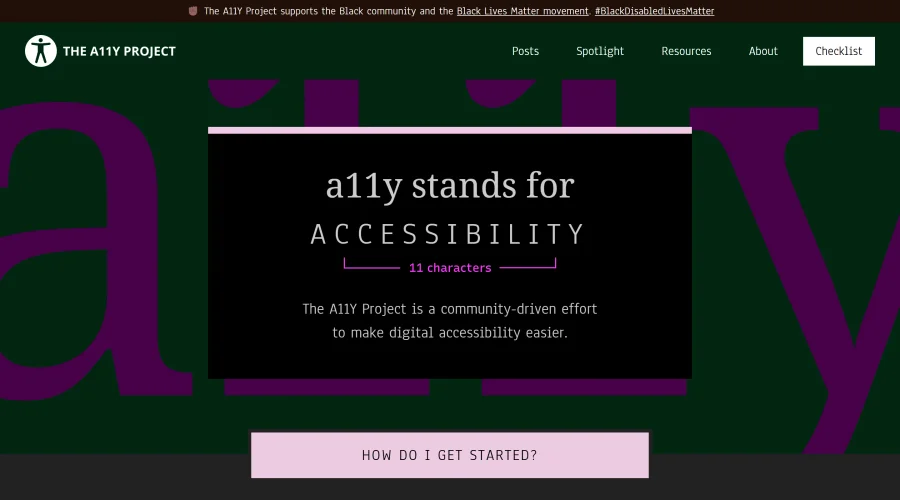

A11Y Project
A community-led initiative to simplify digital accessibility.
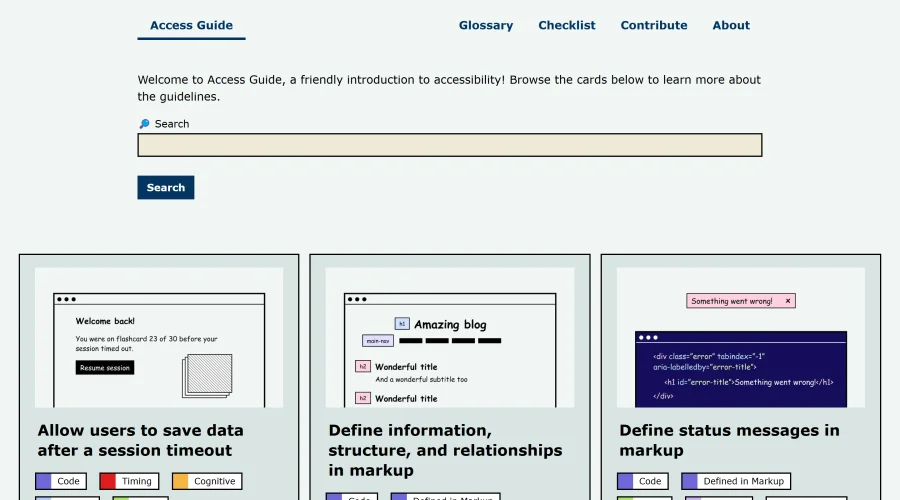
Access Guide
An easy-to-understand introduction to digital accessibility.
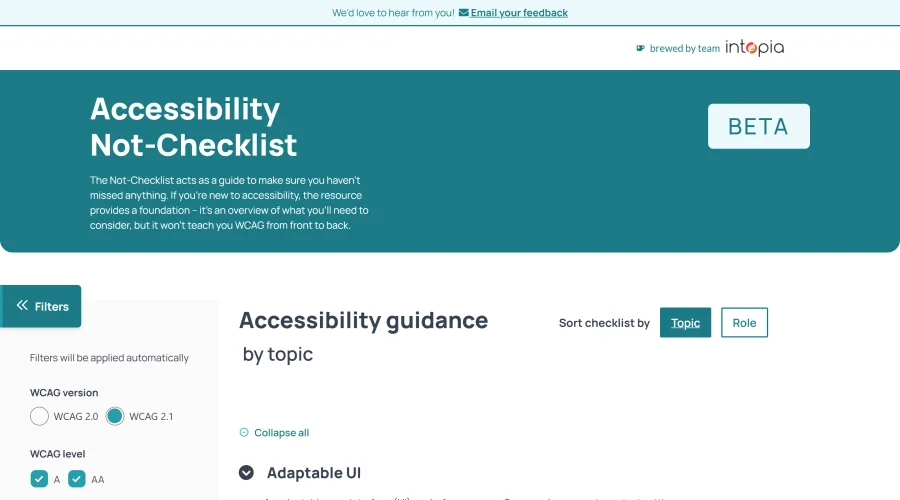

Accessibility Not-Checklist
Comprehensive guide to ensure accessibility in design projects.
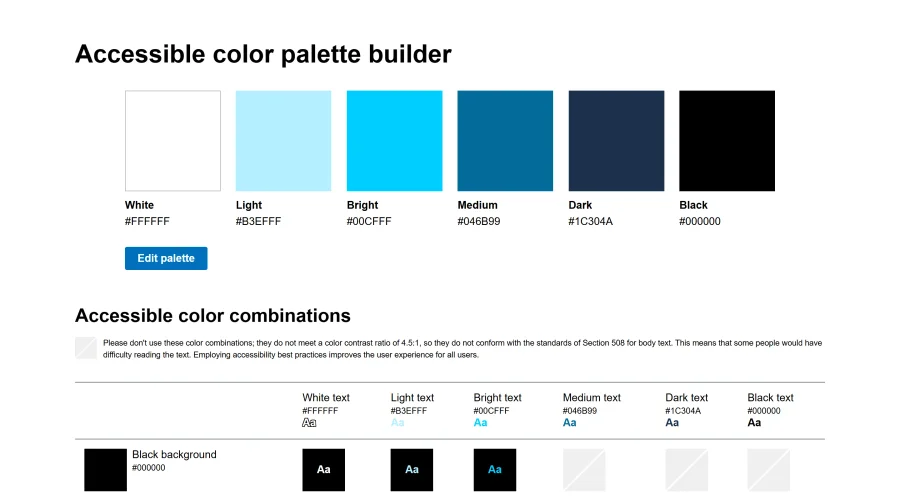

Accessible Color Matrix
A design tool for creating color palettes that meet accessibility standards.
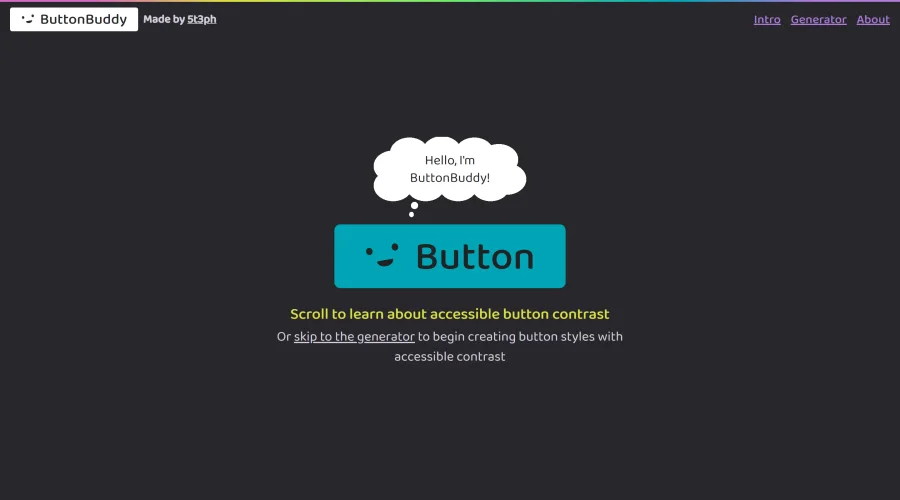

Button Buddy
Solutions for ensuring accessible contrast in button designs.
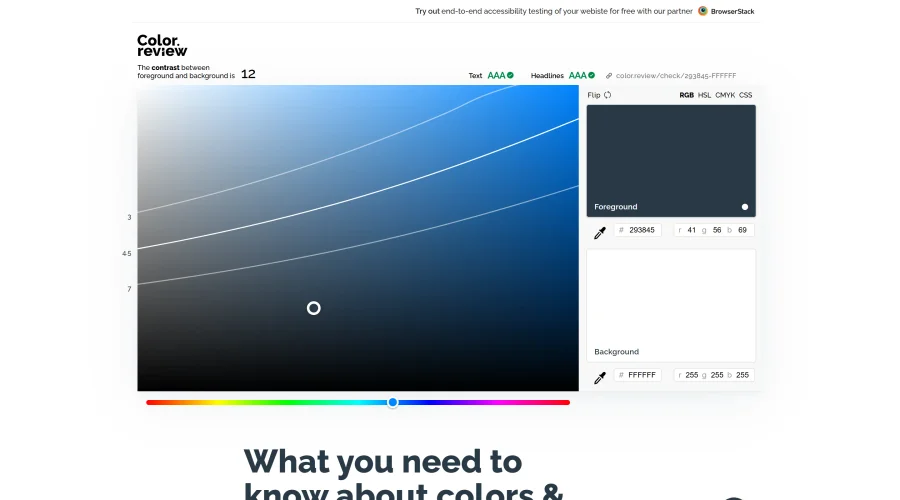

Color Review
A platform for discovering and choosing accessible colors.
Explore Other Categories
Discover more design resources
New to Design?
Explore our comprehensive design glossary to master essential terminology from A/B Testing to Wireframes.
Browse GlossaryLooking for something specific?
Search through our entire collection of design tools and resources