

Comprehensive guide to ensure accessibility in design projects.
What it costs
- Free tier
- Yes
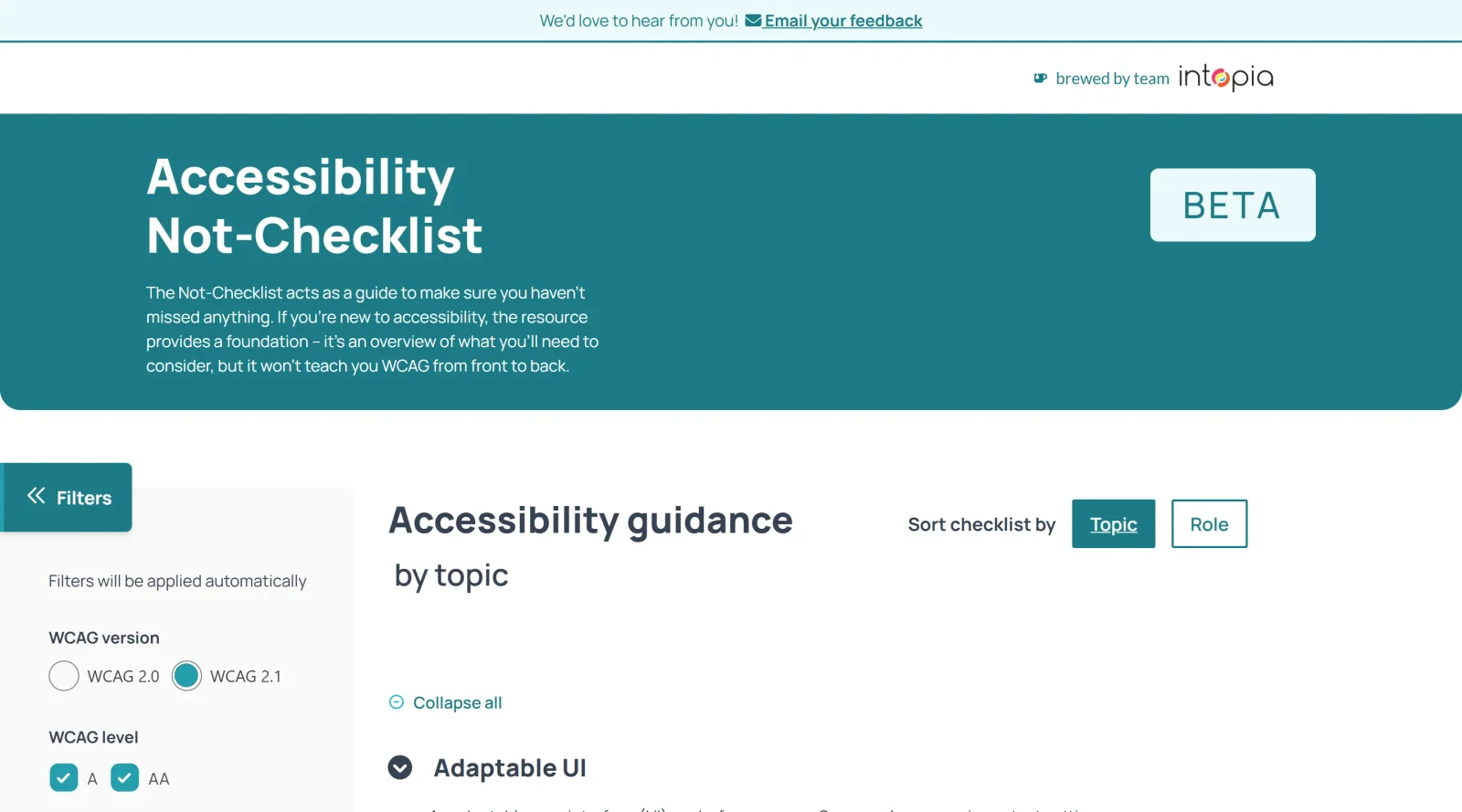
Free WCAG checklist resource (in beta) from Intopia with no paid plan anywhere on the page.
Auto-checked on 8 August 2026Source
About Accessibility Not-Checklist
What Is Accessibility Not-Checklist?
Accessibility Not-Checklist is a free design tool in the Design category that serves as a customizable reference guide for incorporating accessibility into digital work. Developed by Intopia, it provides a structured yet flexible framework to address accessibility considerations beyond strict checklists, drawing from Web Content Accessibility Guidelines (WCAG) and additional best practices from recognized sources. It fits into the design workflow as a navigational aid for reviewing projects during planning, design, and development phases, helping users filter and apply relevant guidance without relying on rigid compliance lists.
What Accessibility Not-Checklist Does
- Allows filtering of accessibility items by WCAG versions, conformance levels, and specific success criteria.
- Provides role-specific views tailored for content creators, designers, and web developers.
- Supports topic-based filtering for components or elements under active development.
- Includes best practice recommendations that extend beyond WCAG requirements for broader inclusivity.
- Offers clarity on accessibility topics prone to misinformation or confusion.
- Features an in-depth glossary explaining complex accessibility terms.
How Accessibility Not-Checklist Can Be Used
- Designers reference it during UI creation to ensure color contrast, focus states, and interactive elements like checkboxes or menus meet accessibility standards.
- Web developers use role-specific filters to verify implementation of regions, keyboard navigation, and image annotations in prototypes or live sites.
- Content creators apply topic filters when preparing documents or pages, checking for inclusive language and device support alongside WCAG criteria.
- Teams iterate on projects by customizing views for specific workflows, such as annotating Figma designs or generating acceptance criteria.
- Beginners navigate the full guide for foundational knowledge, while experienced users select reminders for comprehensive coverage.
Who Is Accessibility Not-Checklist For?
Accessibility Not-Checklist targets individuals and teams embedding accessibility into daily workflows, including beginners seeking tangible starting points and experienced practitioners needing quick references. It suits designers reviewing visual elements like contrast and states, web developers handling code-level implementations, and content creators focusing on inclusive practices across project types from websites to documents. Role-based and topic-specific filtering makes it adaptable for various experience levels in digital design and development environments. Visit Accessibility Not-Checklist
Featured Tools
Sponsored
Artlist
Royalty-free music, SFX, 8K footage, templates, LUTs and 100+ AI models on a single subscription for video creators.

Icons8
Large icon packs featuring over 10,000 icons for consistent design themes.

Vidu
AI video generator with text, image and reference-to-video modes, producing 3–16 second clips at up to 1080p with characters that stay consistent across shots.
Your tool here
The tools above are our own picks until the slots sell.
Spotlight
SponsoredRotates daily
Kittl
AI-first design platform with image, vector, and video generation, plus templates, mockups, and print-ready exports.
More Accesibility Tools

A11Y Project
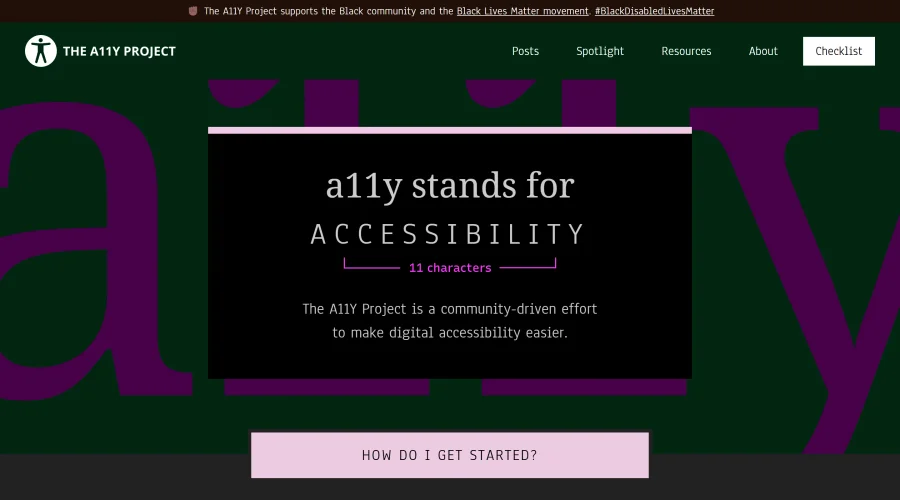
A community-led initiative to simplify digital accessibility.
Access Guide
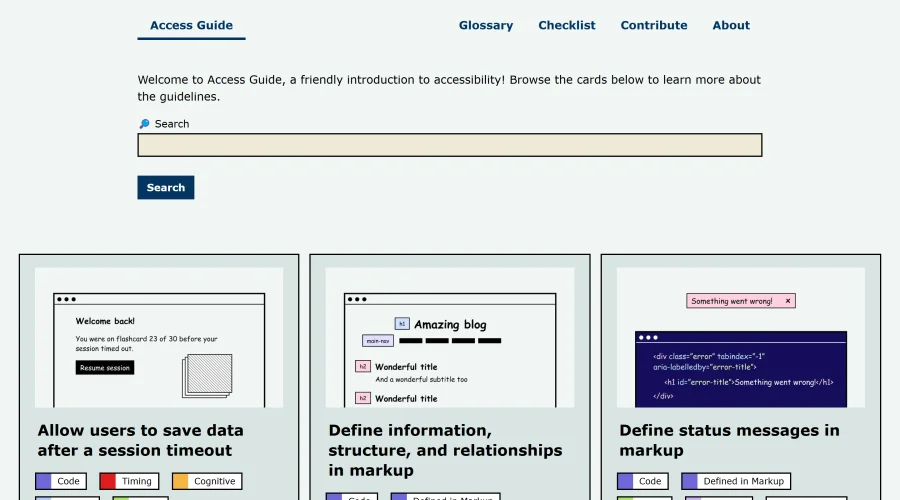
An easy-to-understand introduction to digital accessibility.
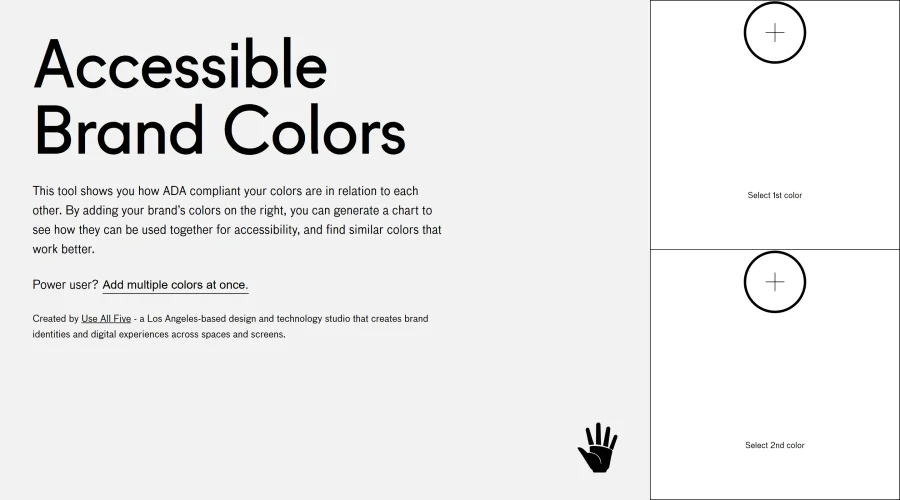

Accessible Brand Colors
A tool assessing ADA compliance of color contrasts.
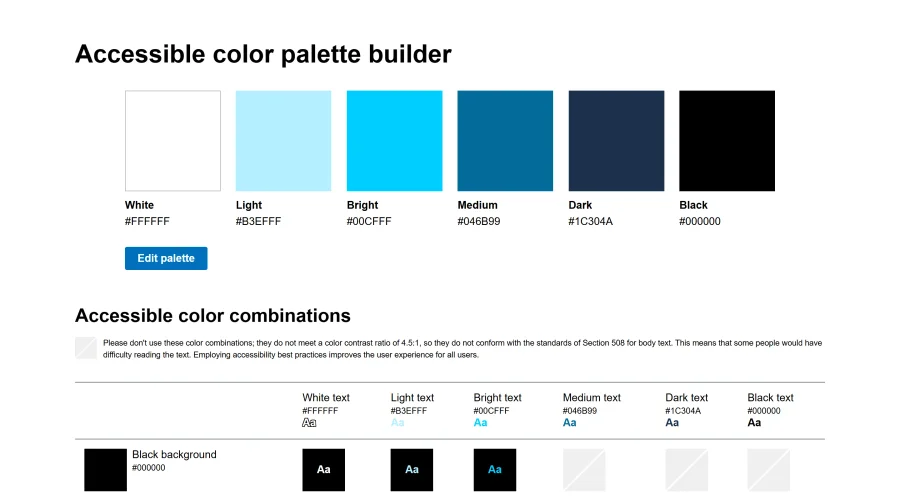

Accessible Color Matrix
A design tool for creating color palettes that meet accessibility standards.
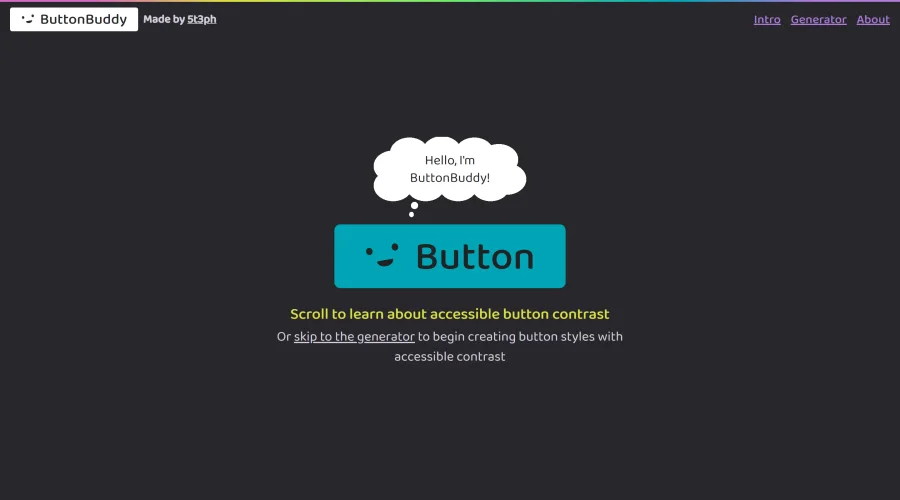

Button Buddy
Solutions for ensuring accessible contrast in button designs.
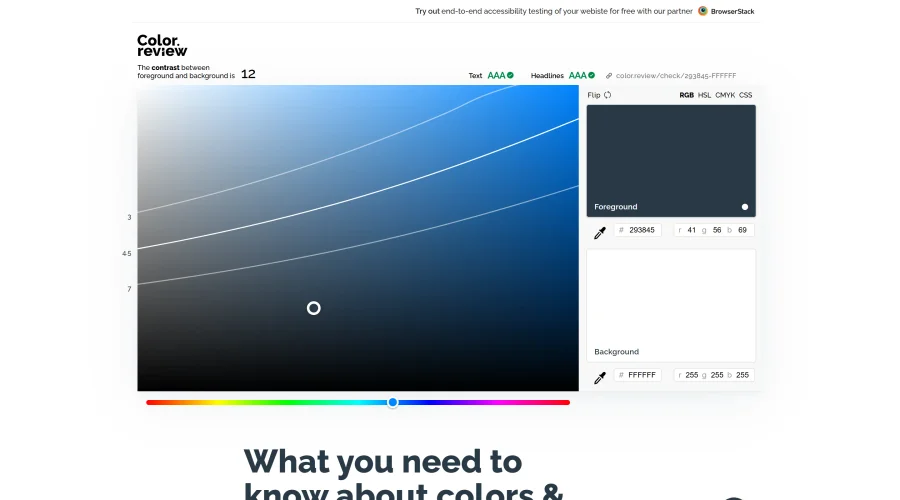

Color Review
A platform for discovering and choosing accessible colors.
Explore Other Categories
Discover more design resources
New to Design?
Explore our comprehensive design glossary to master essential terminology from A/B Testing to Wireframes.
Browse GlossaryLooking for something specific?
Search through our entire collection of design tools and resources