

Solutions for ensuring accessible contrast in button designs.
What it costs
- Free tier
- Yes
Free accessible-button contrast generator supported by donations; no paid tier.
Auto-checked on 8 August 2026Source
About Button Buddy
What Is Button Buddy?
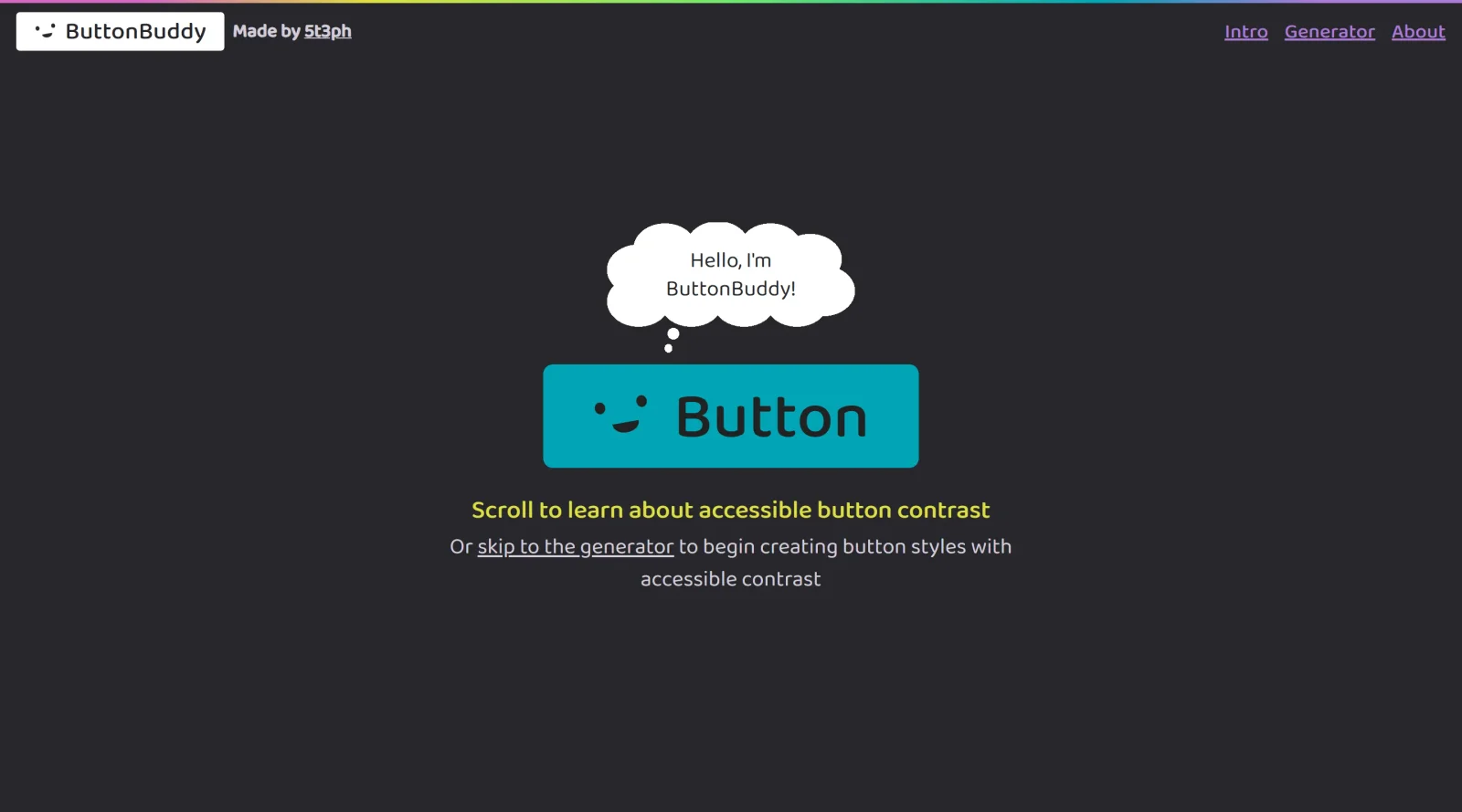
Button Buddy is a free online tool in the **Design** category that generates accessible button color palettes. It helps designers and developers create or check color combinations for buttons to ensure they meet web accessibility contrast requirements across various states and surfaces.
What Button Buddy Does
- Generates color palettes for buttons with real-time contrast ratio calculations between background and text.
- Evaluates contrast between button background and underlying surfaces, including images and gradients, at a minimum of 3:1.
- Supports checks for default, focus, hover, pressed, and inactive button states to maintain accessibility.
- Allows input via browser color pickers or text fields accepting CSS color values, including those with alpha channels.
- Provides visual feedback with emojis indicating passing or failing contrast ratios, using 4.5:1 for normal text and 3:1 for large text.
- Explains WCAG guidelines for button contrast, including focus state requirements like a 3:1 change in background color if used for indication.
How Button Buddy Can Be Used
- Designers input primary, secondary, and accent colors to verify if their button palette achieves sufficient contrast for text readability on different backgrounds.
- Developers test focus states during UI prototyping to comply with WCAG 2.2 draft criteria for interactive elements.
- Teams iterate on button styles by adjusting colors interactively and exporting palettes that pass accessibility audits.
- Accessibility specialists audit existing designs by entering hex values and reviewing ratios against large text thresholds (18.66px bold or 24px+).
Who Is Button Buddy For?
Button Buddy serves UI/UX designers, front-end developers, and accessibility advocates working on web and app interfaces where button contrast impacts user experience. It fits projects requiring WCAG compliance, such as responsive websites, mobile apps, and component libraries, particularly for teams at beginner to intermediate levels handling color palette creation. Visit Button Buddy
Featured Tools
Sponsored
Artlist
Royalty-free music, SFX, 8K footage, templates, LUTs and 100+ AI models on a single subscription for video creators.

Icons8
Large icon packs featuring over 10,000 icons for consistent design themes.

Vidu
AI video generator with text, image and reference-to-video modes, producing 3–16 second clips at up to 1080p with characters that stay consistent across shots.
Your tool here
The tools above are our own picks until the slots sell.
Spotlight
SponsoredRotates daily
Animated Icons 2.0
Enhance your projects with 900+ animated icons.
More Accesibility Tools

Controller Reaction Tester
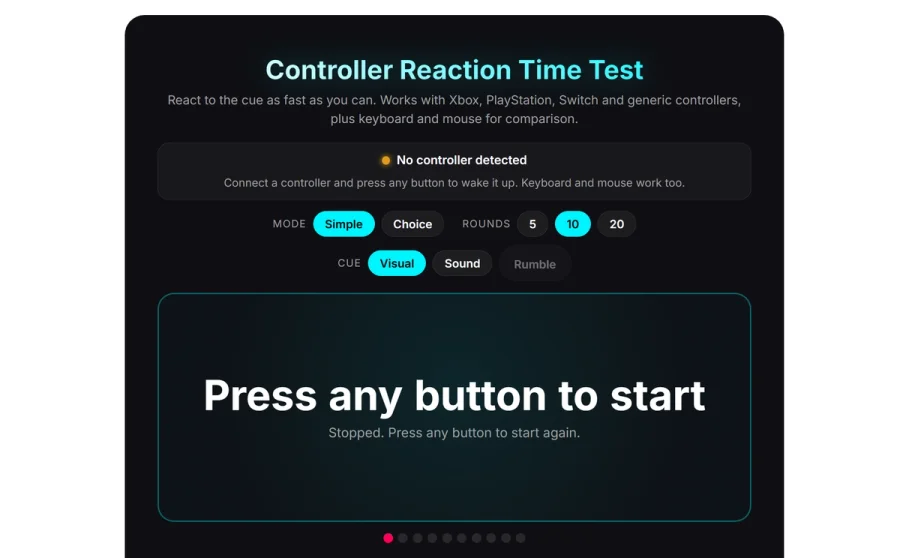
Test your controller’s reaction time online with this free tool from HLPLANET. Measure response speed in milliseconds and check your gamepad’s input latency for gaming.

A11Y Project
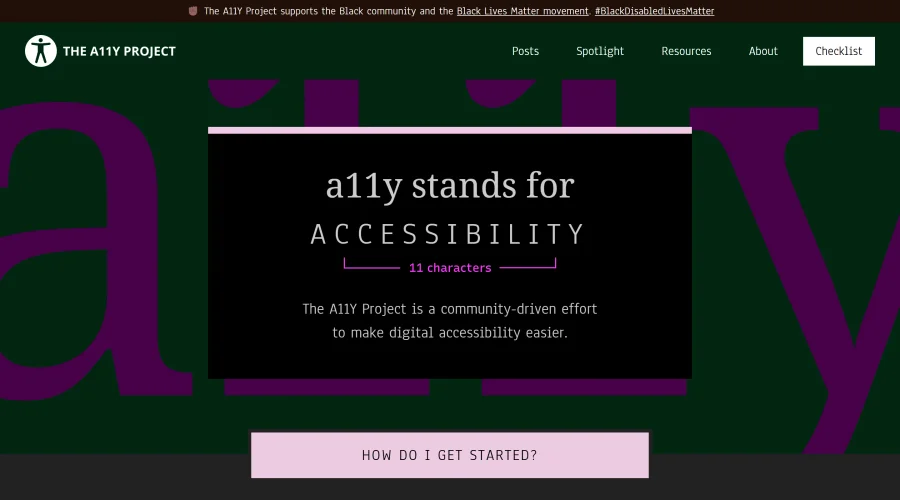
A community-led initiative to simplify digital accessibility.
Access Guide
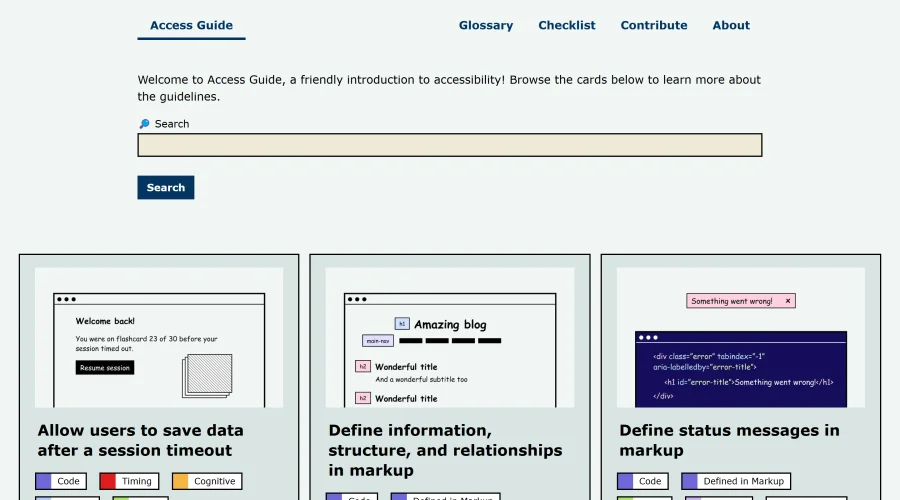
An easy-to-understand introduction to digital accessibility.
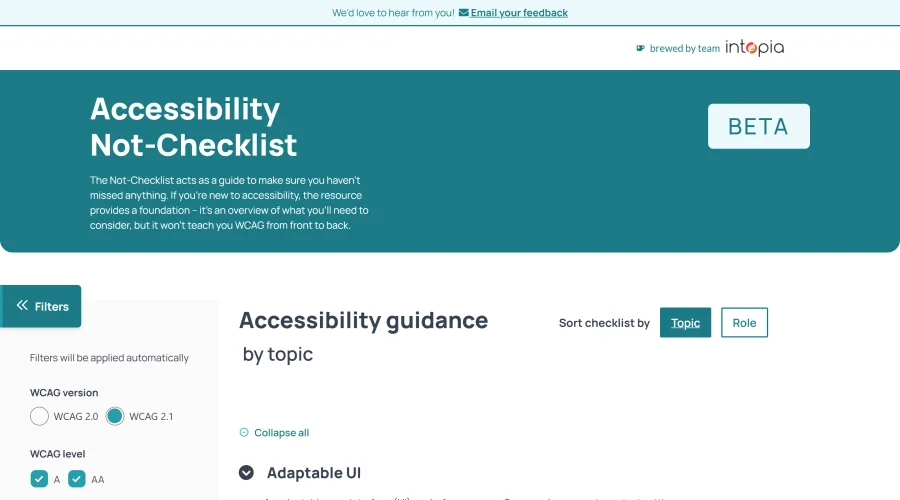

Accessibility Not-Checklist
Comprehensive guide to ensure accessibility in design projects.
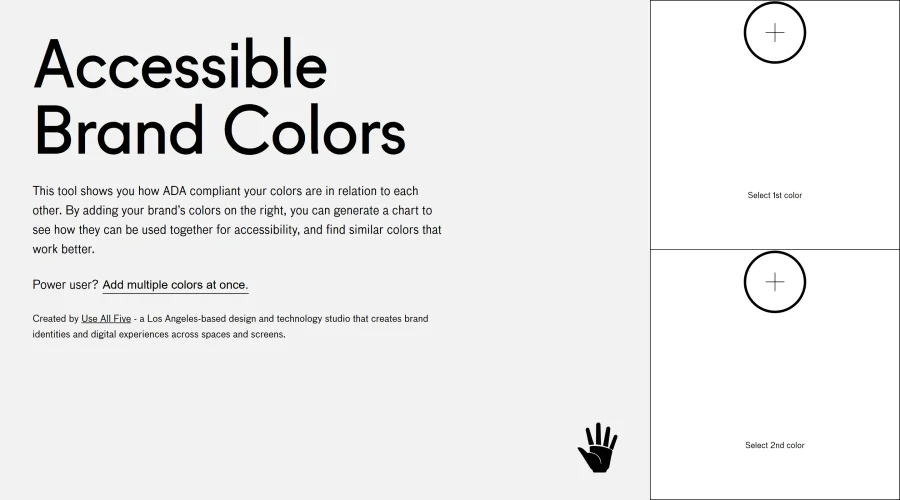

Accessible Brand Colors
A tool assessing ADA compliance of color contrasts.
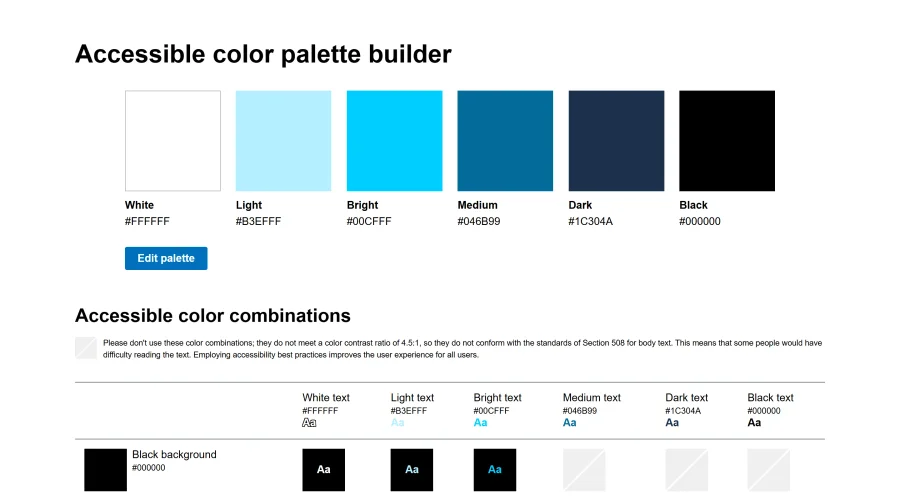

Accessible Color Matrix
A design tool for creating color palettes that meet accessibility standards.
Explore Other Categories
Discover more design resources
New to Design?
Explore our comprehensive design glossary to master essential terminology from A/B Testing to Wireframes.
Browse GlossaryLooking for something specific?
Search through our entire collection of design tools and resources