

Web-based, AI-enhanced audio recording and editing platform.
What it costs
- Free tier
- Yes
Core browser tools appear free, and a Premium plan (with a 30-day free trial) lifts limits, but Premium's price is on a separate /plans page not captured here.
Auto-checked on 8 August 2026Source
About Adobe Podcast
What Is Adobe Podcast?
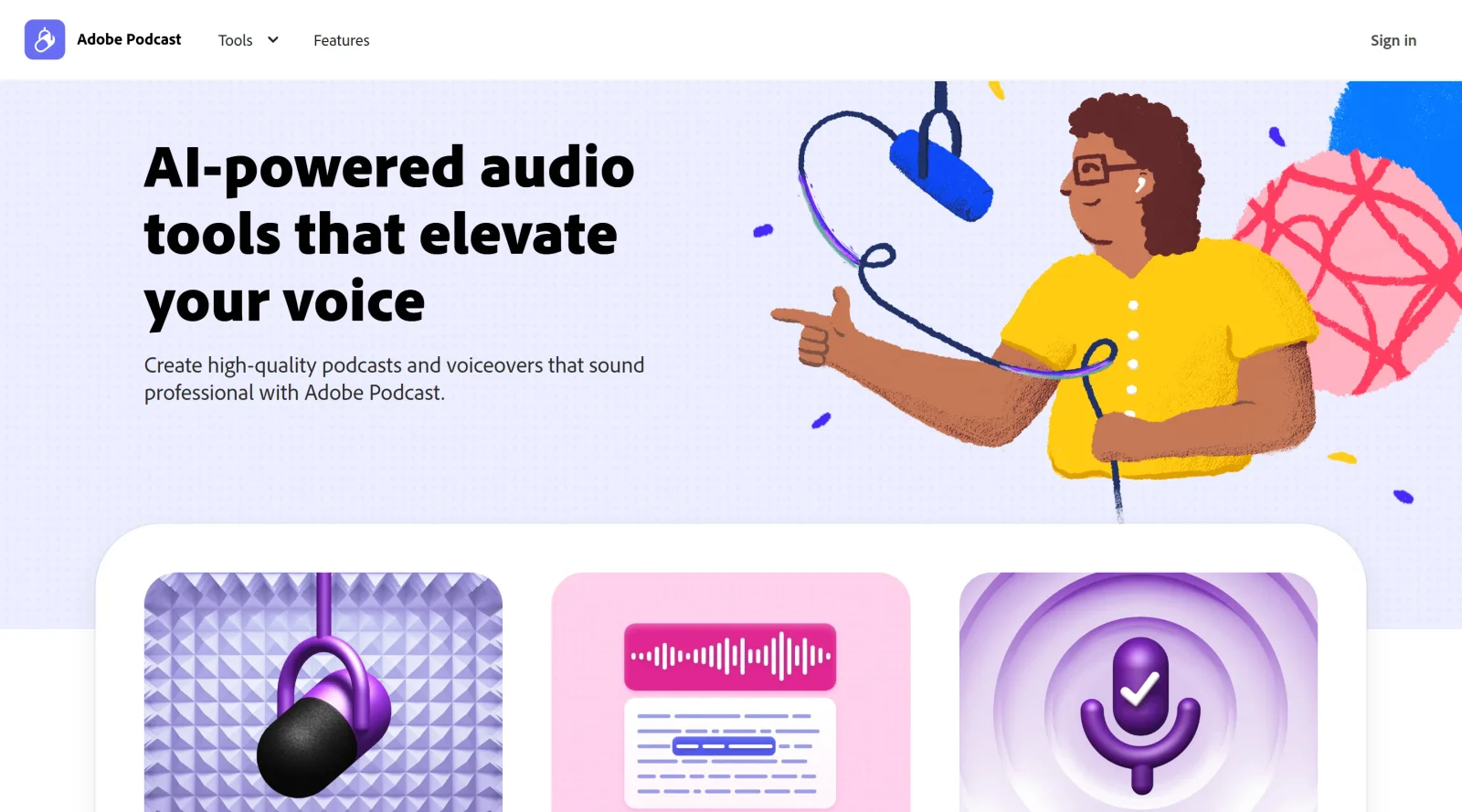
Adobe Podcast is a web-based audio production platform in the design category that uses AI to assist with recording, editing, and enhancing speech for podcasts and voice content. It serves as a studio tool for creators handling audio workflows, currently available in beta with free and premium plans that include limits on features like recording duration and enhancement hours.
What Adobe Podcast Does
- Provides one-click speech enhancement to reduce background noise, echo, and adjust tone and volume using AI algorithms.
- Supports web-based multi-track recording for remote guests, capturing individual audio tracks in 16-bit 48k WAV format.
- Generates automatic transcription of audio recordings, distinguishing between multiple speakers for accurate text representation.
- Enables text-based editing where users modify transcripts to cut, copy, or paste corresponding audio segments.
- Allows uploading of pre-recorded audio or video files for enhancement and editing within the platform.
- Offers audiogram creation to convert audio clips into animated videos with waveforms and captions for social media sharing.
How Adobe Podcast Can Be Used
- Record podcast episodes with remote participants by inviting guests through the browser-based studio, separating tracks for post-production adjustments.
- Upload laptop microphone recordings or video files, apply Enhance Speech filters, and edit via transcript to produce clean clips for web or social platforms.
- Generate transcripts after sessions to create show notes, captions, or SEO-optimized written content from spoken audio.
- Build full episodes by adding royalty-free music from the library, placeholders for intros/outros, and exporting speaker-separated originals.
- Create short-form content like audiograms or video clips with styled captions and subtitles for distribution on Instagram, TikTok, or YouTube Shorts.
Who Is Adobe Podcast For?
Adobe Podcast suits podcasters, content creators, and audio designers managing production workflows without dedicated studios, including beginners using basic microphones and experienced users handling multi-guest remote sessions. It fits scenarios involving quick audio cleanup, transcription for accessibility, or repurposing content into visual formats, available to those in beta access with free tier limits or premium for extended capabilities. Visit Adobe Podcast
Featured Tools
Sponsored
Artlist
Royalty-free music, SFX, 8K footage, templates, LUTs and 100+ AI models on a single subscription for video creators.

Icons8
Large icon packs featuring over 10,000 icons for consistent design themes.

Vidu
AI video generator with text, image and reference-to-video modes, producing 3–16 second clips at up to 1080p with characters that stay consistent across shots.
Your tool here
The tools above are our own picks until the slots sell.
Spotlight
SponsoredRotates daily
HyNote
Records and transcribes interviews and meetings, then turns them into summaries and action items.
Tools we recommend


getimg.ai
20+ AI models for image, video & audio in one workspace


OpenArt
All-in-one AI image, video & audio generator


YouCam Online Editor
Free online AI photo & video editor
Editorially chosen. Some links above are affiliate links — if you sign up we may earn a commission, at no extra cost to you.
More Design Tools Tools


Pryzm
Pryzm is a real-time studio for designers who need backgrounds that don't look like everyone else's. Layer procedural gradients, then stack glass, grain, light and blobs.


Modeinspect
Mode turns your product’s codebase into editable canvas frames. Refine real UI with visual controls, experiment with AI then share or hand off for review.


GoProd
Remove backgrounds and upscale images effectively.


Kittl
AI-first design platform with image, vector, and video generation, plus templates, mockups, and print-ready exports.


Lunacy
Free design software enhanced with AI tools and built-in graphics.


Smart Upscaler
Automatically improve image clarity using AI technology.
Explore Other Categories
Discover more design resources
New to Design?
Explore our comprehensive design glossary to master essential terminology from A/B Testing to Wireframes.
Browse GlossaryLooking for something specific?
Search through our entire collection of design tools and resources