

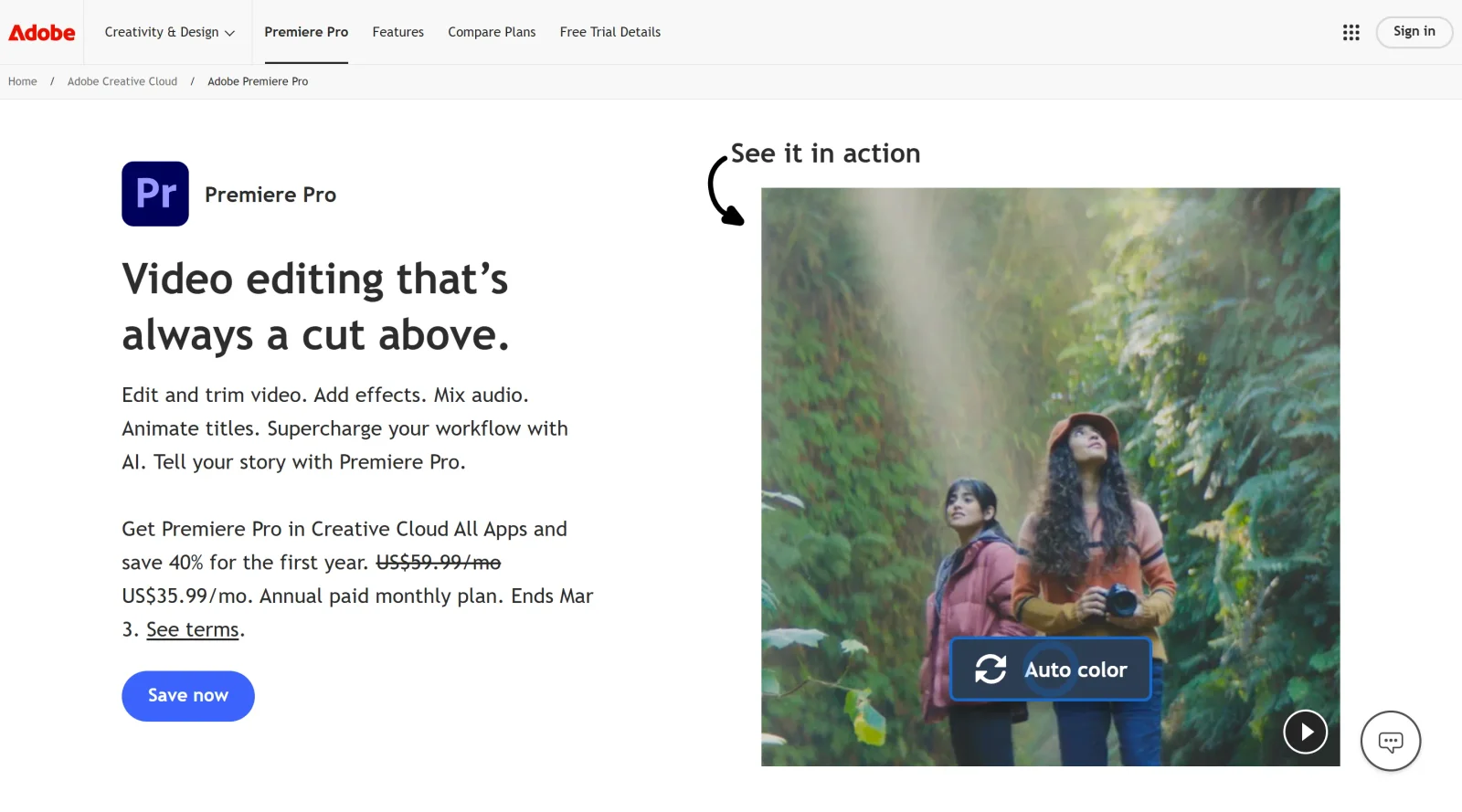
Industry-leading software for fast and impressive video editing.
What it costs
- Free tier
- No
Scrape landed on the generic adobe.com homepage; no Premiere Pro single-app price was shown, only a 'Save 50% on Creative Cloud Pro' promo.
Auto-checked on 8 August 2026Source
About Adobe Premiere Pro
What Is Adobe Premiere Pro?
Adobe Premiere Pro is a professional nonlinear video editing software designed for creating, editing, and finishing high-quality video content. As a paid tool available on both macOS and Windows, it serves as an industry-standard application for video production workflows. The software supports video editing at resolutions up to 10,240 × 8,192 pixels with 32-bit color depth, making it suitable for projects ranging from standard HD to 4K and higher-resolution content. Adobe Premiere Pro integrates deeply within the Adobe Creative Cloud ecosystem, enabling seamless workflows with complementary applications like After Effects, Photoshop, and Audition.
What Adobe Premiere Pro Does
- Performs nonlinear video editing with unlimited video and audio tracks, supporting multi-camera editing and complex timeline workflows
- Provides color correction and grading tools for precise color adjustments and visual adjustments across footage
- Includes audio editing capabilities with sample-level precision, VST plugin support, and 5.1 surround sound mixing
- Applies visual effects, transitions, and motion tracking to video clips with GPU-accelerated processing
- Supports VR and 360-degree video editing with immersive video effects and specialized tools
- Generates automatic transcripts and applies AI-powered audio categorization and speech enhancement
How Adobe Premiere Pro Can Be Used
- Professional video production for film, television, and commercial content creation
- Corporate video editing, including promotional videos, training materials, and internal communications
- Social media video production with tools for reframing content for different platform specifications
- Post-production workflows combining color grading, audio mixing, and visual effects in a single environment
- Documentary and documentary-style editing with metadata integration across production stages
Who Is Adobe Premiere Pro For?
Adobe Premiere Pro is designed for professional video editors, filmmakers, and production studios who require advanced editing capabilities and tight integration with other creative tools. The software suits teams working on complex projects with high-resolution footage, multiple camera angles, and demanding color and audio specifications. It is particularly valuable for professionals already invested in the Adobe Creative Cloud, as the seamless integration can significantly streamline workflows. Users should have adequate system resources—Adobe Premiere Pro requires a minimum of 8 GB RAM, with 16 GB recommended for HD media and 32 GB or more for 4K work, along with a dedicated GPU and fast SSD storage for optimal performance. Visit Adobe Premiere Pro
Featured Tools
Sponsored
Artlist
Royalty-free music, SFX, 8K footage, templates, LUTs and 100+ AI models on a single subscription for video creators.

Icons8
Large icon packs featuring over 10,000 icons for consistent design themes.

Vidu
AI video generator with text, image and reference-to-video modes, producing 3–16 second clips at up to 1080p with characters that stay consistent across shots.
Your tool here
The tools above are our own picks until the slots sell.

Tools we recommend


getimg.ai
20+ AI models for image, video & audio in one workspace


OpenArt
All-in-one AI image, video & audio generator


YouCam Online Editor
Free online AI photo & video editor
Editorially chosen. Some links above are affiliate links — if you sign up we may earn a commission, at no extra cost to you.
More Design Tools Tools


Pryzm
Pryzm is a real-time studio for designers who need backgrounds that don't look like everyone else's. Layer procedural gradients, then stack glass, grain, light and blobs.


Modeinspect
Mode turns your product’s codebase into editable canvas frames. Refine real UI with visual controls, experiment with AI then share or hand off for review.


GoProd
Remove backgrounds and upscale images effectively.


Kittl
AI-first design platform with image, vector, and video generation, plus templates, mockups, and print-ready exports.


Lunacy
Free design software enhanced with AI tools and built-in graphics.


Smart Upscaler
Automatically improve image clarity using AI technology.
Explore Other Categories
Discover more design resources
New to Design?
Explore our comprehensive design glossary to master essential terminology from A/B Testing to Wireframes.
Browse GlossaryLooking for something specific?
Search through our entire collection of design tools and resources