

What it costs
- Free tier
- Yes
Major change vs catalog: Affinity is now completely free for individuals under Canva ownership (no longer a paid one-time purchase); only AI features require a paid Canva premium plan.
Auto-checked on 8 August 2026Source
About Affinity Designer
What Is Affinity Designer?
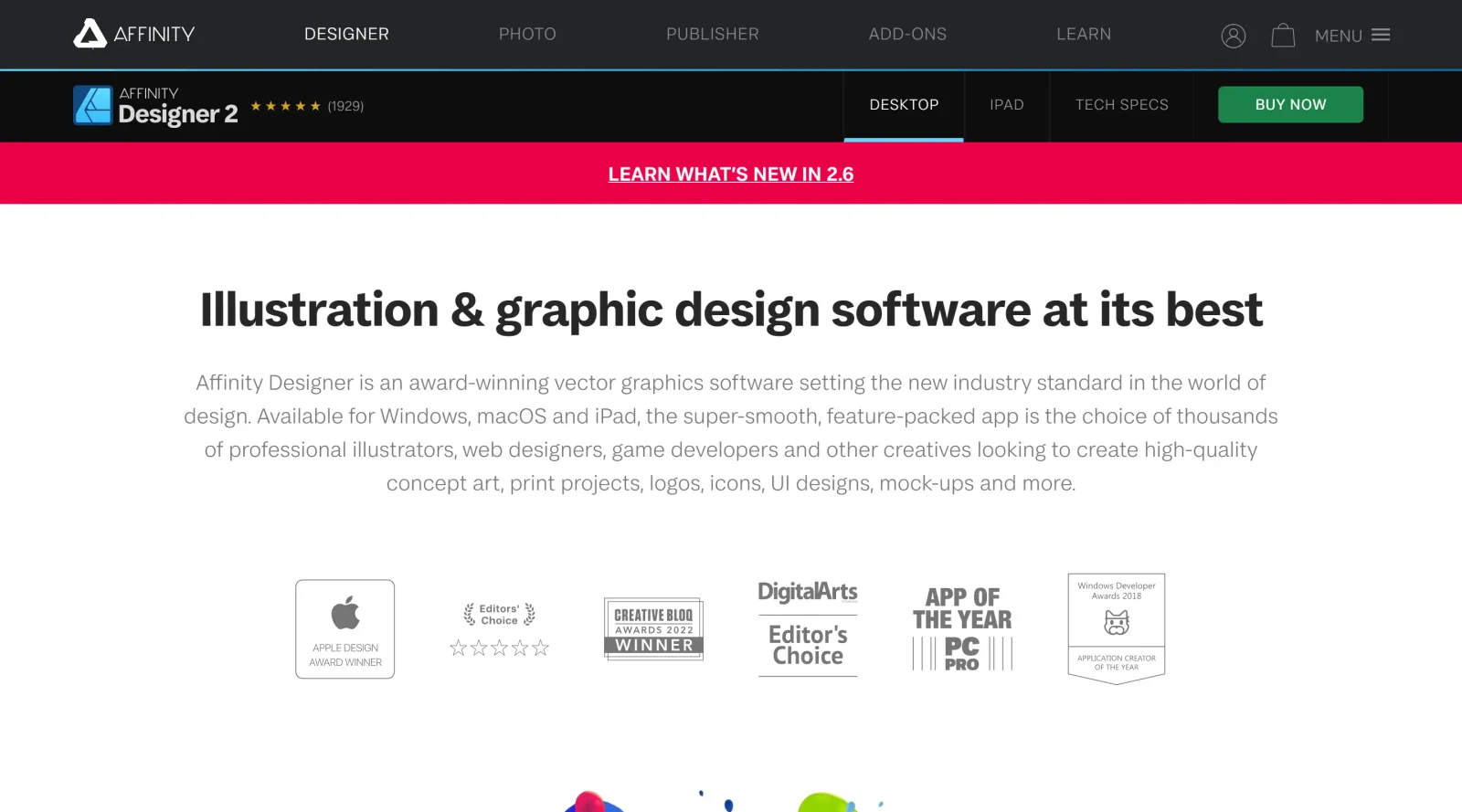
Affinity Designer is a vector graphics editor developed by Serif for macOS, Windows, and iPadOS. As a paid design tool, it provides a professional-grade alternative to subscription-based software, offering both vector and raster design capabilities in a single application. The software is designed for creating digital artwork, illustrations, logos, and other graphic design projects that require precision and flexibility.
What Affinity Designer Does
- Combines vector pen and shape-drawing tools with raster image editing in a unified workspace through interchangeable design personas
- Supports custom vector and raster brushes, including the ability to import Adobe Photoshop brushes, with stroke stabilization for precise drawing
- Provides non-destructive editing across unlimited layers with real-time performance at 60fps pan and zoom
- Manages color in multiple models—RGB, CMYK, LAB, Grayscale, and Hex—with PANTONE swatches and ICC color profile support for professional workflows
- Exports designs in multiple professional formats including SVG, PDF/X, EPS, PSD, JPG, TIFF, and EXR with batch export capabilities
- Includes artboards, symbols, constraints, text styles, asset management, and layer effects for organizing complex projects
How Affinity Designer Can Be Used
- Creating vector-based logos, icons, and illustrations with precision drawing tools and shape operations
- Designing user interfaces and web graphics using pixel-perfect alignment and grid systems
- Editing and compositing raster images alongside vector work without switching applications
- Producing print-ready designs with CMYK color management and PDF/X export for professional publishing
- Building design systems and reusable components using symbols, text styles, and linked assets
Who Is Affinity Designer For?
Affinity Designer serves graphic designers, illustrators, UI/UX designers, and creative professionals who need a comprehensive design tool without subscription costs. It is well-suited for those working on both digital and print projects, from freelancers managing multiple clients to studios requiring professional color management and file format support. The combination of vector and raster capabilities in a single application makes Affinity Designer particularly valuable for designers who frequently switch between illustration and image editing tasks. Visit Affinity Designer
Featured Tools
Sponsored
Artlist
Royalty-free music, SFX, 8K footage, templates, LUTs and 100+ AI models on a single subscription for video creators.

Icons8
Large icon packs featuring over 10,000 icons for consistent design themes.

Vidu
AI video generator with text, image and reference-to-video modes, producing 3–16 second clips at up to 1080p with characters that stay consistent across shots.
Your tool here
The tools above are our own picks until the slots sell.

Tools we recommend


getimg.ai
20+ AI models for image, video & audio in one workspace


OpenArt
All-in-one AI image, video & audio generator


YouCam Online Editor
Free online AI photo & video editor
Editorially chosen. Some links above are affiliate links — if you sign up we may earn a commission, at no extra cost to you.
More Design Tools Tools


Pryzm
Pryzm is a real-time studio for designers who need backgrounds that don't look like everyone else's. Layer procedural gradients, then stack glass, grain, light and blobs.


Modeinspect
Mode turns your product’s codebase into editable canvas frames. Refine real UI with visual controls, experiment with AI then share or hand off for review.


GoProd
Remove backgrounds and upscale images effectively.


Kittl
AI-first design platform with image, vector, and video generation, plus templates, mockups, and print-ready exports.


Lunacy
Free design software enhanced with AI tools and built-in graphics.


Smart Upscaler
Automatically improve image clarity using AI technology.
Explore Other Categories
Discover more design resources
New to Design?
Explore our comprehensive design glossary to master essential terminology from A/B Testing to Wireframes.
Browse GlossaryLooking for something specific?
Search through our entire collection of design tools and resources